

Ana içeriğe geç
wan-video avatarı

Wan VACE Video Edit API

wan-video/wan-vace/video-edit

Mevcut bir videoyu metin prompt’uyla düzenleyin — sahneleri yeniden tarzlayın, özneleri ya da arka planları değiştirin, referans görsel güdümlü değişiklikler uygulayın; kaynaktaki hareket korunur.

düzenleme
Çözünürlüğe göre fiyatlandırılır

Model girdisi

Input

Prompt describing how to edit the video, in plain language (e.g. 'replace him with a large anthropomorphic polar bear').

URL of the input video to edit.

Output resolution. 480p bills at $0.05/second, 580p at $0.075/second, 720p (default) at $0.10/second.

Additional Settings

Customize your input with more control.

The type of video you're editing. Use 'general' for most videos, and 'human' for videos emphasizing human subjects and motions. The default 'auto' lets the model guess based on the first frame.

URLs of input images to use as visual references for the edit.

Acceleration to use for inference. Accelerated inference very slightly affects the output but is significantly faster.

Whether to enable automatic downsampling for high frame rate or long videos. The video is interpolated back to the original frame rate after generation.

Aspect ratio of the edited video.

Min: 1 - Max: 60

The minimum frames per second to downsample the video to.

Whether to also return a ZIP archive containing all generated frames.

You need to be logged in to run this model and view results.
Log in

Model çıktısı

Output

Loading
Generated in 58.093 seconds
Logs (1 lines)

Örnek istekler

Örnekler

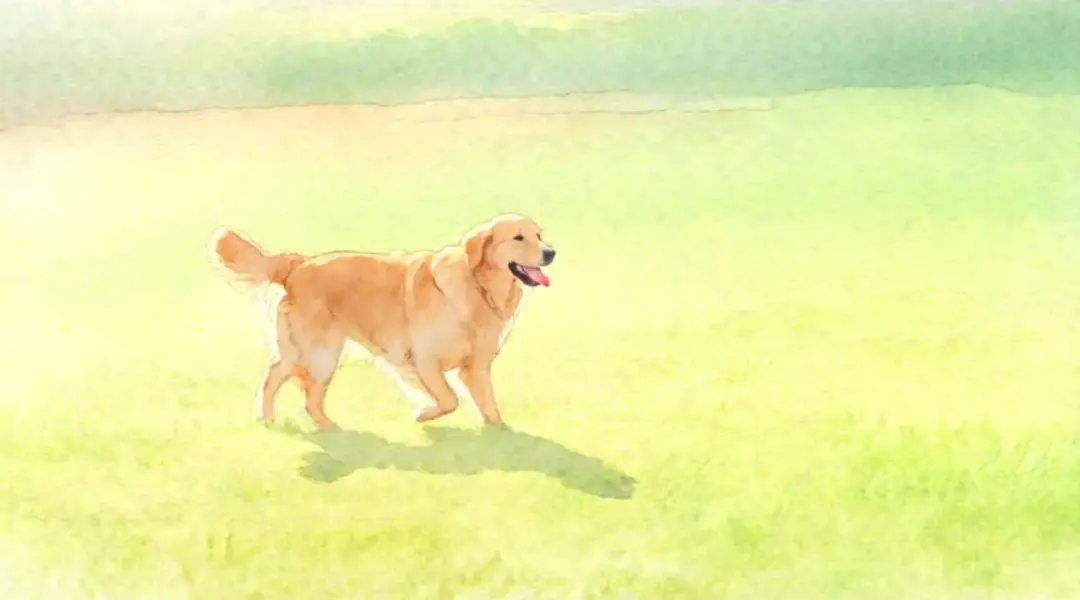
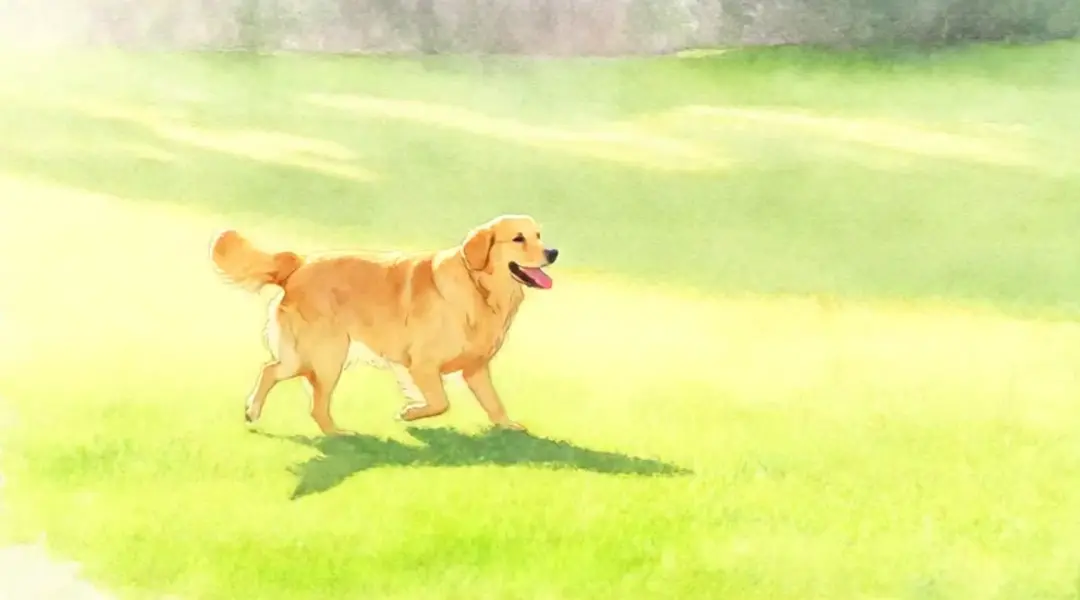
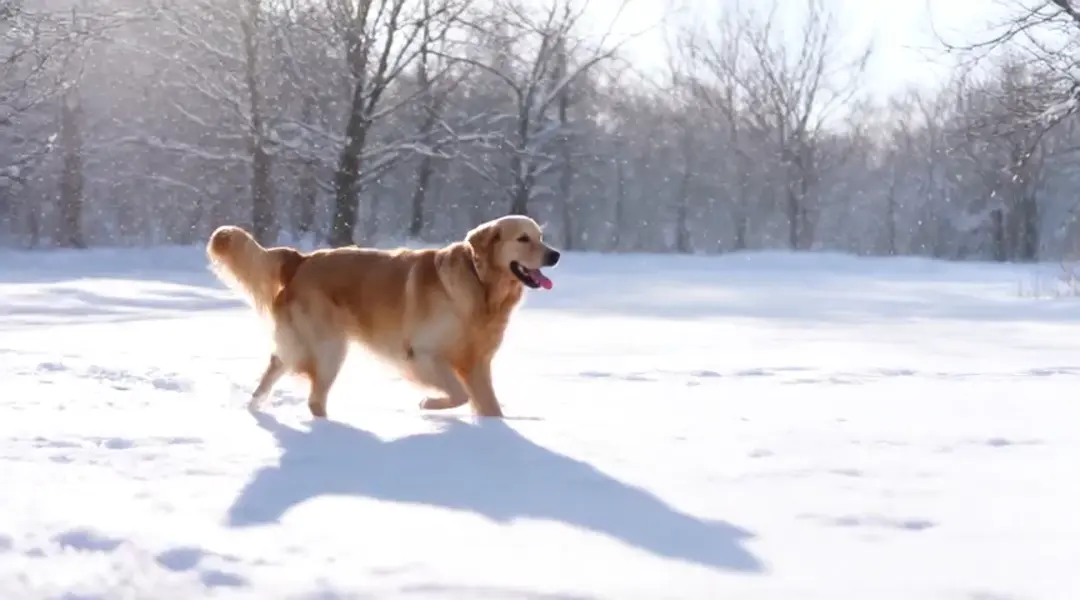
Example output 1Example output 2Example output 3Example output 4

Model fiyatlandırması

Fiyatlandırma

Fiyat, çıktı videonuzun hedef çözünürlüğüne göre değişir.

480p
$0.05
çıktı videosunun saniyesi başına
yani yaklaşık $1 ile 20 saniye
580p
$0.075
çıktı videosunun saniyesi başına
yani yaklaşık $1 ile 13 saniye
720p
$0.1
çıktı videosunun saniyesi başına
yani yaklaşık $1 ile 10 saniye

Wan VACE Video Edit API

Wan VACE Video Edit is a video-to-video AI model by wan-video. On ModelRunner it runs through a REST API or via MCP from any AI assistant, at $0.1 per second of video.

POST https://queue.modelrunner.run/wan-video/wan-vace/video-edit

cURL

# Submit a request to the queue. Input fields go at the top level of the
# body. The optional reserved "metadata" object holds your own flat string
# tags — stored on the request, never sent to the model; filter later with
# GET https://queue.modelrunner.run/requests?metadata=<url-encoded JSON>.
curl -X POST https://queue.modelrunner.run/wan-video/wan-vace/video-edit \
  -H "Authorization: Key $MRUN_API_KEY" \
  -H "Content-Type: application/json" \
  -d '{
    "prompt": "restyle the entire clip as a hand-painted watercolor animation with soft pastel colors",
    "video_url": "https://media.modelrunner.ai/5JxlhK5OqnmatOg5-wan-vace-dog-2p5s.mp4",
    "image_urls": [],
    "resolution": "480p",
    "video_type": "auto",
    "acceleration": "regular",
    "aspect_ratio": "auto",
    "return_frames_zip": false,
    "enable_auto_downsample": true,
    "auto_downsample_min_fps": 15,
    "metadata": {
      "project": "my-project"
    }
  }'
# → { "request_id": "...", "status_url": "...", "response_url": "..." }

# Poll status_url until "COMPLETED", then fetch the result
curl "https://queue.modelrunner.run/wan-video/wan-vace/video-edit/requests/$REQUEST_ID/status" \
  -H "Authorization: Key $MRUN_API_KEY"
curl "https://queue.modelrunner.run/wan-video/wan-vace/video-edit/requests/$REQUEST_ID" \
  -H "Authorization: Key $MRUN_API_KEY"

JavaScript

import { modelrunner } from "@modelrunner/client";

const result = await modelrunner.subscribe("wan-video/wan-vace/video-edit", {
  input: {
    "prompt": "restyle the entire clip as a hand-painted watercolor animation with soft pastel colors",
    "video_url": "https://media.modelrunner.ai/5JxlhK5OqnmatOg5-wan-vace-dog-2p5s.mp4",
    "image_urls": [],
    "resolution": "480p",
    "video_type": "auto",
    "acceleration": "regular",
    "aspect_ratio": "auto",
    "return_frames_zip": false,
    "enable_auto_downsample": true,
    "auto_downsample_min_fps": 15
  },
});
console.log(result);

Python

import os
import requests

headers = {"Authorization": f"Key {os.environ['MRUN_API_KEY']}"}

submitted = requests.post(
    "https://queue.modelrunner.run/wan-video/wan-vace/video-edit",
    headers=headers,
    json={
      "prompt": "restyle the entire clip as a hand-painted watercolor animation with soft pastel colors",
      "video_url": "https://media.modelrunner.ai/5JxlhK5OqnmatOg5-wan-vace-dog-2p5s.mp4",
      "image_urls": [],
      "resolution": "480p",
      "video_type": "auto",
      "acceleration": "regular",
      "aspect_ratio": "auto",
      "return_frames_zip": false,
      "enable_auto_downsample": true,
      "auto_downsample_min_fps": 15
    },
).json()

# Poll submitted["status_url"] until "COMPLETED", then:
result = requests.get(submitted["response_url"], headers=headers).json()

Input parameters

Input parameters of Wan VACE Video Edit
NameTypeRequiredDescription
promptstringyesPrompt describing how to edit the video, in plain language (e.g. 'replace him with a large anthropomorphic polar bear').
video_urlstring (uri)yesURL of the input video to edit.
resolutionenumnoOutput resolution. 480p bills at $0.05/second, 580p at $0.075/second, 720p (default) at $0.10/second. One of: 480p, 580p, 720p. Default: "720p".
video_typeenumnoThe type of video you're editing. Use 'general' for most videos, and 'human' for videos emphasizing human subjects and motions. The default 'auto' lets the model guess based on the first frame. One of: auto, general, human. Default: "auto".
image_urlsarraynoURLs of input images to use as visual references for the edit. Default: [].
accelerationenumnoAcceleration to use for inference. Accelerated inference very slightly affects the output but is significantly faster. One of: none, low, regular. Default: "regular".
enable_auto_downsamplebooleannoWhether to enable automatic downsampling for high frame rate or long videos. The video is interpolated back to the original frame rate after generation. Default: true.
aspect_ratioenumnoAspect ratio of the edited video. One of: auto, 16:9, 9:16, 1:1. Default: "auto".
auto_downsample_min_fpsnumbernoThe minimum frames per second to downsample the video to. Default: 15.
return_frames_zipbooleannoWhether to also return a ZIP archive containing all generated frames. Default: false.

Machine-readable: OpenAPI schema · llms.txt

Use Wan VACE Video Edit from Claude & Cursor (MCP)

Point Claude Code, Claude Desktop, Cursor, or any MCP client at the ModelRunner MCP server and Wan VACE Video Edit becomes a tool your assistant can call directly — it authorizes via OAuth (no API key in config) and runs this model with the run_model tool using the endpoint wan-video/wan-vace/video-edit.

MCP client config (Claude Desktop, Cursor)

{
  "mcpServers": {
    "modelrunner": {
      "command": "npx",
      "args": ["-y", "mcp-remote", "https://mcp.modelrunner.run/mcp"]
    }
  }
}

Claude Code

claude mcp add --transport http modelrunner https://mcp.modelrunner.run/mcp

Then ask your assistant, for example: “Run wan-video/wan-vace/video-edit on ModelRunner to generate video”. MCP setup guide.

Model Detayları

Model Detayları

Wan VACE Video Edit, mevcut bir video ile bir metin prompt’unu alır ve düzenlenmiş bir klip döndürür — bir sahneyi yeniden tarzlayın, bir özneyi ya da arka planı değiştirin veya isteğe bağlı referans görsellerin yönlendirdiği değişiklikler uygulayın; hepsi kaynaktaki hareket korunarak. Alibaba’nın Wan VACE (Video All-in-one Creation and Editing) modelinden gelir ve sıfırdan üretmek yerine yerinde düzenleme yapar; böylece özgün görüntünüzün zamanlaması, kamerası ve aksiyonu olduğu gibi taşınır. Değişikliği düz bir dille tarif edin ("onu iri, insansı bir kutup ayısıyla değiştir", "gökyüzünü çarpıcı bir gün batımına çevir") ve kimliği ya da stili yönlendirmek için isteğe bağlı referans görseller verin.

## En uygun olduğu işler - Mevcut bir klibi hareketini koruyarak yeniden tarzlamak (renk tonlaması, hava koşulları, sanat tarzı değişikliği) - Görüntüdeki bir özneyi, karakteri ya da nesneyi düz bir dille verilen talimatla değiştirmek - Sahneyi yeniden çekmeden arka planı değiştirmek ya da başkalaştırmak - Sonucun görünümünü durağan bir görselin yönlendirdiği, referans görsel güdümlü düzenlemeler - İnsan odaklı ya da genel videolarda prompt’la yönlendirilen bölgesel düzenlemeler

## Şu durumlarda başka bir model seçin - Kaynak videonuz yoksa ve metin prompt’undan klip üretmek istiyorsanız — bir text-to-video modeli kullanın - Tek bir durağan görseli harekete geçirmek istiyorsanız — bir image-to-video modeli kullanın - Lip-sync ya da sesle yönlendirilen talking-head düzenlemeleri gerekiyorsa — özel bir lip-sync modeli kullanın

## İpuçları - Prompt’u sahnenin tamamını yeniden tarif etmeye değil, istediğiniz değişikliğe odaklı tutun - İnsanı ve hareketi öne çıkaran klipler için `video_type` alanını `human`, diğer görüntülerin çoğu için `general` yapın; `auto` ise modelin ilk kareden çıkarım yapmasını sağlar - Düzenlemenin belirli bir kimliğe ya da stile uymasını istediğinizde görsel referans olarak bir ya da birden fazla `image_urls` verin - Daha yüksek `resolution`, çıktı saniyesi başına daha pahalıdır — en ucuzu 480p, en yüksek kalite kademesi ise 720p (varsayılan)

## Gelişmiş Yapılandırma - `acceleration` (`none` / `low` / `regular`, varsayılan `regular`) çok küçük bir çıktı sadakatinden ödün vererek belirgin biçimde daha hızlı inference sağlar; en yüksek sadakat için `none` kullanın. - `enable_auto_downsample` (varsayılan açık) ve `auto_downsample_min_fps` (varsayılan 15), uzun ya da yüksek fps’li kliplerin üretimden önce downsample edilip sonrasında yeniden interpole edilerek çalışmasını sağlar. - `return_frames_zip` (varsayılan kapalı) ek olarak üretilen karelerin ZIP dosyasını döndürür.

ModelRunner JavaScript client ile çalıştırmak için: ```js import { modelrunner } from "@modelrunner/client";

const result = await modelrunner.subscribe("wan-video/wan-vace/video-edit", { input: { prompt: "replace the background with a dramatic sunset sky", video_url: "https://media.modelrunner.ai/example-source-clip.mp4", resolution: "720p", }, }); ```