

Model Details
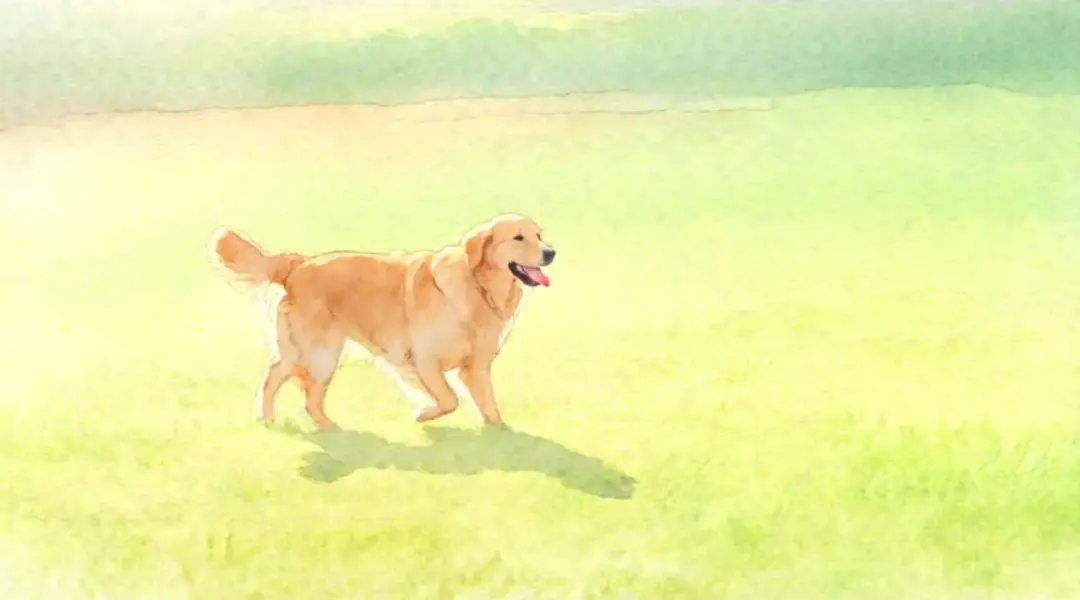
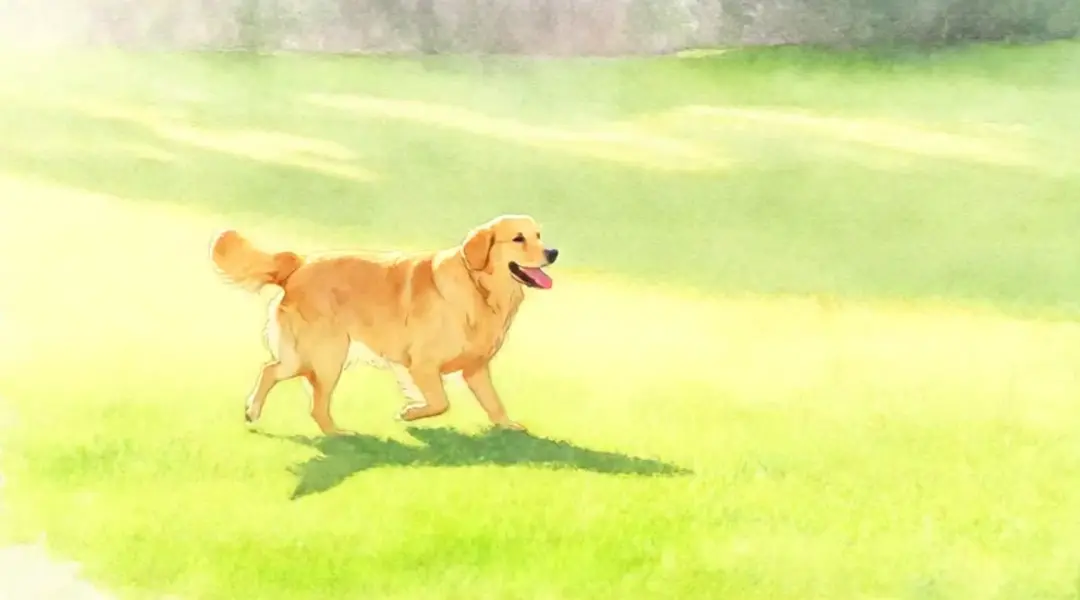
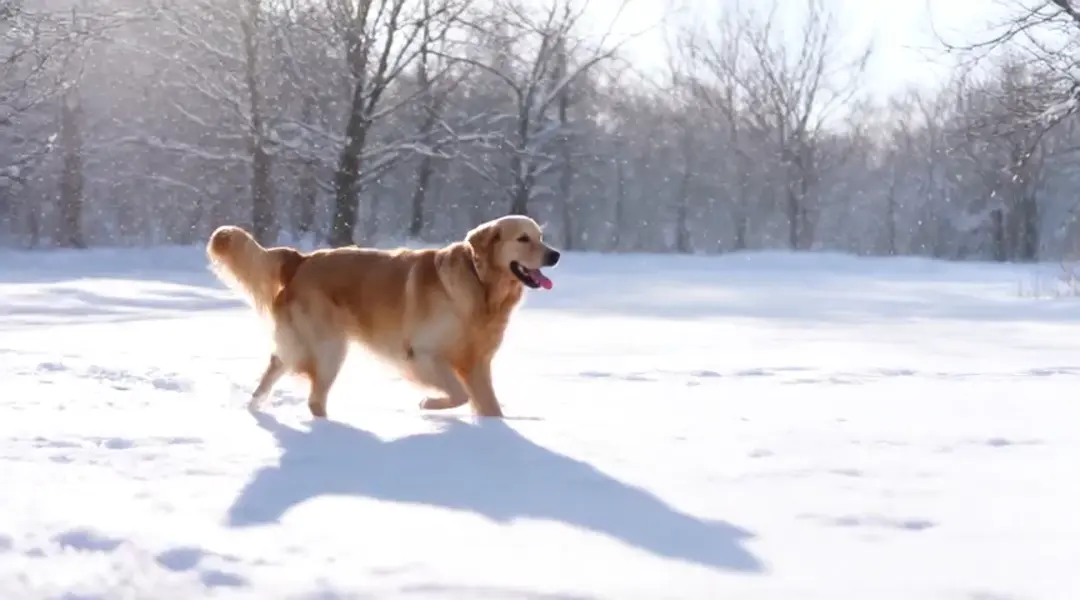
Wan VACE Video Edit takes an existing video plus a text prompt and returns an edited clip — restyle a scene, swap a subject or background, or apply changes guided by optional reference images, all while preserving the source motion. From Alibaba's Wan VACE (Video All-in-one Creation and Editing) model, it edits in place rather than generating from scratch, so the timing, camera, and action of your original footage carry through. Describe the change in plain language ("replace him with a large anthropomorphic polar bear", "make the sky a dramatic sunset") and optionally pass reference images to steer identity or style.
## Best for - Restyling an existing clip (change color grade, weather, art style) while keeping its motion - Replacing a subject, character, or object in footage with a plain-language instruction - Swapping or altering a background without re-shooting the scene - Reference-image-guided edits where a still image steers the look of the result - Localized edits driven by a prompt on human-focused or general video
## Choose another model when - You have no source video and want to generate a clip from a text prompt — use a text-to-video model - You want to animate a single still image into motion — use an image-to-video model - You need lip-sync or audio-driven talking-head edits — use a dedicated lip-sync model
## Tips - Keep the prompt focused on the change you want, not a full re-description of the scene - Set `video_type` to `human` for clips emphasizing people and motion, `general` for most other footage; `auto` lets the model infer from the first frame - Pass one or more `image_urls` as visual references when you want the edit to match a specific identity or style - Higher `resolution` costs more per output second — 480p is cheapest, 720p (default) is the highest quality tier
## Advanced Configuration - `acceleration` (`none` / `low` / `regular`, default `regular`) trades a tiny amount of output fidelity for significantly faster inference; use `none` for maximum fidelity. - `enable_auto_downsample` (default on) and `auto_downsample_min_fps` (default 15) let long or high-fps clips run by downsampling before generation and re-interpolating afterward. - `return_frames_zip` (default off) additionally returns a ZIP of the generated frames.
To run via the ModelRunner JavaScript client: ```js import { modelrunner } from "@modelrunner/client";
const result = await modelrunner.subscribe("wan-video/wan-vace/video-edit", { input: { prompt: "replace the background with a dramatic sunset sky", video_url: "https://media.modelrunner.ai/example-source-clip.mp4", resolution: "720p", }, }); ```