
wan-video avatar

Wan VACE Video Edit API

wan-video/wan-vace/video-edit

Edit an existing video from a text prompt — restyle scenes, swap subjects or backgrounds, and apply reference-image-guided changes while preserving the source motion.

edit
Priced by resolution

Model Input

Input

Prompt describing how to edit the video, in plain language (e.g. 'replace him with a large anthropomorphic polar bear').

URL of the input video to edit.

Output resolution. 480p bills at $0.05/second, 580p at $0.075/second, 720p (default) at $0.10/second.

Additional Settings

Customize your input with more control.

The type of video you're editing. Use 'general' for most videos, and 'human' for videos emphasizing human subjects and motions. The default 'auto' lets the model guess based on the first frame.

URLs of input images to use as visual references for the edit.

Acceleration to use for inference. Accelerated inference very slightly affects the output but is significantly faster.

Whether to enable automatic downsampling for high frame rate or long videos. The video is interpolated back to the original frame rate after generation.

Aspect ratio of the edited video.

Min: 1 - Max: 60

The minimum frames per second to downsample the video to.

Whether to also return a ZIP archive containing all generated frames.

You need to be logged in to run this model and view results.
Log in

Model Output

Output

Loading
Generated in 383.617 seconds
Logs (1 lines)

Model Example Requests

Examples

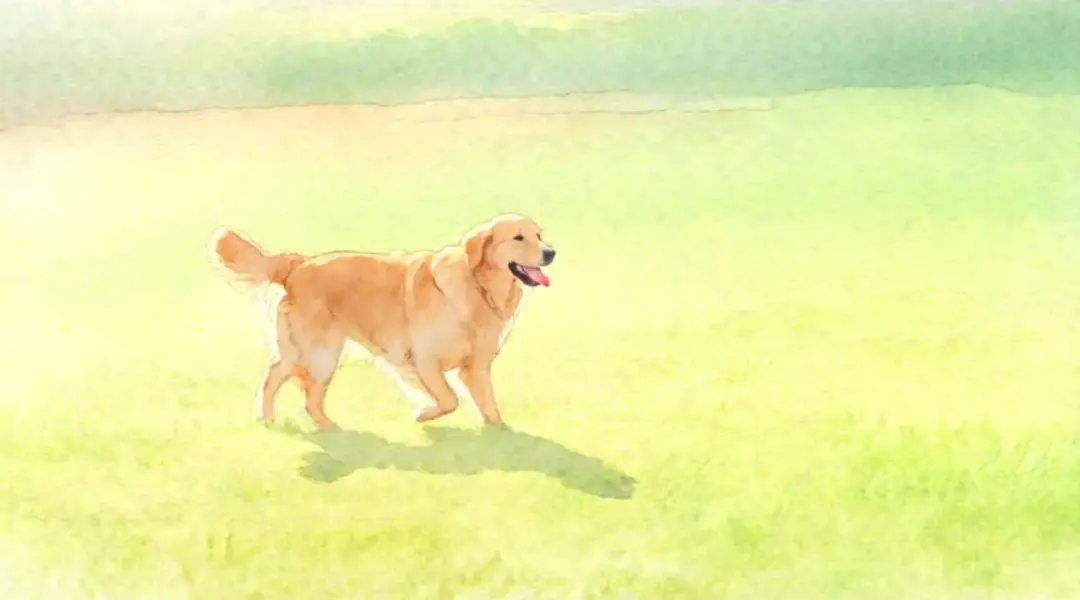
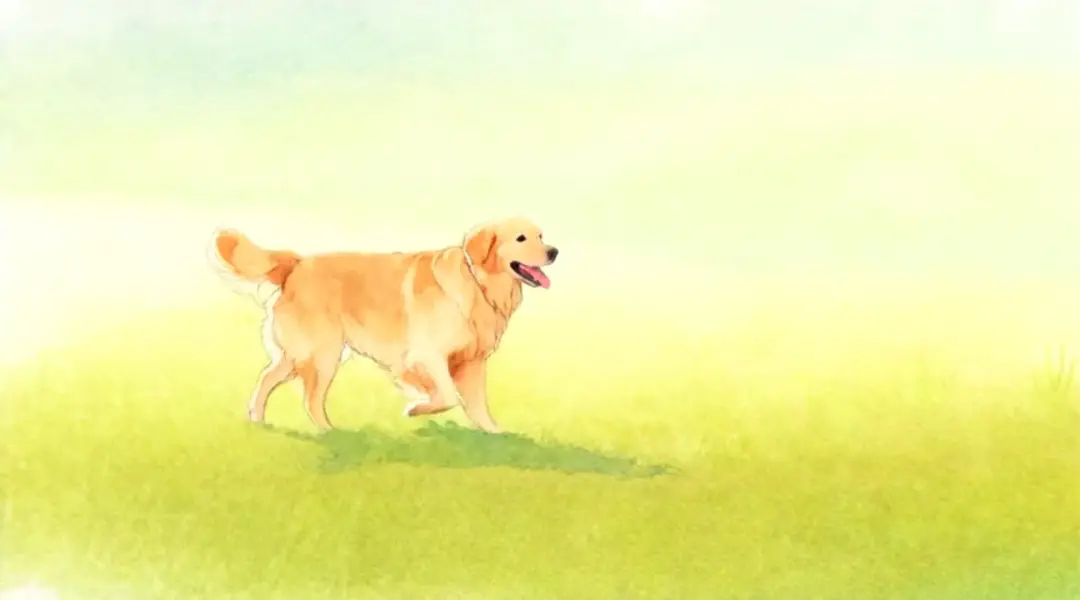
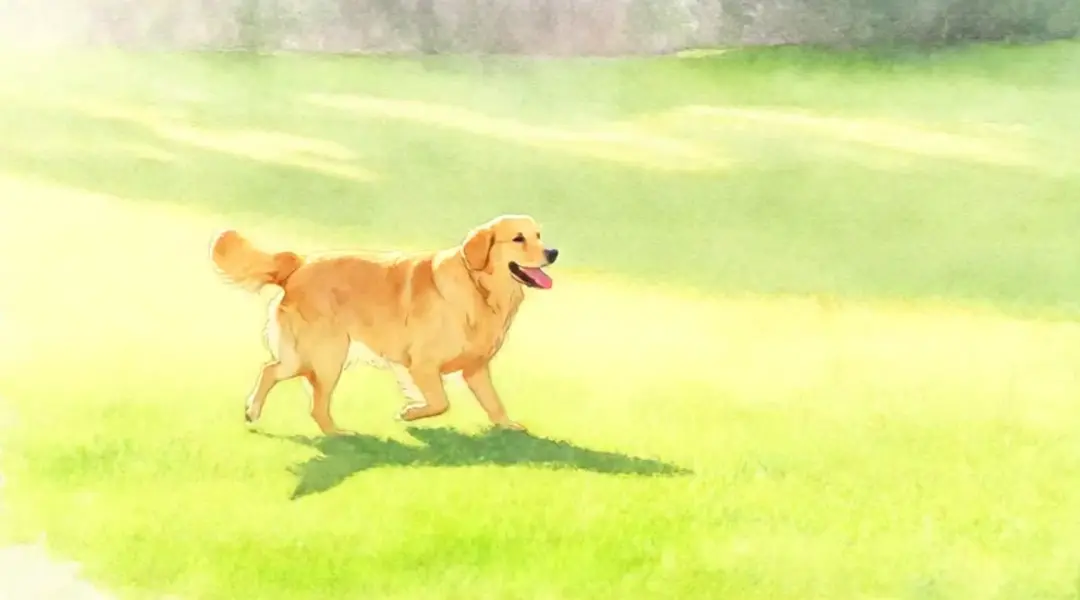
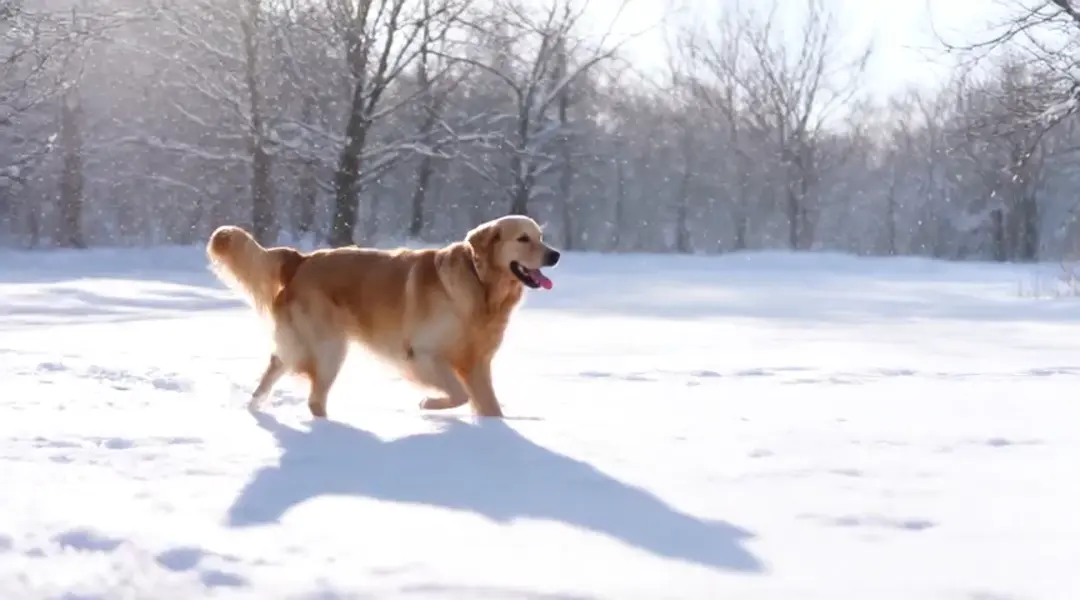
Example output 1Example output 2Example output 3Example output 4

Model Pricing

Pricing

Model pricing varies by the target resolution of your output video.

480p
$0.05
per second of output video
or around 20 seconds for $1
580p
$0.075
per second of output video
or around 13 seconds for $1
720p
$0.1
per second of output video
or around 10 seconds for $1

Wan VACE Video Edit API

Wan VACE Video Edit is a video-to-video AI model by wan-video. On ModelRunner it runs through a REST API or via MCP from any AI assistant, at $0.1 per second of video.

POST https://queue.modelrunner.run/wan-video/wan-vace/video-edit

cURL

# Submit a request to the queue. Input fields go at the top level of the
# body. The optional reserved "metadata" object holds your own flat string
# tags — stored on the request, never sent to the model; filter later with
# GET https://queue.modelrunner.run/requests?metadata=<url-encoded JSON>.
curl -X POST https://queue.modelrunner.run/wan-video/wan-vace/video-edit \
  -H "Authorization: Key $MRUN_API_KEY" \
  -H "Content-Type: application/json" \
  -d '{
    "prompt": "restyle the entire clip as a hand-painted watercolor animation with soft pastel colors",
    "video_url": "https://media.modelrunner.ai/5JxlhK5OqnmatOg5-wan-vace-dog-2p5s.mp4",
    "image_urls": [],
    "resolution": "480p",
    "video_type": "auto",
    "acceleration": "regular",
    "aspect_ratio": "auto",
    "return_frames_zip": false,
    "enable_auto_downsample": true,
    "auto_downsample_min_fps": 15,
    "metadata": {
      "project": "my-project"
    }
  }'
# → { "request_id": "...", "status_url": "...", "response_url": "..." }

# Poll status_url until "COMPLETED", then fetch the result
curl "https://queue.modelrunner.run/wan-video/wan-vace/video-edit/requests/$REQUEST_ID/status" \
  -H "Authorization: Key $MRUN_API_KEY"
curl "https://queue.modelrunner.run/wan-video/wan-vace/video-edit/requests/$REQUEST_ID" \
  -H "Authorization: Key $MRUN_API_KEY"

JavaScript

import { modelrunner } from "@modelrunner/client";

const result = await modelrunner.subscribe("wan-video/wan-vace/video-edit", {
  input: {
    "prompt": "restyle the entire clip as a hand-painted watercolor animation with soft pastel colors",
    "video_url": "https://media.modelrunner.ai/5JxlhK5OqnmatOg5-wan-vace-dog-2p5s.mp4",
    "image_urls": [],
    "resolution": "480p",
    "video_type": "auto",
    "acceleration": "regular",
    "aspect_ratio": "auto",
    "return_frames_zip": false,
    "enable_auto_downsample": true,
    "auto_downsample_min_fps": 15
  },
});
console.log(result);

Python

import os
import requests

headers = {"Authorization": f"Key {os.environ['MRUN_API_KEY']}"}

submitted = requests.post(
    "https://queue.modelrunner.run/wan-video/wan-vace/video-edit",
    headers=headers,
    json={
      "prompt": "restyle the entire clip as a hand-painted watercolor animation with soft pastel colors",
      "video_url": "https://media.modelrunner.ai/5JxlhK5OqnmatOg5-wan-vace-dog-2p5s.mp4",
      "image_urls": [],
      "resolution": "480p",
      "video_type": "auto",
      "acceleration": "regular",
      "aspect_ratio": "auto",
      "return_frames_zip": false,
      "enable_auto_downsample": true,
      "auto_downsample_min_fps": 15
    },
).json()

# Poll submitted["status_url"] until "COMPLETED", then:
result = requests.get(submitted["response_url"], headers=headers).json()

Input parameters

NameTypeRequiredDescription
promptstringyesPrompt describing how to edit the video, in plain language (e.g. 'replace him with a large anthropomorphic polar bear').
video_urlstring (uri)yesURL of the input video to edit.
resolutionenumnoOutput resolution. 480p bills at $0.05/second, 580p at $0.075/second, 720p (default) at $0.10/second. Default: "720p".
video_typeenumnoThe type of video you're editing. Use 'general' for most videos, and 'human' for videos emphasizing human subjects and motions. The default 'auto' lets the model guess based on the first frame. Default: "auto".
image_urlsarraynoURLs of input images to use as visual references for the edit. Default: [].
accelerationenumnoAcceleration to use for inference. Accelerated inference very slightly affects the output but is significantly faster. Default: "regular".
enable_auto_downsamplebooleannoWhether to enable automatic downsampling for high frame rate or long videos. The video is interpolated back to the original frame rate after generation. Default: true.
aspect_ratioenumnoAspect ratio of the edited video. Default: "auto".
auto_downsample_min_fpsnumbernoThe minimum frames per second to downsample the video to. Default: 15.
return_frames_zipbooleannoWhether to also return a ZIP archive containing all generated frames. Default: false.

Machine-readable: OpenAPI schema · llms.txt

Use Wan VACE Video Edit from Claude & Cursor (MCP)

Point Claude Code, Claude Desktop, Cursor, or any MCP client at the ModelRunner MCP server and Wan VACE Video Edit becomes a tool your assistant can call directly — it authorizes via OAuth (no API key in config) and runs this model with the run_model tool using the endpoint wan-video/wan-vace/video-edit.

MCP client config (Claude Desktop, Cursor)

{
  "mcpServers": {
    "modelrunner": {
      "command": "npx",
      "args": ["-y", "mcp-remote", "https://mcp.modelrunner.run/mcp"]
    }
  }
}

Claude Code

claude mcp add --transport http modelrunner https://mcp.modelrunner.run/mcp

Then ask your assistant, for example: “Run wan-video/wan-vace/video-edit on ModelRunner to generate video”. MCP setup guide.

Model Details

Model Details

Wan VACE Video Edit takes an existing video plus a text prompt and returns an edited clip — restyle a scene, swap a subject or background, or apply changes guided by optional reference images, all while preserving the source motion. From Alibaba's Wan VACE (Video All-in-one Creation and Editing) model, it edits in place rather than generating from scratch, so the timing, camera, and action of your original footage carry through. Describe the change in plain language ("replace him with a large anthropomorphic polar bear", "make the sky a dramatic sunset") and optionally pass reference images to steer identity or style.

## Best for - Restyling an existing clip (change color grade, weather, art style) while keeping its motion - Replacing a subject, character, or object in footage with a plain-language instruction - Swapping or altering a background without re-shooting the scene - Reference-image-guided edits where a still image steers the look of the result - Localized edits driven by a prompt on human-focused or general video

## Choose another model when - You have no source video and want to generate a clip from a text prompt — use a text-to-video model - You want to animate a single still image into motion — use an image-to-video model - You need lip-sync or audio-driven talking-head edits — use a dedicated lip-sync model

## Tips - Keep the prompt focused on the change you want, not a full re-description of the scene - Set `video_type` to `human` for clips emphasizing people and motion, `general` for most other footage; `auto` lets the model infer from the first frame - Pass one or more `image_urls` as visual references when you want the edit to match a specific identity or style - Higher `resolution` costs more per output second — 480p is cheapest, 720p (default) is the highest quality tier

## Advanced Configuration - `acceleration` (`none` / `low` / `regular`, default `regular`) trades a tiny amount of output fidelity for significantly faster inference; use `none` for maximum fidelity. - `enable_auto_downsample` (default on) and `auto_downsample_min_fps` (default 15) let long or high-fps clips run by downsampling before generation and re-interpolating afterward. - `return_frames_zip` (default off) additionally returns a ZIP of the generated frames.

To run via the ModelRunner JavaScript client: ```js import { modelrunner } from "@modelrunner/client";

const result = await modelrunner.subscribe("wan-video/wan-vace/video-edit", { input: { prompt: "replace the background with a dramatic sunset sky", video_url: "https://media.modelrunner.ai/example-source-clip.mp4", resolution: "720p", }, }); ```