Generating Demo Assets for an iOS App With AI: A Home Redesign App Case Study
The Project
Claude Code — like every MCP-capable coding assistant — ships with no way to generate images. It can write your Swift, wire your API calls, and run your tests, but ask it for a photorealistic living room and it has nothing to call. ModelRunner's MCP server closes that gap: connect it once and your assistant can generate images as native tool calls, choosing from a whole catalog of image models.
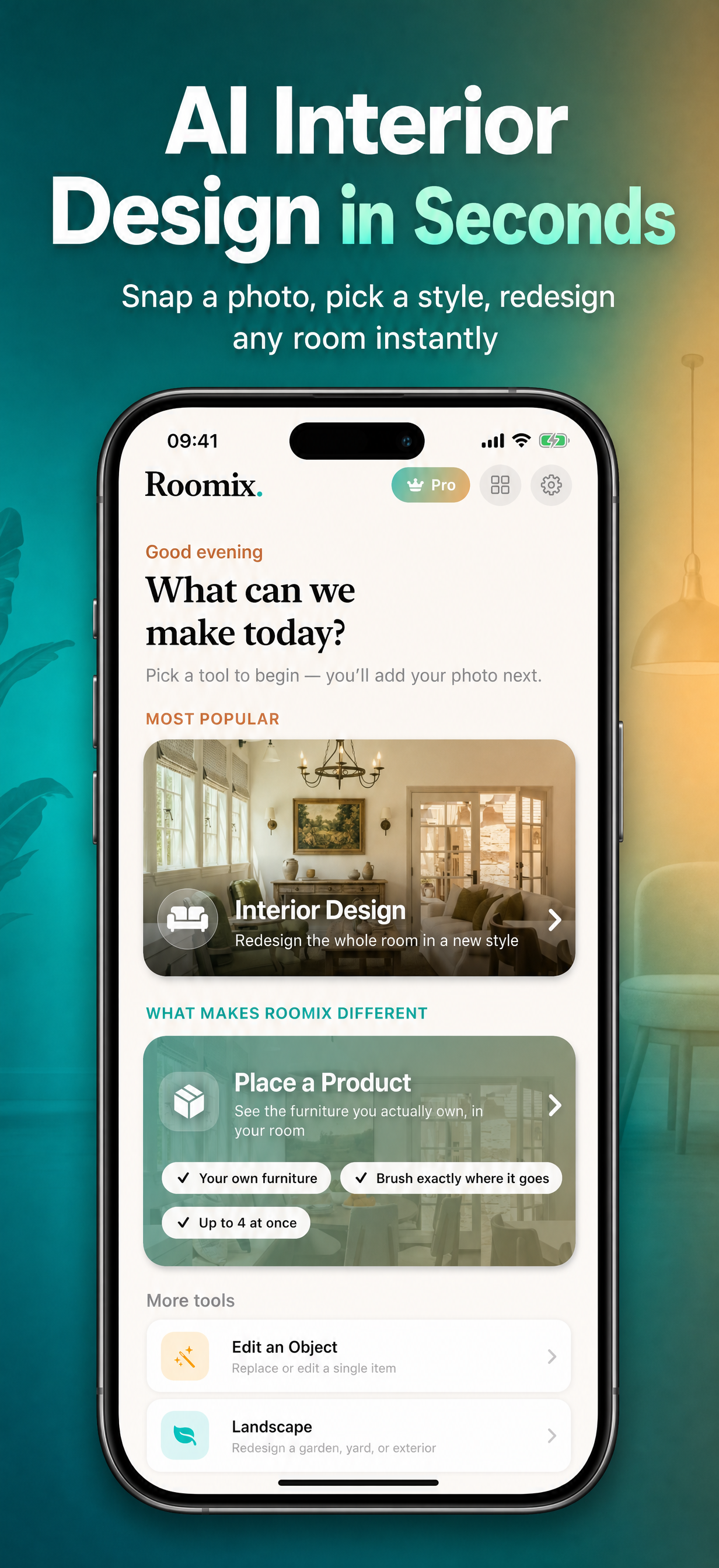
This case study is the proof. The app is Roomix, an iOS home-redesign tool: photograph a room, pick a style, and it renders a reimagined space via ModelRunner's inference queue. It shipped with no demo assets — no sample "before" photos to exercise the redesign flow, no product references, no exterior scenes for the landscape feature — so every Simulator test session began with "go find a photo yourself." We needed 29 on-spec images and had zero starting points. Instead of hand-sourcing them, we had Claude Code generate all 29 through the ModelRunner MCP. Here's the setup, then the run.
Connect ModelRunner's MCP to Claude Code
Everything below runs on one piece of setup. For Claude Code it is a single command:
claude mcp add --transport http modelrunner https://mcp.modelrunner.run/mcpFor Cursor, Windsurf, or Claude Desktop, add the server to your MCP config instead:
{
  "mcpServers": {
    "modelrunner": {
      "command": "npx",
      "args": ["-y", "mcp-remote", "https://mcp.modelrunner.run/mcp"]
    }
  }
}
On first connect a browser window opens to authorize your ModelRunner account over OAuth — no API key ever lands in a config file, and generation spend is governed by your account balance. From then on your assistant has the ModelRunner MCP tools available: search and list_models to pick a model, run_model to generate, and wait_for_request to poll a job to completion. That handful of tools is the entire capability this case study leans on.
The Problem: 29 Images, Zero Starting Points
To make the app testable and demo-ready, we needed four categories of images — the source photos and product references the redesign flow acts on:
| Category | Count | Purpose |
|---|---|---|
| Interior room "before" photos | 10 | Source photos users would redesign (living rooms, kitchens, bedrooms, etc.) |
| Interior product images | 10 | Product catalog items: sofas, tables, lighting, rugs, etc. |
| Exterior/garden product images | 4 | Outdoor furniture, planters, BBQ grills |
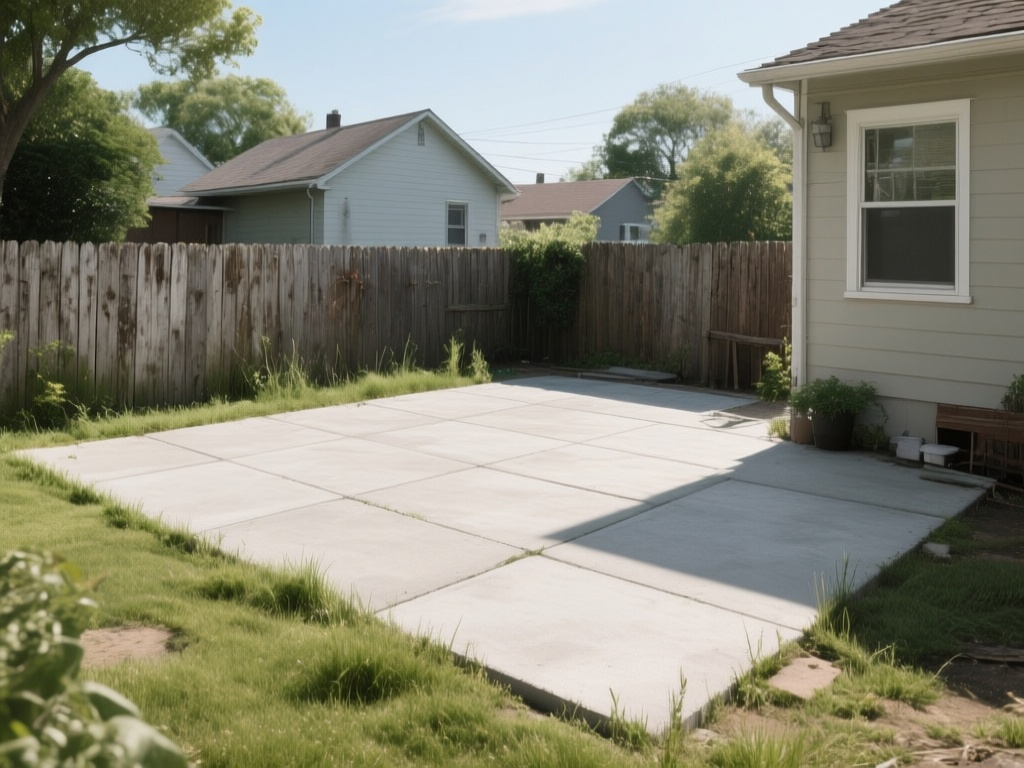
| Exterior scene "before" photos | 5 | Garden, balcony, patio, rooftop scenes for landscape redesign |
Hand-picking 29 royalty-free, high-quality photos from stock libraries would have taken hours of searching, licensing, and resizing. Generating them with AI from precise text prompts was the obvious alternative — but only if the generation API was easy enough to wire into an automated pipeline.
What Claude Code Can Do Once It's Connected
With the MCP wired up, generating the assets was something Claude Code did directly — no separate script, no REST client, no leaving the coding session.
1. Every model is a native tool call. Because ModelRunner exposes an MCP (Model Context Protocol) server, Claude Code calls mcp__modelrunner__run_model and mcp__modelrunner__wait_for_request the same way it calls read_file or bash. The entire generation pipeline lived inside a Claude Code workflow, no shell scripting or REST client code required.
2. It picks the model itself. A single list_models call with category: "text-to-image" surfaced the full catalog. Claude Code chose Qwen-Image (qwen/qwen-image) for its strong photorealism, reliable prompt adherence on interior/product scenes, and per-megapixel pricing that keeps bulk generation affordable.
3. The async pattern parallelizes for free. run_model returns a requestId immediately; wait_for_request polls until completion. That is trivially parallelizable — all 29 requests went out concurrently and resolved in parallel rather than one-at-a-time.
4. It was already in the stack. Roomix already calls ModelRunner's queue API for its core redesign feature — same account, same billing. There was no new service to sign up for; the MCP is just another client of the same catalog.
How It Was Done: A Claude Code Generation Pipeline
The entire pipeline was orchestrated by a Claude Code Workflow — a deterministic multi-agent script that fans work out across parallel subagents.
The pipeline (per image)
Prompt → run_model (qwen/qwen-image) → requestId
       → wait_for_request            → image URL
       → curl -L -o <path>           → .jpg on disk
Each of the 29 images went through this pipeline independently. The workflow's pipeline() primitive chained the three stages without a synchronization barrier — image A could be downloading while image B was still generating, maximizing throughput.
Files written straight to disk
The workflow didn't stop at image URLs. Each finished image was downloaded and written into the project's asset folders — organized by category (rooms, interior products, exterior products, exterior scenes) — so every asset was usable the moment the run finished, with no manual copy-paste between "generate" and "in the app."
iOS-only: loading the images into the Simulator's photo library
This step is specific to iOS and has nothing to do with the MCP — skip it unless you're on the same toolchain. Roomix's flow starts at SwiftUI's PhotosPicker, which reads the Simulator's Photos library, not the asset catalog. Apple ships one command to seed it:
xcrun simctl addmedia <SIMULATOR_UDID> /path/to/image.jpgWe pushed all 29 .jpgs into the booted simulator in a single call, and from then on the in-app picker showed every generated image. The Photos library is per-simulator, so re-run addmedia against each new UDID — the generated files on disk stay the durable source of truth.
Reproducible asset generation, versioned in git
The iOS wiring above is one-time setup — the part that keeps paying off is generation, and that's the MCP-shaped half of the problem. Every asset is just a text prompt against the qwen/qwen-image endpoint, so the prompts live in git next to the app code. Need a warmer palette, a different room style, or a localized set for another market? Re-run the same workflow and the whole library refreshes — no stock-photo relicensing, no re-shoot, no manual export.
Two ModelRunner properties make that practical at 29-image scale. First, the async queue: each run_model call returns a requestId immediately and wait_for_request resolves it independently, so the entire batch generates in parallel and finishes in under 10 minutes rather than serially. Second, per-megapixel pricing on qwen/qwen-image gives a flat, known cost for a full regeneration before you run it — the same API key and endpoint Roomix already uses for its core redesign feature. Demo assets stop being a one-off chore and become a repeatable build step you trigger whenever the app's look changes.
Prompt strategy
Prompts were tuned to the two distinct visual styles needed:
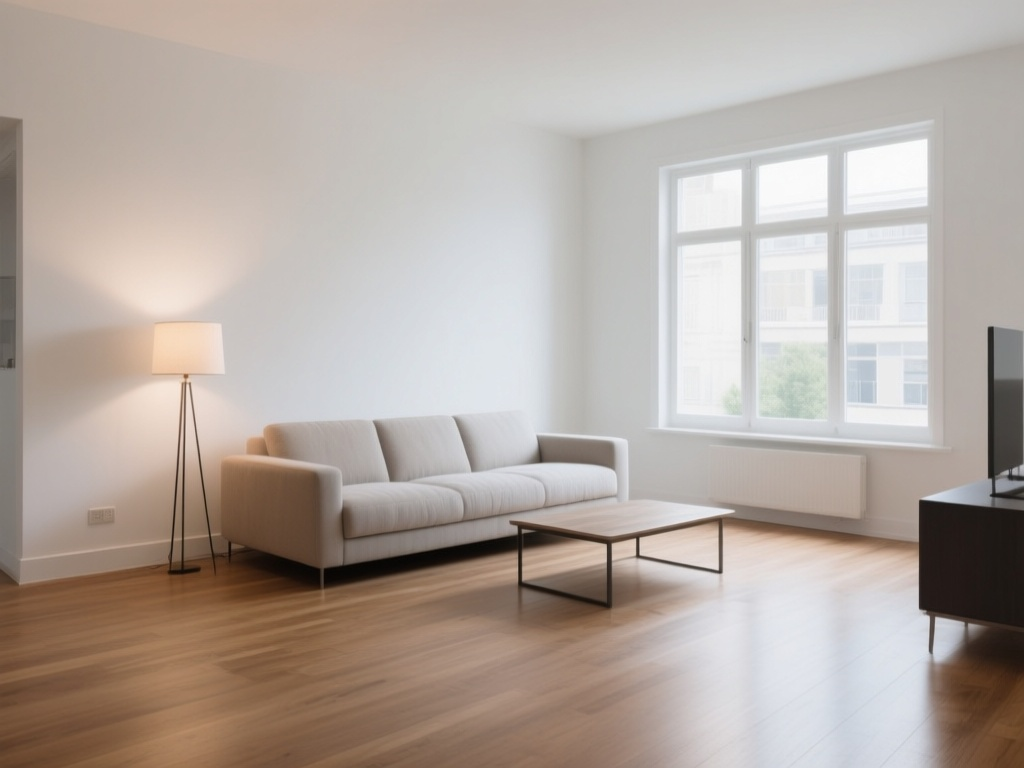
- Room/scene photos: "Photorealistic wide-angle photo of…, professional real estate interior photography" — anchored to the vocabulary of architectural photography to get natural lighting, correct perspective, and empty-room compositions.
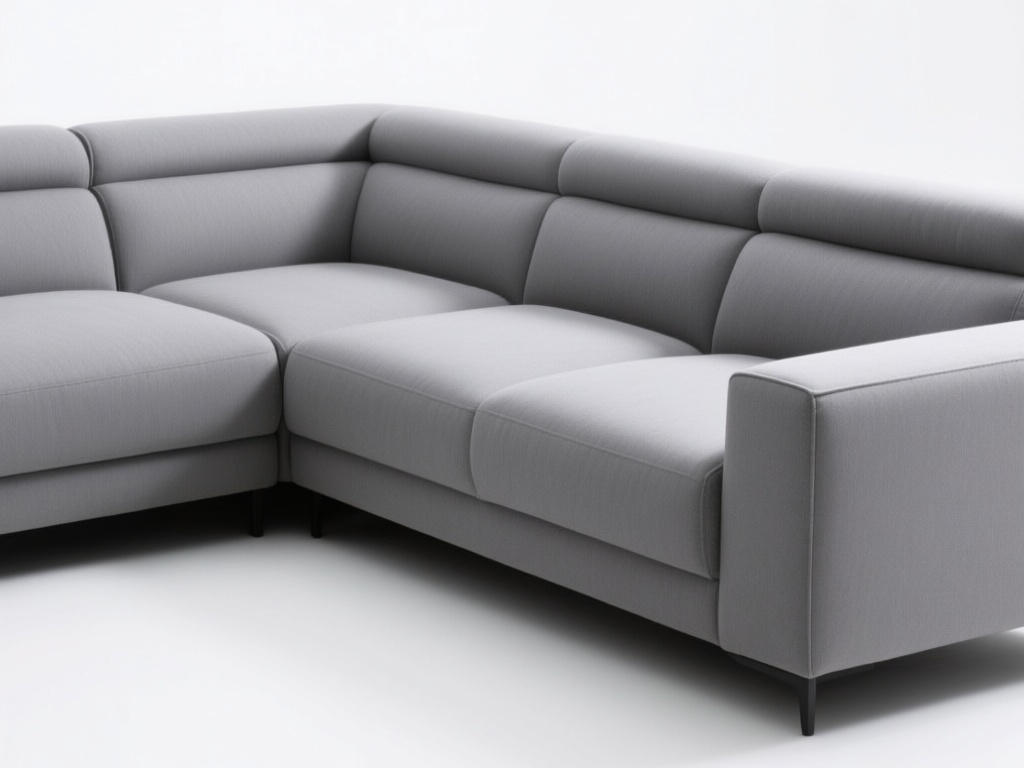
- Product images: "Professional product photo of…, pure white background, studio lighting, centered composition" — studio-style isolation so the subject reads clearly as a catalog item.
Results: 29 Demo Images in Under 10 Minutes
- 29 images generated and placed in under 10 minutes of wall-clock time (parallel generation).
- Zero manual steps between "generate" and "usable in the app" — the workflow wrote the files directly.
- Consistent quality across all categories: photorealistic room scenes, clean white-background product shots, and credible exterior/garden vistas.
- The old placeholder assets (54 hand-picked style preview PNGs) were replaced entirely, reducing asset bundle size while adding coverage for new features.
Every image below was generated by qwen/qwen-image on ModelRunner in the same batch — tap any thumbnail to view the full-resolution output.
Rooms & scenes (10) — empty interiors for the redesign "before" state:
Product shots (14) — white-background catalog references for furniture and fixtures:
Exterior scenes (5) — outdoor spaces for the landscape redesign feature:
The Bigger Picture: Image Generation as a Coding-Assistant Capability
The specific task was iOS demo assets, but the reusable part is the capability: once the MCP is connected, image generation is just another tool your coding assistant has. It works the same in Claude Code, Cursor, Windsurf, or Claude Desktop, because they all speak MCP — connect one server and the whole ModelRunner catalog becomes callable, with no per-model integration.
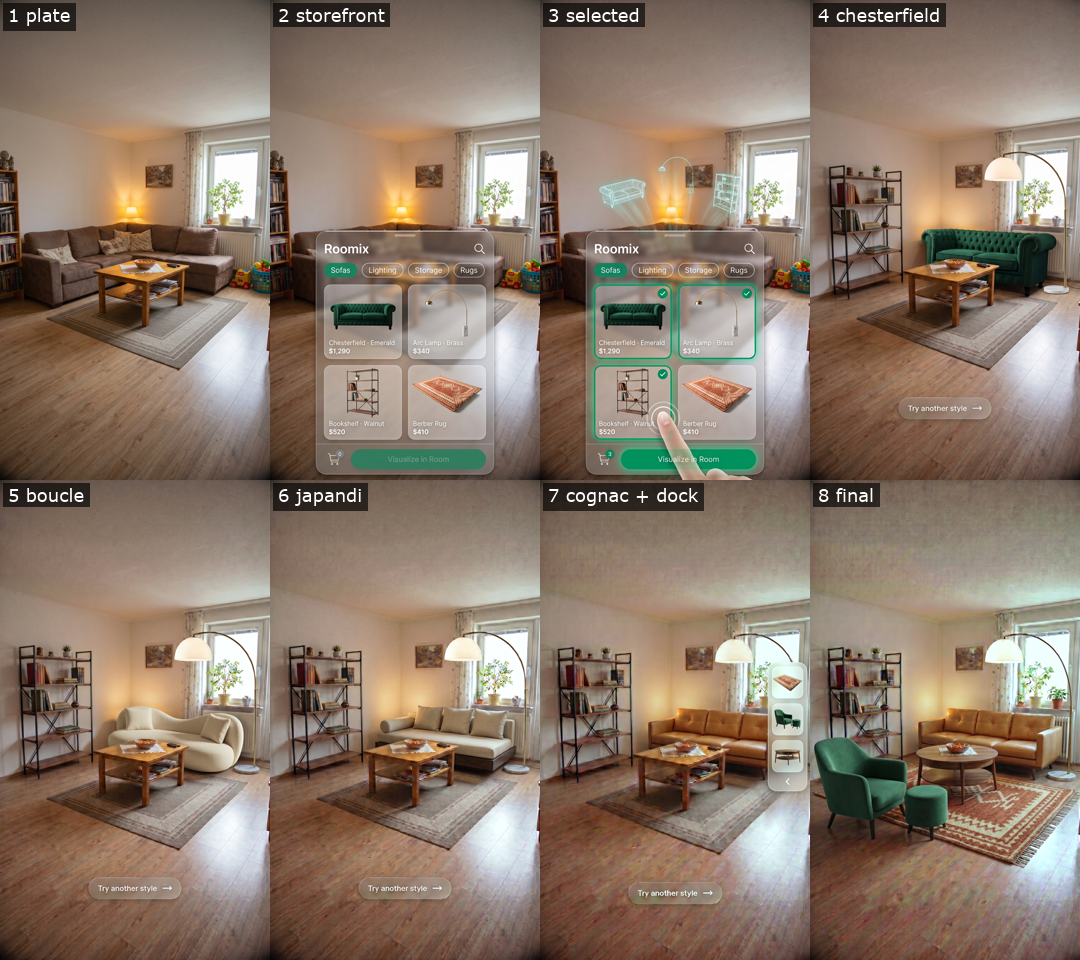
That turns "generate images" into a normal step in a developer workflow. We used it for a test asset library here; the same setup produced the app's App Store marketing screenshots, and it extends just as easily to onboarding illustrations, localized marketing visuals, or one-off placeholder art — all driven by prompts, versioned in git alongside code. If MCP is already in your stack, this is the shortest path from "my assistant writes code" to "my assistant also makes the images that code needs."
The asset generation workflow described here was authored and executed by Claude Code using the ModelRunner MCP server — connect it with claude mcp add --transport http modelrunner https://mcp.modelrunner.run/mcp and your assistant can do the same.
Appendix: Request IDs and output URLs (29 images)
Every image was generated via qwen/qwen-image on ModelRunner. The table below records each asset name and the durable output URL of its generated image.
Keep reading
- Higgsfield Alternative for MCP Users: 100+ Models via One Server8 min read
Higgsfield's MCP server is locked to its own credits and roster. ModelRunner's MCP gives your AI assistant 100+ models across providers, pay-per-use.
- Generating App Store Screenshots With AI: A Home Redesign App Case Study8 min read
Generate App Store marketing screenshots with AI for a home redesign iOS app, device mockups and ASO-aware headlines included, in one Claude Code session.
- Generating a Vertical Video Ad With AI: Keyframe Anchoring14 min read
Generate a vertical video ad with AI for an iOS app: keyframe anchoring lets an image model own product identity and a video model own only the motion.