
Ana içeriğe geç
xai avatarı

Grok Imagine 1.5 Image to Video API

xai/grok-imagine-1.5/image-to-video

Durağan bir görseli, hareket prompt’uyla yönlendirilen kısa bir video klibe dönüştürün; senkronize ses otomatik olarak ve ek ücret olmadan üretilir.

Çözünürlüğe göre fiyatlandırılır

Model girdisi

Input

Describe the motion and action you want in the generated video.

The URL of the starting image to animate into a video.

Video resolution - 480p for faster, cheaper generation, 720p for a sharper result.

Additional Settings

Customize your input with more control.

Min: 1 - Max: 15

Length of the generated video in seconds (1-15).

You need to be logged in to run this model and view results.
Log in

Model çıktısı

Output

Loading
Generated in 67.227 seconds
Logs (1 lines)

Örnek istekler

Örnekler

Example output 1Example output 2

Model fiyatlandırması

Fiyatlandırma

Fiyat, çıktı videonuzun hedef çözünürlüğüne göre değişir.

480p
$0.08
çıktı videosunun saniyesi başına
yani yaklaşık $1 ile 13 saniye
720p
$0.14
çıktı videosunun saniyesi başına
yani yaklaşık $1 ile 7 saniye

Grok Imagine 1.5 Image to Video API

Grok Imagine 1.5 Image to Video is a image-to-video AI model by xai. On ModelRunner it runs through a REST API or via MCP from any AI assistant, at $0.14 per second of video.

POST https://queue.modelrunner.run/xai/grok-imagine-1.5/image-to-video

cURL

# Submit a request to the queue. Input fields go at the top level of the
# body. The optional reserved "metadata" object holds your own flat string
# tags — stored on the request, never sent to the model; filter later with
# GET https://queue.modelrunner.run/requests?metadata=<url-encoded JSON>.
curl -X POST https://queue.modelrunner.run/xai/grok-imagine-1.5/image-to-video \
  -H "Authorization: Key $MRUN_API_KEY" \
  -H "Content-Type: application/json" \
  -d '{
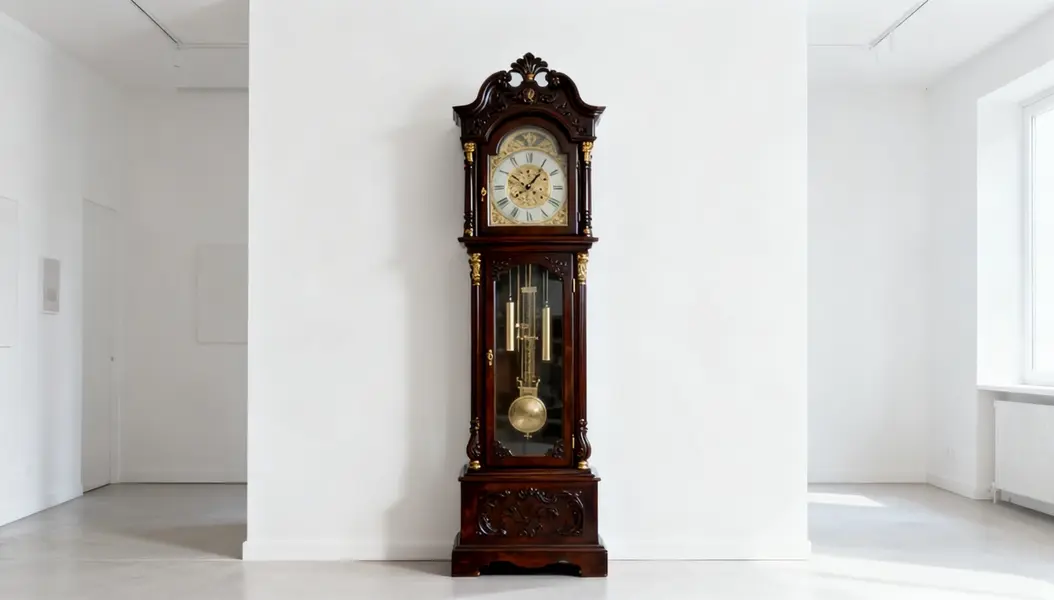
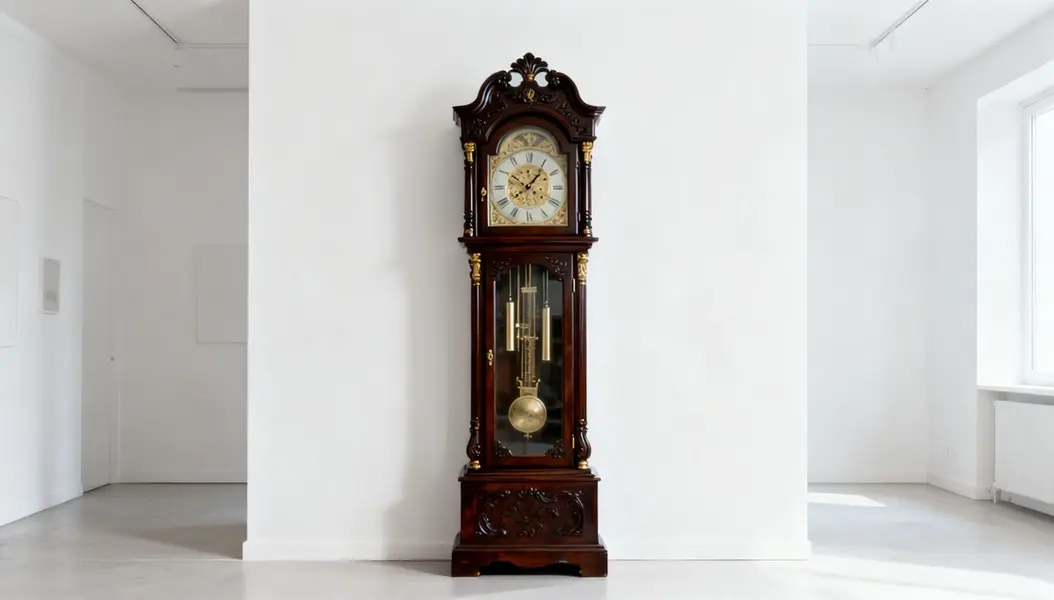
    "prompt": "A slow cinematic dolly-in toward the antique grandfather clock, the pendulum swaying hypnotically, soft shifting ligh…",
    "duration": 5,
    "image_url": "https://media.modelrunner.ai/nDaJs47xN2swuGDYlMDS4.jpeg",
    "resolution": "720p",
    "metadata": {
      "project": "my-project"
    }
  }'
# → { "request_id": "...", "status_url": "...", "response_url": "..." }

# Poll status_url until "COMPLETED", then fetch the result
curl "https://queue.modelrunner.run/xai/grok-imagine-1.5/image-to-video/requests/$REQUEST_ID/status" \
  -H "Authorization: Key $MRUN_API_KEY"
curl "https://queue.modelrunner.run/xai/grok-imagine-1.5/image-to-video/requests/$REQUEST_ID" \
  -H "Authorization: Key $MRUN_API_KEY"

JavaScript

import { modelrunner } from "@modelrunner/client";

const result = await modelrunner.subscribe("xai/grok-imagine-1.5/image-to-video", {
  input: {
    "prompt": "A slow cinematic dolly-in toward the antique grandfather clock, the pendulum swaying hypnotically, soft shifting ligh…",
    "duration": 5,
    "image_url": "https://media.modelrunner.ai/nDaJs47xN2swuGDYlMDS4.jpeg",
    "resolution": "720p"
  },
});
console.log(result);

Python

import os
import requests

headers = {"Authorization": f"Key {os.environ['MRUN_API_KEY']}"}

submitted = requests.post(
    "https://queue.modelrunner.run/xai/grok-imagine-1.5/image-to-video",
    headers=headers,
    json={
      "prompt": "A slow cinematic dolly-in toward the antique grandfather clock, the pendulum swaying hypnotically, soft shifting ligh…",
      "duration": 5,
      "image_url": "https://media.modelrunner.ai/nDaJs47xN2swuGDYlMDS4.jpeg",
      "resolution": "720p"
    },
).json()

# Poll submitted["status_url"] until "COMPLETED", then:
result = requests.get(submitted["response_url"], headers=headers).json()

Input parameters

Input parameters of Grok Imagine 1.5 Image to Video
NameTypeRequiredDescription
promptstringyesDescribe the motion and action you want in the generated video.
image_urlstring (uri)yesThe URL of the starting image to animate into a video.
resolutionenumnoVideo resolution - 480p for faster, cheaper generation, 720p for a sharper result. One of: 480p, 720p. Default: "720p".
durationintegernoLength of the generated video in seconds (1-15). Default: 6.

Machine-readable: OpenAPI schema · llms.txt

Use Grok Imagine 1.5 Image to Video from Claude & Cursor (MCP)

Point Claude Code, Claude Desktop, Cursor, or any MCP client at the ModelRunner MCP server and Grok Imagine 1.5 Image to Video becomes a tool your assistant can call directly — it authorizes via OAuth (no API key in config) and runs this model with the run_model tool using the endpoint xai/grok-imagine-1.5/image-to-video.

MCP client config (Claude Desktop, Cursor)

{
  "mcpServers": {
    "modelrunner": {
      "command": "npx",
      "args": ["-y", "mcp-remote", "https://mcp.modelrunner.run/mcp"]
    }
  }
}

Claude Code

claude mcp add --transport http modelrunner https://mcp.modelrunner.run/mcp

Then ask your assistant, for example: “Run xai/grok-imagine-1.5/image-to-video on ModelRunner to generate video”. MCP setup guide.

Model Detayları

Model Detayları

Grok Imagine 1.5 Image to Video, tek bir durağan görseli kısa ve akıcı bir klibe dönüştürür; hareketi, neyin hareket edeceğini söyleyen bir metin prompt’u yönlendirir. Bir başlangıç karesi ve "köpek kuyruğunu yavaşça sallıyor" ya da "kadın gülümserken kamera yavaşça yaklaşıyor" gibi bir prompt verin, süreyi (1–15 saniye) ve çözünürlüğü (480p ya da 720p) belirleyin; model sahneyi canlandırır ve buna uyan senkronize sesi de ek ücret olmadan otomatik olarak üretir. Sosyal medya klipleri, hareketli portreler, ürün loop’ları ve hızlı konsept çekimleri için tek bir görselden hareket ve ses elde etmenin hızlı bir yoludur.

## En uygun olduğu işler - Tek bir fotoğraftan doğal biçimde hareket eden portreler ve karakterler - Ürün loop’ları — tek bir packshot’ı ya da sahne fotoğrafını sesli kısa bir klibe dönüştürmek - Sesiyle birlikte gelen, paylaşıma hazır dikey ya da yatay sosyal medya klipleri - Durağan bir görselden hareket ve ses isteyen hızlı konsept çekimleri

## Şu durumlarda başka bir model seçin - Başlangıç görseli olmadan yalnızca metin prompt’undan video istiyorsanız — bir text-to-video modeli kullanın - Hareketli bir klip yerine durağan bir görsel gerekiyorsa — bir text-to-image ya da image-to-image modeli kullanın - Verdiğiniz sesten hassas lip-sync ya da speech-to-video gerekiyorsa — bu model ortam sesini bir senaryodan değil, kendiliğinden üretir

## İpuçları - Net, yüksek çözünürlüklü bir kareyle başlayın — model karenin öznesini, kompozisyonunu ve stilini korur - Prompt’ta görselde zaten olanı yeniden tarif etmek yerine hareketi ve eylemi yazın ("yapraklar rüzgârda hışırdıyor", "kamera sola dönüyor") - Kısa `duration` değerleri daha hızlı render edilir ve daha ucuza gelir; yalnızca eylemin gelişmesi için daha fazla zaman gerektiğinde artırın - Daha hızlı ve ucuz taslaklar için `resolution: "480p"`, daha keskin bir son sürüm için `"720p"` kullanın

## Sınırlamalar - Çok hızlı ya da karmaşık hareketler, kalabalık sahneler ve uç kamera hareketleri tutarlılığı azaltabilir - Klip verilen görsele bağlı kalır; bu yüzden özneyi ya da mekânı büyük ölçüde değiştirmek güçlü yanı değildir

ModelRunner JavaScript client ile çalıştırmak için: ```js import { modelrunner } from "@modelrunner/client";

const result = await modelrunner.subscribe("xai/grok-imagine-1.5/image-to-video", { input: { prompt: "The dog wags its tail slowly as the camera holds steady", image_url: "https://media.modelrunner.ai/your-source-image.jpg", resolution: "720p", duration: 6, }, }); ```