
Ana içeriğe geç
sync avatarı

Sync Lipsync 2 API

sync/lipsync/v2

Bir talking-head videosunun ağız hareketlerini dublaj, çeviri ve yeniden seslendirme için yeni bir ses kaydına göre yeniden senkronlayın.

düzenleme
üretilen video için saniye başına 0.05

Model girdisi

Input

URL of the input video containing a clearly visible talking face to re-sync.

URL of the audio track the speaker should appear to say.

Additional Settings

Customize your input with more control.

How to reconcile a mismatch between video and audio duration: cut_off trims to the shorter, loop repeats the video, bounce plays it forward-and-back, silence holds with no extra motion, remap time-stretches to align.

You need to be logged in to run this model and view results.
Log in

Model çıktısı

Output

Loading
Generated in 73.863 seconds
Logs (1 lines)

Örnek istekler

Örnekler

Example output 1Example output 2

Sync Lipsync 2 API

Sync Lipsync 2 is a video-to-video AI model by sync. On ModelRunner it runs through a REST API or via MCP from any AI assistant, at $0.05 per second of video.

POST https://queue.modelrunner.run/sync/lipsync/v2

cURL

# Submit a request to the queue. Input fields go at the top level of the
# body. The optional reserved "metadata" object holds your own flat string
# tags — stored on the request, never sent to the model; filter later with
# GET https://queue.modelrunner.run/requests?metadata=<url-encoded JSON>.
curl -X POST https://queue.modelrunner.run/sync/lipsync/v2 \
  -H "Authorization: Key $MRUN_API_KEY" \
  -H "Content-Type: application/json" \
  -d '{
    "audio_url": "https://media.modelrunner.ai/CKV2c5JgWXU13KUpT0Rc2.mp4",
    "sync_mode": "cut_off",
    "video_url": "https://media.modelrunner.ai/CKV2c5JgWXU13KUpT0Rc2.mp4",
    "metadata": {
      "project": "my-project"
    }
  }'
# → { "request_id": "...", "status_url": "...", "response_url": "..." }

# Poll status_url until "COMPLETED", then fetch the result
curl "https://queue.modelrunner.run/sync/lipsync/v2/requests/$REQUEST_ID/status" \
  -H "Authorization: Key $MRUN_API_KEY"
curl "https://queue.modelrunner.run/sync/lipsync/v2/requests/$REQUEST_ID" \
  -H "Authorization: Key $MRUN_API_KEY"

JavaScript

import { modelrunner } from "@modelrunner/client";

const result = await modelrunner.subscribe("sync/lipsync/v2", {
  input: {
    "audio_url": "https://media.modelrunner.ai/CKV2c5JgWXU13KUpT0Rc2.mp4",
    "sync_mode": "cut_off",
    "video_url": "https://media.modelrunner.ai/CKV2c5JgWXU13KUpT0Rc2.mp4"
  },
});
console.log(result);

Python

import os
import requests

headers = {"Authorization": f"Key {os.environ['MRUN_API_KEY']}"}

submitted = requests.post(
    "https://queue.modelrunner.run/sync/lipsync/v2",
    headers=headers,
    json={
      "audio_url": "https://media.modelrunner.ai/CKV2c5JgWXU13KUpT0Rc2.mp4",
      "sync_mode": "cut_off",
      "video_url": "https://media.modelrunner.ai/CKV2c5JgWXU13KUpT0Rc2.mp4"
    },
).json()

# Poll submitted["status_url"] until "COMPLETED", then:
result = requests.get(submitted["response_url"], headers=headers).json()

Input parameters

Input parameters of Sync Lipsync 2
NameTypeRequiredDescription
video_urlstring (uri)yesURL of the input video containing a clearly visible talking face to re-sync.
audio_urlstring (uri)yesURL of the audio track the speaker should appear to say.
sync_modeenumnoHow to reconcile a mismatch between video and audio duration: cut_off trims to the shorter, loop repeats the video, bounce plays it forward-and-back, silence holds with no extra motion, remap time-stretches to align. One of: cut_off, loop, bounce, silence, remap. Default: "cut_off".

Machine-readable: OpenAPI schema · llms.txt

Use Sync Lipsync 2 from Claude & Cursor (MCP)

Point Claude Code, Claude Desktop, Cursor, or any MCP client at the ModelRunner MCP server and Sync Lipsync 2 becomes a tool your assistant can call directly — it authorizes via OAuth (no API key in config) and runs this model with the run_model tool using the endpoint sync/lipsync/v2.

MCP client config (Claude Desktop, Cursor)

{
  "mcpServers": {
    "modelrunner": {
      "command": "npx",
      "args": ["-y", "mcp-remote", "https://mcp.modelrunner.run/mcp"]
    }
  }
}

Claude Code

claude mcp add --transport http modelrunner https://mcp.modelrunner.run/mcp

Then ask your assistant, for example: “Run sync/lipsync/v2 on ModelRunner to generate video”. MCP setup guide.

Model Detayları

Model Detayları

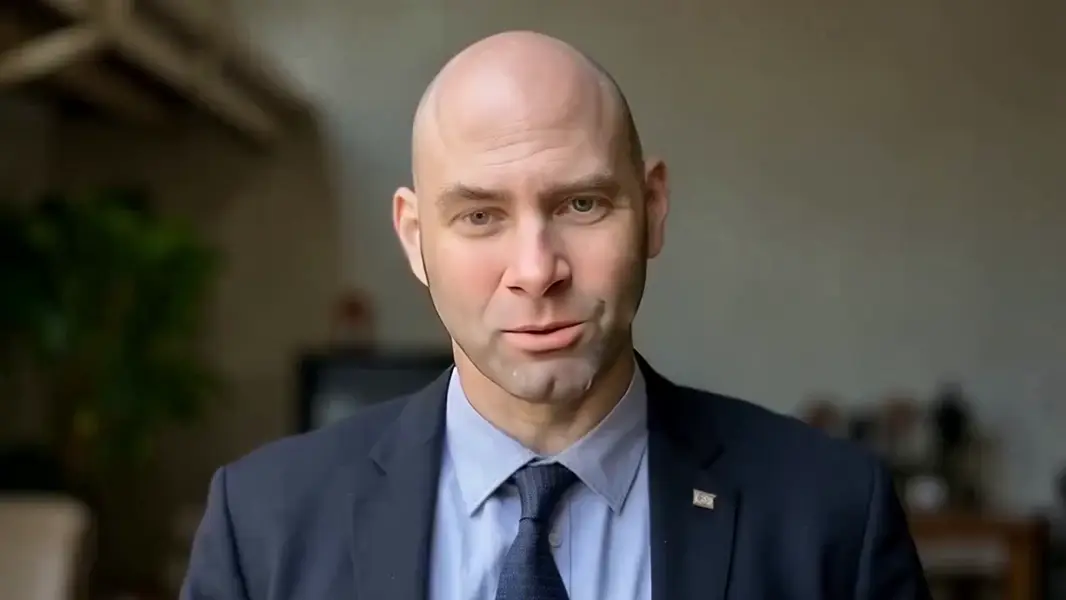
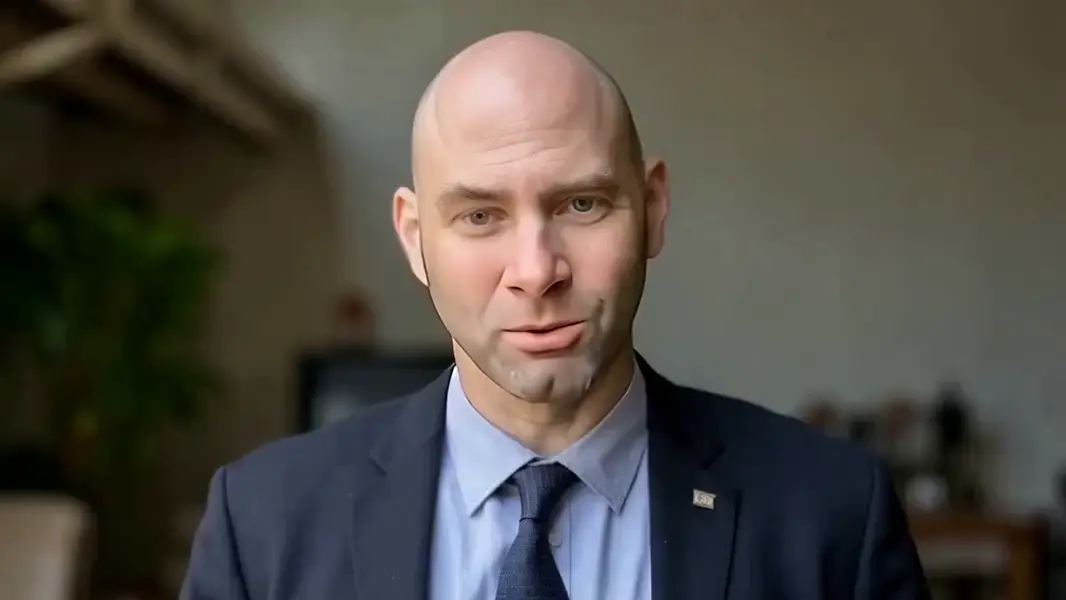
Sync Lipsync 2, mevcut bir talking-head videosunu ve ayrı bir ses kaydını alır, ardından konuşmacının ağız hareketlerini yeni sese tam olarak uyacak şekilde yeniden üretir. Kaynak videonun yüzü, kimliği, ışığı ve arka planı korunur; yalnızca dudaklar verilen konuşmaya göre yeniden canlandırılır — bu da onu görüntüyü başka bir dile dublajlamak, yeniden kaydedilmiş anlatımı yerine koymak ya da senkronu kaymış bir çekimi düzeltmek için doğru araç yapar. Yüzün net göründüğü bir video ile söylüyormuş gibi görünmesini istediğiniz sesi verin; model doğal, hizalı dudak hareketine sahip yeni bir video döndürür.

## En uygun olduğu işler - Talking-head görüntülerini, dudaklar çevrilmiş seslendirmeye uysun diye başka bir dile dublajlamak - Bir röportajı, sunumu ya da reklamı daha temiz ya da yeniden kaydedilmiş bir ses çekimiyle yeniden seslendirmek - Özgün konuşma ile ağız hareketlerinin artık örtüşmediği ses kaymalarını düzeltmek - Kurs, eğitim ya da pazarlama videolarını birden fazla ses kaydıyla yerelleştirmek

## Şu durumlarda başka bir model seçin - Elinizde video değil yalnızca bir görsel varsa ve durağan görselden konuşan bir avatar istiyorsanız — bir image-to-video ya da avatar modeli kullanın - Mevcut bir videoyu yeniden senkronlamak yerine metin prompt’undan video üretmek istiyorsanız — bir text-to-video modeli kullanın - Konuşma sesinin kendisini metinden üretmeniz gerekiyorsa — önce bir text-to-speech modeliyle eşleştirin, sonra çıktısını buraya verin

## İpuçları - En temiz dudak hareketi için konuşmacının yüzünün büyük, iyi aydınlatılmış ve önden göründüğü kaynak video kullanın - Ses süresini videoya eşleyin; farklı olduklarında ne olacağını `sync_mode` belirler

## Gelişmiş Yapılandırma - `sync_mode`, video ile ses süresi arasındaki uyumsuzluğu modelin nasıl çözeceğine karar verir: `cut_off` (varsayılan) ikisinden kısa olana göre keser, `loop` daha uzun sesi kapsamak için videoyu tekrarlar, `bounce` süreyi doldurmak için videoyu ileri-geri oynatır, `silence` sesin bittiği yerden sonra ek hareket olmadan videoda bekler, `remap` ise ikisini hizalamak için zamanı esnetir. Ses ve videonuz aynı uzunlukta değilse API üzerinden ayarlayın.

ModelRunner JavaScript client ile çalıştırmak için: ```js import { modelrunner } from "@modelrunner/client";

const result = await modelrunner.subscribe("sync/lipsync/v2", { input: { video_url: "https://media.modelrunner.ai/your-talking-head-video.mp4", audio_url: "https://media.modelrunner.ai/your-new-audio.wav", sync_mode: "cut_off", }, }); ```