
Ana içeriğe geç
shallowdream204 avatarı

BitDance Text to Image API

Gelişmiş bir autoregressive modelle metin prompt’larından hızlı, yüksek çözünürlüklü ve fotogerçekçi görseller üretin — verimli, yüksek kaliteli sonuçlar.

Model girdisi

Input

Text prompt for image generation.

The size of the generated image. Will be snapped to the nearest supported resolution.

Min: 10 - Max: 100

Number of diffusion sampling steps per decoding step. Higher values (e.g. 50) improve quality at the cost of speed.

Min: 1 - Max: 15

Classifier-free guidance scale. Higher values follow the prompt more closely.

Random seed for reproducibility. The same seed and prompt will produce the same image.

The format of the generated image.

Safety checker can only be disabled on API call

Min: 1 - Max: 4

The number of images to generate. Each generated image is billed.

You need to be logged in to run this model and view results.
Log in

Model çıktısı

Output

Generated image output
Generated in 427.928 seconds
Logs (1 lines)

Örnek istekler

Örnekler

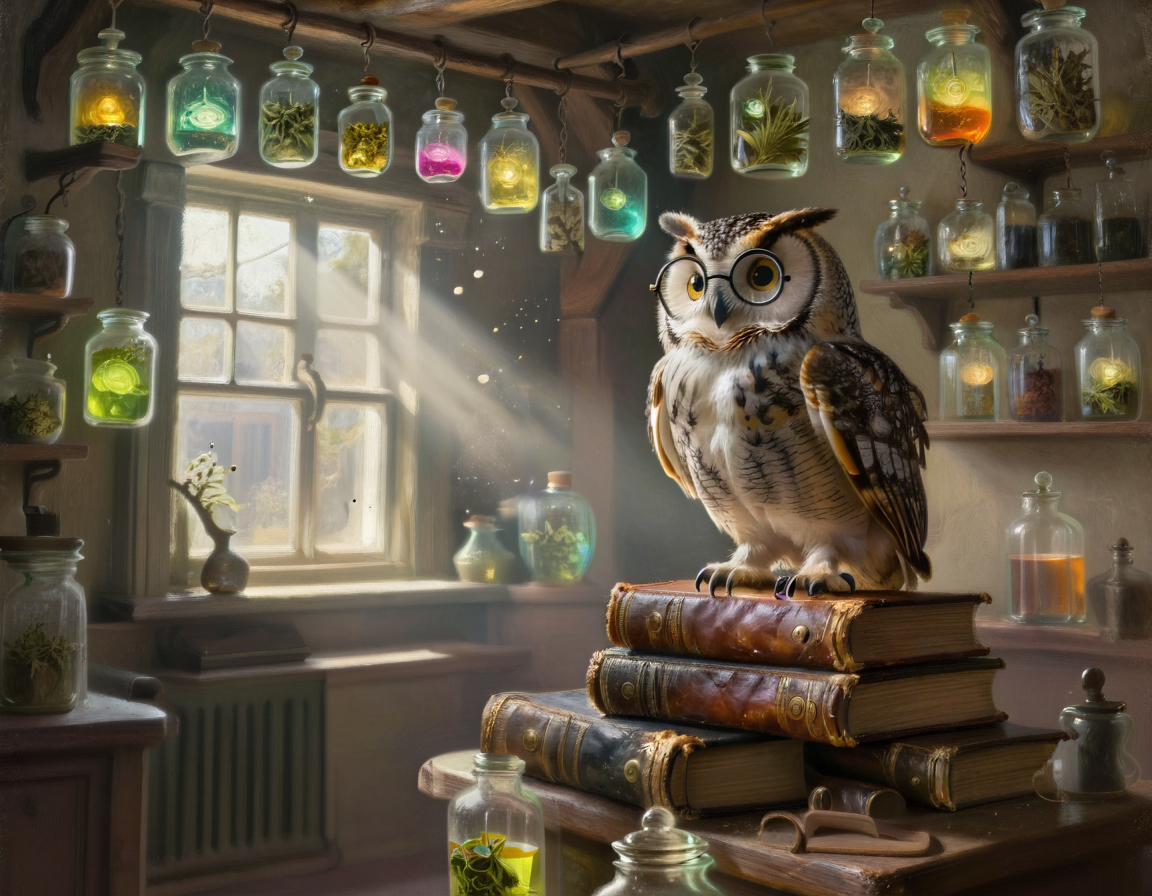
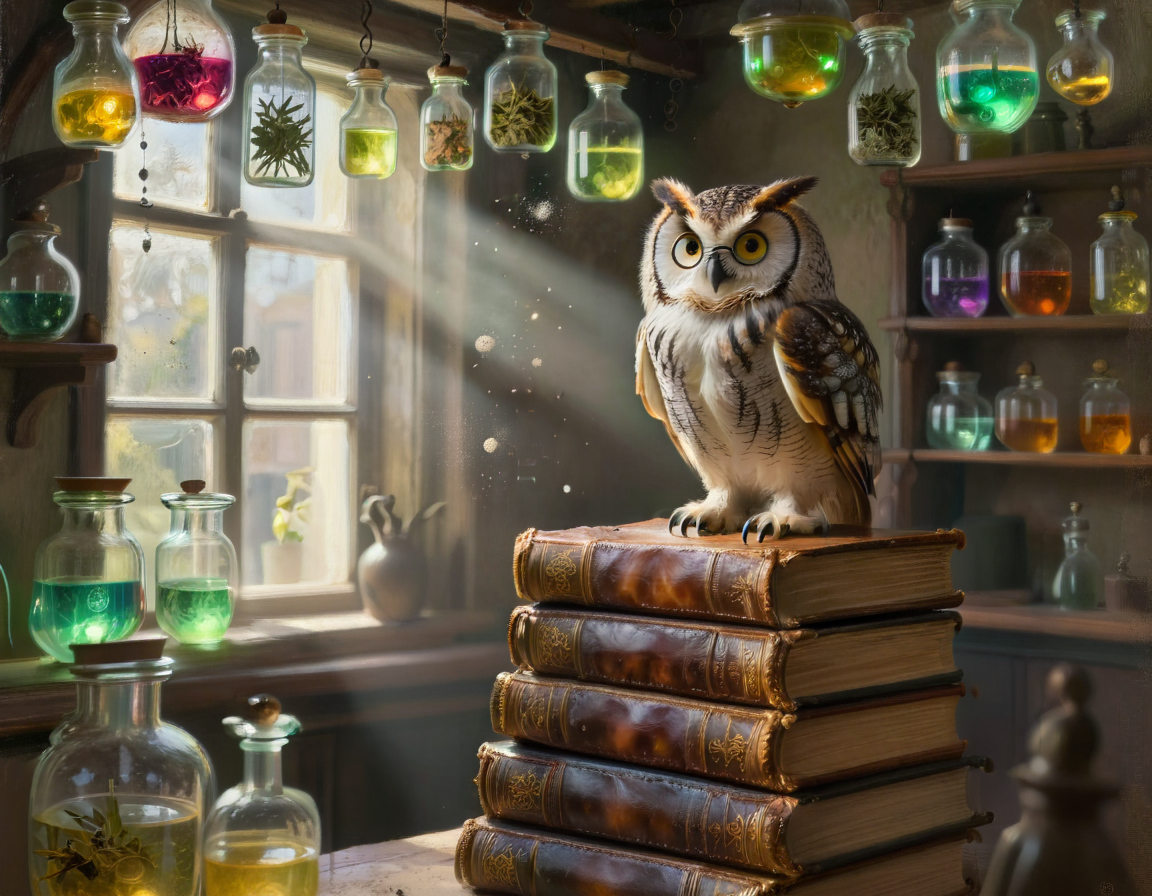
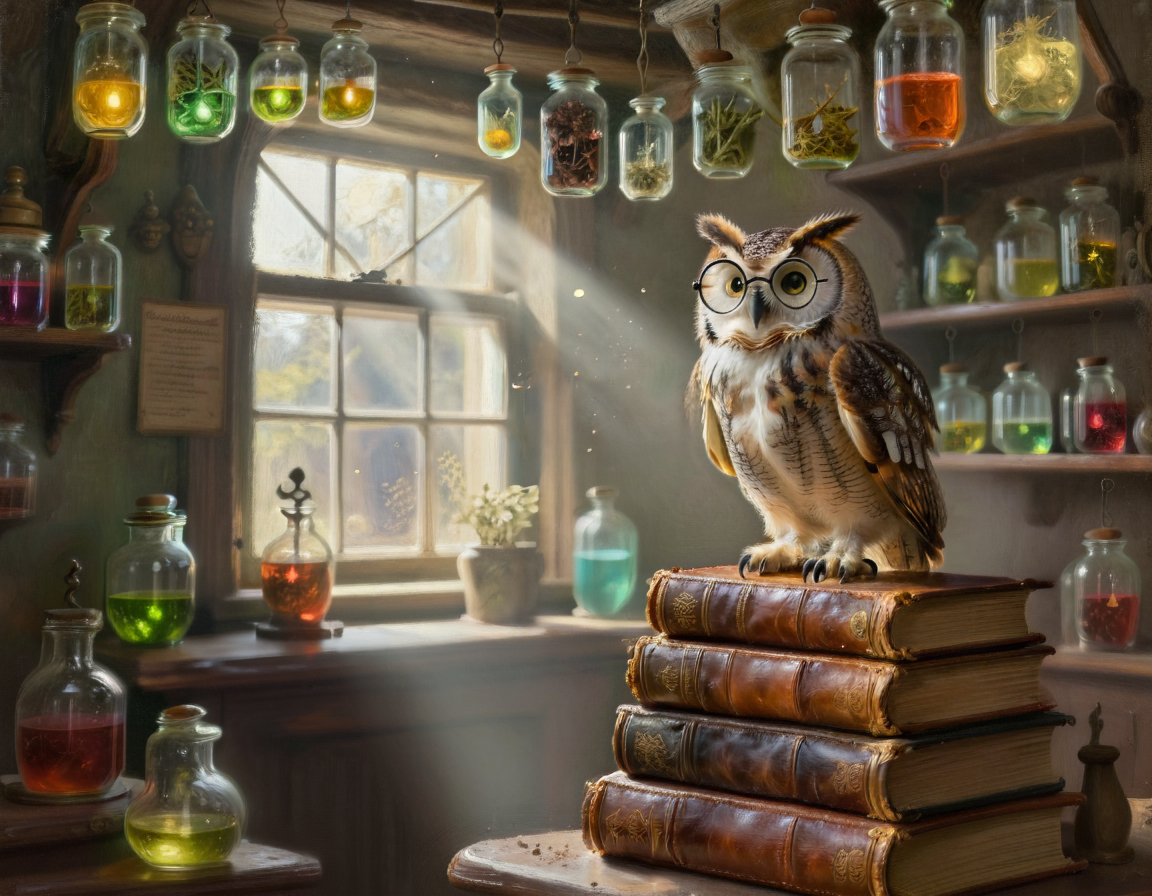
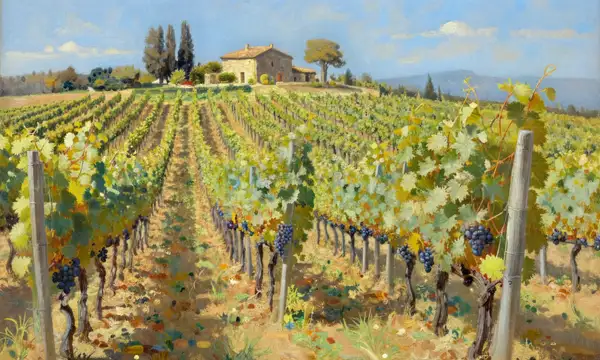
Example output 1Example output 2Example output 3Example output 4

BitDance Text to Image API

BitDance Text to Image is a text-to-image AI model by shallowdream204. On ModelRunner it runs through a REST API or via MCP from any AI assistant, at $0.01 per image.

POST https://queue.modelrunner.run/shallowdream204/bitdance

cURL

# Submit a request to the queue. Input fields go at the top level of the
# body. The optional reserved "metadata" object holds your own flat string
# tags — stored on the request, never sent to the model; filter later with
# GET https://queue.modelrunner.run/requests?metadata=<url-encoded JSON>.
curl -X POST https://queue.modelrunner.run/shallowdream204/bitdance \
  -H "Authorization: Key $MRUN_API_KEY" \
  -H "Content-Type: application/json" \
  -d '{
    "seed": 847291,
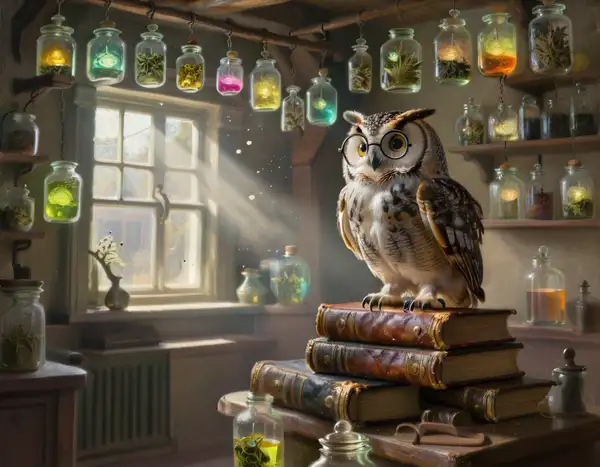
    "prompt": "An old-world apothecary shop filled with glass jars of glowing potions and herbs hanging from the ceiling. A wise-loo…",
    "image_size": "landscape_4_3",
    "num_images": 3,
    "output_format": "png",
    "guidance_scale": 12,
    "num_inference_steps": 60,
    "enable_safety_checker": false,
    "metadata": {
      "project": "my-project"
    }
  }'
# → { "request_id": "...", "status_url": "...", "response_url": "..." }

# Poll status_url until "COMPLETED", then fetch the result
curl "https://queue.modelrunner.run/shallowdream204/bitdance/requests/$REQUEST_ID/status" \
  -H "Authorization: Key $MRUN_API_KEY"
curl "https://queue.modelrunner.run/shallowdream204/bitdance/requests/$REQUEST_ID" \
  -H "Authorization: Key $MRUN_API_KEY"

JavaScript

import { modelrunner } from "@modelrunner/client";

const result = await modelrunner.subscribe("shallowdream204/bitdance", {
  input: {
    "seed": 847291,
    "prompt": "An old-world apothecary shop filled with glass jars of glowing potions and herbs hanging from the ceiling. A wise-loo…",
    "image_size": "landscape_4_3",
    "num_images": 3,
    "output_format": "png",
    "guidance_scale": 12,
    "num_inference_steps": 60,
    "enable_safety_checker": false
  },
});
console.log(result);

Python

import os
import requests

headers = {"Authorization": f"Key {os.environ['MRUN_API_KEY']}"}

submitted = requests.post(
    "https://queue.modelrunner.run/shallowdream204/bitdance",
    headers=headers,
    json={
      "seed": 847291,
      "prompt": "An old-world apothecary shop filled with glass jars of glowing potions and herbs hanging from the ceiling. A wise-loo…",
      "image_size": "landscape_4_3",
      "num_images": 3,
      "output_format": "png",
      "guidance_scale": 12,
      "num_inference_steps": 60,
      "enable_safety_checker": false
    },
).json()

# Poll submitted["status_url"] until "COMPLETED", then:
result = requests.get(submitted["response_url"], headers=headers).json()

Input parameters

Input parameters of BitDance Text to Image
NameTypeRequiredDescription
promptstringyesText prompt for image generation.
image_sizeenumnoThe size of the generated image. Will be snapped to the nearest supported resolution. One of: square_hd, square, portrait_4_3, portrait_16_9, landscape_4_3, landscape_16_9. Default: "square_hd".
num_inference_stepsintegernoNumber of diffusion sampling steps per decoding step. Higher values (e.g. 50) improve quality at the cost of speed. Default: 25.
guidance_scalenumbernoClassifier-free guidance scale. Higher values follow the prompt more closely. Default: 7.5.
seedintegernoRandom seed for reproducibility. The same seed and prompt will produce the same image.
output_formatenumnoThe format of the generated image. One of: jpeg, png. Default: "jpeg".
enable_safety_checkerbooleannoIf set to true, the safety checker will be enabled. Default: true.
num_imagesintegernoThe number of images to generate. Each generated image is billed. Default: 1.

Machine-readable: OpenAPI schema · llms.txt

Use BitDance Text to Image from Claude & Cursor (MCP)

Point Claude Code, Claude Desktop, Cursor, or any MCP client at the ModelRunner MCP server and BitDance Text to Image becomes a tool your assistant can call directly — it authorizes via OAuth (no API key in config) and runs this model with the run_model tool using the endpoint shallowdream204/bitdance.

MCP client config (Claude Desktop, Cursor)

{
  "mcpServers": {
    "modelrunner": {
      "command": "npx",
      "args": ["-y", "mcp-remote", "https://mcp.modelrunner.run/mcp"]
    }
  }
}

Claude Code

claude mcp add --transport http modelrunner https://mcp.modelrunner.run/mcp

Then ask your assistant, for example: “Run shallowdream204/bitdance on ModelRunner to generate image”. MCP setup guide.

Model Detayları

Model Detayları

BitDance, metin açıklamalarından yüksek çözünürlüklü, fotogerçekçi görseller üretmek için tasarlanmış güçlü bir autoregressive modeldir. Hızlı ve yüksek kaliteli görseller üretmek için gelişmiş teknikler kullanır; bu da onu, yazıya döktükleri fikirleri hayata geçirmek isteyen sanatçılar, tasarımcılar ve içerik üreticileri için mükemmel bir araç haline getirir.

Modelin temel yeteneği, betimleyici bir metin prompt’unu ayrıntılı bir görsele dönüştürmektir. Üretim sürecini çeşitli parametrelerle yüksek ölçüde denetleyerek yönlendirebilirsiniz.

### Temel Kontroller

* **Prompt**: Birincil girdi. Prompt’unuz ne kadar betimleyici ve ayrıntılıysa sonuç görsel o kadar size özel olur. Özneleri, ortamı, sanatsal stilleri, ışığı ve kompozisyonu belirtin. * **Image Size**: İhtiyacınıza uyacak biçimde kare, dikey (4:3, 16:9) ve yatay (4:3, 16:9) dahil çeşitli en-boy oranları arasından seçin. * **Inference Steps & Guidance Scale**: Görsel üretim sürecinde ince ayar yapın. `num_inference_steps`, hız ile kalite arasındaki dengeyi belirler; yüksek değerler daha rafine görseller üretir. `guidance_scale` ise modelin prompt’unuza ne kadar sıkı bağlı kalacağını belirler. * **Seed**: Tekrarlanabilir sonuçlar için belirli bir seed kullanın; böylece aynı görseli yeniden üretebilir ya da bilinen bir başlangıç noktasından ince ayarlar yapabilirsiniz. * **Number of Images**: Farklı varyasyonları keşfedip en iyisini seçmek için tek bir prompt’tan dört görsele kadar üretin.

### En iyi sonucu almak için

En iyi sonuç için net ve belirgin prompt’lar yazın. Örneğin “bir kedi” yerine “Minik bir silindir şapka takan tüylü, üç renkli bir kedinin yakın plan portresi; sinematik fotoğraf tarzı, yumuşak doğal ışık.” deneyin. Prompt’a bağlılık ile yaratıcı özgürlük arasındaki dengeyi bulmak için `guidance_scale` değeriyle oynayın. Umut vadeden bir sonuç üzerinde yineleme yapmak istediğinizde `seed` parametresini kullanmanız kesinlikle önerilir.

Javascript client ile çalıştırmak için şu kodu kullanın: ```javascript import { modelrunner } from "@modelrunner/client";

const result = await modelrunner.subscribe('shallowdream204/bitdance', { input: { "prompt": "A vibrant, detailed painting of a mystical forest at twilight, with glowing mushrooms and ethereal creatures, in the style of fantasy concept art", "image_size": "landscape_16_9", "num_inference_steps": 30, "guidance_scale": 8.0, "num_images": 2 } });

console.log(result); ```