
Ana içeriğe geç
openai avatarı

GPT Image 2 Edit API

openai/gpt-image-2/edit

Mevcut bir görseli metin talimatıyla düzenleyin: talimatları hassas biçimde izler, görsel içine doğru ve okunaklı metin basar; en fazla 16 referans görsel ve isteğe bağlı bir maske kullanabilirsiniz.

düzenleme
0.151

Model girdisi

Input

The text prompt describing the edits to apply to the reference image(s). Put any words you want rendered inside the image in quotes.

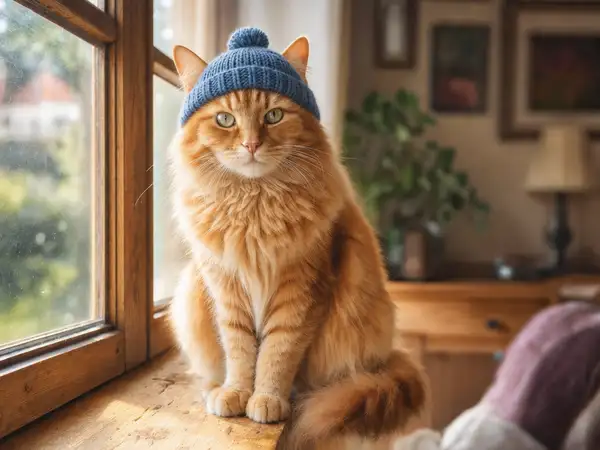
  • https://media.modelrunner.ai/P4LGfhH4cqlirVJHmNWgq.png

One or more reference images to edit (up to 16). Elements from multiple images can be combined into a single edited result.

Additional Settings

Customize your input with more control.

The size of the generated image. Either a named preset (square_hd, square, portrait_4_3, portrait_16_9, landscape_4_3, landscape_16_9) or a custom {"width", "height"} object in pixels.

Optional inpainting mask constraining which region of the image is edited. White areas mark where changes are allowed.

Min: 1 - Max: 4

The number of images to generate.

The format of the generated image.

You need to be logged in to run this model and view results.
Log in

Model çıktısı

Output

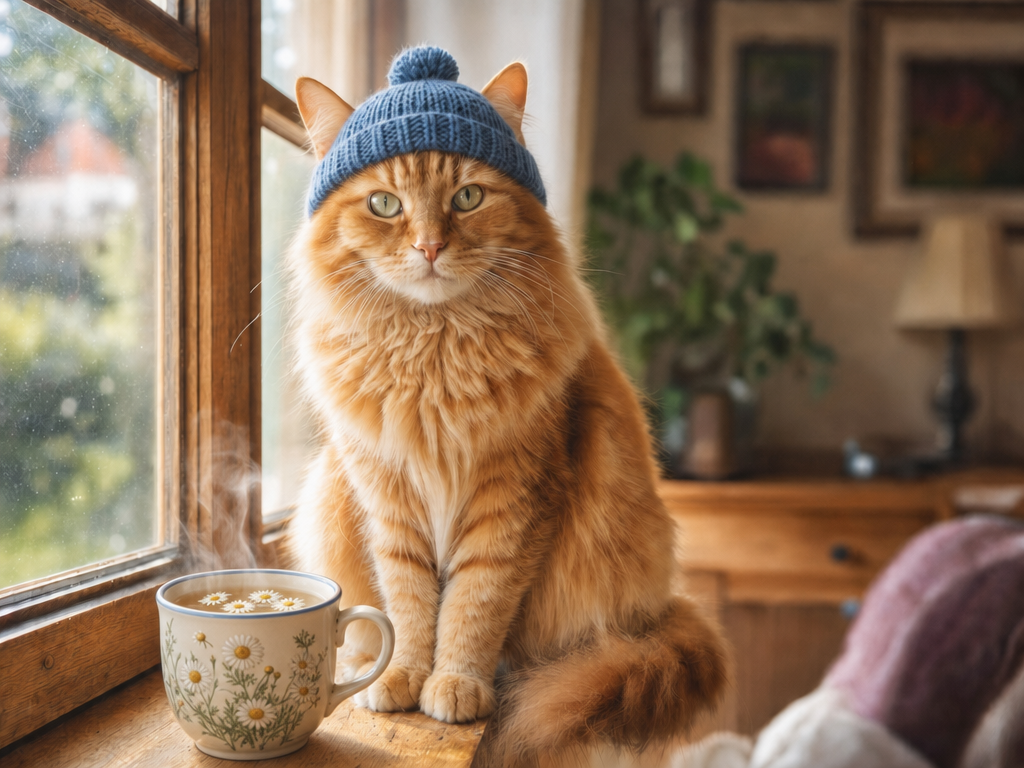
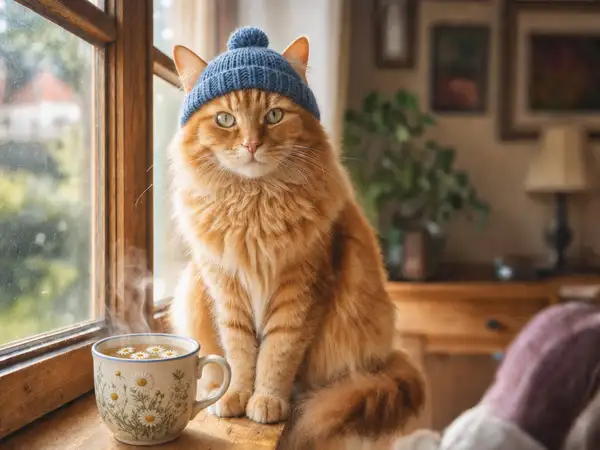
Generated image output
Generated in 153.616 seconds
Logs (1 lines)

Örnek istekler

Örnekler

Example output 1Example output 2Example output 3

GPT Image 2 Edit API

GPT Image 2 Edit is a image-to-image AI model by openai. On ModelRunner it runs through a REST API or via MCP from any AI assistant, at $0.151 per image.

POST https://queue.modelrunner.run/openai/gpt-image-2/edit

cURL

# Submit a request to the queue. Input fields go at the top level of the
# body. The optional reserved "metadata" object holds your own flat string
# tags — stored on the request, never sent to the model; filter later with
# GET https://queue.modelrunner.run/requests?metadata=<url-encoded JSON>.
curl -X POST https://queue.modelrunner.run/openai/gpt-image-2/edit \
  -H "Authorization: Key $MRUN_API_KEY" \
  -H "Content-Type: application/json" \
  -d '{
    "prompt": "Place a steaming cup of chamomile tea in a floral ceramic mug beside the cat on the windowsill, keeping the morning l…",
    "image_size": "landscape_4_3",
    "image_urls": [
      "https://media.modelrunner.ai/P4LGfhH4cqlirVJHmNWgq.png"
    ],
    "num_images": 1,
    "output_format": "png",
    "metadata": {
      "project": "my-project"
    }
  }'
# → { "request_id": "...", "status_url": "...", "response_url": "..." }

# Poll status_url until "COMPLETED", then fetch the result
curl "https://queue.modelrunner.run/openai/gpt-image-2/edit/requests/$REQUEST_ID/status" \
  -H "Authorization: Key $MRUN_API_KEY"
curl "https://queue.modelrunner.run/openai/gpt-image-2/edit/requests/$REQUEST_ID" \
  -H "Authorization: Key $MRUN_API_KEY"

JavaScript

import { modelrunner } from "@modelrunner/client";

const result = await modelrunner.subscribe("openai/gpt-image-2/edit", {
  input: {
    "prompt": "Place a steaming cup of chamomile tea in a floral ceramic mug beside the cat on the windowsill, keeping the morning l…",
    "image_size": "landscape_4_3",
    "image_urls": [
      "https://media.modelrunner.ai/P4LGfhH4cqlirVJHmNWgq.png"
    ],
    "num_images": 1,
    "output_format": "png"
  },
});
console.log(result);

Python

import os
import requests

headers = {"Authorization": f"Key {os.environ['MRUN_API_KEY']}"}

submitted = requests.post(
    "https://queue.modelrunner.run/openai/gpt-image-2/edit",
    headers=headers,
    json={
      "prompt": "Place a steaming cup of chamomile tea in a floral ceramic mug beside the cat on the windowsill, keeping the morning l…",
      "image_size": "landscape_4_3",
      "image_urls": [
        "https://media.modelrunner.ai/P4LGfhH4cqlirVJHmNWgq.png"
      ],
      "num_images": 1,
      "output_format": "png"
    },
).json()

# Poll submitted["status_url"] until "COMPLETED", then:
result = requests.get(submitted["response_url"], headers=headers).json()

Input parameters

Input parameters of GPT Image 2 Edit
NameTypeRequiredDescription
promptstringyesThe text prompt describing the edits to apply to the reference image(s). Put any words you want rendered inside the image in quotes.
image_urlsarrayyesOne or more reference images to edit (up to 16). Elements from multiple images can be combined into a single edited result.
image_sizeenumnoThe size of the generated image. Either a named preset (square_hd, square, portrait_4_3, portrait_16_9, landscape_4_3, landscape_16_9) or a custom {"width", "height"} object in pixels. One of: square_hd, square, portrait_4_3, portrait_16_9, landscape_4_3, landscape_16_9. Default: "landscape_4_3".
mask_urlstring (uri)noOptional inpainting mask constraining which region of the image is edited. White areas mark where changes are allowed.
num_imagesintegernoThe number of images to generate. Default: 1.
output_formatenumnoThe format of the generated image. One of: jpeg, png, webp. Default: "png".

Machine-readable: OpenAPI schema · llms.txt

Use GPT Image 2 Edit from Claude & Cursor (MCP)

Point Claude Code, Claude Desktop, Cursor, or any MCP client at the ModelRunner MCP server and GPT Image 2 Edit becomes a tool your assistant can call directly — it authorizes via OAuth (no API key in config) and runs this model with the run_model tool using the endpoint openai/gpt-image-2/edit.

MCP client config (Claude Desktop, Cursor)

{
  "mcpServers": {
    "modelrunner": {
      "command": "npx",
      "args": ["-y", "mcp-remote", "https://mcp.modelrunner.run/mcp"]
    }
  }
}

Claude Code

claude mcp add --transport http modelrunner https://mcp.modelrunner.run/mcp

Then ask your assistant, for example: “Run openai/gpt-image-2/edit on ModelRunner to generate image”. MCP setup guide.

Model Detayları

Model Detayları

GPT Image 2 Edit, mevcut bir görseli metin talimatına göre dönüştürür. Bir ya da daha fazla referans görsel ve değişikliği tarif eden bir prompt verin; model, değiştirmesini istemediğiniz kısımları koruyan, istediğiniz değişiklikleri ise hassas biçimde uygulayan düzenlenmiş bir görsel döndürür. Güçlü yanları temel modelden gelir: düzenleme talimatlarını sadakatle izler — nesne sayıları, yerleşim ve çok parçalı talimatlar dahil — ve doğru, okunaklı metni doğrudan düzenlemenin içine basar; böylece bir başlığı değiştirebilir, bir ürünün etiketini yenileyebilir ya da bir açıklama yazısı ekleyebilir ve hepsini doğru yazılmış olarak alabilirsiniz. Öğeleri birleştirmek için en fazla 16 referans görsel, düzenlemeyi belirli bir bölgeyle sınırlamak için de isteğe bağlı bir maske verin.

## En uygun olduğu işler - Bir ürünü ya da sahneyi yeniden kurgulamak — özneyi olduğu gibi koruyarak arka planı, ışığı ya da mekânı değiştirmek - Tipografi değişiklikleri — bir başlığı, etiketi ya da tabelayı doğru yazılmış yeni kelimelerle değiştirmek - Kompozisyonun geri kalanını koruyarak bir fotoğrafa nesne eklemek ya da fotoğraftan nesne çıkarmak - Mevcut bir görselin rengini değiştirmek, onu yeniden tarzlamak ya da ona tutarlı bir görünüm kazandırmak - Birkaç referans görseldeki öğeleri tek bir düzenlenmiş sonuçta birleştirmek

## Şu durumlarda başka bir model seçin - Kaynak görseliniz yoksa ve yalnızca metin prompt’undan üretmek istiyorsanız — text-to-image modelini kullanın: `openai/gpt-image-2` - Bir görseli canlandırmanız ya da görselden video üretmeniz gerekiyorsa — bir image-to-video modeli kullanın - Yalnızca basit bir arka plan kaldırma ya da upscaling gerekiyorsa — bu işe özel bir arka plan kaldırma ya da upscaling modeli daha ucuz ve daha öngörülebilirdir

## İpuçları - Düzenlemeye basılmasını istediğiniz kelimeleri prompt’ta tırnak içine alın - Düzenlemeyi bir bölgeyle sınırlamak için `mask_url` kullanın — maskeli bölge değişikliğe izin verilen yeri işaretler, geri kalan her şeye dokunulmaz - Yalnızca neyin değişmesi gerektiğini tarif edin; model bahsedilmeyen alanları sabit tutar - Birkaç referanstan öğe almak için `image_urls` içinde birden fazla URL verin - `image_size` çıktının kadrajını belirler: adlandırılmış bir hazır ayar (`landscape_4_3` varsayılandır) ya da tam bir boyut için piksel cinsinden özel bir `{ "width", "height" }` nesnesi verin (ör. `{ "width": 1280, "height": 720 }`, kenar başına en fazla 14142 px)

## Sınırlamalar - Görsel içindeki çok uzun ve yoğun metin paragraflarında yine de ara sıra yazım hataları görülebilir - Üst üste binen çok sayıda bölgeye yayılan yoğun düzenlemeler, ince detaylarda özgün görselden sapabilir - Çok küçük ya da aşırı stilize metinler okunaklılığını yitirebilir

ModelRunner JavaScript client ile çalıştırmak için: ```js import { modelrunner } from "@modelrunner/client";

const result = await modelrunner.subscribe("openai/gpt-image-2/edit", { input: { prompt: 'replace the sign text with "OPEN 24 HOURS"', image_urls: ["https://media.modelrunner.ai/NbkAtbHqJhJOZAs9M4mxP.png"], image_size: "landscape_4_3", num_images: 1, output_format: "png", }, }); ```