

Ana içeriğe geç
bytedance avatarı

Seedance 2.5 Reference to Video API

bytedance/seedance-v2.5/reference-to-video

30’a kadar referans görselle yönlendirilen video üretin — bir ürünü, karakteri, mekânı ya da stil referansını prompt’ta adlandırarak tek çekimde bir araya getirin.

Çözünürlüğe göre fiyatlandırılır

Model girdisi

Input

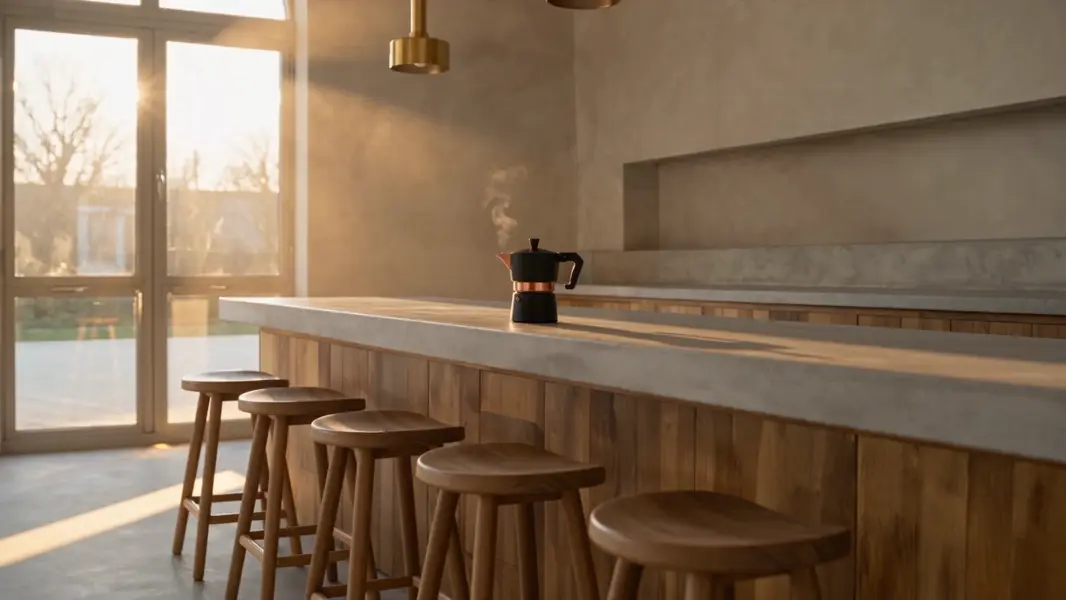
Describe the shot, the action, the camera move, and the sound. Address the reference images positionally as @Image1, @Image2 and so on, numbered by their order in reference_images: with a product photo first and a room photo second, '@Image1 rests on the counter in @Image2, steam rising as the camera pushes in' places the product from the first reference inside the room from the second. A reference the prompt never names is usually ignored or blended into the others, so name every one you send.

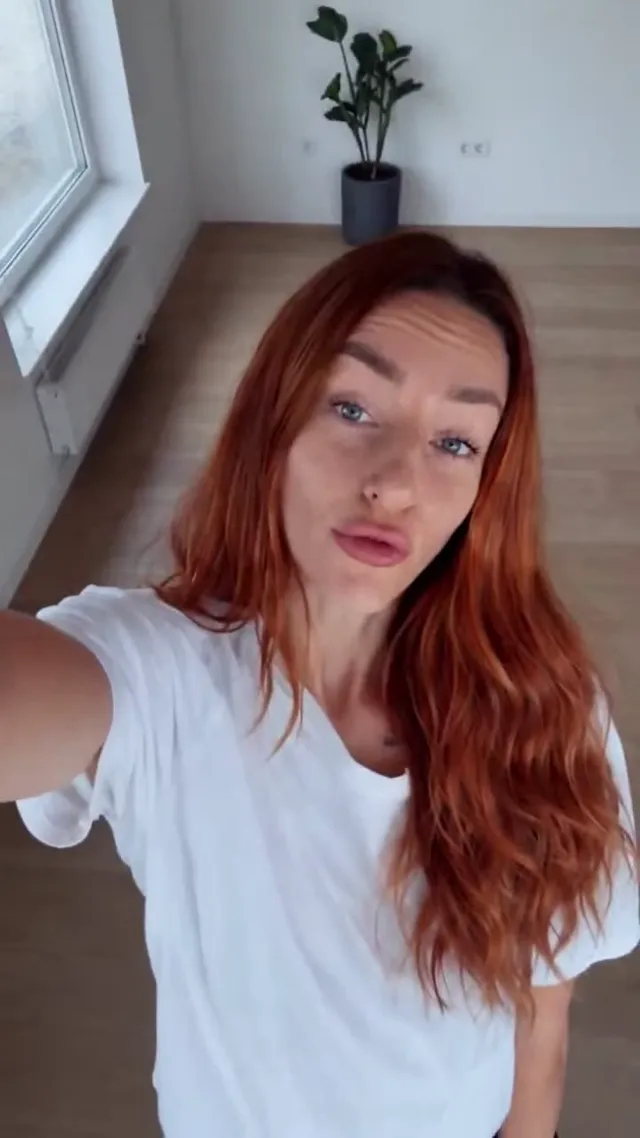
  • https://media.modelrunner.ai/bRAhJkxles6vwGMG-casual-apartment-tour-ref1.jpg

1 to 30 reference images that steer identity, wardrobe, product, location or style. The first entry is @Image1 in the prompt, the second @Image2, and so on. JPEG, PNG, WebP, BMP, TIFF or GIF; 300-6000 px on a side, aspect ratio between 1:2.5 and 2.5:1, under 30 MB each. The references do not fix the framing - set aspect_ratio for that.

Output resolution of the clip. 720p costs more per second of video than 480p.

Frame shape of the clip. Reference images do not dictate the framing on this variant, so pick the shape you want - a 16:9 request against 3:2 references returns a 16:9 clip. Use adaptive to let the model choose the framing instead.

Clip length in seconds, from 4 to 30. Leave at -1 (the default) to let the model choose an appropriate whole-second length inside that range. Billing is per second of finished video, so -1 makes the cost of a run variable.

Additional Settings

Customize your input with more control.

Generate a synchronized soundtrack (dialogue, ambience and sound effects) together with the picture. Set false for a silent clip; the price is the same either way.

Experimental: up to 10 short audio references for the generated soundtrack, addressed as @Audio1, @Audio2 and so on. Each clip 2-30 seconds, 30 seconds combined at most; WAV or MP3, under 15 MB each. The clips are accepted and add nothing to the price, but their effect on the finished soundtrack has not been verified - treat the field as experimental. They cannot be sent on their own: at least one reference image is always required.

You need to be logged in to run this model and view results.
Log in

Model çıktısı

Output

Loading
Logs (1 lines)

Örnek istekler

Örnekler

Example output 1Example output 2Example output 3Example output 4Example output 5Example output 6

Model fiyatlandırması

Fiyatlandırma

Fiyat, çıktı videonuzun hedef çözünürlüğüne göre değişir.

480p
$0.154
çıktı videosunun saniyesi başına
yani yaklaşık $1 ile 6 saniye
720p
$0.347
çıktı videosunun saniyesi başına
yani yaklaşık $1 ile 3 saniye

Seedance 2.5 Reference to Video API

Seedance 2.5 Reference to Video is a image-to-video AI model by bytedance. On ModelRunner it runs through a REST API or via MCP from any AI assistant, at $0.347 per second of video.

POST https://queue.modelrunner.run/bytedance/seedance-v2.5/reference-to-video

cURL

# Submit a request to the queue. Input fields go at the top level of the
# body. The optional reserved "metadata" object holds your own flat string
# tags — stored on the request, never sent to the model; filter later with
# GET https://queue.modelrunner.run/requests?metadata=<url-encoded JSON>.
curl -X POST https://queue.modelrunner.run/bytedance/seedance-v2.5/reference-to-video \
  -H "Authorization: Key $MRUN_API_KEY" \
  -H "Content-Type: application/json" \
  -d '{
    "prompt": "Vertical phone video, 30 seconds. A friend films a casual apartment tour\n\non a smartphone, walking behind and beside …",
    "duration": 29,
    "resolution": "480p",
    "aspect_ratio": "9:16",
    "generate_audio": true,
    "reference_images": [
      "https://media.modelrunner.ai/bRAhJkxles6vwGMG-casual-apartment-tour-ref1.jpg"
    ],
    "metadata": {
      "project": "my-project"
    }
  }'
# → { "request_id": "...", "status_url": "...", "response_url": "..." }

# Poll status_url until "COMPLETED", then fetch the result
curl "https://queue.modelrunner.run/bytedance/seedance-v2.5/reference-to-video/requests/$REQUEST_ID/status" \
  -H "Authorization: Key $MRUN_API_KEY"
curl "https://queue.modelrunner.run/bytedance/seedance-v2.5/reference-to-video/requests/$REQUEST_ID" \
  -H "Authorization: Key $MRUN_API_KEY"

JavaScript

import { modelrunner } from "@modelrunner/client";

const result = await modelrunner.subscribe("bytedance/seedance-v2.5/reference-to-video", {
  input: {
    "prompt": "Vertical phone video, 30 seconds. A friend films a casual apartment tour\n\non a smartphone, walking behind and beside …",
    "duration": 29,
    "resolution": "480p",
    "aspect_ratio": "9:16",
    "generate_audio": true,
    "reference_images": [
      "https://media.modelrunner.ai/bRAhJkxles6vwGMG-casual-apartment-tour-ref1.jpg"
    ]
  },
});
console.log(result);

Python

import os
import requests

headers = {"Authorization": f"Key {os.environ['MRUN_API_KEY']}"}

submitted = requests.post(
    "https://queue.modelrunner.run/bytedance/seedance-v2.5/reference-to-video",
    headers=headers,
    json={
      "prompt": "Vertical phone video, 30 seconds. A friend films a casual apartment tour\n\non a smartphone, walking behind and beside …",
      "duration": 29,
      "resolution": "480p",
      "aspect_ratio": "9:16",
      "generate_audio": true,
      "reference_images": [
        "https://media.modelrunner.ai/bRAhJkxles6vwGMG-casual-apartment-tour-ref1.jpg"
      ]
    },
).json()

# Poll submitted["status_url"] until "COMPLETED", then:
result = requests.get(submitted["response_url"], headers=headers).json()

Input parameters

Input parameters of Seedance 2.5 Reference to Video
NameTypeRequiredDescription
promptstringyesDescribe the shot, the action, the camera move, and the sound. Address the reference images positionally as @Image1, @Image2 and so on, numbered by their order in reference_images: with a product photo first and a room photo second, '@Image1 rests on the counter in @Image2, steam rising as the camera pushes in' places the product from the first reference inside the room from the second. A reference the prompt never names is usually ignored or blended into the others, so name every one you send.
reference_imagesarrayyes1 to 30 reference images that steer identity, wardrobe, product, location or style. The first entry is @Image1 in the prompt, the second @Image2, and so on. JPEG, PNG, WebP, BMP, TIFF or GIF; 300-6000 px on a side, aspect ratio between 1:2.5 and 2.5:1, under 30 MB each. The references do not fix the framing - set aspect_ratio for that.
resolutionenumnoOutput resolution of the clip. 720p costs more per second of video than 480p. One of: 480p, 720p. Default: "720p".
aspect_ratioenumnoFrame shape of the clip. Reference images do not dictate the framing on this variant, so pick the shape you want - a 16:9 request against 3:2 references returns a 16:9 clip. Use adaptive to let the model choose the framing instead. One of: 16:9, 4:3, 1:1, 3:4, 9:16, 21:9, adaptive. Default: "16:9".
durationintegernoClip length in seconds, from 4 to 30. Leave at -1 (the default) to let the model choose an appropriate whole-second length inside that range. Billing is per second of finished video, so -1 makes the cost of a run variable. Default: -1.
generate_audiobooleannoGenerate a synchronized soundtrack (dialogue, ambience and sound effects) together with the picture. Set false for a silent clip; the price is the same either way. Default: true.
reference_audiosarraynoExperimental: up to 10 short audio references for the generated soundtrack, addressed as @Audio1, @Audio2 and so on. Each clip 2-30 seconds, 30 seconds combined at most; WAV or MP3, under 15 MB each. The clips are accepted and add nothing to the price, but their effect on the finished soundtrack has not been verified - treat the field as experimental. They cannot be sent on their own: at least one reference image is always required.

Machine-readable: OpenAPI schema · llms.txt

Use Seedance 2.5 Reference to Video from Claude & Cursor (MCP)

Point Claude Code, Claude Desktop, Cursor, or any MCP client at the ModelRunner MCP server and Seedance 2.5 Reference to Video becomes a tool your assistant can call directly — it authorizes via OAuth (no API key in config) and runs this model with the run_model tool using the endpoint bytedance/seedance-v2.5/reference-to-video.

MCP client config (Claude Desktop, Cursor)

{
  "mcpServers": {
    "modelrunner": {
      "command": "npx",
      "args": ["-y", "mcp-remote", "https://mcp.modelrunner.run/mcp"]
    }
  }
}

Claude Code

claude mcp add --transport http modelrunner https://mcp.modelrunner.run/mcp

Then ask your assistant, for example: “Run bytedance/seedance-v2.5/reference-to-video on ModelRunner to generate video”. MCP setup guide.

Model Detayları

Model Detayları

Seedance 2.5 Reference to Video, tek bir başlangıç karesi yerine referans malzemesinden bir klip kurar. 1 ile 30 arasında referans görsel gönderin — bir ürün, bir karakter, bir mekân, bir aksesuar, bir stil referansı — ve çekimi tarif edin; her birine prompt’ta sırasına göre `@Image1`, `@Image2` diye seslenin, böylece hangi referansın nereye düşeceğine siz karar verin. Bir araya getirmeyi mümkün kılan da budur: `@Image1 rests on the counter in @Image2`, ilk referanstaki nesneyi ikinci referanstaki odaya yerleştirir ve bitmiş çekimde iki referans da görünür. Burada hiçbir şey, verilen bir karenin yaptığı gibi çerçeveyi sabitlemez; bu yüzden `aspect_ratio` serbest bir seçim olarak kalır — 16:9, 4:3, 1:1, 3:4, 9:16, 21:9 ya da adaptive — ve tek bir çekim 24 fps’de 30 saniyeye kadar sürer; görüntüyle birlikte üretilen senkronize bir ses bandı da ek ücret olmadan gelir. Çıktı 480p ya da 720p’dir.

## En uygun olduğu işler - Ayrı referansları — özne, aksesuar, mekân, stil referansı — üretilmiş tek bir sahnede bir araya getirmek - Bir ürünü, karakteri, kıyafeti ya da dekoru çekim yapmadan klip boyunca tutarlı tutmak - Prompt’ta `@Image1`, `@Image2` diye adlandırarak hangi referansın tam olarak nereye gideceğini yönlendirmek - Yatay referanslardan doğrudan üretilen dikey, kare ya da 21:9 klipler; yeniden kırpma yok - 30 saniyeye kadar uzun tek çekimler; ortam sesi ve diyalog görüntüyle birlikte üretilir

## Şu durumlarda başka bir model seçin - 720p üzeri çıktı gerekiyorsa: bu nesil en fazla 720p verir — 1080p’ye çıkan `bytedance/seedance-v2/reference-to-video` kullanın - Bir araya getirilecek referanslar yerine canlandıracağınız tek bir başlangıç kareniz varsa — `bytedance/seedance-v2.5/image-to-video` kullanın - Çekimi mevcut bir video klipten yönlendirmek istiyorsanız: bu varyant yalnızca görsel ve ses referanslarını kabul eder, video kabul etmez - Tekrarlanabilir çalıştırmalar için sabit bir seed ya da kilitli bir kamera gerekiyorsa: bu nesilde iki girdi de yok

## İpuçları - Her referansı prompt’ta adlandırın — prompt’un hiç anmadığı bir referans genellikle yok sayılır ya da diğerlerinin içinde erir - Prompt’u harekete, kameraya, ışığa ve sese ayırın; görünüşü referanslar taşır, onları yeniden tarif etmeyin - Numaralandırma dizi sırasını izler: `@Image1`, `reference_images` içindeki ilk öğedir, `@Image2` ikincisidir - Maliyet önemliyse `duration` değerini kendiniz belirleyin: faturalandırma bitmiş videonun saniyesi üzerindendir, `-1` ise süreyi 30 saniyeye kadar açık bırakır - `reference_audios` deneyseldir: klipler kabul edilir ve ek ücrete yol açmaz, ancak ses bandına etkisi doğrulanmamıştır

ModelRunner JavaScript client ile çalıştırmak için: ```js import { modelrunner } from "@modelrunner/client";

const result = await modelrunner.subscribe("bytedance/seedance-v2.5/reference-to-video", { input: { reference_images: [ "https://media.modelrunner.ai/D2FAkKEZ7WbZsyjLhyC7T.jpeg", "https://media.modelrunner.ai/7BLQ9IGMlfwwjE2JPCNf8.jpeg", ], prompt: "@Image1 rests on the counter in @Image2, a thin curl of steam rising from it as the morning light shifts across the room and the camera pushes in", resolution: "720p", aspect_ratio: "16:9", duration: 8, generate_audio: true, }, }); ```