



Ana içeriğe geç
black-forest-labs avatarı

FLUX.2 [flex] API

black-forest-labs/flux-2/flex

Metin prompt’undan görsel üretin; ayarlanabilir inference adımı ve guidance scale ile hız, sadakat ve görsel içindeki metin üzerinde ince ayar yapın.

Megapiksele göre fiyatlandırılır

Model girdisi

Input

The text prompt describing the image to generate.

The size of the generated image. Use a preset string (e.g. 'landscape_16_9') or a custom {width, height} object.

Additional Settings

Customize your input with more control.

The same seed and the same prompt given to the same version of the model will output the same image every time.

The safety tolerance level for the generated image. 1 being the most strict and 5 being the most permissive.

Safety checker can only be disabled on API call

The format of the generated image.

Min: 1.5 - Max: 10

The guidance scale to use for generation. Higher values follow the prompt more literally; lower values give the model more freedom.

Min: 2 - Max: 50

The number of inference steps. More steps generally improve fidelity at the cost of speed.

You need to be logged in to run this model and view results.
Log in

Model çıktısı

Output

Generated image output
Generated in 9.044 seconds
Logs (1 lines)

Örnek istekler

Örnekler

Example output 1Example output 2Example output 3Example output 4Example output 5

Model fiyatlandırması

Fiyatlandırma

Fiyat, çıktı görselinizin megapiksel sayısına göre değişir.

1 MP’ye kadar
$0.0500
görsel megapikseli başına
yani yaklaşık $1 ile 20 megapiksel
2 MP’ye kadar
$0.1000
görsel megapikseli başına
yani yaklaşık $1 ile 10 megapiksel
3 MP’ye kadar
$0.1500
görsel megapikseli başına
yani yaklaşık $1 ile 7 megapiksel
4 MP’ye kadar
$0.2000
görsel megapikseli başına
yani yaklaşık $1 ile 5 megapiksel
5 MP’ye kadar
$0.2500
görsel megapikseli başına
yani yaklaşık $1 ile 4 megapiksel

FLUX.2 [flex] API

FLUX.2 [flex] is a text-to-image AI model by black-forest-labs. On ModelRunner it runs through a REST API or via MCP from any AI assistant with pay-per-use pricing.

POST https://queue.modelrunner.run/black-forest-labs/flux-2/flex

cURL

# Submit a request to the queue. Input fields go at the top level of the
# body. The optional reserved "metadata" object holds your own flat string
# tags — stored on the request, never sent to the model; filter later with
# GET https://queue.modelrunner.run/requests?metadata=<url-encoded JSON>.
curl -X POST https://queue.modelrunner.run/black-forest-labs/flux-2/flex \
  -H "Authorization: Key $MRUN_API_KEY" \
  -H "Content-Type: application/json" \
  -d '{
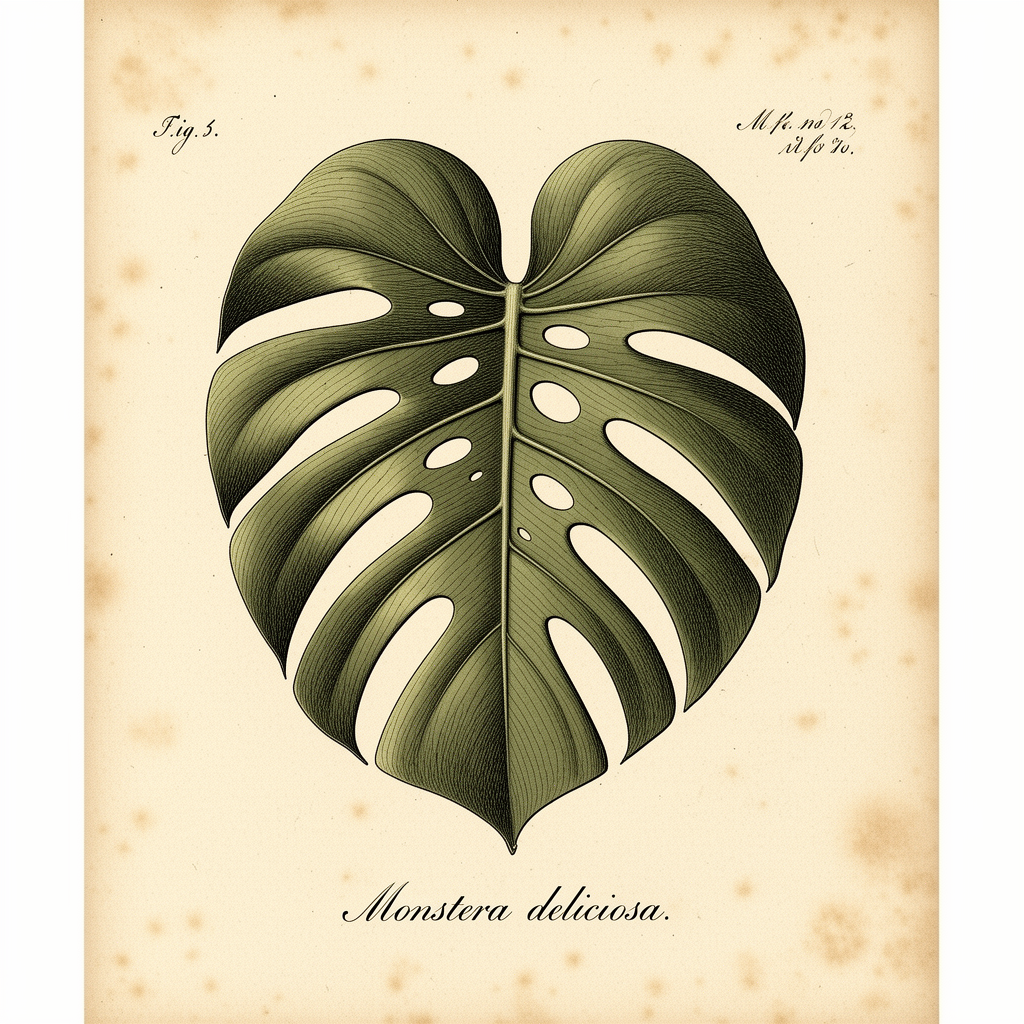
    "prompt": "An intricate botanical illustration of a monstera leaf in the style of a 19th-century scientific field guide, fine in…",
    "image_size": "square_hd",
    "output_format": "png",
    "guidance_scale": 3,
    "safety_tolerance": "2",
    "num_inference_steps": 24,
    "enable_safety_checker": true,
    "metadata": {
      "project": "my-project"
    }
  }'
# → { "request_id": "...", "status_url": "...", "response_url": "..." }

# Poll status_url until "COMPLETED", then fetch the result
curl "https://queue.modelrunner.run/black-forest-labs/flux-2/flex/requests/$REQUEST_ID/status" \
  -H "Authorization: Key $MRUN_API_KEY"
curl "https://queue.modelrunner.run/black-forest-labs/flux-2/flex/requests/$REQUEST_ID" \
  -H "Authorization: Key $MRUN_API_KEY"

JavaScript

import { modelrunner } from "@modelrunner/client";

const result = await modelrunner.subscribe("black-forest-labs/flux-2/flex", {
  input: {
    "prompt": "An intricate botanical illustration of a monstera leaf in the style of a 19th-century scientific field guide, fine in…",
    "image_size": "square_hd",
    "output_format": "png",
    "guidance_scale": 3,
    "safety_tolerance": "2",
    "num_inference_steps": 24,
    "enable_safety_checker": true
  },
});
console.log(result);

Python

import os
import requests

headers = {"Authorization": f"Key {os.environ['MRUN_API_KEY']}"}

submitted = requests.post(
    "https://queue.modelrunner.run/black-forest-labs/flux-2/flex",
    headers=headers,
    json={
      "prompt": "An intricate botanical illustration of a monstera leaf in the style of a 19th-century scientific field guide, fine in…",
      "image_size": "square_hd",
      "output_format": "png",
      "guidance_scale": 3,
      "safety_tolerance": "2",
      "num_inference_steps": 24,
      "enable_safety_checker": true
    },
).json()

# Poll submitted["status_url"] until "COMPLETED", then:
result = requests.get(submitted["response_url"], headers=headers).json()

Input parameters

Input parameters of FLUX.2 [flex]
NameTypeRequiredDescription
promptstringyesThe text prompt describing the image to generate.
image_sizeenumnoThe size of the generated image. Use a preset string (e.g. 'landscape_16_9') or a custom {width, height} object. One of: square_hd, square, portrait_4_3, portrait_16_9, landscape_4_3, landscape_16_9. Default: "landscape_4_3".
seedintegernoThe same seed and the same prompt given to the same version of the model will output the same image every time.
safety_toleranceenumnoThe safety tolerance level for the generated image. 1 being the most strict and 5 being the most permissive. One of: 1, 2, 3, 4, 5. Default: "2".
enable_safety_checkerbooleannoIf set to true, the safety checker will be enabled. Default: true.
output_formatenumnoThe format of the generated image. One of: jpeg, png. Default: "jpeg".
guidance_scalenumbernoThe guidance scale to use for generation. Higher values follow the prompt more literally; lower values give the model more freedom. Default: 3.5.
num_inference_stepsintegernoThe number of inference steps. More steps generally improve fidelity at the cost of speed. Default: 28.

Machine-readable: OpenAPI schema · llms.txt

Use FLUX.2 [flex] from Claude & Cursor (MCP)

Point Claude Code, Claude Desktop, Cursor, or any MCP client at the ModelRunner MCP server and FLUX.2 [flex] becomes a tool your assistant can call directly — it authorizes via OAuth (no API key in config) and runs this model with the run_model tool using the endpoint black-forest-labs/flux-2/flex.

MCP client config (Claude Desktop, Cursor)

{
  "mcpServers": {
    "modelrunner": {
      "command": "npx",
      "args": ["-y", "mcp-remote", "https://mcp.modelrunner.run/mcp"]
    }
  }
}

Claude Code

claude mcp add --transport http modelrunner https://mcp.modelrunner.run/mcp

Then ask your assistant, for example: “Run black-forest-labs/flux-2/flex on ModelRunner to generate image”. MCP setup guide.

Model Detayları

Model Detayları

Black Forest Labs imzalı FLUX.2 [flex], metin prompt’unu yüksek kaliteli bir görsele dönüştürür. Sabit pipeline çalıştıran [pro] kademesinin aksine ileri düzey kullanıcılara iki ayar açar — `num_inference_steps` ve `guidance_scale` — böylece hız ile hassasiyet arasındaki dengeyi her istekte ayrı ayrı kurarsınız. Hızlı taslaklar için adım sayısını düşürün, en yüksek detay için yükseltin; görselin yazdıklarınıza ne kadar sıkı bağlı kalacağını da guidance ile ayarlayın. Geliştirilmiş tipografi ve metin basma yeteneğiyle gelir; bu da onu okunaklı yazı gerektiren tasarımlar ya da sampling sürecini ince ayarla yönetmek istediğiniz işler için güçlü bir seçenek yapar. Hafif [dev] kademesi ile sabit pipeline’lı [pro]/[max] kademeleri arasında yer alır: [pro]’dan daha ayarlanabilir, [dev]’den daha yeteneklidir.

## En uygun olduğu işler - Kalite ile hız arasındaki dengeyi adım sayısı ve guidance ile kendiniz ayarlamak istediğiniz prompt’lar - Okunaklı tipografi ve görsel içinde doğru yazılmış metin gerektiren tasarımlar - Aynı prompt’u düşük adımlı hızlı bir taslaktan yüksek adımlı nihai render’a kadar yinelemek - Tek bir açıklamadan fotogerçekçi sahneler, ürün çekimleri ve ayrıntılı illüstrasyonlar - Daha sıkı sonuçlar için guidance değerini yükseltmek istediğiniz, prompt uyumunun kritik olduğu işler

## Şu durumlarda başka bir model seçin - Hiçbir ayarla uğraşmadan en iyi çıktıyı istiyorsanız ve maliyet ikinci plandaysa — sabit, ince ayarlı bir pipeline çalıştıran FLUX.2 [pro] (`black-forest-labs/flux-2/pro`) kullanın - En ucuz ve en hızlı yinelemeyi istiyor, daha düşük sadakati kabul ediyorsanız — FLUX.2 [dev] (`black-forest-labs/flux-2`) kullanın - Sıfırdan görsel üretmek yerine mevcut bir görseli düzenlemek, yeniden tarzlamak ya da değiştirmek istiyorsanız — bir görsel düzenleme / image-to-image modeli kullanın - Prompt’unuzdan video ya da animasyon istiyorsanız — bir text-to-video modeli kullanın

## İpuçları - `num_inference_steps` 2–50 aralığındadır (varsayılan 28): hızlı prototipleme için 10–20, en yüksek sadakat için 40–50 deneyin - `guidance_scale` 1.5–10 aralığındadır (varsayılan 3.5): yüksek değerler prompt’u daha harfiyen izler, düşük değerler modele daha fazla serbestlik tanır - `image_size` değerini yerleşime göre seçin: geniş sahneler için `landscape_16_9` / `landscape_4_3`, dikey için `portrait_4_3` / `portrait_16_9`, sosyal medya için `square` / `square_hd`; ya da özel bir `{width, height}` nesnesi verin - `safety_tolerance` `"1"` (en sıkı) ile `"5"` (en serbest) arasında değişir, varsayılanı `"2"`; yalnızca zararsız prompt’lar engelleniyorsa yükseltin

ModelRunner JavaScript client ile çalıştırmak için: ```js import { modelrunner } from "@modelrunner/client";

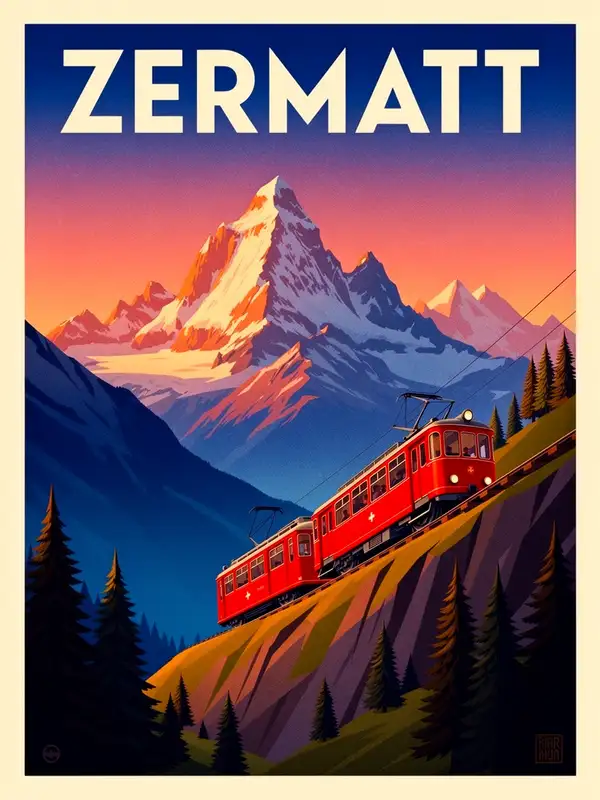
const result = await modelrunner.subscribe("black-forest-labs/flux-2/flex", { input: { prompt: "a vintage travel poster for the Alps with bold legible title text, golden hour", image_size: "portrait_4_3", num_inference_steps: 40, guidance_scale: 4.5, output_format: "png", }, }); ```