
Model Details
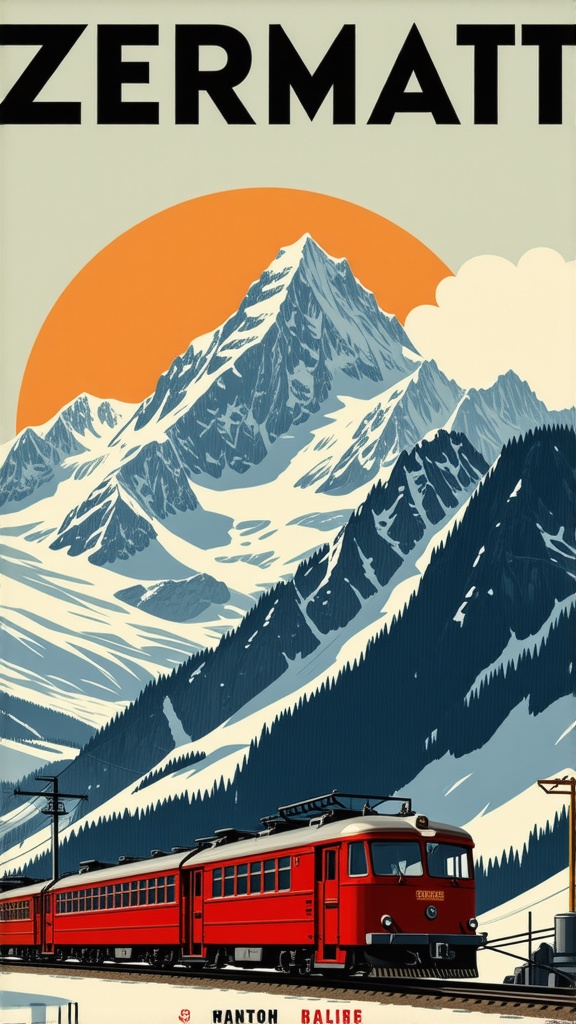
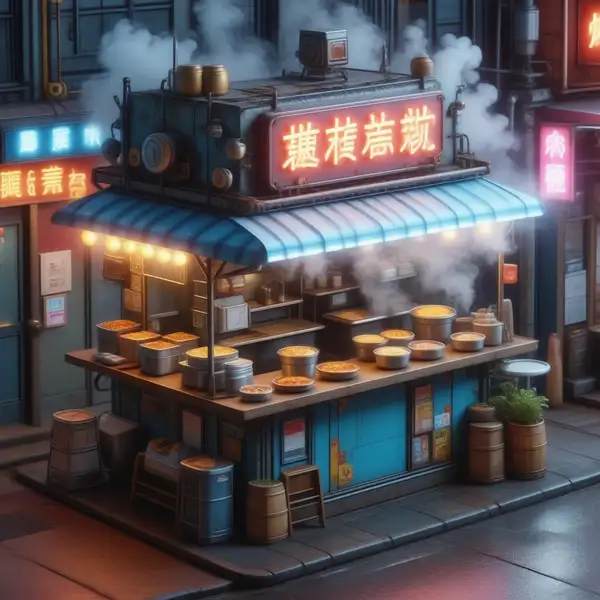
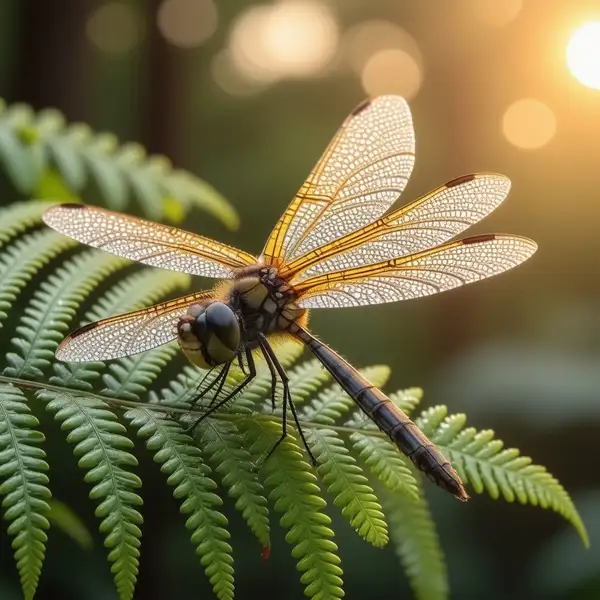
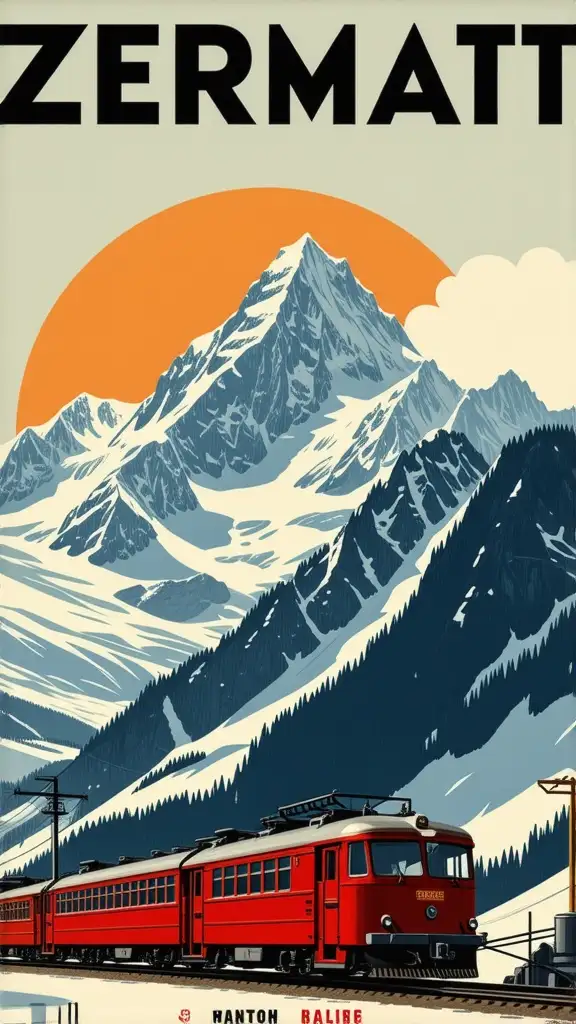
Stable Diffusion 3.5 Large Turbo turns a text prompt into a high-quality image in just a few inference steps. It is the distilled, speed-optimized tier of Stability AI's 8-billion-parameter Multimodal Diffusion Transformer (MMDiT): it keeps the family's strong prompt adherence, accurate typography, and stylistic range from photorealism to illustration, but generates far faster and cheaper than the standard Large model — around 4 steps and roughly 2 seconds per image. Give it a descriptive prompt and pick an image size; it returns one generated image. Its standout strength is throughput at a low per-megapixel price, making it the default choice for high-volume, latency-sensitive, or budget-sensitive text-to-image work.
## Best for - Fast, high-volume image generation from a text description - Low-latency and near-real-time image previews and iteration - Budget-sensitive batch generation at the lowest per-megapixel price in the SD 3.5 family - Rendering legible text, signage, and typography inside an image - Concept art, illustration, and marketing visuals from a prompt
## Choose another model when - You need the highest fidelity or the strongest complex multi-subject prompt adherence — use the standard Stable Diffusion 3.5 Large - You want a balance of quality and cost with more inference-step headroom — use the 2.5B Stable Diffusion 3.5 Medium - You want to edit, restyle, or inpaint an existing image rather than generate from scratch — use an image-editing model - You need to enlarge or add detail to an existing image — use an upscaling model - You need a video or animation — use a text-to-video model
## Tips - Because this is a few-step distilled model, `num_inference_steps` defaults to 4 and is capped at 12; raising it toward 8-12 can add fine detail at some speed cost, but you rarely need more - `guidance_scale` defaults to 0 because the model is guidance-distilled — leave it at 0 for best results; raising it is usually unnecessary and can hurt image quality - Be specific about subject, setting, lighting, and style; a detailed prompt matters more here than heavy guidance - Use `negative_prompt` to exclude unwanted elements (e.g. "blurry, extra fingers, watermark") - Set `image_size` to a preset ("square_hd", "portrait_16_9", "landscape_4_3", …) or pass a custom `{ width, height }` object
To run via the ModelRunner JavaScript client: ```js import { modelrunner } from "@modelrunner/client";
const result = await modelrunner.subscribe("stability-ai/stable-diffusion-v3.5-large-turbo", { input: { prompt: "a serene mountain lake at golden hour, mist over the water, photorealistic", image_size: "landscape_4_3", num_inference_steps: 4, guidance_scale: 0, }, }); ```