




stability-ai avatar

Stable Diffusion 3.5 Large Turbo API

stability-ai/stable-diffusion-v3.5-large-turbo

Generate high-quality images from a text prompt in just a few steps — the fastest, lowest-cost Stable Diffusion 3.5 tier.

0.015 per megapixel of image

Model Input

Input

The text prompt describing the image to generate.

The size of the generated image. Choose a preset (e.g. 'square_hd', 'portrait_16_9') or pass a custom {width, height} object.

Min: 1 - Max: 12

The number of inference steps to perform. This is a few-step distilled model: the default is 4 and the maximum is 12. Raising it can add detail at the cost of speed.

Additional Settings

Customize your input with more control.

Min: 0 - Max: 20

The CFG (Classifier Free Guidance) scale. This model is guidance-distilled and defaults to 0; raising it is usually unnecessary and can reduce quality.

Describe what you do NOT want to appear in the image.

The same seed and the same prompt given to the same version of the model will output the same image every time.

The format of the generated image.

Safety checker can only be disabled on API call

You need to be logged in to run this model and view results.
Log in

Model Output

Output

Generated image output
Generated in 3.48 seconds
Logs (1 lines)

Model Example Requests

Examples

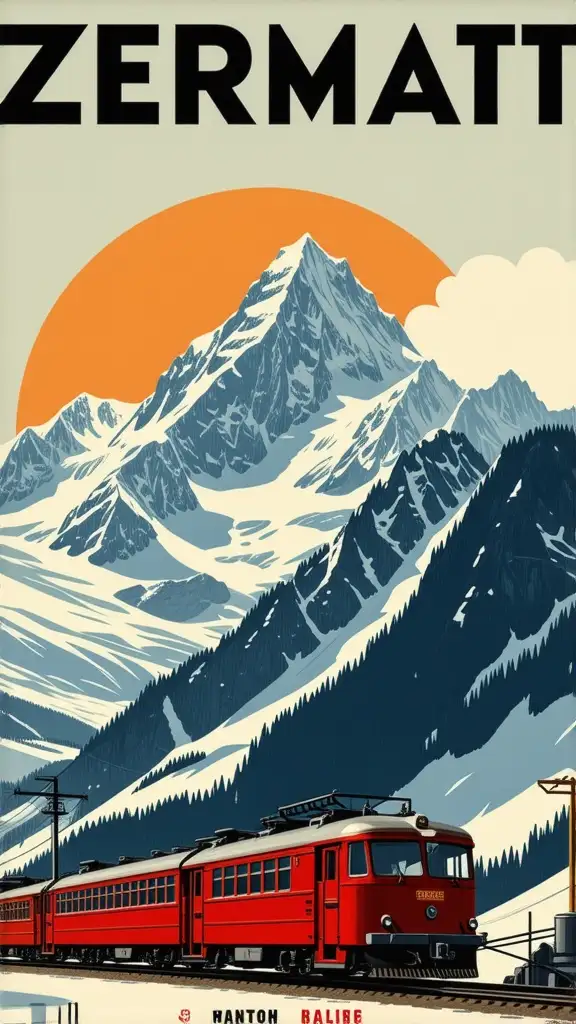
Example output 1Example output 2Example output 3Example output 4Example output 5

Stable Diffusion 3.5 Large Turbo API

Stable Diffusion 3.5 Large Turbo is a text-to-image AI model by stability-ai. On ModelRunner it runs through a REST API or via MCP from any AI assistant, at $0.015 per megapixel.

POST https://queue.modelrunner.run/stability-ai/stable-diffusion-v3.5-large-turbo

cURL

# Submit a request to the queue. Input fields go at the top level of the
# body. The optional reserved "metadata" object holds your own flat string
# tags — stored on the request, never sent to the model; filter later with
# GET https://queue.modelrunner.run/requests?metadata=<url-encoded JSON>.
curl -X POST https://queue.modelrunner.run/stability-ai/stable-diffusion-v3.5-large-turbo \
  -H "Authorization: Key $MRUN_API_KEY" \
  -H "Content-Type: application/json" \
  -d '{
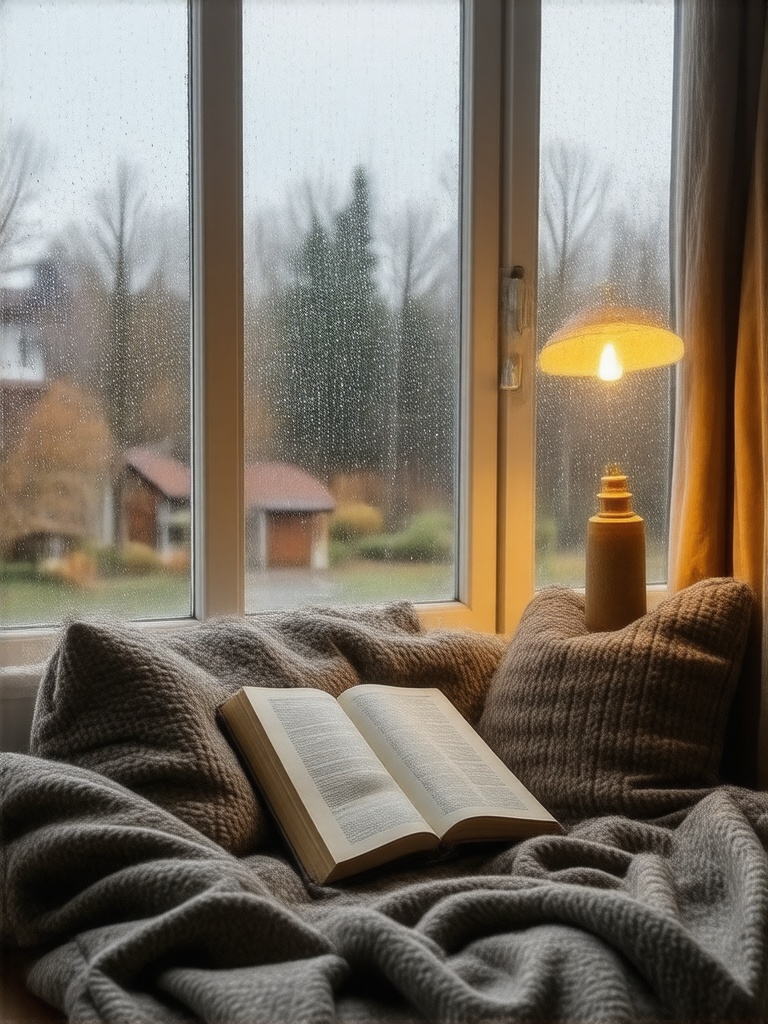
    "prompt": "a cozy Scandinavian reading nook by a rain-streaked window, warm lamplight, soft wool textures, photorealistic",
    "image_size": "portrait_4_3",
    "output_format": "jpeg",
    "guidance_scale": 0,
    "negative_prompt": "",
    "num_inference_steps": 4,
    "enable_safety_checker": true,
    "metadata": {
      "project": "my-project"
    }
  }'
# → { "request_id": "...", "status_url": "...", "response_url": "..." }

# Poll status_url until "COMPLETED", then fetch the result
curl "https://queue.modelrunner.run/stability-ai/stable-diffusion-v3.5-large-turbo/requests/$REQUEST_ID/status" \
  -H "Authorization: Key $MRUN_API_KEY"
curl "https://queue.modelrunner.run/stability-ai/stable-diffusion-v3.5-large-turbo/requests/$REQUEST_ID" \
  -H "Authorization: Key $MRUN_API_KEY"

JavaScript

import { modelrunner } from "@modelrunner/client";

const result = await modelrunner.subscribe("stability-ai/stable-diffusion-v3.5-large-turbo", {
  input: {
    "prompt": "a cozy Scandinavian reading nook by a rain-streaked window, warm lamplight, soft wool textures, photorealistic",
    "image_size": "portrait_4_3",
    "output_format": "jpeg",
    "guidance_scale": 0,
    "negative_prompt": "",
    "num_inference_steps": 4,
    "enable_safety_checker": true
  },
});
console.log(result);

Python

import os
import requests

headers = {"Authorization": f"Key {os.environ['MRUN_API_KEY']}"}

submitted = requests.post(
    "https://queue.modelrunner.run/stability-ai/stable-diffusion-v3.5-large-turbo",
    headers=headers,
    json={
      "prompt": "a cozy Scandinavian reading nook by a rain-streaked window, warm lamplight, soft wool textures, photorealistic",
      "image_size": "portrait_4_3",
      "output_format": "jpeg",
      "guidance_scale": 0,
      "negative_prompt": "",
      "num_inference_steps": 4,
      "enable_safety_checker": true
    },
).json()

# Poll submitted["status_url"] until "COMPLETED", then:
result = requests.get(submitted["response_url"], headers=headers).json()

Input parameters

NameTypeRequiredDescription
promptstringyesThe text prompt describing the image to generate.
image_sizeenumnoThe size of the generated image. Choose a preset (e.g. 'square_hd', 'portrait_16_9') or pass a custom {width, height} object. Default: "landscape_4_3".
num_inference_stepsintegernoThe number of inference steps to perform. This is a few-step distilled model: the default is 4 and the maximum is 12. Raising it can add detail at the cost of speed. Default: 4.
guidance_scalenumbernoThe CFG (Classifier Free Guidance) scale. This model is guidance-distilled and defaults to 0; raising it is usually unnecessary and can reduce quality. Default: 0.
negative_promptstringnoDescribe what you do NOT want to appear in the image. Default: "".
seedintegernoThe same seed and the same prompt given to the same version of the model will output the same image every time.
output_formatenumnoThe format of the generated image. Default: "jpeg".
enable_safety_checkerbooleannoIf set to true, the safety checker will be enabled. Default: true.

Machine-readable: OpenAPI schema · llms.txt

Use Stable Diffusion 3.5 Large Turbo from Claude & Cursor (MCP)

Point Claude Code, Claude Desktop, Cursor, or any MCP client at the ModelRunner MCP server and Stable Diffusion 3.5 Large Turbo becomes a tool your assistant can call directly — it authorizes via OAuth (no API key in config) and runs this model with the run_model tool using the endpoint stability-ai/stable-diffusion-v3.5-large-turbo.

MCP client config (Claude Desktop, Cursor)

{
  "mcpServers": {
    "modelrunner": {
      "command": "npx",
      "args": ["-y", "mcp-remote", "https://mcp.modelrunner.run/mcp"]
    }
  }
}

Claude Code

claude mcp add --transport http modelrunner https://mcp.modelrunner.run/mcp

Then ask your assistant, for example: “Run stability-ai/stable-diffusion-v3.5-large-turbo on ModelRunner to generate image”. MCP setup guide.

Model Details

Model Details

Stable Diffusion 3.5 Large Turbo turns a text prompt into a high-quality image in just a few inference steps. It is the distilled, speed-optimized tier of Stability AI's 8-billion-parameter Multimodal Diffusion Transformer (MMDiT): it keeps the family's strong prompt adherence, accurate typography, and stylistic range from photorealism to illustration, but generates far faster and cheaper than the standard Large model — around 4 steps and roughly 2 seconds per image. Give it a descriptive prompt and pick an image size; it returns one generated image. Its standout strength is throughput at a low per-megapixel price, making it the default choice for high-volume, latency-sensitive, or budget-sensitive text-to-image work.

## Best for - Fast, high-volume image generation from a text description - Low-latency and near-real-time image previews and iteration - Budget-sensitive batch generation at the lowest per-megapixel price in the SD 3.5 family - Rendering legible text, signage, and typography inside an image - Concept art, illustration, and marketing visuals from a prompt

## Choose another model when - You need the highest fidelity or the strongest complex multi-subject prompt adherence — use the standard Stable Diffusion 3.5 Large - You want a balance of quality and cost with more inference-step headroom — use the 2.5B Stable Diffusion 3.5 Medium - You want to edit, restyle, or inpaint an existing image rather than generate from scratch — use an image-editing model - You need to enlarge or add detail to an existing image — use an upscaling model - You need a video or animation — use a text-to-video model

## Tips - Because this is a few-step distilled model, `num_inference_steps` defaults to 4 and is capped at 12; raising it toward 8-12 can add fine detail at some speed cost, but you rarely need more - `guidance_scale` defaults to 0 because the model is guidance-distilled — leave it at 0 for best results; raising it is usually unnecessary and can hurt image quality - Be specific about subject, setting, lighting, and style; a detailed prompt matters more here than heavy guidance - Use `negative_prompt` to exclude unwanted elements (e.g. "blurry, extra fingers, watermark") - Set `image_size` to a preset ("square_hd", "portrait_16_9", "landscape_4_3", …) or pass a custom `{ width, height }` object

To run via the ModelRunner JavaScript client: ```js import { modelrunner } from "@modelrunner/client";

const result = await modelrunner.subscribe("stability-ai/stable-diffusion-v3.5-large-turbo", { input: { prompt: "a serene mountain lake at golden hour, mist over the water, photorealistic", image_size: "landscape_4_3", num_inference_steps: 4, guidance_scale: 0, }, }); ```