
sczhou avatar

CodeFormer API

sczhou/codeformer

Restore and enhance blurry, low-resolution, compressed, or old face photos into a sharp, detailed image.

refine
0.0021 per megapixel of image

Model Input

Input

URL of the photo to restore — works best on faces that are blurry, low-resolution, compressed, scanned, or otherwise degraded.

Min: 0 - Max: 1

Balance between restoration quality and identity preservation. Lower values (toward 0) enhance more aggressively; higher values (toward 1) stay closer to the original face.

Min: 1

Output enlargement ratio. The whole image is enlarged by this factor.

Additional Settings

Customize your input with more control.

Whether detected faces should be upscaled.

Set to true only when the input is an already face-aligned crop; leave false for normal photos so faces are detected and aligned automatically.

Restore only the central face instead of every detected face.

Random seed for reproducible generation.

You need to be logged in to run this model and view results.
Log in

Model Output

Output

Loading
Generated in 26.869 seconds
Logs (1 lines)

Model Example Requests

Examples

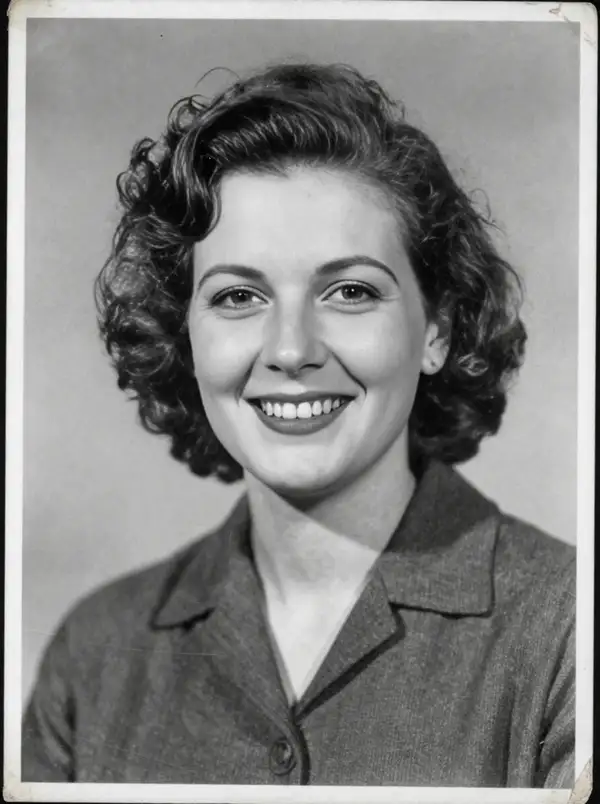
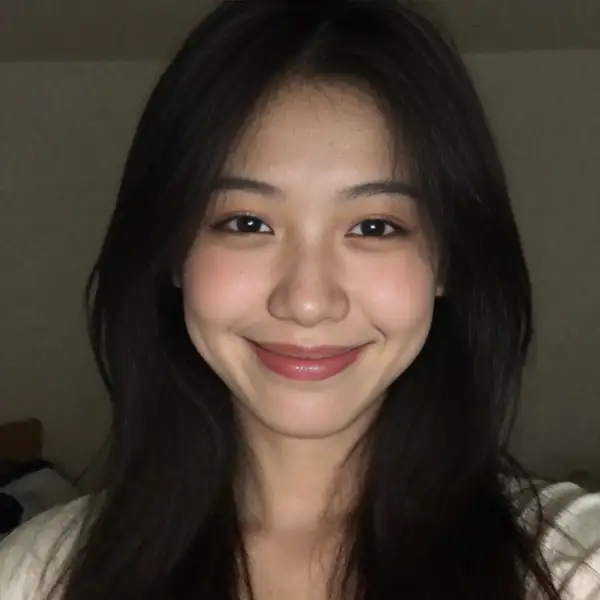
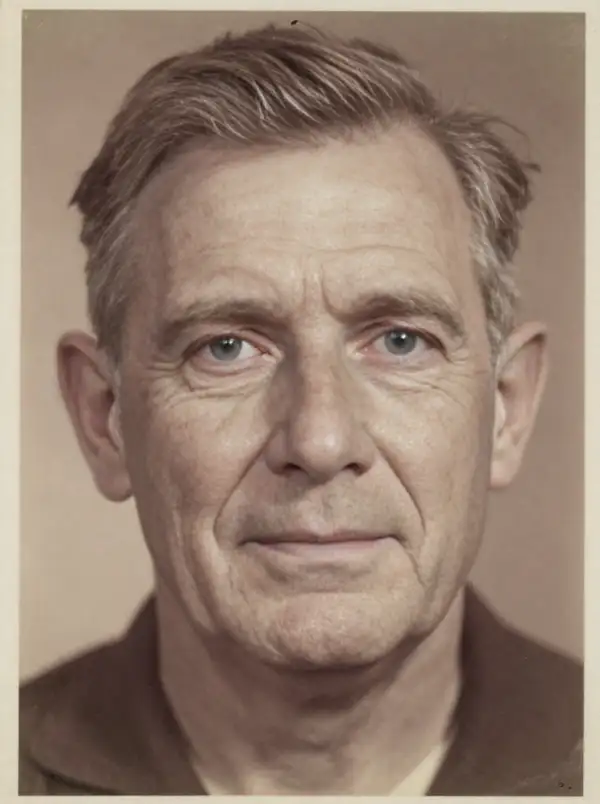
Example output 1Example output 2Example output 3

CodeFormer API

CodeFormer is a image-to-image AI model by sczhou. On ModelRunner it runs through a REST API or via MCP from any AI assistant, at $0.0021 per megapixel.

POST https://queue.modelrunner.run/sczhou/codeformer

cURL

# Submit a request to the queue. Input fields go at the top level of the
# body. The optional reserved "metadata" object holds your own flat string
# tags — stored on the request, never sent to the model; filter later with
# GET https://queue.modelrunner.run/requests?metadata=<url-encoded JSON>.
curl -X POST https://queue.modelrunner.run/sczhou/codeformer \
  -H "Authorization: Key $MRUN_API_KEY" \
  -H "Content-Type: application/json" \
  -d '{
    "aligned": false,
    "fidelity": 0.7,
    "image_url": "https://media.modelrunner.ai/FyXU3e2E0da0QJJ3g6uj1.png",
    "face_upscale": true,
    "upscale_factor": 2,
    "only_center_face": false,
    "metadata": {
      "project": "my-project"
    }
  }'
# → { "request_id": "...", "status_url": "...", "response_url": "..." }

# Poll status_url until "COMPLETED", then fetch the result
curl "https://queue.modelrunner.run/sczhou/codeformer/requests/$REQUEST_ID/status" \
  -H "Authorization: Key $MRUN_API_KEY"
curl "https://queue.modelrunner.run/sczhou/codeformer/requests/$REQUEST_ID" \
  -H "Authorization: Key $MRUN_API_KEY"

JavaScript

import { modelrunner } from "@modelrunner/client";

const result = await modelrunner.subscribe("sczhou/codeformer", {
  input: {
    "aligned": false,
    "fidelity": 0.7,
    "image_url": "https://media.modelrunner.ai/FyXU3e2E0da0QJJ3g6uj1.png",
    "face_upscale": true,
    "upscale_factor": 2,
    "only_center_face": false
  },
});
console.log(result);

Python

import os
import requests

headers = {"Authorization": f"Key {os.environ['MRUN_API_KEY']}"}

submitted = requests.post(
    "https://queue.modelrunner.run/sczhou/codeformer",
    headers=headers,
    json={
      "aligned": false,
      "fidelity": 0.7,
      "image_url": "https://media.modelrunner.ai/FyXU3e2E0da0QJJ3g6uj1.png",
      "face_upscale": true,
      "upscale_factor": 2,
      "only_center_face": false
    },
).json()

# Poll submitted["status_url"] until "COMPLETED", then:
result = requests.get(submitted["response_url"], headers=headers).json()

Input parameters

NameTypeRequiredDescription
image_urlstring (uri)yesURL of the photo to restore — works best on faces that are blurry, low-resolution, compressed, scanned, or otherwise degraded.
fidelitynumbernoBalance between restoration quality and identity preservation. Lower values (toward 0) enhance more aggressively; higher values (toward 1) stay closer to the original face. Default: 0.5.
upscale_factornumbernoOutput enlargement ratio. The whole image is enlarged by this factor. Default: 2.
face_upscalebooleannoWhether detected faces should be upscaled. Default: true.
alignedbooleannoSet to true only when the input is an already face-aligned crop; leave false for normal photos so faces are detected and aligned automatically. Default: false.
only_center_facebooleannoRestore only the central face instead of every detected face. Default: false.
seedintegernoRandom seed for reproducible generation.

Machine-readable: OpenAPI schema · llms.txt

Use CodeFormer from Claude & Cursor (MCP)

Point Claude Code, Claude Desktop, Cursor, or any MCP client at the ModelRunner MCP server and CodeFormer becomes a tool your assistant can call directly — it authorizes via OAuth (no API key in config) and runs this model with the run_model tool using the endpoint sczhou/codeformer.

MCP client config (Claude Desktop, Cursor)

{
  "mcpServers": {
    "modelrunner": {
      "command": "npx",
      "args": ["-y", "mcp-remote", "https://mcp.modelrunner.run/mcp"]
    }
  }
}

Claude Code

claude mcp add --transport http modelrunner https://mcp.modelrunner.run/mcp

Then ask your assistant, for example: “Run sczhou/codeformer on ModelRunner to generate image”. MCP setup guide.

Model Details

Model Details

CodeFormer is a blind face-restoration model: give it one degraded portrait — blurry, low-resolution, heavily compressed, scanned, or aged — and it reconstructs clean, detailed facial features while optionally upscaling the whole image. It works without a prompt; you control how aggressively it restores with a single fidelity dial and how much it enlarges with an upscale factor. The standout is robustness on real-world damage: it recovers plausible eyes, skin, and structure even when the input is severely degraded, instead of just sharpening noise.

## Best for - Cleaning up old, scanned, or faded family and archival photos with faces - Restoring faces in low-resolution, compressed, or screenshot-grade images - Sharpening blurry or out-of-focus portraits before printing or sharing - Enhancing AI-generated or heavily downscaled images where faces look mushy - A quick one-input restore with no prompt and minimal tuning

## Choose another model when - The image has no faces and you just want a general resolution boost — use a dedicated image upscaler - You want to edit content, change a scene, or restyle a photo from a text prompt — use an image-editing or image-to-image generation model - You need to remove the background or cut out a subject — use a background-removal model - You want a depth map or other structural map of the image — use an image-preprocessing model

## Tips - `fidelity` trades identity preservation against enhancement: lower values (toward 0) push for more aggressive, cleaner restoration; higher values (toward 1) stay closer to the original face. The default 0.5 is a balanced starting point — raise it if the restored face drifts from the person, lower it if results still look degraded. - `upscale_factor` enlarges the whole output (default 2). Output area, and therefore cost, scales with this factor squared, so use the smallest factor that meets your resolution need. - Set `only_center_face` to true when the image has several faces but you only care about the main subject; leave it false to restore every detected face. - Set `aligned` to true only when you feed an already face-aligned crop; for normal photos leave it false so the model detects and aligns faces itself.

## Limitations - Extremely small or fully obscured faces may be reconstructed with invented details that don't match the real person. - Very high fidelity on severely degraded inputs can leave artifacts; very low fidelity can over-smooth or alter identity.

To run via the ModelRunner JavaScript client: ```js import { modelrunner } from "@modelrunner/client";

const result = await modelrunner.subscribe("sczhou/codeformer", { input: { image_url: "https://media.modelrunner.ai/8pcFUT5tnUstG7ITVWXGH.png", fidelity: 0.5, upscale_factor: 2, }, }); ```