

Model Details
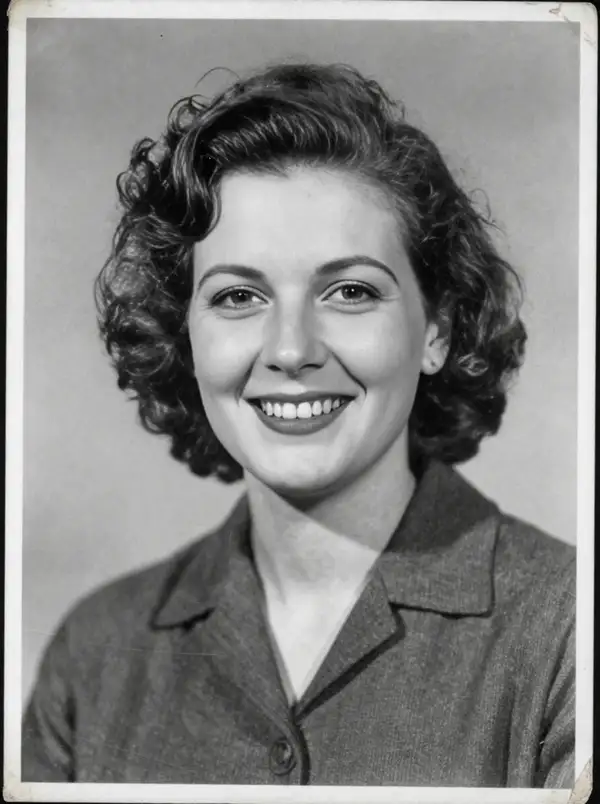
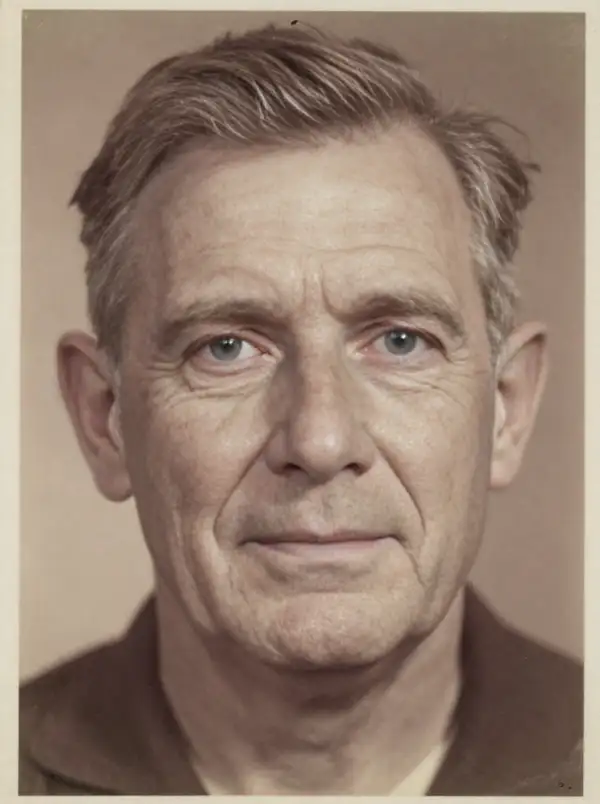
CodeFormer is a blind face-restoration model: give it one degraded portrait — blurry, low-resolution, heavily compressed, scanned, or aged — and it reconstructs clean, detailed facial features while optionally upscaling the whole image. It works without a prompt; you control how aggressively it restores with a single fidelity dial and how much it enlarges with an upscale factor. The standout is robustness on real-world damage: it recovers plausible eyes, skin, and structure even when the input is severely degraded, instead of just sharpening noise.
## Best for - Cleaning up old, scanned, or faded family and archival photos with faces - Restoring faces in low-resolution, compressed, or screenshot-grade images - Sharpening blurry or out-of-focus portraits before printing or sharing - Enhancing AI-generated or heavily downscaled images where faces look mushy - A quick one-input restore with no prompt and minimal tuning
## Choose another model when - The image has no faces and you just want a general resolution boost — use a dedicated image upscaler - You want to edit content, change a scene, or restyle a photo from a text prompt — use an image-editing or image-to-image generation model - You need to remove the background or cut out a subject — use a background-removal model - You want a depth map or other structural map of the image — use an image-preprocessing model
## Tips - `fidelity` trades identity preservation against enhancement: lower values (toward 0) push for more aggressive, cleaner restoration; higher values (toward 1) stay closer to the original face. The default 0.5 is a balanced starting point — raise it if the restored face drifts from the person, lower it if results still look degraded. - `upscale_factor` enlarges the whole output (default 2). Output area, and therefore cost, scales with this factor squared, so use the smallest factor that meets your resolution need. - Set `only_center_face` to true when the image has several faces but you only care about the main subject; leave it false to restore every detected face. - Set `aligned` to true only when you feed an already face-aligned crop; for normal photos leave it false so the model detects and aligns faces itself.
## Limitations - Extremely small or fully obscured faces may be reconstructed with invented details that don't match the real person. - Very high fidelity on severely degraded inputs can leave artifacts; very low fidelity can over-smooth or alter identity.
To run via the ModelRunner JavaScript client: ```js import { modelrunner } from "@modelrunner/client";
const result = await modelrunner.subscribe("sczhou/codeformer", { input: { image_url: "https://media.modelrunner.ai/8pcFUT5tnUstG7ITVWXGH.png", fidelity: 0.5, upscale_factor: 2, }, }); ```