
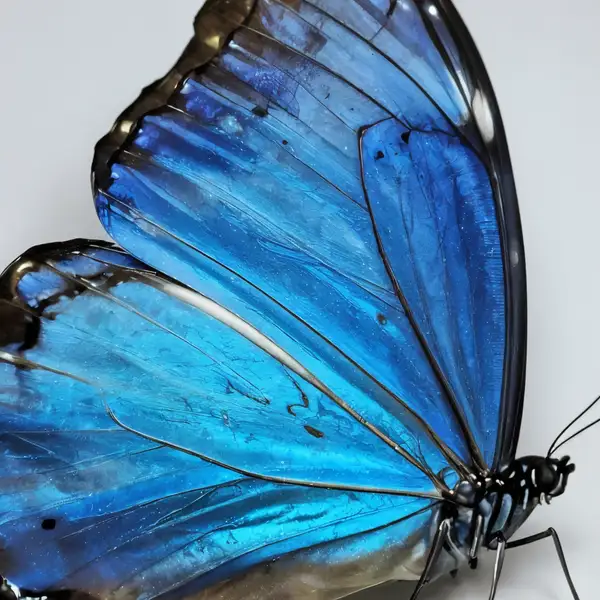
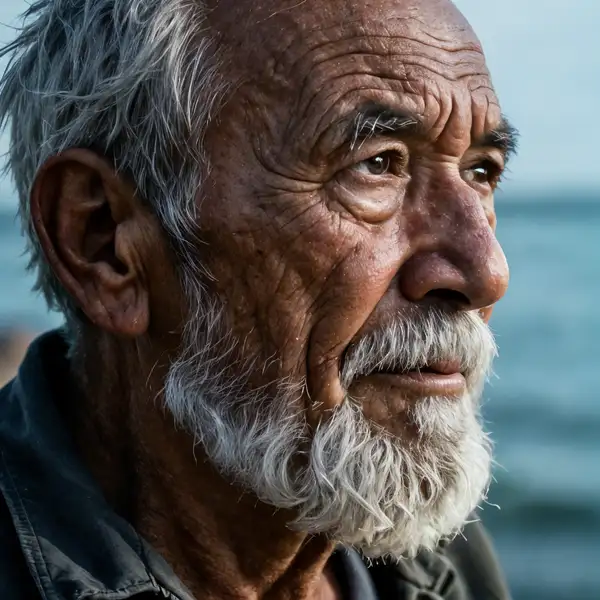
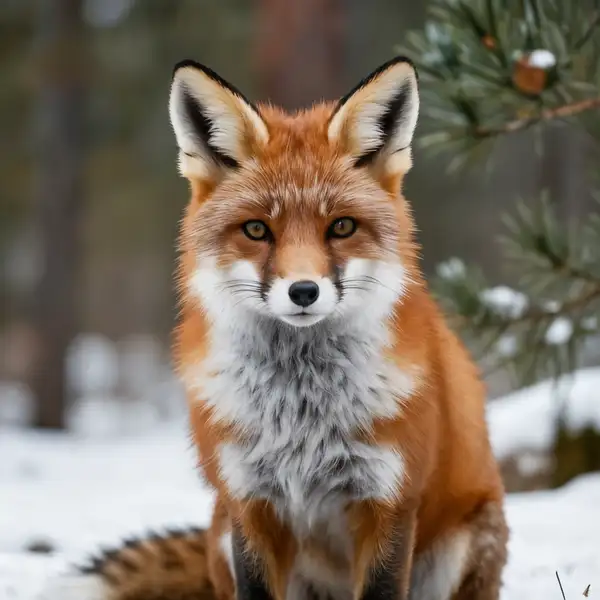
Model Details
Clarity Upscaler is a creative super-resolution model: feed it one image and it raises the resolution while synthesizing plausible fine detail — skin texture, hair, fabric, foliage, surface grain — rather than just sharpening what's already there. An optional prompt steers the kind of detail it invents, and two dials, `creativity` and `resemblance`, trade off how much new detail it hallucinates against how faithfully it stays to the original. Set `upscale_factor` from 1 to 4 to control the output size. The standout is detail generation: where a plain restoration upscaler smooths and de-noises, Clarity reimagines micro-detail, making it well suited to enlarging photos, illustrations, and AI-generated images for print or large displays.
## Best for - Enlarging photos and artwork up to 4x while adding believable fine texture - Sharpening soft or low-resolution images that need invented detail, not just denoise - Upscaling AI-generated images so faces, hair, and surfaces read crisp at large sizes - Prepping images for print, posters, or high-DPI displays where detail density matters - Stylized detail enhancement guided by a prompt (e.g. "masterpiece, best quality, highres")
## Choose another model when - You need an exact, artifact-free enlargement that never alters content — use a faithful restoration upscaler, since Clarity invents detail by design - The subject is a degraded face you want reconstructed to match the real person — use a dedicated face-restoration model - You want to edit, restyle, or change the content of an image from a text prompt — use an image-editing or image-to-image generation model - You need to upscale video — use a video upscaler
## Tips - `creativity` (0–1, default 0.35) is the denoise strength: raise it for more invented detail and a more stylized result, lower it to stay close to the source. - `resemblance` (0–1, default 0.6) is the ControlNet strength holding the result to the original structure: raise it if the upscale drifts from the input, lower it to let creativity dominate. - Use `prompt` to bias the texture and style of the synthesized detail; the default `"masterpiece, best quality, highres"` works as a general-purpose quality cue. - Output resolution and therefore cost scale with `upscale_factor` squared — use the smallest factor that meets your resolution need.
## Limitations - Because detail is generated, fine text, logos, and exact textures can be altered or invented rather than reproduced. - High `creativity` on real photos can shift identity and content; keep it low when faithfulness matters.
To run via the ModelRunner JavaScript client: ```js import { modelrunner } from "@modelrunner/client";
const result = await modelrunner.subscribe("philz1337x/clarity-upscaler", { input: { image_url: "https://media.modelrunner.ai/x1EeTzzd4BjObqaa-h3ZTyV-t_3qwQd22KeC0F_ZbFB8fnL.jpg", upscale_factor: 2, creativity: 0.35, resemblance: 0.6, }, }); ```