
openai avatar

GPT Image 2.5 Sunburst API

openai/gpt-image-2.5/sunburst/text-to-image

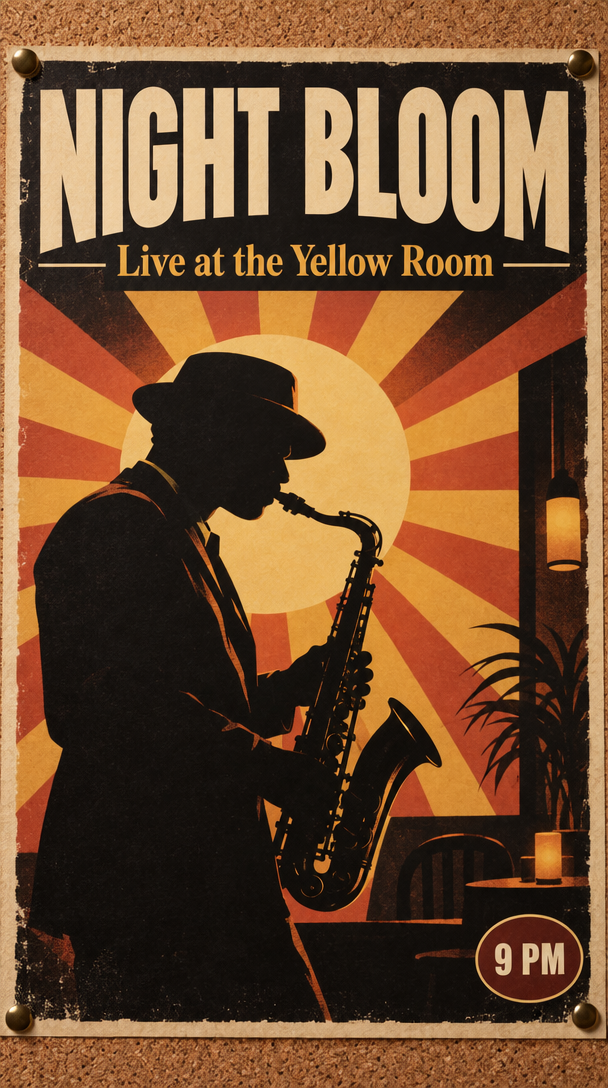
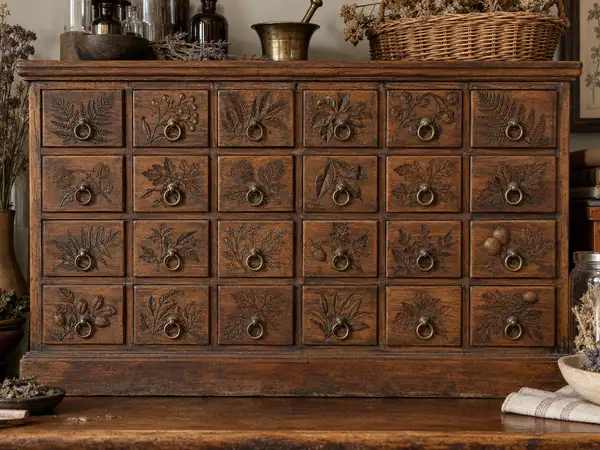
Generate images from a text prompt with extra fidelity on intricate detail — fine texture, small ornament and in-image text hold up when the picture is viewed large or inspected up close.

0.0453

Model Input

Input

The text prompt describing the image to generate. Put any wording you want rendered inside the image in quotes and say where it should appear.

The aspect ratio and framing of the generated image.

Additional Settings

Customize your input with more control.

Min: 1 - Max: 4

How many images to generate from this prompt. Each image is charged as its own generation.

The file format of the generated image.

You need to be logged in to run this model and view results.
Log in

Model Output

Output

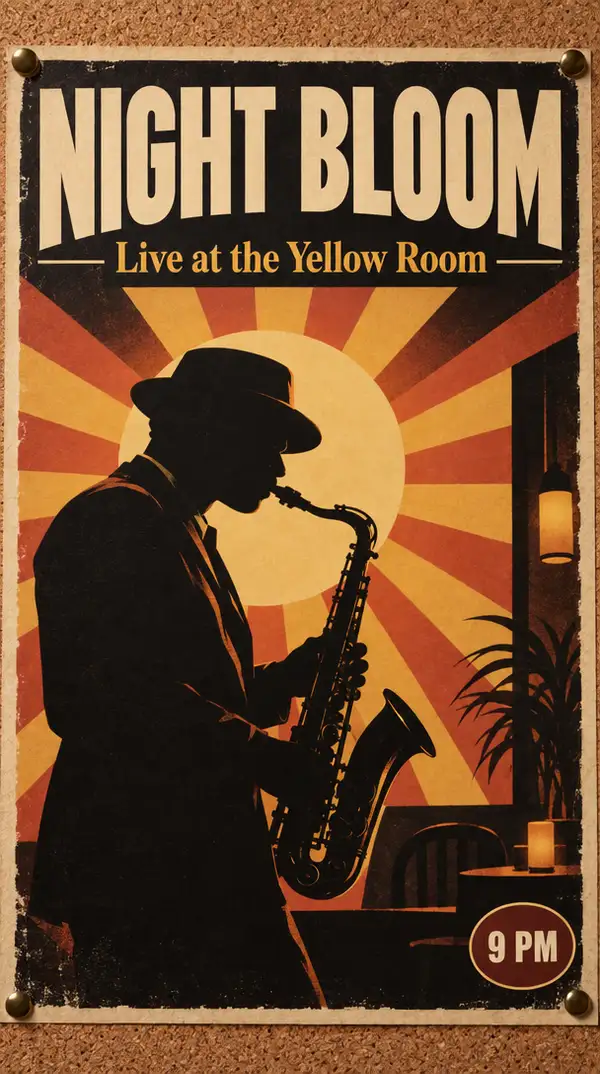
Generated image output
Generated in 27.55 seconds
Logs (1 lines)

Model Example Requests

Examples

Example output 1Example output 2

GPT Image 2.5 Sunburst API

GPT Image 2.5 Sunburst is a text-to-image AI model by openai. On ModelRunner it runs through a REST API or via MCP from any AI assistant, at $0.0453 per image.

POST https://queue.modelrunner.run/openai/gpt-image-2.5/sunburst/text-to-image

cURL

# Submit a request to the queue. Input fields go at the top level of the
# body. The optional reserved "metadata" object holds your own flat string
# tags — stored on the request, never sent to the model; filter later with
# GET https://queue.modelrunner.run/requests?metadata=<url-encoded JSON>.
curl -X POST https://queue.modelrunner.run/openai/gpt-image-2.5/sunburst/text-to-image \
  -H "Authorization: Key $MRUN_API_KEY" \
  -H "Content-Type: application/json" \
  -d '{
    "prompt": "Scene: a vertical concert poster pinned to a corkboard, warm gallery lighting.\nSubject: bold sunburst rays behind a s…",
    "image_size": "portrait_16_9",
    "num_images": 1,
    "output_format": "png",
    "metadata": {
      "project": "my-project"
    }
  }'
# → { "request_id": "...", "status_url": "...", "response_url": "..." }

# Poll status_url until "COMPLETED", then fetch the result
curl "https://queue.modelrunner.run/openai/gpt-image-2.5/sunburst/text-to-image/requests/$REQUEST_ID/status" \
  -H "Authorization: Key $MRUN_API_KEY"
curl "https://queue.modelrunner.run/openai/gpt-image-2.5/sunburst/text-to-image/requests/$REQUEST_ID" \
  -H "Authorization: Key $MRUN_API_KEY"

JavaScript

import { modelrunner } from "@modelrunner/client";

const result = await modelrunner.subscribe("openai/gpt-image-2.5/sunburst/text-to-image", {
  input: {
    "prompt": "Scene: a vertical concert poster pinned to a corkboard, warm gallery lighting.\nSubject: bold sunburst rays behind a s…",
    "image_size": "portrait_16_9",
    "num_images": 1,
    "output_format": "png"
  },
});
console.log(result);

Python

import os
import requests

headers = {"Authorization": f"Key {os.environ['MRUN_API_KEY']}"}

submitted = requests.post(
    "https://queue.modelrunner.run/openai/gpt-image-2.5/sunburst/text-to-image",
    headers=headers,
    json={
      "prompt": "Scene: a vertical concert poster pinned to a corkboard, warm gallery lighting.\nSubject: bold sunburst rays behind a s…",
      "image_size": "portrait_16_9",
      "num_images": 1,
      "output_format": "png"
    },
).json()

# Poll submitted["status_url"] until "COMPLETED", then:
result = requests.get(submitted["response_url"], headers=headers).json()

Input parameters

Input parameters of GPT Image 2.5 Sunburst
NameTypeRequiredDescription
promptstringyesThe text prompt describing the image to generate. Put any wording you want rendered inside the image in quotes and say where it should appear.
image_sizeenumnoThe aspect ratio and framing of the generated image. One of: square_hd, square, portrait_4_3, portrait_16_9, landscape_4_3, landscape_16_9. Default: "landscape_4_3".
num_imagesintegernoHow many images to generate from this prompt. Each image is charged as its own generation. Default: 1.
output_formatenumnoThe file format of the generated image. One of: jpeg, png, webp. Default: "png".

Machine-readable: OpenAPI schema · llms.txt

Use GPT Image 2.5 Sunburst from Claude & Cursor (MCP)

Point Claude Code, Claude Desktop, Cursor, or any MCP client at the ModelRunner MCP server and GPT Image 2.5 Sunburst becomes a tool your assistant can call directly — it authorizes via OAuth (no API key in config) and runs this model with the run_model tool using the endpoint openai/gpt-image-2.5/sunburst/text-to-image.

MCP client config (Claude Desktop, Cursor)

{
  "mcpServers": {
    "modelrunner": {
      "command": "npx",
      "args": ["-y", "mcp-remote", "https://mcp.modelrunner.run/mcp"]
    }
  }
}

Claude Code

claude mcp add --transport http modelrunner https://mcp.modelrunner.run/mcp

Then ask your assistant, for example: “Run openai/gpt-image-2.5/sunburst/text-to-image on ModelRunner to generate image”. MCP setup guide.

Model Details

Model Details

GPT Image 2.5 Sunburst turns a text prompt into a finished image. It is the precision tier of the GPT Image 2.5 line: it spends extra fidelity on intricate detail, so woven texture, foliage and small ornament stay distinct rather than smearing into an approximate texture when the image is viewed large or inspected up close. It follows complex, multi-part instructions exactly — counts, placement, style and medium stated together in one prompt all land — holds a full page of structured information in one pass, so posters, labels and diagrams stay legible, and renders real-world subjects with accurate detail.

## Best for - Illustration and product renders whose fine detail must survive a close look - Posters, flyers and album covers where quoted wording must appear exactly as written - Product labels, packaging and signage mockups that need readable type - Scenes that specify counts, positions and style together in one prompt

## Choose another model when - You need fast turnaround or a high volume of images — this tier trades generation time for detail; use `openai/gpt-image-2.5/flare/text-to-image` - You want to change an existing picture — this endpoint takes text only, no reference images; use an image-editing model - Your subject falls outside OpenAI's content policy — filtering applies to every request and cannot be relaxed

## Tips - Name the fine detail that must hold — weave, grain, ornament — rather than asking for "highly detailed" - Write the prompt in labeled sections — scene, subject, details, constraints — rather than one run-on line - Put required wording in quotes and describe its position and typography; spell unusual names letter by letter - Ask for "photorealistic" or "real photograph" explicitly when that is the goal - For people, name body framing, relative scale, gaze and interaction with objects

## Limitations - Generation takes longer than the faster tier in this family — the trade for the extra detail - Every request runs at the standard high-quality setting; the two extra-detail tiers are not selectable here - `image_size` offers six named presets only — no custom width and height - `num_images` returns up to four images in one call; each is charged as its own generation

To run via the ModelRunner JavaScript client: ```js import { modelrunner } from "@modelrunner/client";

const result = await modelrunner.subscribe("openai/gpt-image-2.5/sunburst/text-to-image", { input: { prompt: 'a densely embroidered silk fan on dark walnut, individual gold stitches visible up close, studio lighting', image_size: "landscape_4_3", num_images: 1, output_format: "png", }, }); ```