
Model Details
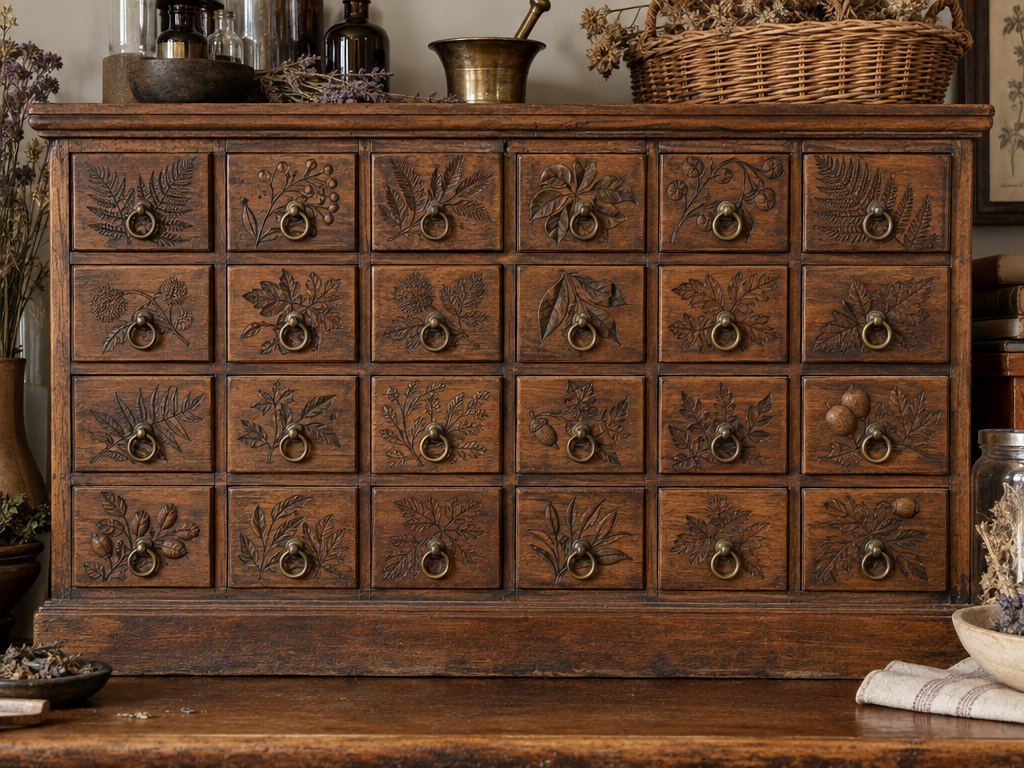
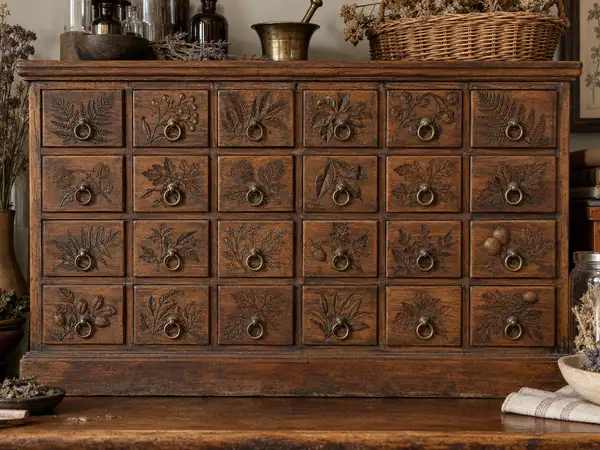
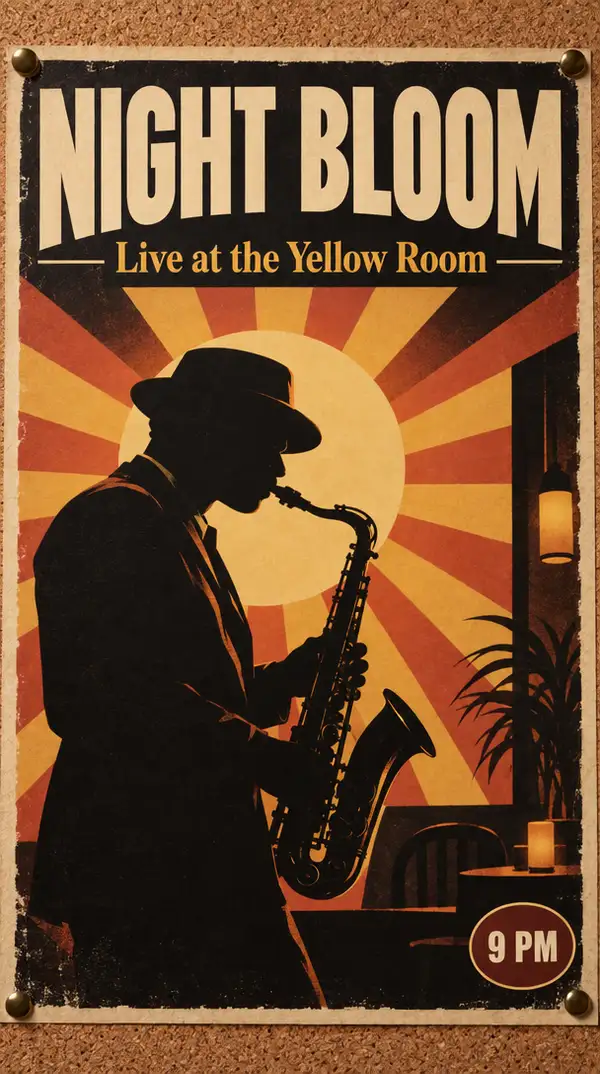
GPT Image 2.5 Sunburst turns a text prompt into a finished image. It is the precision tier of the GPT Image 2.5 line: it spends extra fidelity on intricate detail, so woven texture, foliage and small ornament stay distinct rather than smearing into an approximate texture when the image is viewed large or inspected up close. It follows complex, multi-part instructions exactly — counts, placement, style and medium stated together in one prompt all land — holds a full page of structured information in one pass, so posters, labels and diagrams stay legible, and renders real-world subjects with accurate detail.
## Best for - Illustration and product renders whose fine detail must survive a close look - Posters, flyers and album covers where quoted wording must appear exactly as written - Product labels, packaging and signage mockups that need readable type - Scenes that specify counts, positions and style together in one prompt
## Choose another model when - You need fast turnaround or a high volume of images — this tier trades generation time for detail; use `openai/gpt-image-2.5/flare/text-to-image` - You want to change an existing picture — this endpoint takes text only, no reference images; use an image-editing model - Your subject falls outside OpenAI's content policy — filtering applies to every request and cannot be relaxed
## Tips - Name the fine detail that must hold — weave, grain, ornament — rather than asking for "highly detailed" - Write the prompt in labeled sections — scene, subject, details, constraints — rather than one run-on line - Put required wording in quotes and describe its position and typography; spell unusual names letter by letter - Ask for "photorealistic" or "real photograph" explicitly when that is the goal - For people, name body framing, relative scale, gaze and interaction with objects
## Limitations - Generation takes longer than the faster tier in this family — the trade for the extra detail - Every request runs at the standard high-quality setting; the two extra-detail tiers are not selectable here - `image_size` offers six named presets only — no custom width and height - `num_images` returns up to four images in one call; each is charged as its own generation
To run via the ModelRunner JavaScript client: ```js import { modelrunner } from "@modelrunner/client";
const result = await modelrunner.subscribe("openai/gpt-image-2.5/sunburst/text-to-image", { input: { prompt: 'a densely embroidered silk fan on dark walnut, individual gold stitches visible up close, studio lighting', image_size: "landscape_4_3", num_images: 1, output_format: "png", }, }); ```