
Model Details
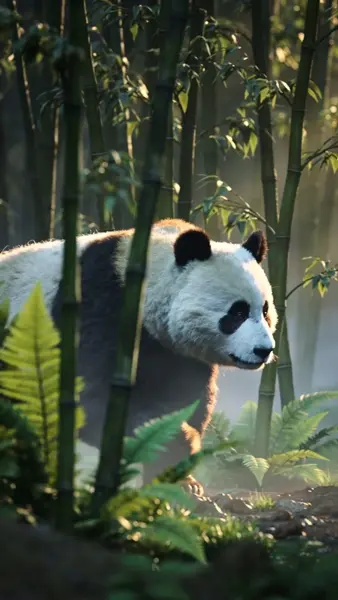
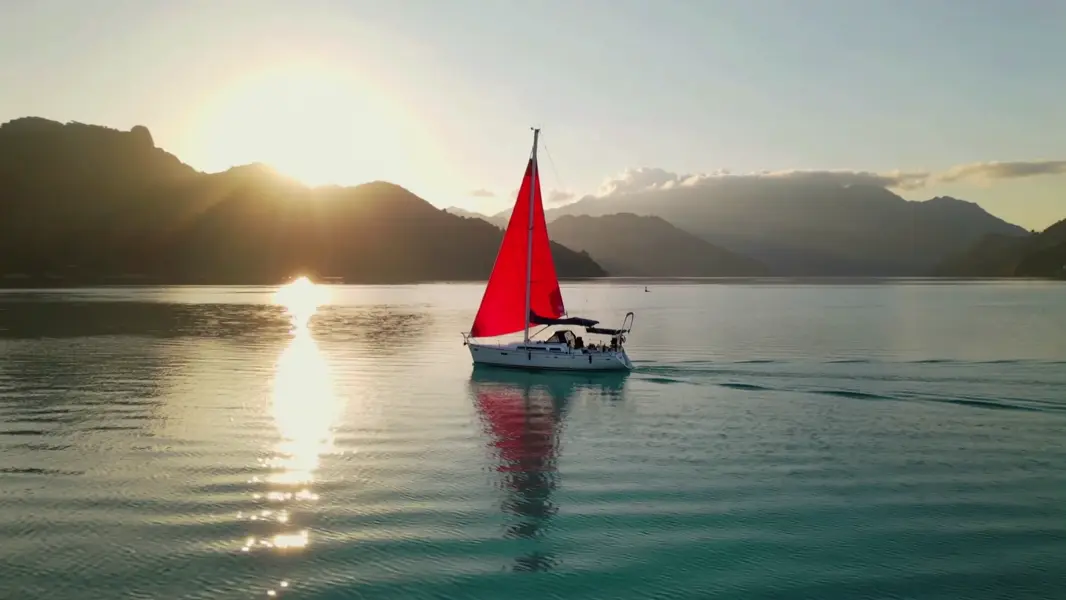
Kling 2.5 Turbo Pro turns a written prompt into a short, cinematic clip with fluid, natural motion and strong adherence to what you describe. It is tuned for fast, high-quality text-to-video where the action, subject, and scene in your prompt show up clearly on screen. Choose a 5-second or 10-second clip and a 16:9, 9:16, or 1:1 aspect ratio to match landscape, vertical, or square delivery.
## Best for - Turning a single descriptive prompt into a polished establishing or hero shot - Social-ready vertical (9:16) clips and square (1:1) loops from text alone - Cinematic landscape (16:9) b-roll with camera motion and atmospheric detail - Quick concepting and storyboarding where you iterate on a prompt to dial in the action
## Choose another model when - You want to animate an existing photo or starting frame rather than generate from text alone — use an image-to-video model - You need a single still image, not motion — use a text-to-image model - You need clips longer than 10 seconds or fine frame-by-frame timeline control — use a dedicated long-form video tool
## Tips - Describe the subject, the action, and the setting in one coherent sentence; concrete motion verbs ("slowly pans", "rushes forward") translate well to on-screen movement - Use `negative_prompt` to suppress recurring artifacts such as blur, warping, or low-quality texture - Raise `cfg_scale` toward 1 for tighter prompt adherence, lower it toward 0 for looser, more creative motion (default 0.5 is a balanced starting point) - Match `aspect_ratio` to where the clip will run — 9:16 for stories/reels, 16:9 for landscape, 1:1 for feed loops
To run via the ModelRunner JavaScript client: ```js import { modelrunner } from "@modelrunner/client";
const result = await modelrunner.subscribe("kuaishou/kling-video/v2.5-turbo/text-to-video", { input: { prompt: "A serene mountain lake reflecting clouds at golden hour, gentle ripples on the water", duration: "5", aspect_ratio: "16:9", }, }); ```