
Model Details
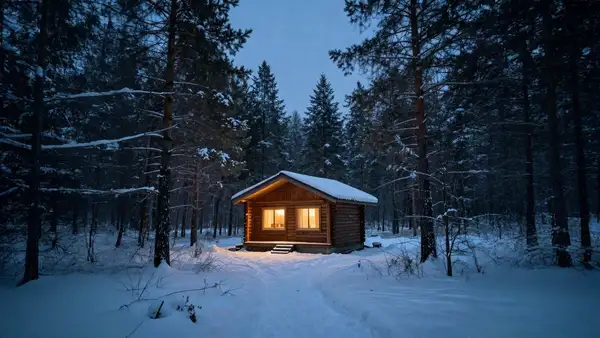
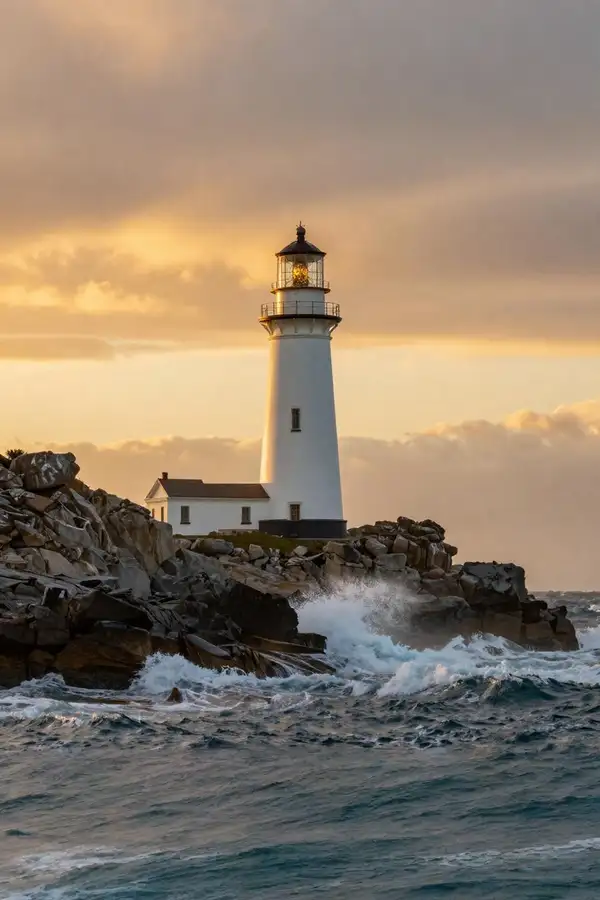
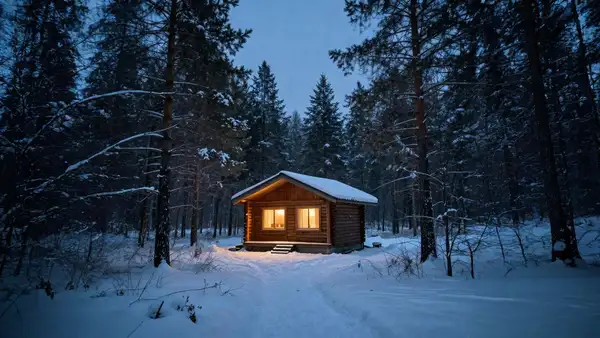
Bria Expand grows an image beyond its original borders, generating new content that extends the scene outward to fill a larger canvas. You supply a source image, choose the target `canvas_size` (the final `[width, height]` in pixels), and tell the model how the original should sit inside that canvas — either by picking an `aspect_ratio` or by giving the original's size and placement. Expand then paints believable surroundings into the new area, matching the lighting, perspective, color, and texture of the source so the result looks like one continuous photo rather than a pasted-in border. Because Bria models are trained exclusively on fully licensed data, the outputs are safe and risk-free for commercial use.
A working request always needs `image_url` plus `canvas_size`, and then EITHER an `aspect_ratio` OR both `original_image_size` and `original_image_location` so the model knows where to place the source inside the new canvas. An optional `prompt` lets you steer what appears in the generated area.
## Best for - Outpainting / uncropping a photo so a tight crop gains headroom or background - Reframing an image to a new aspect ratio (e.g. square to widescreen) without distorting the subject - Extending a product or scene shot to leave room for text, logos, or layout - Producing commercially cleared expanded versions of existing photos
## Choose another model when - You want to fill or replace a specific masked region inside the existing frame rather than add new area around it — use a generative-fill / inpainting model - You need a brand-new image from a text prompt with no source photo — use a text-to-image model - You want to recolor or restyle the existing pixels rather than extend the canvas — use an image-editing / colorization model
## Tips - Set `canvas_size` larger than the source so there is room to expand; keep the total area under 5000x5000 - Use `aspect_ratio` for the simplest path — the model centers and scales the original for you; reach for `original_image_size` + `original_image_location` only when you need exact placement - Add a short `prompt` to guide what fills the new area (e.g. "sandy beach extending to the horizon") - Reuse a `seed` to reproduce a result, or change it to explore alternatives
To run via the ModelRunner JavaScript client: ```js import { modelrunner } from "@modelrunner/client";
const result = await modelrunner.subscribe("bria/expand", { input: { image_url: "https://media.modelrunner.ai/example-source.png", canvas_size: [1536, 1024], aspect_ratio: "16:9", prompt: "sandy beach extending to the horizon", }, }); ```