
Model Details
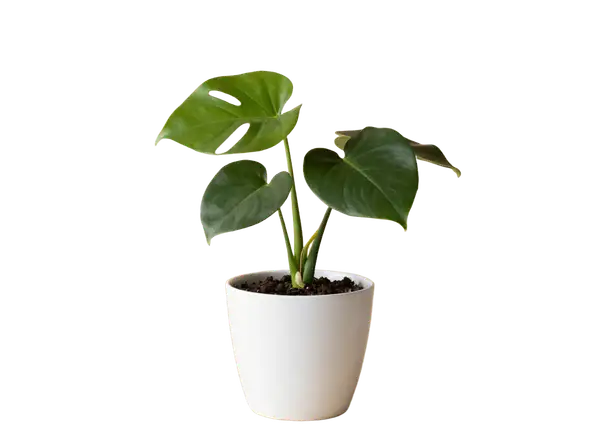
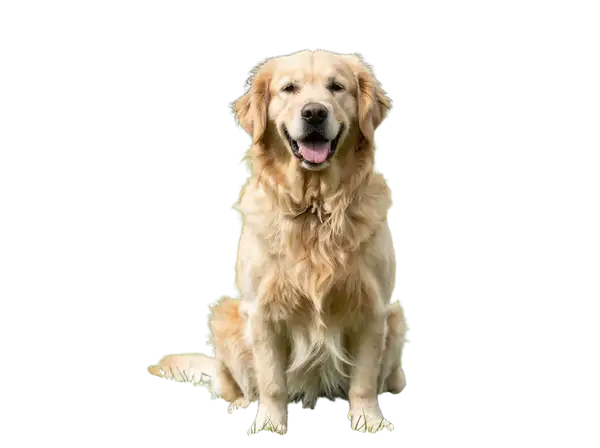
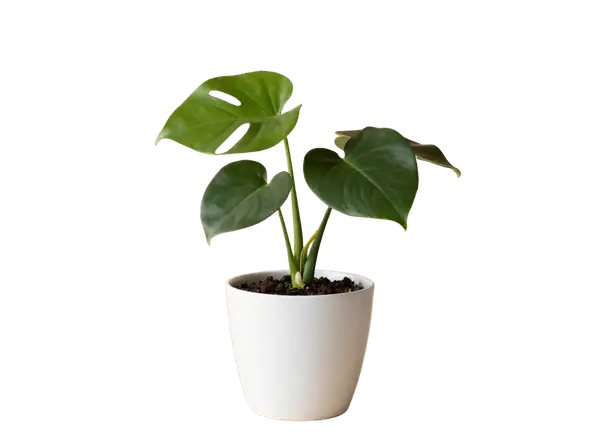
Bria Background Remove (RMBG 2.0) isolates the main subject of a photo and strips everything behind it, returning a transparent PNG where the original background is replaced by an alpha channel. You pass a single `image_url` and get back a clean cutout at the same dimensions as the input — no prompt, mask, or settings to tune. Its strength is precise edge handling on hair, fur, and fine detail, and because Bria models are trained exclusively on fully licensed commercial data, the outputs are safe and risk-free for commercial use.\n\nThe only input is `image_url` (JPEG, PNG, WebP, GIF, or AVIF). The output is a PNG with the subject preserved and the background made transparent, ready to composite onto a new background, drop into a layout, or place on a solid color.\n\n## Best for\n- Cutting a product, person, or object out of its background for e-commerce or catalog images\n- Producing transparent-PNG assets for design, layout, and compositing work\n- Preparing subjects to drop onto a new background or solid color\n- Batch-cleaning photos where you need consistent, commercially cleared cutouts\n\n## Choose another model when\n- You want to replace or generate a new background rather than remove it — use a generative-fill or background-replacement model\n- You need to expand or outpaint the image onto a larger canvas — use an image-expansion model\n- You want to recolor, restyle, or edit the subject's pixels rather than mask out the background — use an image-editing model\n- You need a brand-new image from a text prompt with no source photo — use a text-to-image model\n\n## Tips\n- Supply a clear photo with a well-defined subject and reasonable subject/background contrast for the cleanest edges\n- The output keeps the input's dimensions, so size and crop your source before sending if you need a specific resolution\n- Save or composite the result as PNG (or another alpha-capable format) — flattening to JPEG discards the transparency\n\nTo run via the ModelRunner JavaScript client:\n```js\nimport { modelrunner } from \"@modelrunner/client\";\n\nconst result = await modelrunner.subscribe(\"bria/background/remove\", {\n input: {\n image_url: \"https://media.modelrunner.ai/example-subject.png\",\n },\n});\n```