


Model Details
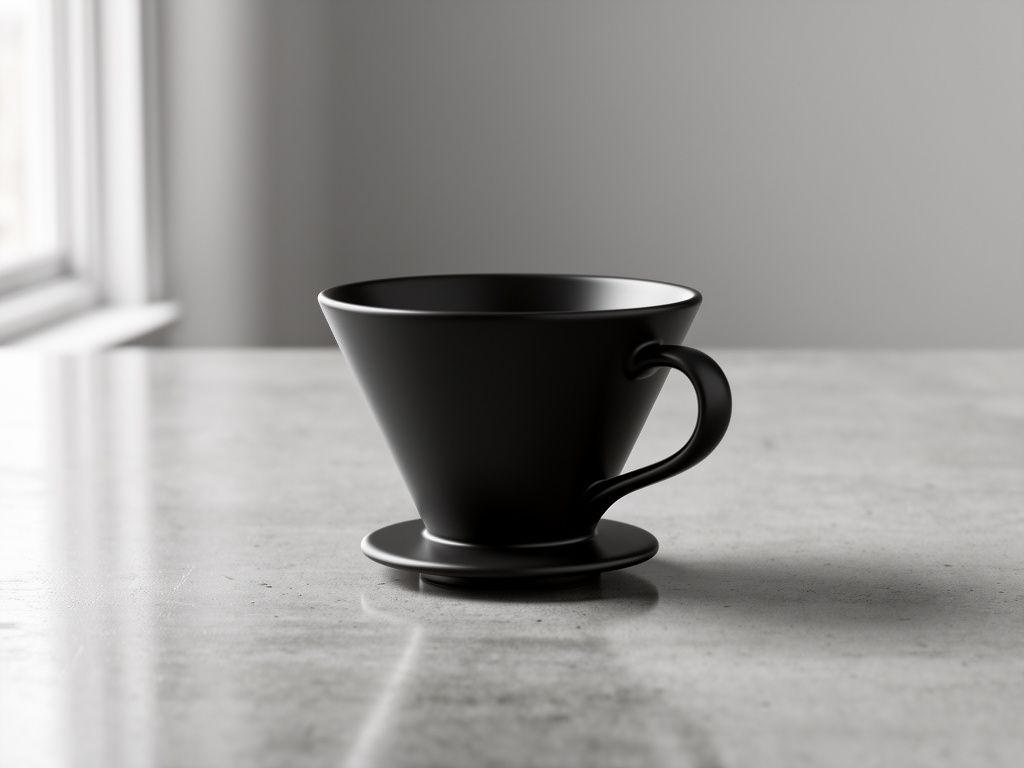
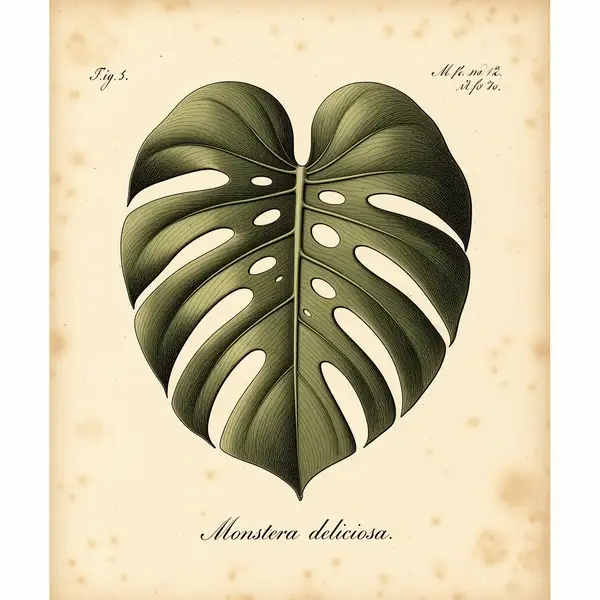
FLUX.2 [flex] turns a text prompt into a high-quality image from Black Forest Labs, and unlike the fixed-pipeline [pro] tier it exposes two power-user knobs — `num_inference_steps` and `guidance_scale` — so you can trade speed for precision on a per-request basis. Lower the step count for fast drafts, raise it for maximum detail, and dial guidance to control how tightly the image follows your wording. It also brings enhanced typography and text rendering, making it a strong pick when a design needs legible words or fine control over the sampling process. It sits between the lightweight [dev] tier and the fixed-pipeline [pro]/[max] tiers: more tunable than [pro], more capable than [dev].
## Best for - Prompts where you want to tune quality vs. speed yourself via step count and guidance - Designs that need legible typography and accurate in-image text rendering - Iterating from a fast low-step draft up to a high-step final render of the same prompt - Photorealistic scenes, product shots, and detailed illustrations from a single description - Prompt-adherence-sensitive work where you want to raise guidance for tighter results
## Choose another model when - You just want the best output with no knobs to set and cost is secondary — use FLUX.2 [pro] (`black-forest-labs/flux-2/pro`), which runs a fixed, tuned pipeline - You want the cheapest, fastest iteration and accept lower fidelity — use FLUX.2 [dev] (`black-forest-labs/flux-2`) - You want to edit, restyle, or modify an existing image rather than generate one from scratch — use an image-editing / image-to-image model - You want video or animation from your prompt — use a text-to-video model
## Tips - `num_inference_steps` ranges 2–50 (default 28): try 10–20 for rapid prototyping, 40–50 for maximum fidelity - `guidance_scale` ranges 1.5–10 (default 3.5): higher values follow the prompt more literally, lower values give the model more freedom - Pick `image_size` to match the layout: `landscape_16_9` / `landscape_4_3` for wide scenes, `portrait_4_3` / `portrait_16_9` for vertical, `square` / `square_hd` for social, or pass a custom `{width, height}` object - `safety_tolerance` runs from `"1"` (most strict) to `"5"` (most permissive), default `"2"`; raise it only if benign prompts are being blocked
To run via the ModelRunner JavaScript client: ```js import { modelrunner } from "@modelrunner/client";
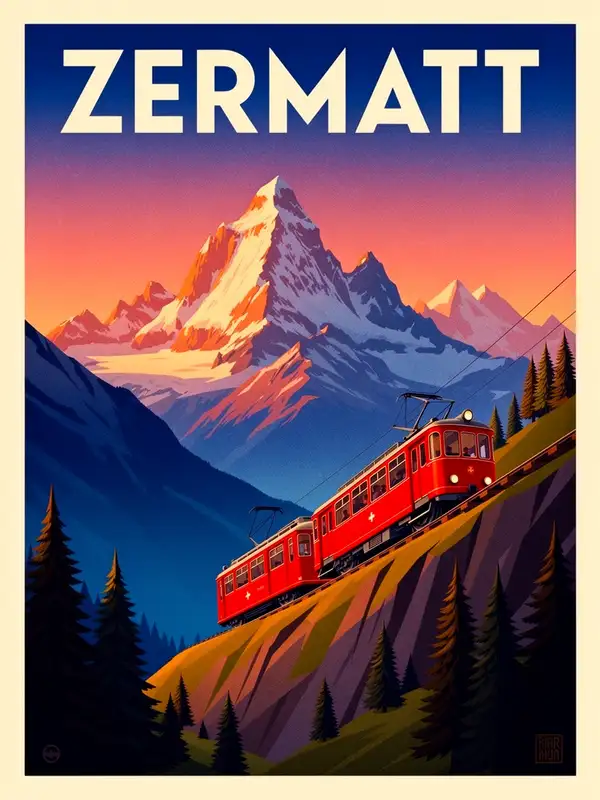
const result = await modelrunner.subscribe("black-forest-labs/flux-2/flex", { input: { prompt: "a vintage travel poster for the Alps with bold legible title text, golden hour", image_size: "portrait_4_3", num_inference_steps: 40, guidance_scale: 4.5, output_format: "png", }, }); ```