
Jewelry Modeling API

modelrunner/jewelry-modeling

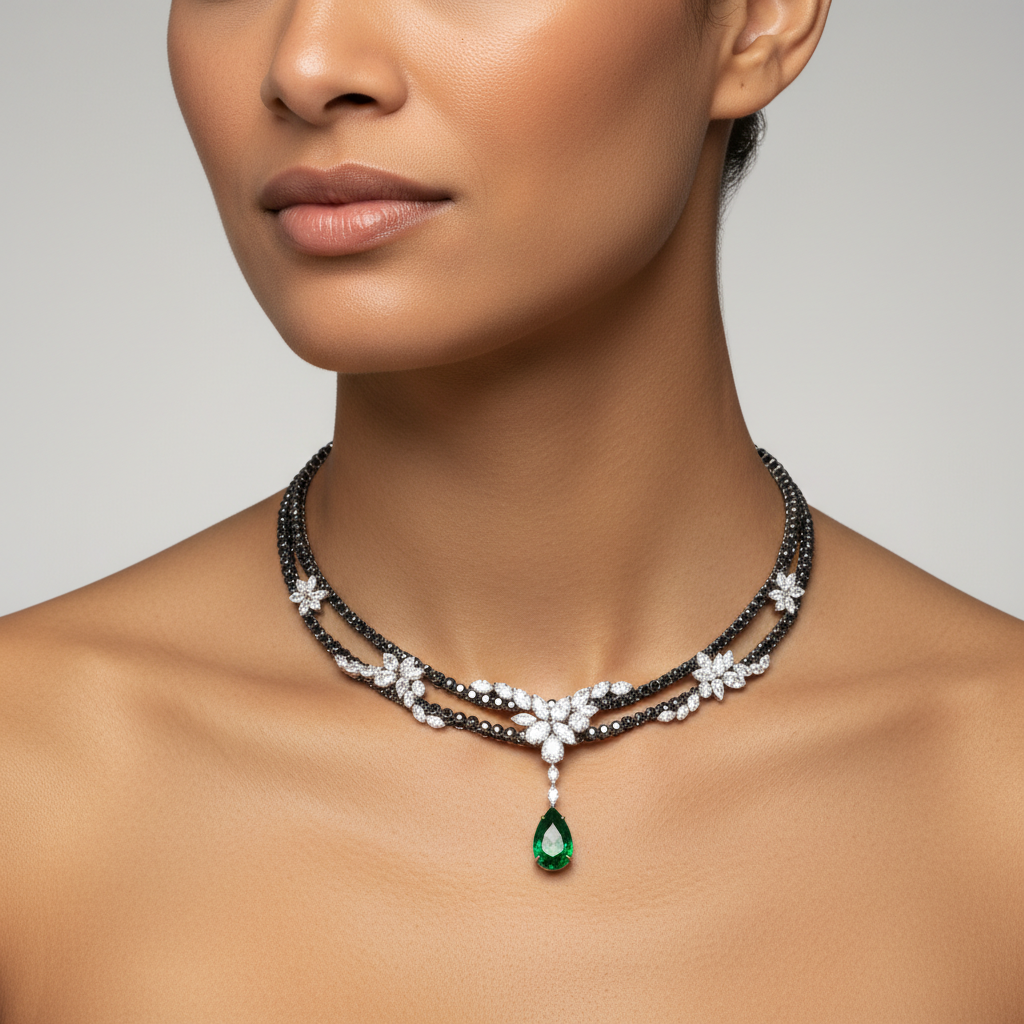
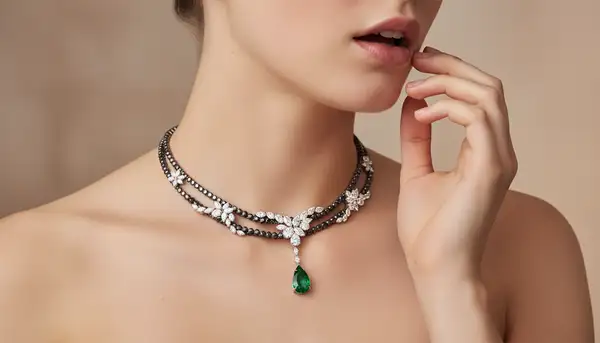
Generate realistic jewelry-on-model product photos from your jewelry reference images and an optional model photo.

Starts from $0.0325 /MP
3 model optionspublicpublished

Wrapper Input

Input

Jewelry image(s) for jewelry modeling. List of 1-2 images. Supports public URLs or data URIs.

Optional model/person reference image for jewelry modeling. Supports public URLs or data URIs.

Optional additional prompt to refine the jewelry modeling result.

Min: 1 - Max: 4

The number of images to generate.

The size of the generated image.

You need to be logged in to run this model and view results.
Log in

Wrapper Output

Output

Generated image output
Generated in 7.837 seconds
Logs (1 lines)

Wrapper Examples

Examples

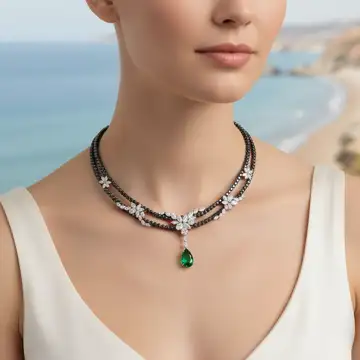
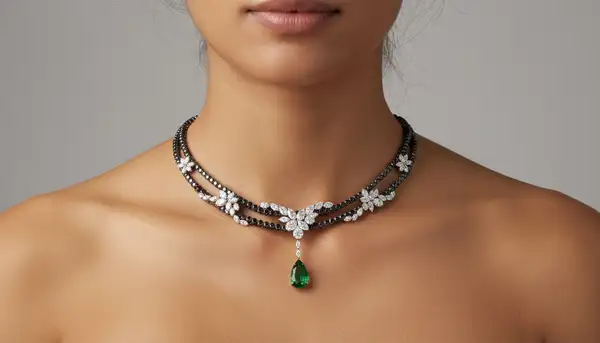
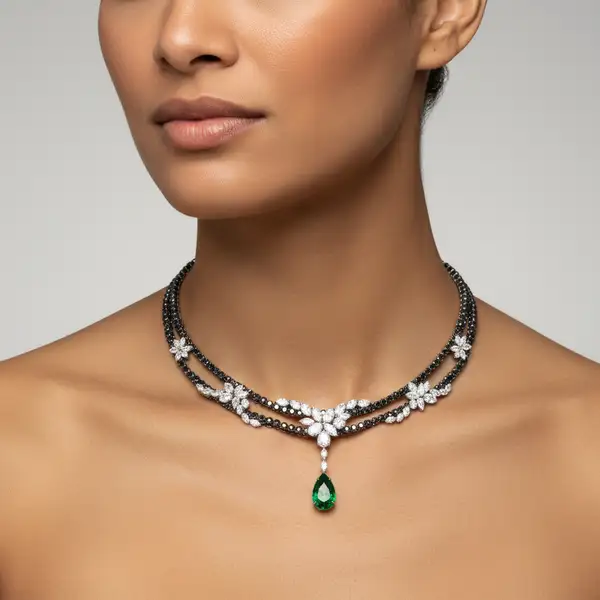
Example output 1Example output 2Example output 3Example output 4

Pricing

Base ModelPricing ModeEffective Cost
firered-image-editper megapixel0.0325 /MP
nano-bananadefaultper output0.039
nano-banana-2/editmegapixel tieredTiered pricing

Jewelry Modeling API

Jewelry Modeling is a image-to-image AI wrapper by modelrunner. On ModelRunner it runs through a REST API or via MCP from any AI assistant with pay-per-use pricing.

POST https://queue.modelrunner.run/modelrunner/jewelry-modeling

cURL

# Submit a request to the queue. Input fields go at the top level of the
# body. The optional reserved "metadata" object holds your own flat string
# tags — stored on the request, never sent to the model; filter later with
# GET https://queue.modelrunner.run/requests?metadata=<url-encoded JSON>.
curl -X POST https://queue.modelrunner.run/modelrunner/jewelry-modeling \
  -H "Authorization: Key $MRUN_API_KEY" \
  -H "Content-Type: application/json" \
  -d '{
    "prompt": "Commercial-grade studio jewelry-on-model product photo for e-commerce.\n  \n  MANDATORY WEAR / PLACEMENT RULES (HIGHEST…",
    "image_urls": [
      "https://media.modelrunner.ai/z4KSjQfhUIMKqVdF"
    ],
    "num_outputs": 1,
    "aspect_ratio": "16:9",
    "output_format": "png",
    "metadata": {
      "project": "my-project"
    }
  }'
# → { "request_id": "...", "status_url": "...", "response_url": "..." }

# Poll status_url until "COMPLETED", then fetch the result
curl "https://queue.modelrunner.run/modelrunner/jewelry-modeling/requests/$REQUEST_ID/status" \
  -H "Authorization: Key $MRUN_API_KEY"
curl "https://queue.modelrunner.run/modelrunner/jewelry-modeling/requests/$REQUEST_ID" \
  -H "Authorization: Key $MRUN_API_KEY"

JavaScript

import { modelrunner } from "@modelrunner/client";

const result = await modelrunner.subscribe("modelrunner/jewelry-modeling", {
  input: {
    "prompt": "Commercial-grade studio jewelry-on-model product photo for e-commerce.\n  \n  MANDATORY WEAR / PLACEMENT RULES (HIGHEST…",
    "image_urls": [
      "https://media.modelrunner.ai/z4KSjQfhUIMKqVdF"
    ],
    "num_outputs": 1,
    "aspect_ratio": "16:9",
    "output_format": "png"
  },
});
console.log(result);

Python

import os
import requests

headers = {"Authorization": f"Key {os.environ['MRUN_API_KEY']}"}

submitted = requests.post(
    "https://queue.modelrunner.run/modelrunner/jewelry-modeling",
    headers=headers,
    json={
      "prompt": "Commercial-grade studio jewelry-on-model product photo for e-commerce.\n  \n  MANDATORY WEAR / PLACEMENT RULES (HIGHEST…",
      "image_urls": [
        "https://media.modelrunner.ai/z4KSjQfhUIMKqVdF"
      ],
      "num_outputs": 1,
      "aspect_ratio": "16:9",
      "output_format": "png"
    },
).json()

# Poll submitted["status_url"] until "COMPLETED", then:
result = requests.get(submitted["response_url"], headers=headers).json()

Input parameters

NameTypeRequiredDescription
jewelry_imagesarrayyesJewelry image(s) for jewelry modeling. List of 1-2 images. Supports public URLs or data URIs.
model_imagestring (uri)noOptional model/person reference image for jewelry modeling. Supports public URLs or data URIs.
promptstringnoOptional additional prompt to refine the jewelry modeling result.
num_outputsintegernoThe number of images to generate. Default: 1.
image_sizeenumnoThe size of the generated image. Default: "1_1_1k".

Machine-readable: OpenAPI schema · llms.txt

Use Jewelry Modeling from Claude & Cursor (MCP)

Point Claude Code, Claude Desktop, Cursor, or any MCP client at the ModelRunner MCP server and Jewelry Modeling becomes a tool your assistant can call directly — it authorizes via OAuth (no API key in config) and runs this wrapper with the run_model tool using the endpoint modelrunner/jewelry-modeling.

MCP client config (Claude Desktop, Cursor)

{
  "mcpServers": {
    "modelrunner": {
      "command": "npx",
      "args": ["-y", "mcp-remote", "https://mcp.modelrunner.run/mcp"]
    }
  }
}

Claude Code

claude mcp add --transport http modelrunner https://mcp.modelrunner.run/mcp

Then ask your assistant, for example: “Run modelrunner/jewelry-modeling on ModelRunner to generate image”. MCP setup guide.

Wrapper Details

Model Details

## Jewelry Modeling — AI Jewelry On-Model Generator

Generate photorealistic "jewelry-on-model" images for e-commerce, lookbooks, ads, and social media. Upload: - **1–2 jewelry reference images** (earrings, rings, necklaces, bracelets, etc.) - **Optional model/person image** for face, pose, and styling

⚠ Note: In some cases, using a real person / face reference can fail due to personal face usage restrictions. If that happens, try generating without the model image — the system will create a suitable model that fits the jewelry style.

This mode keeps the jewelry 1:1 accurate: metal color, gemstone cut, engraving details, proportions, and how it sits on skin. The result looks like an actual studio shoot — not a Photoshop overlay.

---

### Prompt Examples (copy/paste and edit) - "Luxury studio portrait, soft beauty lighting, close-up of model wearing the provided gold hoop earrings, premium jewelry campaign style" - "Sunlit outdoor lifestyle shot, candid smile, shallow depth of field, natural skin texture, delicate silver necklace" - "High-fashion editorial lighting, dramatic shadows, glossy makeup, black background, focus on diamond ring sparkle" - "Warm indoor café moment, cinematic handheld feeling, soft bokeh, minimalist aesthetic, subtle gold bracelet"

You can also add intent keywords like: - "high-end ecommerce product photography" - "Instagram story format beauty shot" - "romantic bridal styling, soft pastel tones" - "clean white background catalog image, perfect retouch, no distractions"