Clothes on Model API

modelrunner/clothes-on-model

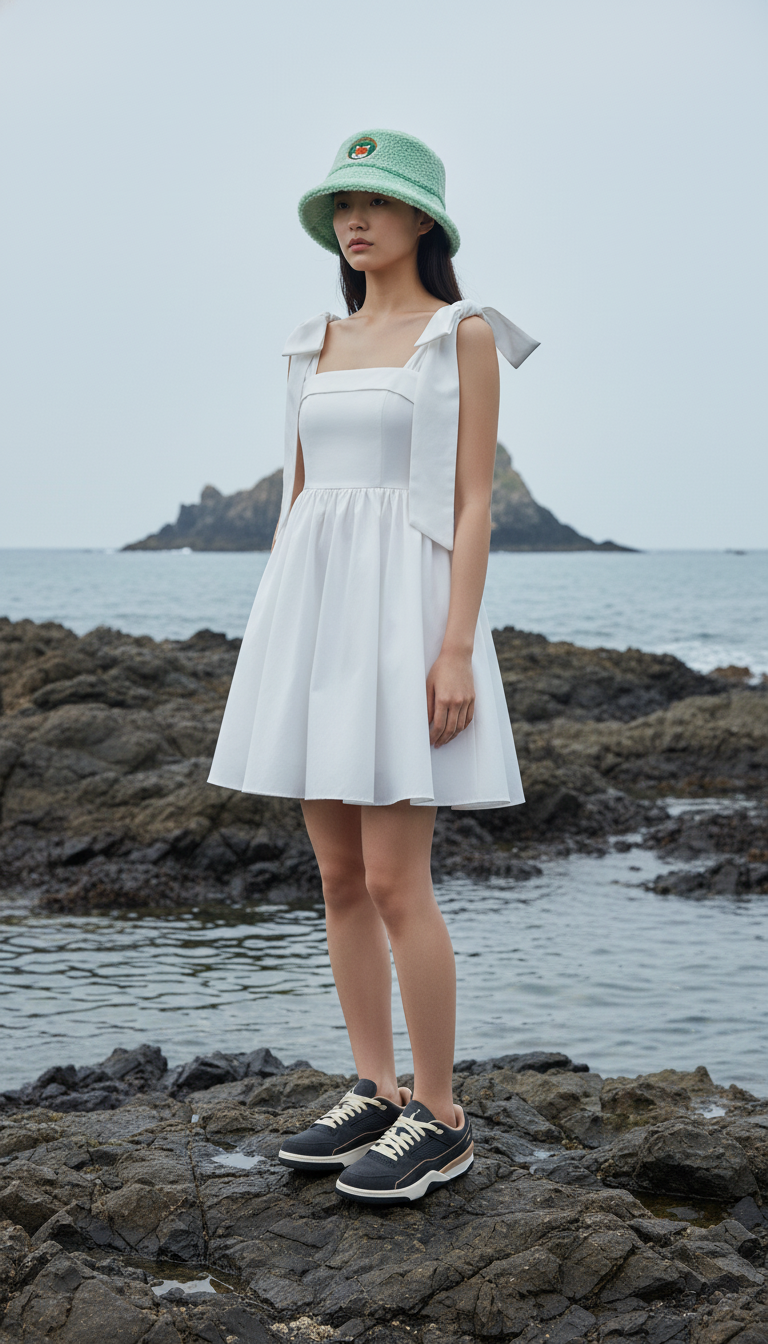
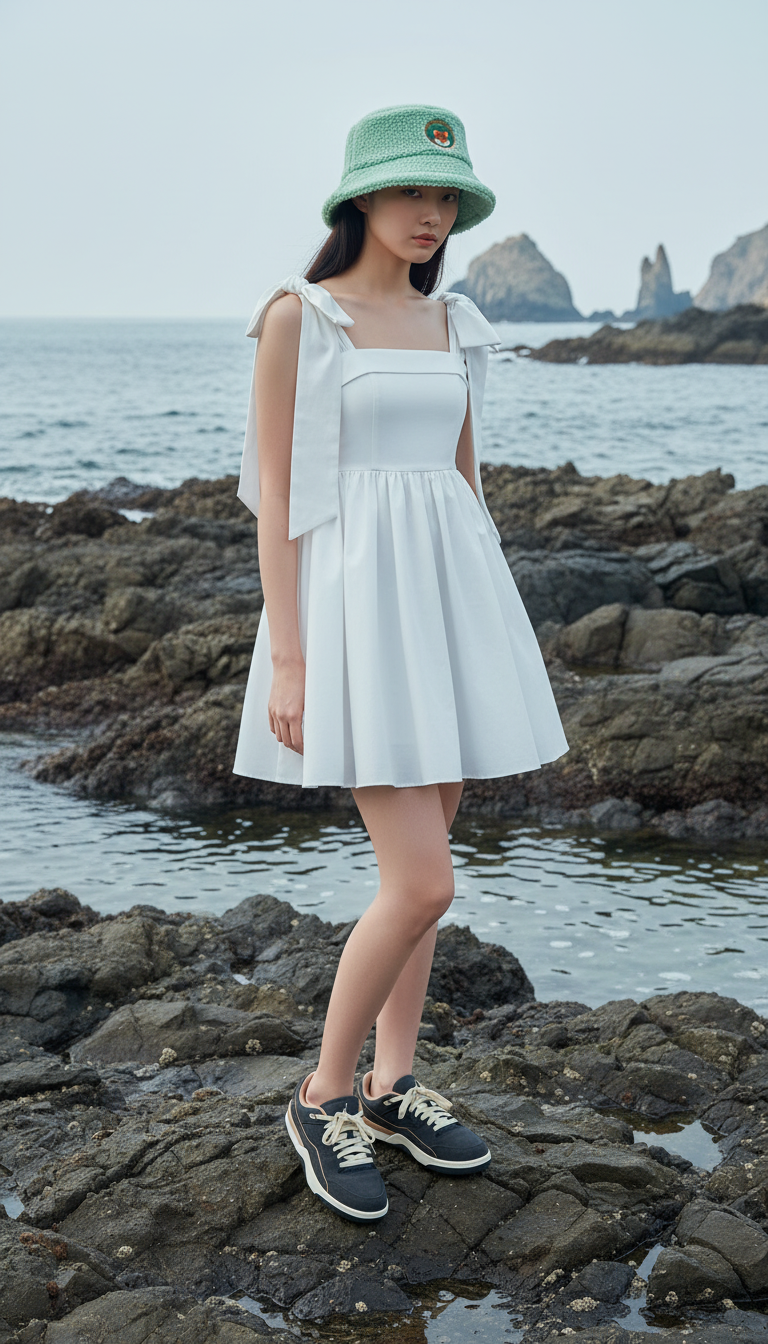
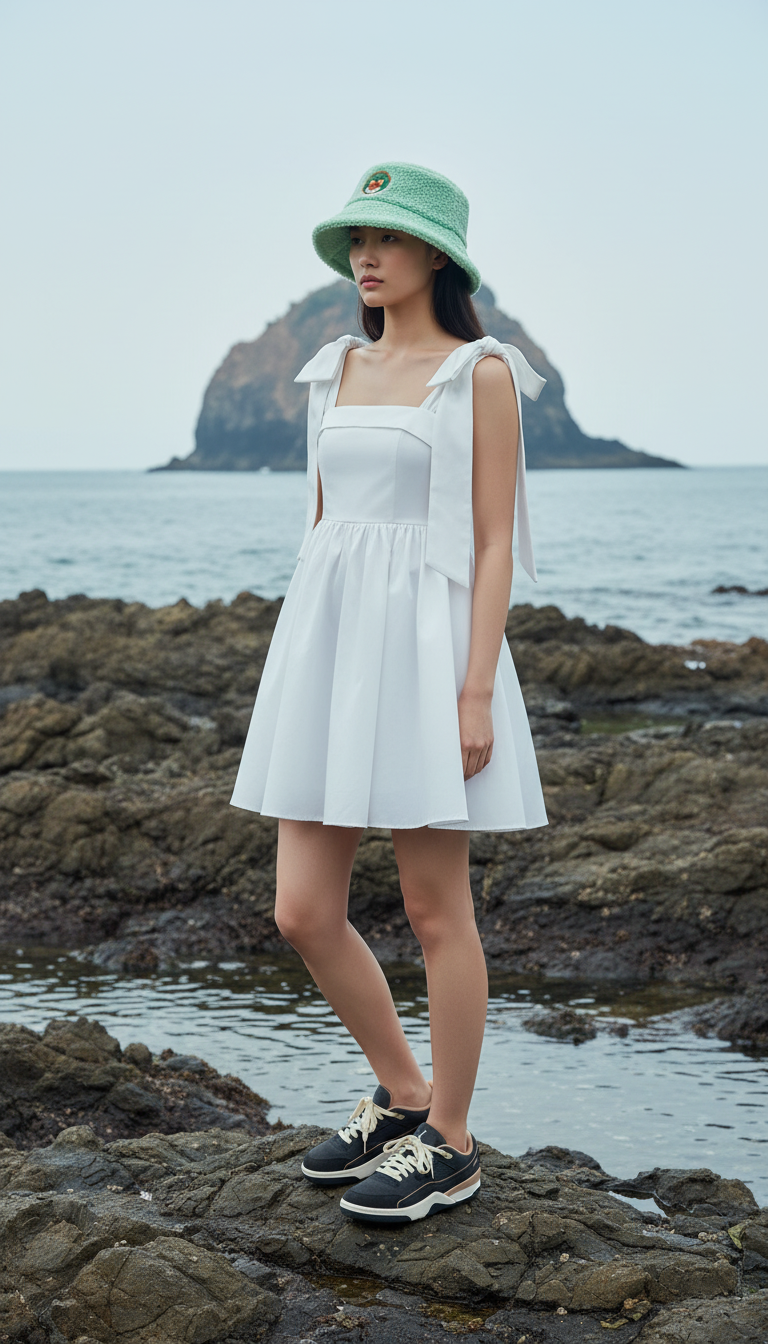
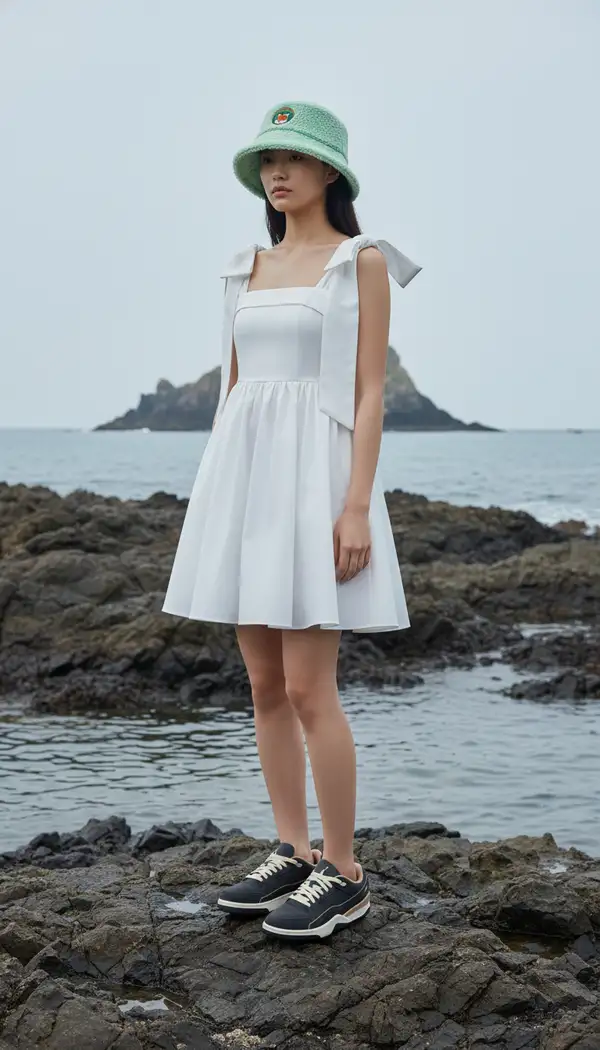
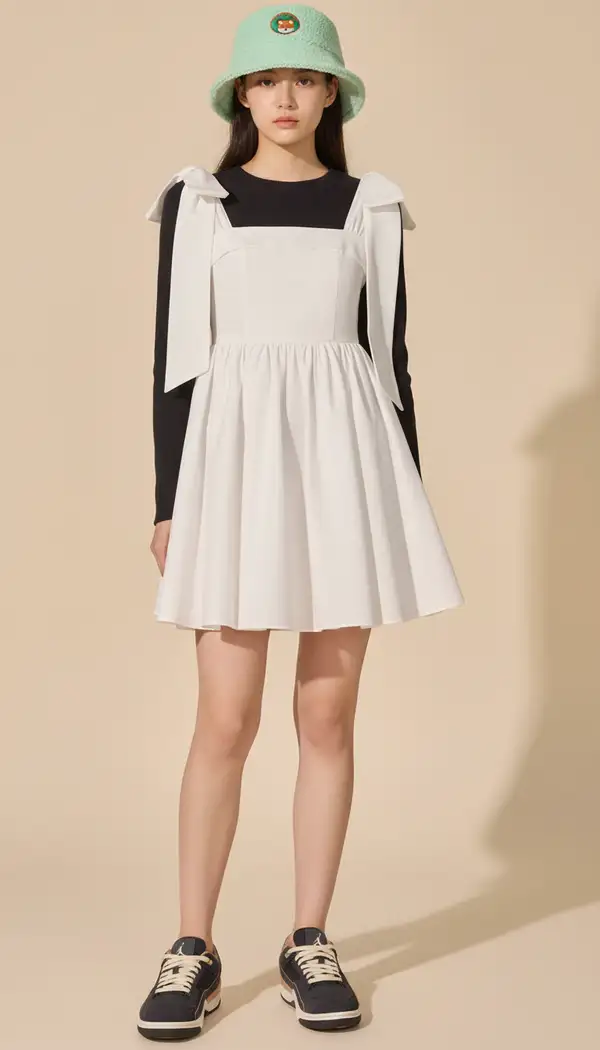
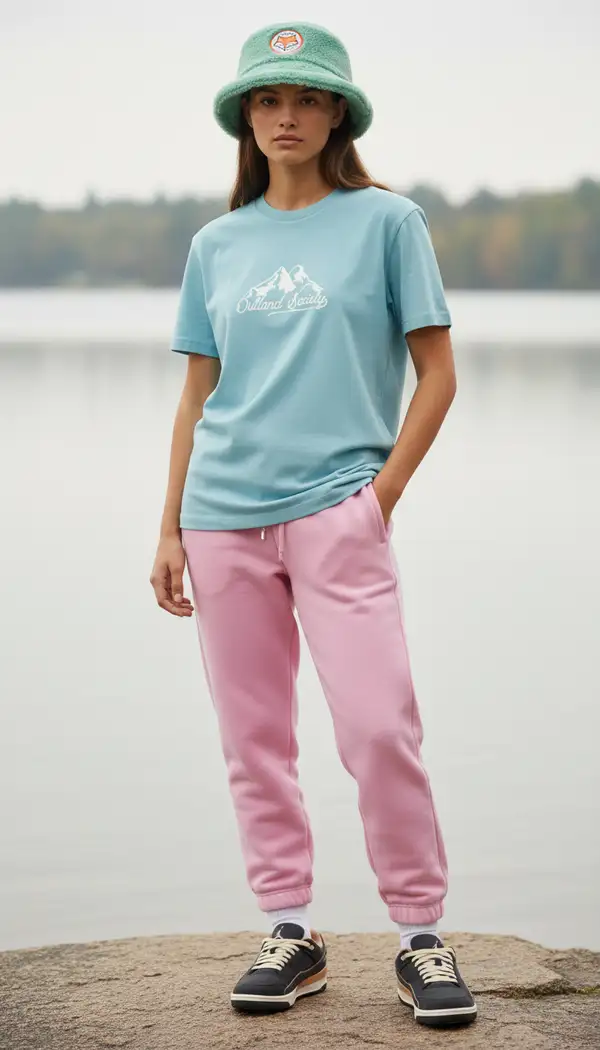
Generate realistic on-model fashion photos from your garment/accessory references and an optional model photo.

$0.039 /run
1 model optionpublicpublished

Wrapper Input

Input

Scene/background environment.

Optional model/person reference image. Supports public URLs or data URIs.

Optional hat reference image. Supports public URLs or data URIs.

Optional shoe reference image. Supports public URLs or data URIs.

Optional top (shirt, blouse, etc.) reference image. Supports public URLs or data URIs.

Optional bottom (pants, skirt, etc.) reference image. Supports public URLs or data URIs.

Optional dress reference image. Supports public URLs or data URIs.

Min: 1 - Max: 4

The number of images to generate.

Optional additional prompt to refine the clothes-on-model result.

Select the aspect ratio and resolution for the generated image

You need to be logged in to run this model and view results.
Log in

Wrapper Output

Output

Generated image output
Generated in 29.981 seconds
Logs (1 lines)

Wrapper Examples

Examples

Example output 1Example output 2Example output 3

Pricing

Base ModelPricing ModeEffective Cost
nano-bananadefaultper output0.039

Clothes on Model API

Clothes on Model is a image-to-image AI wrapper by modelrunner. On ModelRunner it runs through a REST API or via MCP from any AI assistant with pay-per-use pricing.

POST https://queue.modelrunner.run/modelrunner/clothes-on-model

cURL

# Submit a request to the queue. Input fields go at the top level of the
# body. The optional reserved "metadata" object holds your own flat string
# tags — stored on the request, never sent to the model; filter later with
# GET https://queue.modelrunner.run/requests?metadata=<url-encoded JSON>.
curl -X POST https://queue.modelrunner.run/modelrunner/clothes-on-model \
  -H "Authorization: Key $MRUN_API_KEY" \
  -H "Content-Type: application/json" \
  -d '{
    "hat_image": "https://media.modelrunner.ai/YCzpHPF8RLQRM5Xu-hat.webp",
    "shoe_image": "https://media.modelrunner.ai/J4vvUeomPe9JpPrl-shoes.jpeg",
    "dress_image": "https://media.modelrunner.ai/KRAMlq0uc2aODx9G-dress.png",
    "environment": "rocky sea side",
    "model_image": "https://media.modelrunner.ai/JXxX7AJtismpq33Z-woman-model-2.webp",
    "num_outputs": 3,
    "aspect_ratio": "9:16",
    "metadata": {
      "project": "my-project"
    }
  }'
# → { "request_id": "...", "status_url": "...", "response_url": "..." }

# Poll status_url until "COMPLETED", then fetch the result
curl "https://queue.modelrunner.run/modelrunner/clothes-on-model/requests/$REQUEST_ID/status" \
  -H "Authorization: Key $MRUN_API_KEY"
curl "https://queue.modelrunner.run/modelrunner/clothes-on-model/requests/$REQUEST_ID" \
  -H "Authorization: Key $MRUN_API_KEY"

JavaScript

import { modelrunner } from "@modelrunner/client";

const result = await modelrunner.subscribe("modelrunner/clothes-on-model", {
  input: {
    "hat_image": "https://media.modelrunner.ai/YCzpHPF8RLQRM5Xu-hat.webp",
    "shoe_image": "https://media.modelrunner.ai/J4vvUeomPe9JpPrl-shoes.jpeg",
    "dress_image": "https://media.modelrunner.ai/KRAMlq0uc2aODx9G-dress.png",
    "environment": "rocky sea side",
    "model_image": "https://media.modelrunner.ai/JXxX7AJtismpq33Z-woman-model-2.webp",
    "num_outputs": 3,
    "aspect_ratio": "9:16"
  },
});
console.log(result);

Python

import os
import requests

headers = {"Authorization": f"Key {os.environ['MRUN_API_KEY']}"}

submitted = requests.post(
    "https://queue.modelrunner.run/modelrunner/clothes-on-model",
    headers=headers,
    json={
      "hat_image": "https://media.modelrunner.ai/YCzpHPF8RLQRM5Xu-hat.webp",
      "shoe_image": "https://media.modelrunner.ai/J4vvUeomPe9JpPrl-shoes.jpeg",
      "dress_image": "https://media.modelrunner.ai/KRAMlq0uc2aODx9G-dress.png",
      "environment": "rocky sea side",
      "model_image": "https://media.modelrunner.ai/JXxX7AJtismpq33Z-woman-model-2.webp",
      "num_outputs": 3,
      "aspect_ratio": "9:16"
    },
).json()

# Poll submitted["status_url"] until "COMPLETED", then:
result = requests.get(submitted["response_url"], headers=headers).json()

Input parameters

NameTypeRequiredDescription
environmentenumnoScene/background environment. Default: "environment of model".
model_imagestring (uri)noOptional model/person reference image. Supports public URLs or data URIs.
hat_imagestring (uri)noOptional hat reference image. Supports public URLs or data URIs.
shoe_imagestring (uri)noOptional shoe reference image. Supports public URLs or data URIs.
top_imagestring (uri)noOptional top (shirt, blouse, etc.) reference image. Supports public URLs or data URIs.
bottom_imagestring (uri)noOptional bottom (pants, skirt, etc.) reference image. Supports public URLs or data URIs.
dress_imagestring (uri)noOptional dress reference image. Supports public URLs or data URIs.
num_outputsintegernoThe number of images to generate. Default: 1.
promptstringnoOptional additional prompt to refine the clothes-on-model result.
image_sizestring (image-size)yesSelect the aspect ratio and resolution for the generated image

Machine-readable: OpenAPI schema · llms.txt

Use Clothes on Model from Claude & Cursor (MCP)

Point Claude Code, Claude Desktop, Cursor, or any MCP client at the ModelRunner MCP server and Clothes on Model becomes a tool your assistant can call directly — it authorizes via OAuth (no API key in config) and runs this wrapper with the run_model tool using the endpoint modelrunner/clothes-on-model.

MCP client config (Claude Desktop, Cursor)

{
  "mcpServers": {
    "modelrunner": {
      "command": "npx",
      "args": ["-y", "mcp-remote", "https://mcp.modelrunner.run/mcp"]
    }
  }
}

Claude Code

claude mcp add --transport http modelrunner https://mcp.modelrunner.run/mcp

Then ask your assistant, for example: “Run modelrunner/clothes-on-model on ModelRunner to generate image”. MCP setup guide.

Wrapper Details

Model Details

Clothes-on-Model composes believable, on-model product photos for fashion catalogs and listings. Supply reference images for garments and accessories (and optionally a model photo). The system renders accurate fit, drape, and scale while preserving product design and color.