
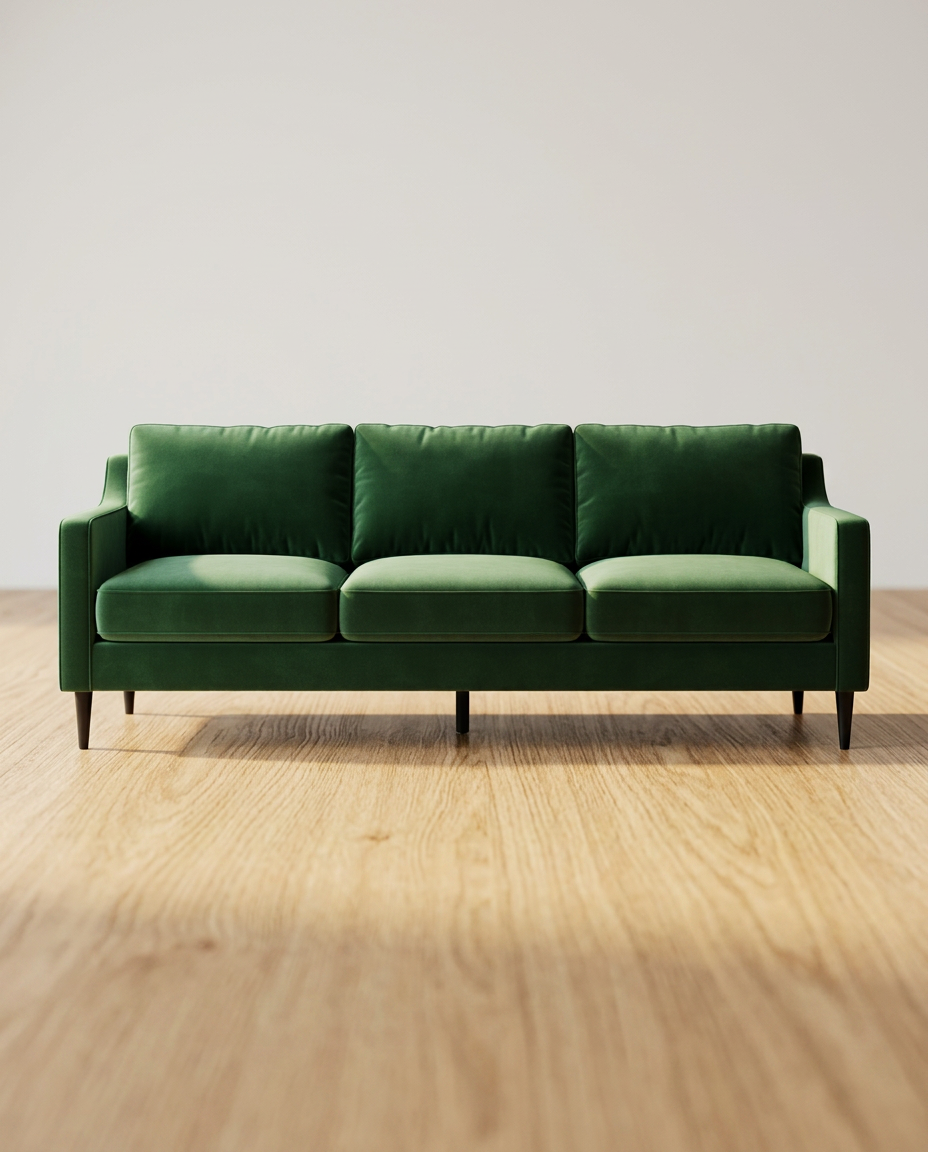
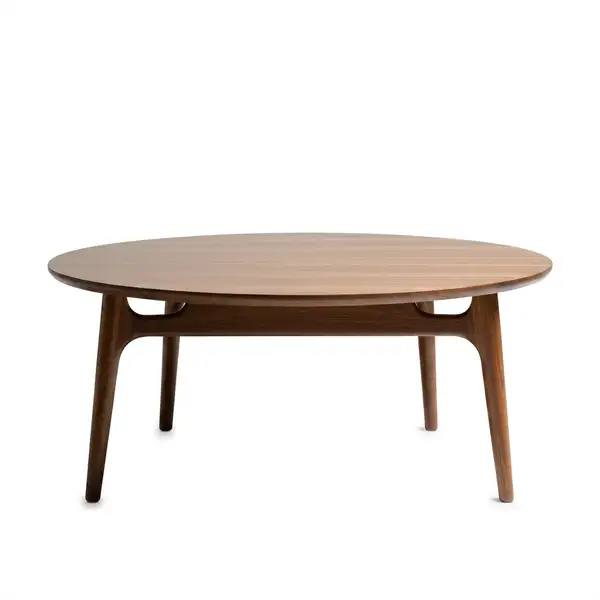
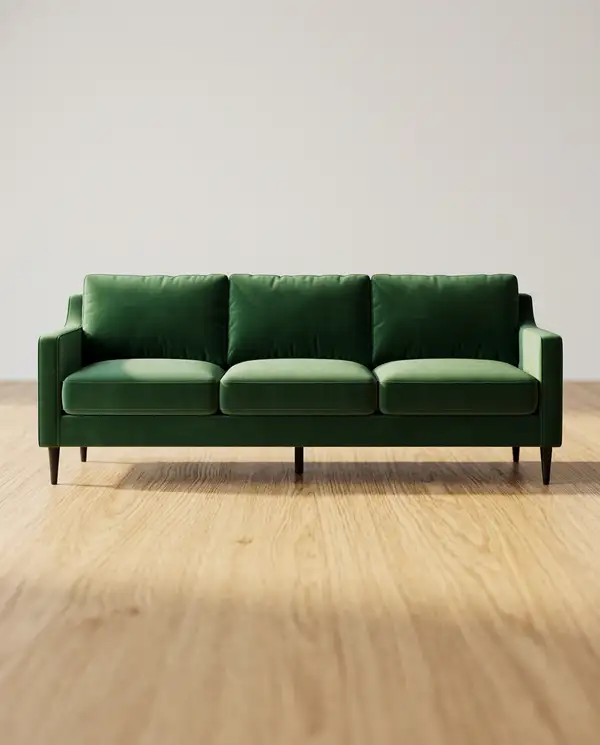
Model Details
**Turn a real product photo — cluttered, in-hand, or on a desk — into a clean commercial packshot, relit and re-backgrounded while preserving the product exactly as shot.**
This is the isolated hero-shot companion to the on-model wrappers: `clothes-on-model` and `jewelry-modeling` put a product *on a person*, `product-placement` drops it *into a scene* — this one produces the plain, catalog-ready **packshot** (the Amazon / Shopify main image).
## How to use
Upload **1–3 photos of the *same* product** (`product_images`). One works; 2–3 different views sharpen fidelity and cut down on label/logo hallucination. Then pick a look:
- `background` — the studio or lifestyle surface. Each preset carries its own natural shadow and composition. - `shadow` — leave on `auto` to use the background's natural shadow, or override (`soft_contact`, `reflection`, `floating`, `none`). - `framing` — `standard` (~80% fill), `fill` (tight ~90%), or `breathing_room` (~65%, leaves negative space for text/ad overlays). - `image_size` — defaults to `1_1_1k` (square is the marketplace standard); use `4_5` / `3_4` for Shopify & social, `16_9` for ads, or `auto` to match the source aspect. - `prompt` — optional art direction (props, mood, lighting). It refines the look but **cannot** override the identity constraints.
The product itself is held 1:1: shape, color, materials, and every label/logo/printed word are preserved; only the background, lighting, and clutter change.
### Marketplace-white caveat (read this)
`marketplace_white` pushes the model hard toward a flat `#FFFFFF`, but generative output is **not pixel-guaranteed** to pass Amazon's exact-white check. For listings that must comply, run `marketplace_white` and then pass the result through a background-removal/matte step onto a true `#FFFFFF` canvas. `studio_white` and the surface/lifestyle presets are the Shopify / DTC / ad path where exact white doesn't matter.
### Producing a consistent set
For a hero + alternate backgrounds of one product:
1. Generate the `studio_white` hero **first**. 2. Take **that clean output** and pass it back as `product_images` for the surface/lifestyle variants — this locks lighting and color across the whole set. Always reuse the *same* first hero as the anchor, never the previous run's output.
### Fidelity tip
Each run returns one image, and text fidelity varies run-to-run. For text-heavy packaging, supply 2–3 reference views and run it a few times, then keep the sharpest label. Runs on Google `nano-banana-2/edit` for its strong in-place text preservation.