

Ana içeriğe geç
luma avatarı

Luma Uni-1 API

luma/uni-1

Metin prompt’undan tek bir yüksek kaliteli görsel üretin — isteğe bağlı manga stili, web’den alınan referanslar ve en fazla dokuz yönlendirme görseliyle her işe uyan bir varsayılan.

0.042

Model girdisi

Input

The text prompt describing the image to generate.

The aspect ratio of the generated image.

Additional Settings

Customize your input with more control.

The visual style of the generated image.

The output image format.

If true, the model may consult the web while generating.

You need to be logged in to run this model and view results.
Log in

Model çıktısı

Output

Generated image output
Generated in 47.722 seconds
Logs (1 lines)

Örnek istekler

Örnekler

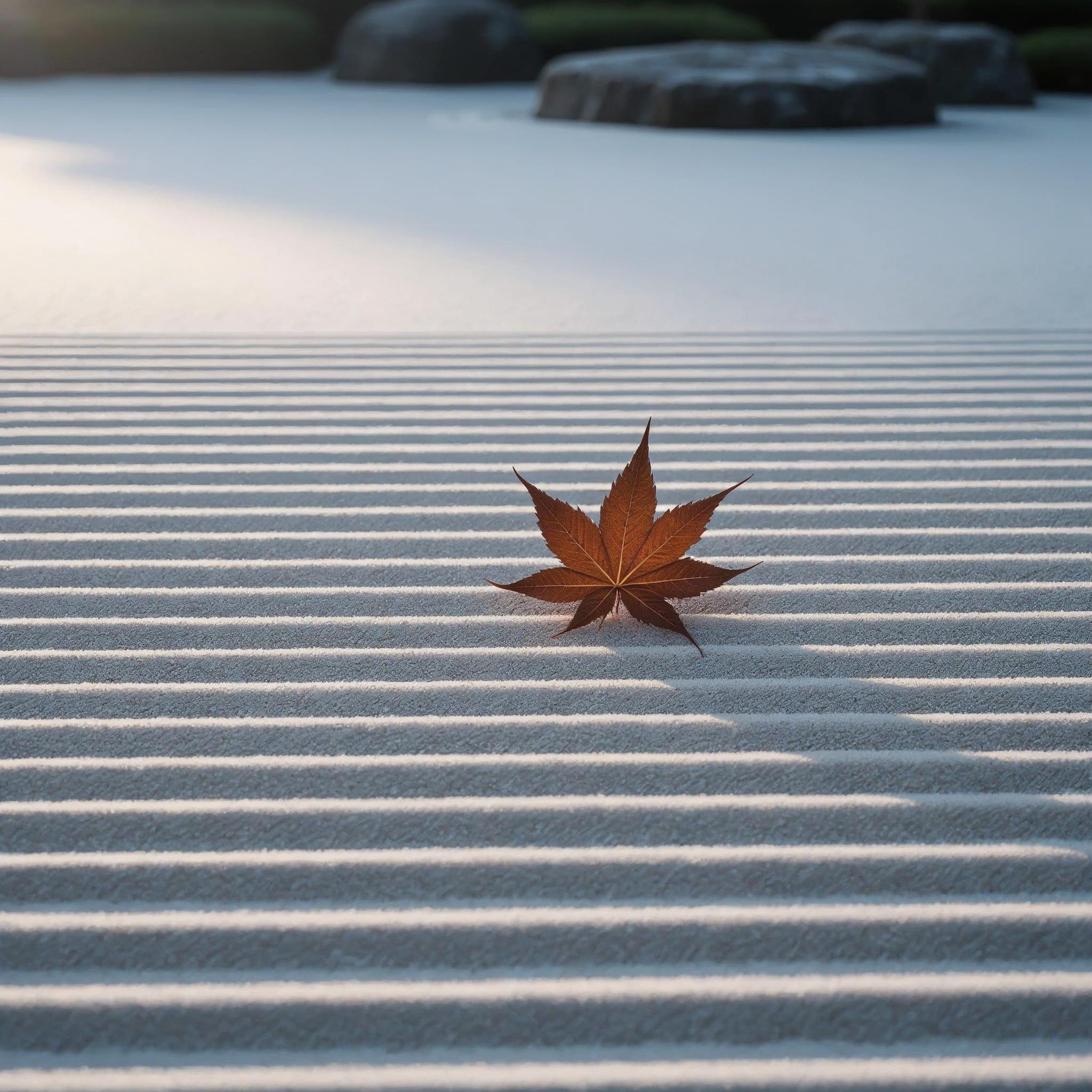
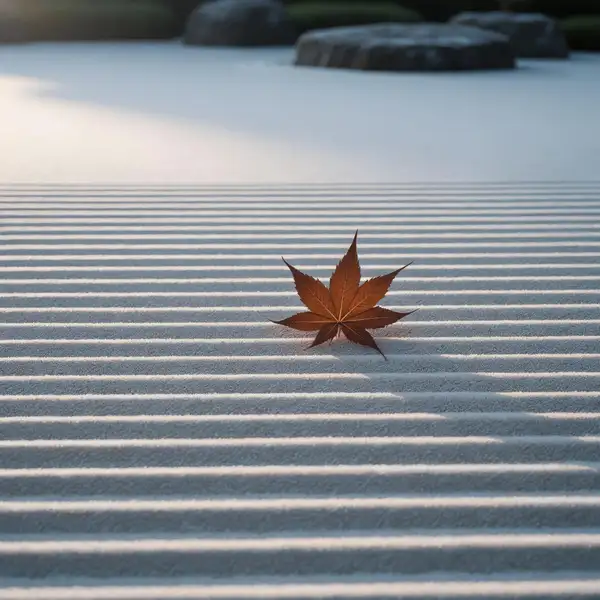
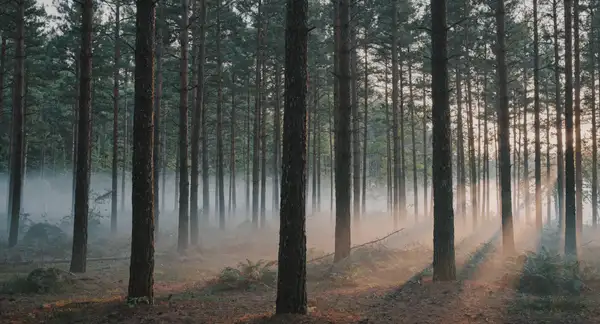
Example output 1Example output 2Example output 3

Luma Uni-1 API

Luma Uni-1 is a text-to-image AI model by luma. On ModelRunner it runs through a REST API or via MCP from any AI assistant, at $0.042 per image.

POST https://queue.modelrunner.run/luma/uni-1

cURL

# Submit a request to the queue. Input fields go at the top level of the
# body. The optional reserved "metadata" object holds your own flat string
# tags — stored on the request, never sent to the model; filter later with
# GET https://queue.modelrunner.run/requests?metadata=<url-encoded JSON>.
curl -X POST https://queue.modelrunner.run/luma/uni-1 \
  -H "Authorization: Key $MRUN_API_KEY" \
  -H "Content-Type: application/json" \
  -d '{
    "style": "auto",
    "prompt": "a tranquil zen garden with raked sand and a single maple leaf, soft morning light",
    "aspect_ratio": "1:1",
    "output_format": "jpeg",
    "enable_web_search": false,
    "reference_image_urls": null,
    "metadata": {
      "project": "my-project"
    }
  }'
# → { "request_id": "...", "status_url": "...", "response_url": "..." }

# Poll status_url until "COMPLETED", then fetch the result
curl "https://queue.modelrunner.run/luma/uni-1/requests/$REQUEST_ID/status" \
  -H "Authorization: Key $MRUN_API_KEY"
curl "https://queue.modelrunner.run/luma/uni-1/requests/$REQUEST_ID" \
  -H "Authorization: Key $MRUN_API_KEY"

JavaScript

import { modelrunner } from "@modelrunner/client";

const result = await modelrunner.subscribe("luma/uni-1", {
  input: {
    "style": "auto",
    "prompt": "a tranquil zen garden with raked sand and a single maple leaf, soft morning light",
    "aspect_ratio": "1:1",
    "output_format": "jpeg",
    "enable_web_search": false,
    "reference_image_urls": null
  },
});
console.log(result);

Python

import os
import requests

headers = {"Authorization": f"Key {os.environ['MRUN_API_KEY']}"}

submitted = requests.post(
    "https://queue.modelrunner.run/luma/uni-1",
    headers=headers,
    json={
      "style": "auto",
      "prompt": "a tranquil zen garden with raked sand and a single maple leaf, soft morning light",
      "aspect_ratio": "1:1",
      "output_format": "jpeg",
      "enable_web_search": false,
      "reference_image_urls": null
    },
).json()

# Poll submitted["status_url"] until "COMPLETED", then:
result = requests.get(submitted["response_url"], headers=headers).json()

Input parameters

Input parameters of Luma Uni-1
NameTypeRequiredDescription
promptstringyesThe text prompt describing the image to generate.
aspect_ratioenumnoThe aspect ratio of the generated image. One of: 3:1, 2:1, 16:9, 3:2, 1:1, 2:3, 9:16, 1:2, 1:3. Default: null.
styleenumnoThe visual style of the generated image. One of: auto, manga. Default: "auto".
output_formatenumnoThe output image format. One of: png, jpeg. Default: null.
enable_web_searchbooleannoIf true, the model may consult the web while generating. Default: false.
reference_image_urlsarraynoOptional list of reference image URLs to steer composition (up to 9). Default: null.

Machine-readable: OpenAPI schema · llms.txt

Use Luma Uni-1 from Claude & Cursor (MCP)

Point Claude Code, Claude Desktop, Cursor, or any MCP client at the ModelRunner MCP server and Luma Uni-1 becomes a tool your assistant can call directly — it authorizes via OAuth (no API key in config) and runs this model with the run_model tool using the endpoint luma/uni-1.

MCP client config (Claude Desktop, Cursor)

{
  "mcpServers": {
    "modelrunner": {
      "command": "npx",
      "args": ["-y", "mcp-remote", "https://mcp.modelrunner.run/mcp"]
    }
  }
}

Claude Code

claude mcp add --transport http modelrunner https://mcp.modelrunner.run/mcp

Then ask your assistant, for example: “Run luma/uni-1 on ModelRunner to generate image”. MCP setup guide.

Model Detayları

Model Detayları

Uni-1, Uni-1 ailesinin standart kademesi ve text-to-image işleri için mantıklı varsayılan seçimdir: bir prompt verin, Max kademesinden daha hızlı ve daha ucuza üretilen, özenle işlenmiş tek bir görsel alın. Uni-1 özellik setinin tamamını taşır — `auto` ya da `manga` stili, isteğe bağlı web’den alınan referanslar ve sonucu yönlendirmek için en fazla dokuz referans görseli — bu yüzden yetenekten değil, yalnızca en zorlu prompt’lardaki ek kalite payından ödün verirsiniz. Hero kalitesinde bir render’a para ödemeden güçlü bir sonuç istediğiniz her durumda ona başvurun.

## En uygun olduğu işler - Maliyetin ve hızın önemli olduğu gündelik tekli görseller ve hızlı iterasyon - Net ve somut prompt’ların, desteklenen en-boy oranlarından herhangi birinde aslına sadık biçimde görselleştirilmesi - `manga` stiliyle siyah-beyaz manga ve çizgi roman tarzı çizgi çizimler - Web’den alınan referanslarla gerçek, güncel ya da niş konuları yansıtması gereken illüstrasyonlar - Kompozisyon, özne ya da stil için kendi referans görsellerinizle yönlendirilen üretimler

## Şu durumlarda başka bir model seçin - Tek bir hero çekimde maksimum sadakat ve en güçlü prompt uyumu gerekiyorsa ve daha yüksek maliyeti kabul edebiliyorsanız — `luma/uni-1-max` kullanın - Prompt’tan görsel üretmek yerine mevcut bir görseli düzenlemek ya da dönüştürmek istiyorsanız — bir image-to-image ya da görsel düzenleme modeli kullanın - Hareket ya da video çıktısı gerekiyorsa — bir video modeli kullanın

## İpuçları - Net ve somut prompt’lar yazın; bu kademede kelimeleri özenle seçmek karşılığını verir. - `manga` stilini yalnızca mürekkepli çizgi çizim istediğinizde kullanın — fotogerçekçi ve çoğu illüstratif görünümü `auto` karşılar. - Tek bir hero görselin mümkün olan en yüksek ayrıntıya ihtiyacı olduğunda `luma/uni-1-max` kademesine geçin.

## Gelişmiş Yapılandırma - `style` — `auto` (varsayılan) uygun bir fotogerçekçi ya da illüstratif görünüm seçer; `manga` ise panelli illüstrasyonlar ve mürekkepli karakterler için siyah-beyaz manga / çizgi roman tarzı çizgi çizim üretir. - `enable_web_search` — modelin üretim sırasında görsel referans bulmak için web’e başvurmasına izin vermek üzere `true` yapın; prompt’unuz gerçek, güncel ya da niş konuları adlandırıyorsa işe yarar. Daha hızlı ve kendi içinde tamamlanan bir üretim için `false` (varsayılan) bırakın. - `reference_image_urls` — kompozisyonu, özneyi ya da stili kendi referanslarınıza doğru yönlendirmek için en fazla dokuz görsel URL’si verin; model bunları prompt’la harmanlar.

ModelRunner JavaScript client ile çalıştırmak için: ```js import { modelrunner } from "@modelrunner/client";

const result = await modelrunner.subscribe("luma/uni-1", { input: { prompt: "a lighthouse on a cliff at golden hour, dramatic sky", aspect_ratio: "16:9", style: "auto", }, }); ```