

Ana içeriğe geç
ideogram avatarı

Ideogram V4 API

ideogram/ideogram-v4

Metin prompt’undan görseller üretin — logo, poster ve tabelalar için görselin içine sektör lideri doğrulukta, okunaklı metin basın.

görsel megapikseli başına 0.06

Model girdisi

Input

The text prompt describing the image to generate. Put any words you want rendered inside the image in quotes.

Magic Prompt: automatically enriches the prompt before generation. None uses the prompt as written; Large applies the most enrichment for the highest-quality result.

The size of the generated image. Use a preset string (e.g. 'landscape_16_9') or a custom {width, height} object.

The speed/quality/cost tradeoff. TURBO is fastest and cheapest, BALANCED is the default, QUALITY is best but slowest and most expensive. Affects both speed and cost.

The acceleration level to use.

The same seed and the same prompt given to the same version of the model will output the same image every time.

Safety checker can only be disabled on API call

The format of the generated image.

Min: 1 - Max: 4

The number of images to generate. Each generated image is billed.

You need to be logged in to run this model and view results.
Log in

Model çıktısı

Output

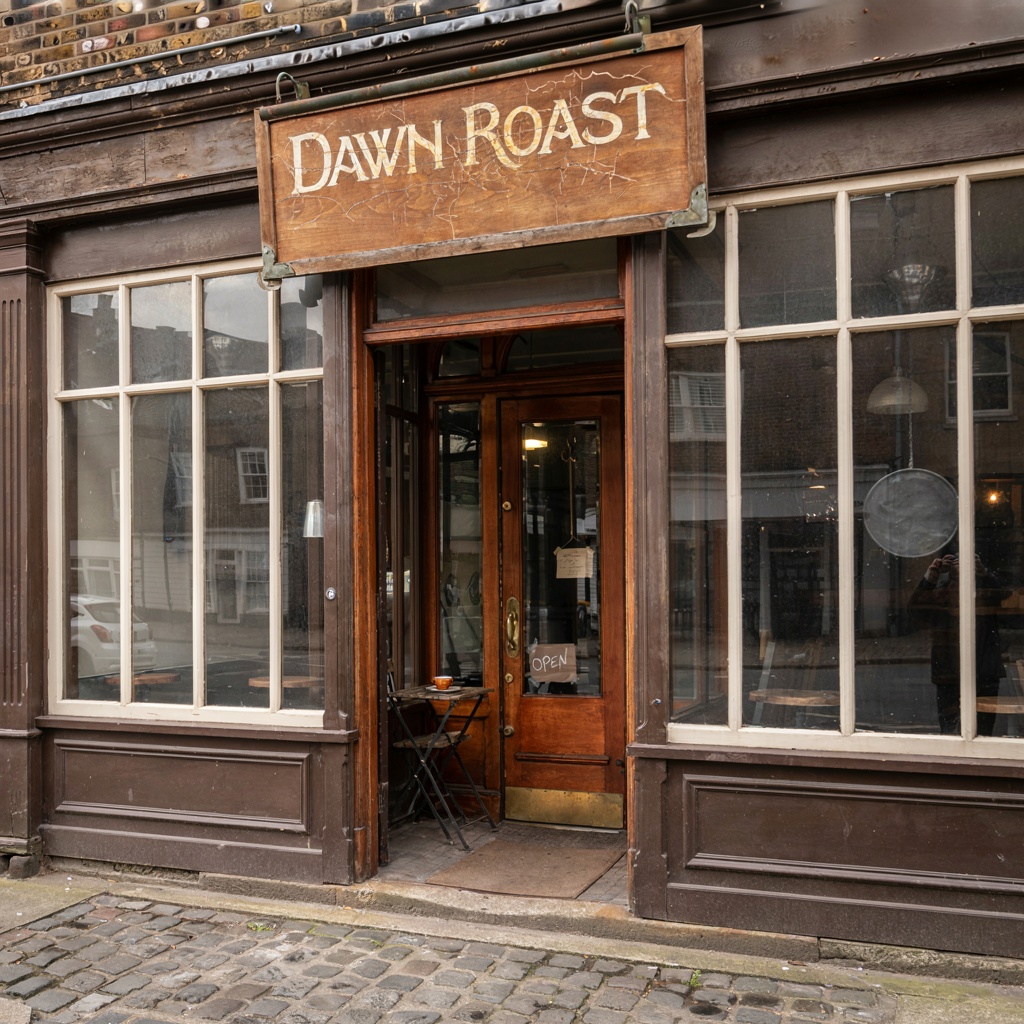
Generated image output
Generated in 29.013 seconds
Logs (1 lines)

Örnek istekler

Örnekler

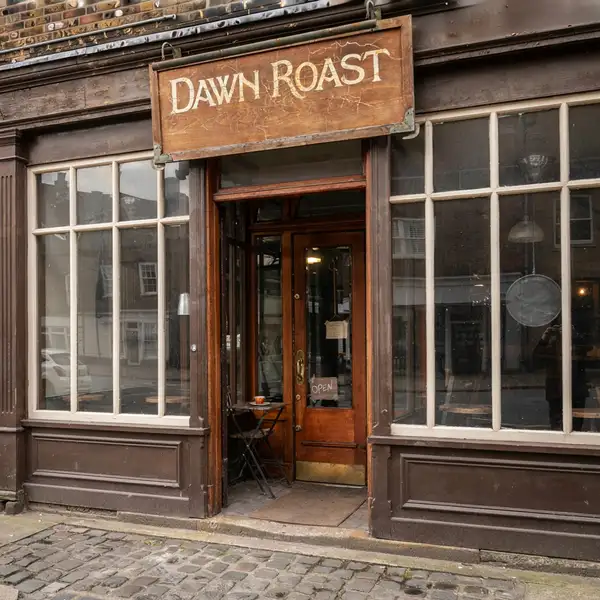
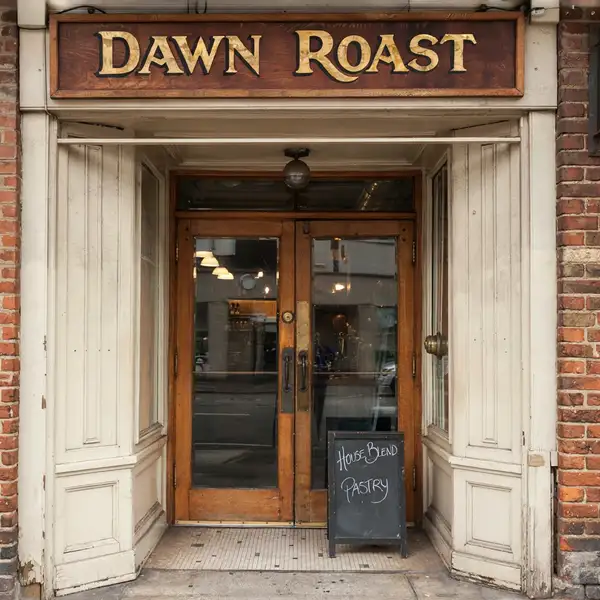
Example output 1Example output 2Example output 3

Ideogram V4 API

Ideogram V4 is a text-to-image AI model by ideogram. On ModelRunner it runs through a REST API or via MCP from any AI assistant, at $0.06 per megapixel.

POST https://queue.modelrunner.run/ideogram/ideogram-v4

cURL

# Submit a request to the queue. Input fields go at the top level of the
# body. The optional reserved "metadata" object holds your own flat string
# tags — stored on the request, never sent to the model; filter later with
# GET https://queue.modelrunner.run/requests?metadata=<url-encoded JSON>.
curl -X POST https://queue.modelrunner.run/ideogram/ideogram-v4 \
  -H "Authorization: Key $MRUN_API_KEY" \
  -H "Content-Type: application/json" \
  -d '{
    "prompt": "a vintage coffee shop storefront with a hand-painted sign reading DAWN ROAST",
    "image_size": "square_hd",
    "num_images": 1,
    "acceleration": "none",
    "output_format": "jpeg",
    "expansion_model": "Medium",
    "rendering_speed": "BALANCED",
    "enable_safety_checker": true,
    "metadata": {
      "project": "my-project"
    }
  }'
# → { "request_id": "...", "status_url": "...", "response_url": "..." }

# Poll status_url until "COMPLETED", then fetch the result
curl "https://queue.modelrunner.run/ideogram/ideogram-v4/requests/$REQUEST_ID/status" \
  -H "Authorization: Key $MRUN_API_KEY"
curl "https://queue.modelrunner.run/ideogram/ideogram-v4/requests/$REQUEST_ID" \
  -H "Authorization: Key $MRUN_API_KEY"

JavaScript

import { modelrunner } from "@modelrunner/client";

const result = await modelrunner.subscribe("ideogram/ideogram-v4", {
  input: {
    "prompt": "a vintage coffee shop storefront with a hand-painted sign reading DAWN ROAST",
    "image_size": "square_hd",
    "num_images": 1,
    "acceleration": "none",
    "output_format": "jpeg",
    "expansion_model": "Medium",
    "rendering_speed": "BALANCED",
    "enable_safety_checker": true
  },
});
console.log(result);

Python

import os
import requests

headers = {"Authorization": f"Key {os.environ['MRUN_API_KEY']}"}

submitted = requests.post(
    "https://queue.modelrunner.run/ideogram/ideogram-v4",
    headers=headers,
    json={
      "prompt": "a vintage coffee shop storefront with a hand-painted sign reading DAWN ROAST",
      "image_size": "square_hd",
      "num_images": 1,
      "acceleration": "none",
      "output_format": "jpeg",
      "expansion_model": "Medium",
      "rendering_speed": "BALANCED",
      "enable_safety_checker": true
    },
).json()

# Poll submitted["status_url"] until "COMPLETED", then:
result = requests.get(submitted["response_url"], headers=headers).json()

Input parameters

Input parameters of Ideogram V4
NameTypeRequiredDescription
promptstringyesThe text prompt describing the image to generate. Put any words you want rendered inside the image in quotes.
expansion_modelenumnoMagic Prompt: automatically enriches the prompt before generation. None uses the prompt as written; Large applies the most enrichment for the highest-quality result. One of: None, Medium, Large. Default: "Medium".
image_sizeenumnoThe size of the generated image. Use a preset string (e.g. 'landscape_16_9') or a custom {width, height} object. One of: square_hd, square, portrait_4_3, portrait_16_9, landscape_4_3, landscape_16_9. Default: "square_hd".
rendering_speedenumnoThe speed/quality/cost tradeoff. TURBO is fastest and cheapest, BALANCED is the default, QUALITY is best but slowest and most expensive. Affects both speed and cost. One of: TURBO, BALANCED, QUALITY. Default: "BALANCED".
accelerationenumnoThe acceleration level to use. One of: none, low, regular, high. Default: "none".
seedintegernoThe same seed and the same prompt given to the same version of the model will output the same image every time.
enable_safety_checkerbooleannoIf set to true, the safety checker will be enabled. Default: true.
output_formatenumnoThe format of the generated image. One of: jpeg, png. Default: "jpeg".
num_imagesintegernoThe number of images to generate. Each generated image is billed. Default: 1.

Machine-readable: OpenAPI schema · llms.txt

Use Ideogram V4 from Claude & Cursor (MCP)

Point Claude Code, Claude Desktop, Cursor, or any MCP client at the ModelRunner MCP server and Ideogram V4 becomes a tool your assistant can call directly — it authorizes via OAuth (no API key in config) and runs this model with the run_model tool using the endpoint ideogram/ideogram-v4.

MCP client config (Claude Desktop, Cursor)

{
  "mcpServers": {
    "modelrunner": {
      "command": "npx",
      "args": ["-y", "mcp-remote", "https://mcp.modelrunner.run/mcp"]
    }
  }
}

Claude Code

claude mcp add --transport http modelrunner https://mcp.modelrunner.run/mcp

Then ask your assistant, for example: “Run ideogram/ideogram-v4 on ModelRunner to generate image”. MCP setup guide.

Model Detayları

Model Detayları

Ideogram V4, bir metin prompt’unu yüksek kaliteli bir görsele dönüştürür; asıl gücü ise çoğu görsel modelinin hâlâ beceremediği bir iş: görselin içine doğru ve okunaklı metin basmak. Üzerinde gerçek kelimeler olan bir logo, film afişi, ürün etiketi ya da sokak tabelası isteyin; yazımı, yerleşimi ve tipografiyi tutarlı tutar. Bunun yanında geniş bir stil ve en-boy oranı yelpazesinde genel fotogerçekçi ve illüstratif üretimi de karşılar.

## En uygun olduğu işler - Harflerin doğru yazılması ve doğru yerleşmesi gereken marka logoları ve logotipler - Bir başlık ya da slogan etrafında kurulan posterler, reklam kreatifleri, kitap kapakları ve albüm kapakları - Sahnede gerçek metin gibi okunan tabelalar, vitrinler ve menüler - Adları ve metinleri okunaklı ürün ambalajları ve etiketleri - Harflerin keskin kalması gereken tipografik ve grafik tasarım kompozisyonları

## Şu durumlarda başka bir model seçin - Prompt’tan üretmek yerine mevcut bir görseli dönüştürmek ya da yeniden tarzlamak istiyorsanız — image-to-image varyantı `ideogram/ideogram-v4/image-to-image` kullanın - Uzun gövde metni paragrafları ya da hassas bir belge düzeni gerekiyorsa — bir text-to-image modeli (bu da dahil) gerçek bir tasarım ya da dizgi aracının yerini tutmaz

## İpuçları - Basılmasını istediğiniz kelimeleri prompt’ta birebir ve tırnak içinde yazın; ör. üzerinde `"GRAND OPENING"` yazan bir poster - Görseldeki metni kısa ve net tutun; uzun pasajları kusursuz basmak daha zordur - Mecraya uyan bir `image_size` hazır ayarı seçin — posterler için `portrait_4_3`, banner’lar için `landscape_16_9`

## Gelişmiş Yapılandırma

### rendering_speed Hız, kalite ve maliyet arasındaki dengeyi belirler. `TURBO` en hızlı ve en ucuz seçenektir, `BALANCED` (varsayılan) orta yoldur, `QUALITY` ise en iyisi ama en yavaş ve en pahalı olanıdır. Hem üretimin ne kadar süreceğini **hem de** her görselin ne kadara mal olacağını etkiler; bu yüzden hızlı taslaklar için `TURBO`, nihai hero görseller için `QUALITY` seçin.

```js input: { prompt: "...", rendering_speed: "QUALITY" } ```

### expansion_model Bu, üretimden önce prompt’unuzu otomatik olarak ek betimleyici detaylarla zenginleştiren "Magic Prompt" özelliğidir. Seçenekler: `None`, `Medium` (varsayılan) ve `Large`. `Large` en ayrıntılı sonuç için en fazla zenginleştirmeyi uygular; `None` ise tam ve harfi harfine kontrol için prompt’unuzu yazdığınız gibi kullanır. Prompt’unuz kısa ya da az ayrıntılıysa daha büyük bir değer, hassas uyum istediğinizde `None` kullanın.

```js input: { prompt: "...", expansion_model: "Large" } ```

ModelRunner JavaScript client ile çalıştırmak için: ```js import { modelrunner } from "@modelrunner/client";

const result = await modelrunner.subscribe("ideogram/ideogram-v4", { input: { prompt: 'a vintage travel poster that reads "VISIT MARS"', image_size: "portrait_4_3", rendering_speed: "QUALITY", expansion_model: "Large", }, }); ```