
Ana içeriğe geç
bria avatarı

Bria Expand API

bria/expand

Bir görseli daha büyük bir tuvale genişletin (outpaint), özgün görsele uyan yeni bir çevre üretin — çıktılar ticari kullanım için güvenli.

uzatma
0.04

Model girdisi

Input

The source image to expand. New content is generated around it to fill the larger canvas.

Aspect ratio used to place and scale the source inside the new canvas. Set this OR both original_image_size and original_image_location.

Optional text describing what should appear in the newly generated area around the source.

Random seed for reproducibility. The same seed and inputs produce the same result.

Optional text describing what to avoid in the generated area.

You need to be logged in to run this model and view results.
Log in

Model çıktısı

Output

Loading
Generated in 13.801 seconds
Logs (1 lines)

Örnek istekler

Örnekler

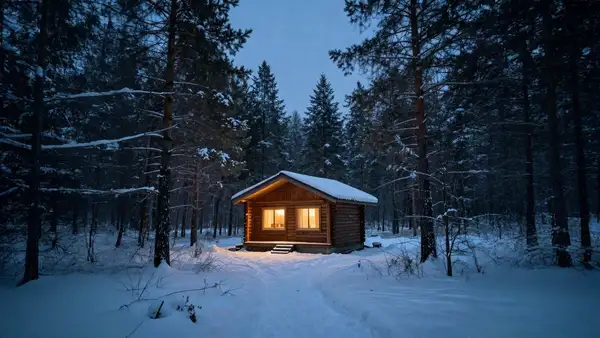
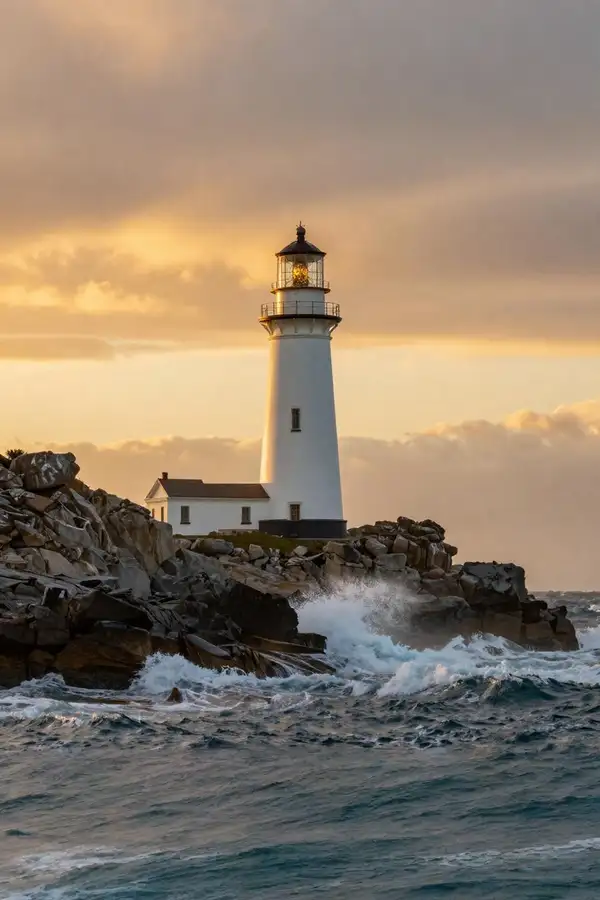
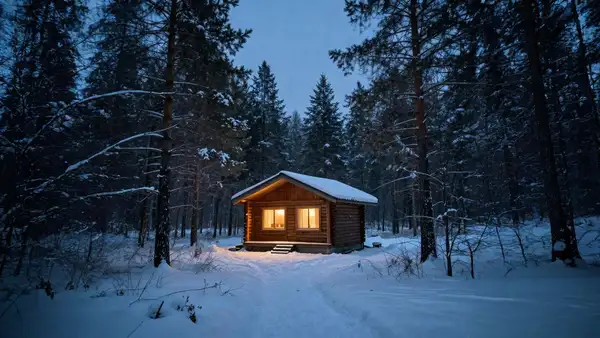
Example output 1Example output 2Example output 3

Bria Expand API

Bria Expand is a image-to-image AI model by bria. On ModelRunner it runs through a REST API or via MCP from any AI assistant, at $0.04 per image.

POST https://queue.modelrunner.run/bria/expand

cURL

# Submit a request to the queue. Input fields go at the top level of the
# body. The optional reserved "metadata" object holds your own flat string
# tags — stored on the request, never sent to the model; filter later with
# GET https://queue.modelrunner.run/requests?metadata=<url-encoded JSON>.
curl -X POST https://queue.modelrunner.run/bria/expand \
  -H "Authorization: Key $MRUN_API_KEY" \
  -H "Content-Type: application/json" \
  -d '{
    "seed": null,
    "prompt": "autumn forest with golden leaves and misty morning light",
    "image_url": "https://media.modelrunner.ai/W1arHaw4pwVWvm8Vwb2Fs.png",
    "canvas_size": [
      1536,
      1024
    ],
    "aspect_ratio": "16:9",
    "negative_prompt": "",
    "original_image_size": null,
    "original_image_location": null,
    "metadata": {
      "project": "my-project"
    }
  }'
# → { "request_id": "...", "status_url": "...", "response_url": "..." }

# Poll status_url until "COMPLETED", then fetch the result
curl "https://queue.modelrunner.run/bria/expand/requests/$REQUEST_ID/status" \
  -H "Authorization: Key $MRUN_API_KEY"
curl "https://queue.modelrunner.run/bria/expand/requests/$REQUEST_ID" \
  -H "Authorization: Key $MRUN_API_KEY"

JavaScript

import { modelrunner } from "@modelrunner/client";

const result = await modelrunner.subscribe("bria/expand", {
  input: {
    "seed": null,
    "prompt": "autumn forest with golden leaves and misty morning light",
    "image_url": "https://media.modelrunner.ai/W1arHaw4pwVWvm8Vwb2Fs.png",
    "canvas_size": [
      1536,
      1024
    ],
    "aspect_ratio": "16:9",
    "negative_prompt": "",
    "original_image_size": null,
    "original_image_location": null
  },
});
console.log(result);

Python

import os
import requests

headers = {"Authorization": f"Key {os.environ['MRUN_API_KEY']}"}

submitted = requests.post(
    "https://queue.modelrunner.run/bria/expand",
    headers=headers,
    json={
      "seed": null,
      "prompt": "autumn forest with golden leaves and misty morning light",
      "image_url": "https://media.modelrunner.ai/W1arHaw4pwVWvm8Vwb2Fs.png",
      "canvas_size": [
        1536,
        1024
      ],
      "aspect_ratio": "16:9",
      "negative_prompt": "",
      "original_image_size": null,
      "original_image_location": null
    },
).json()

# Poll submitted["status_url"] until "COMPLETED", then:
result = requests.get(submitted["response_url"], headers=headers).json()

Input parameters

Input parameters of Bria Expand
NameTypeRequiredDescription
image_urlstring (uri)yesThe source image to expand. New content is generated around it to fill the larger canvas.
canvas_sizearrayyesTarget size of the expanded canvas as [width, height] in pixels (total area under 5000x5000). Must be paired with either an aspect_ratio, or both original_image_size and original_image_location, so the model knows where to place the source inside the new canvas.
aspect_ratioenumnoAspect ratio used to place and scale the source inside the new canvas. Set this OR both original_image_size and original_image_location. One of: 1:1, 2:3, 3:2, 3:4, 4:3, 4:5, 5:4, 9:16, 16:9. Default: null.
original_image_sizearrayno[width, height] of the original image inside the canvas. Use together with original_image_location for exact placement (instead of aspect_ratio). Default: null.
original_image_locationarrayno[x, y] upper-left placement of the original in the expanded canvas. Use together with original_image_size for exact placement (instead of aspect_ratio). Default: null.
promptstringnoOptional text describing what should appear in the newly generated area around the source. Default: "".
seedintegernoRandom seed for reproducibility. The same seed and inputs produce the same result. Default: null.
negative_promptstringnoOptional text describing what to avoid in the generated area. Default: "".

Machine-readable: OpenAPI schema · llms.txt

Use Bria Expand from Claude & Cursor (MCP)

Point Claude Code, Claude Desktop, Cursor, or any MCP client at the ModelRunner MCP server and Bria Expand becomes a tool your assistant can call directly — it authorizes via OAuth (no API key in config) and runs this model with the run_model tool using the endpoint bria/expand.

MCP client config (Claude Desktop, Cursor)

{
  "mcpServers": {
    "modelrunner": {
      "command": "npx",
      "args": ["-y", "mcp-remote", "https://mcp.modelrunner.run/mcp"]
    }
  }
}

Claude Code

claude mcp add --transport http modelrunner https://mcp.modelrunner.run/mcp

Then ask your assistant, for example: “Run bria/expand on ModelRunner to generate image”. MCP setup guide.

Model Detayları

Model Detayları

Bria Expand, bir görseli özgün sınırlarının ötesine büyütür: sahneyi dışa doğru uzatan yeni içerik üreterek daha büyük bir tuvali doldurur. Bir kaynak görsel verir, hedef `canvas_size` değerini (piksel cinsinden son `[width, height]`) seçer ve özgün görselin bu tuvalde nasıl duracağını modele söylersiniz — ya bir `aspect_ratio` seçerek ya da özgün görselin boyutunu ve konumunu vererek. Expand ardından yeni alana inandırıcı bir çevre üretir; kaynağın ışığına, perspektifine, rengine ve dokusuna uyar, böylece sonuç sonradan yapıştırılmış bir kenarlık gibi değil, tek parça kesintisiz bir fotoğraf gibi görünür. Bria modelleri yalnızca tamamen lisanslı verilerle eğitildiği için çıktılar ticari kullanımda güvenli ve risksizdir.

Geçerli bir istek her zaman `image_url` ve `canvas_size` alanlarını, ardından da modelin kaynağı yeni tuvalde nereye yerleştireceğini bilmesi için YA bir `aspect_ratio` YA DA `original_image_size` ile `original_image_location` alanlarının ikisini birden gerektirir. İsteğe bağlı bir `prompt` ile üretilen alanda neyin görüneceğini yönlendirebilirsiniz.

## En uygun olduğu işler - Dar kırpılmış bir fotoğrafa baş boşluğu ya da arka plan kazandırmak için outpainting / uncrop yapmak - Özneyi bozmadan bir görseli yeni bir en-boy oranına göre yeniden çerçevelemek (ör. kareden geniş ekrana) - Metin, logo ya da sayfa düzeni için yer açmak üzere bir ürün ya da sahne çekimini genişletmek - Mevcut fotoğrafların ticari kullanıma onaylı, genişletilmiş sürümlerini üretmek

## Şu durumlarda başka bir model seçin - Çevresine yeni alan eklemek yerine mevcut kadrajın içindeki belirli bir maskeli bölgeyi doldurmak ya da değiştirmek istiyorsanız — bir generative fill / inpainting modeli kullanın - Kaynak fotoğraf olmadan, bir metin prompt’undan yepyeni bir görsel gerekiyorsa — bir text-to-image modeli kullanın - Tuvali genişletmek yerine mevcut pikselleri yeniden renklendirmek ya da yeniden tarzlamak istiyorsanız — bir görsel düzenleme / renklendirme modeli kullanın

## İpuçları - Genişleyecek yer kalması için `canvas_size` değerini kaynaktan büyük ayarlayın; toplam alanı 5000x5000’in altında tutun - En basit yol için `aspect_ratio` kullanın — model özgün görseli sizin yerinize ortalar ve ölçekler; `original_image_size` + `original_image_location` ikilisine yalnızca tam konumlandırma gerektiğinde başvurun - Yeni alanı neyin dolduracağını yönlendirmek için kısa bir `prompt` ekleyin (ör. "ufka kadar uzanan kumlu bir plaj") - Bir sonucu yeniden üretmek için aynı `seed` değerini kullanın ya da alternatifleri keşfetmek için değiştirin

ModelRunner JavaScript client ile çalıştırmak için: ```js import { modelrunner } from "@modelrunner/client";

const result = await modelrunner.subscribe("bria/expand", { input: { image_url: "https://media.modelrunner.ai/example-source.png", canvas_size: [1536, 1024], aspect_ratio: "16:9", prompt: "sandy beach extending to the horizon", }, }); ```