
xai avatar

Grok Imagine Image Edit API

xai/grok-imagine/image/edit

Edit one to three reference images with a text instruction, preserving the original composition and returning the modified image.

edit
0.022

Model Input

Input

Text description of the desired edit.

  • https://media.modelrunner.ai/GFV6RD3TzE99dFLCJhYbk.jpeg

List of URLs of the images to edit. A maximum of 3 images are supported.

Additional Settings

Customize your input with more control.

Min: 1 - Max: 4

The number of images to generate. Each generated image is billed.

Aspect ratio of the edited image. When set to `auto` (the default), the output preserves the aspect ratio of the first input image.

Output resolution tier: 1k (standard) or 2k (high resolution).

The image file format of the output.

You need to be logged in to run this model and view results.
Log in

Model Output

Output

Generated image output
Generated in 9.681 seconds
Logs (1 lines)

Model Example Requests

Examples

Example output 1Example output 2Example output 3Example output 4

Grok Imagine Image Edit API

Grok Imagine Image Edit is a image-to-image AI model by xai. On ModelRunner it runs through a REST API or via MCP from any AI assistant, at $0.022 per image.

POST https://queue.modelrunner.run/xai/grok-imagine/image/edit

cURL

# Submit a request to the queue
curl -X POST https://queue.modelrunner.run/xai/grok-imagine/image/edit \
  -H "Authorization: Key $MRUN_API_KEY" \
  -H "Content-Type: application/json" \
  -d '{
    "input": {
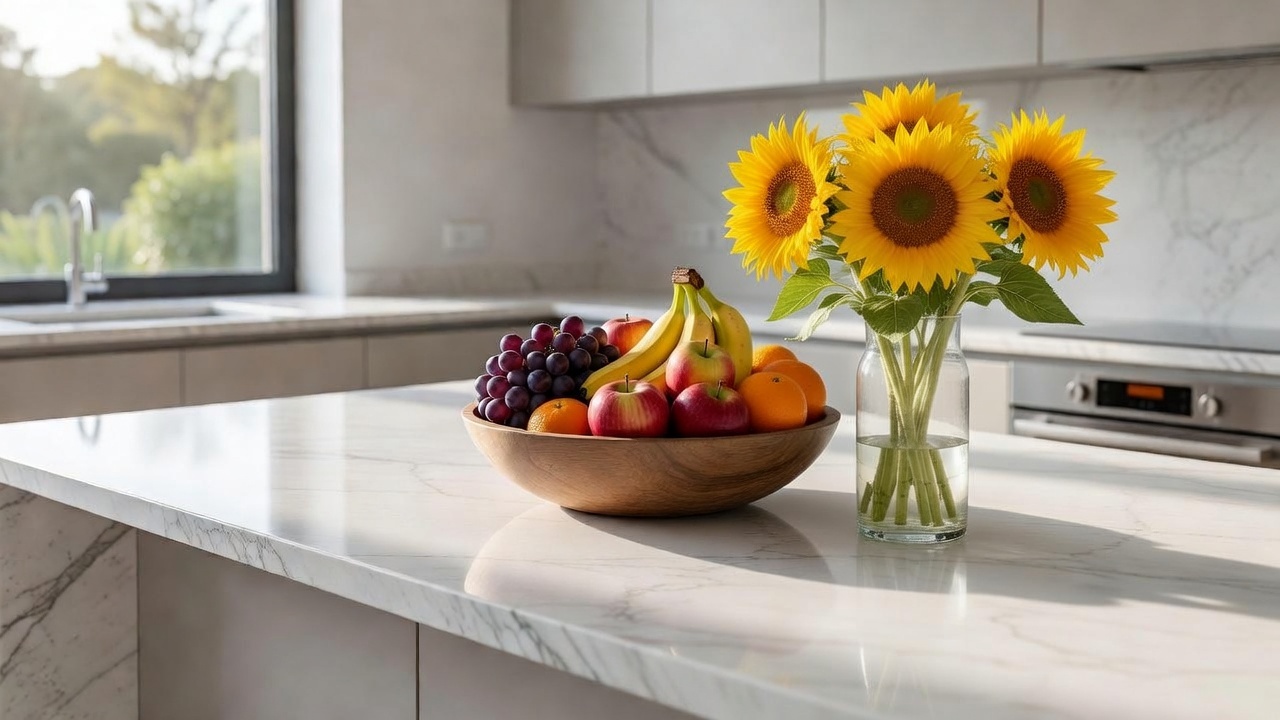
      "prompt": "add a tall glass vase of fresh sunflowers beside the fruit bowl, keep the bright morning kitchen light",
      "image_urls": [
        "https://media.modelrunner.ai/GFV6RD3TzE99dFLCJhYbk.jpeg"
      ],
      "num_images": 1,
      "resolution": "1k",
      "aspect_ratio": "auto",
      "output_format": "jpeg"
    }
  }'
# → { "request_id": "...", "status_url": "...", "response_url": "..." }

# Poll status_url until "COMPLETED", then fetch the result
curl "https://queue.modelrunner.run/xai/grok-imagine/image/edit/requests/$REQUEST_ID/status" \
  -H "Authorization: Key $MRUN_API_KEY"
curl "https://queue.modelrunner.run/xai/grok-imagine/image/edit/requests/$REQUEST_ID" \
  -H "Authorization: Key $MRUN_API_KEY"

JavaScript

import { modelrunner } from "@modelrunner/client";

const result = await modelrunner.subscribe("xai/grok-imagine/image/edit", {
  input: {
    "prompt": "add a tall glass vase of fresh sunflowers beside the fruit bowl, keep the bright morning kitchen light",
    "image_urls": [
      "https://media.modelrunner.ai/GFV6RD3TzE99dFLCJhYbk.jpeg"
    ],
    "num_images": 1,
    "resolution": "1k",
    "aspect_ratio": "auto",
    "output_format": "jpeg"
  },
});
console.log(result);

Python

import os
import requests

headers = {"Authorization": f"Key {os.environ['MRUN_API_KEY']}"}

submitted = requests.post(
    "https://queue.modelrunner.run/xai/grok-imagine/image/edit",
    headers=headers,
    json={"input": {
      "prompt": "add a tall glass vase of fresh sunflowers beside the fruit bowl, keep the bright morning kitchen light",
      "image_urls": [
        "https://media.modelrunner.ai/GFV6RD3TzE99dFLCJhYbk.jpeg"
      ],
      "num_images": 1,
      "resolution": "1k",
      "aspect_ratio": "auto",
      "output_format": "jpeg"
    }},
).json()

# Poll submitted["status_url"] until "COMPLETED", then:
result = requests.get(submitted["response_url"], headers=headers).json()

Input parameters

NameTypeRequiredDescription
promptstringyesText description of the desired edit.
image_urlsarrayyesList of URLs of the images to edit. A maximum of 3 images are supported.
num_imagesintegernoThe number of images to generate. Each generated image is billed. Default: 1.
aspect_ratioenumnoAspect ratio of the edited image. When set to `auto` (the default), the output preserves the aspect ratio of the first input image. Default: "auto".
resolutionenumnoOutput resolution tier: 1k (standard) or 2k (high resolution). Default: "1k".
output_formatenumnoThe image file format of the output. Default: "jpeg".

Machine-readable: OpenAPI schema · llms.txt

Use Grok Imagine Image Edit from Claude & Cursor (MCP)

Point Claude Code, Claude Desktop, Cursor, or any MCP client at the ModelRunner MCP server and Grok Imagine Image Edit becomes a tool your assistant can call directly — it authorizes via OAuth (no API key in config) and runs this model with the run_model tool using the endpoint xai/grok-imagine/image/edit.

MCP client config (Claude Desktop, Cursor)

{
  "mcpServers": {
    "modelrunner": {
      "command": "npx",
      "args": ["-y", "mcp-remote", "https://mcp.modelrunner.run/mcp"]
    }
  }
}

Claude Code

claude mcp add --transport http modelrunner https://mcp.modelrunner.run/mcp

Then ask your assistant, for example: “Run xai/grok-imagine/image/edit on ModelRunner to generate image”. MCP setup guide.

Model Details

Model Details

Grok Imagine Image Edit modifies existing images from a text instruction. Provide up to three reference images (`image_urls`) and describe the change you want in `prompt` — add or remove an object, restyle, adjust lighting or color, change the setting — and it returns the edited image. By default (`aspect_ratio: "auto"`) the output keeps the first input image's aspect ratio, so the result stays faithful to the original framing. It handles photorealistic and stylized edits, follows detailed multi-part instructions, and can return one to four variations of the edit in a single request.

## Best for - Editing an existing photo from a written instruction (add, remove, or replace an object) - Restyling or re-lighting an image while keeping its composition and subject - Adjusting colors, backgrounds, or details on product and marketing images - Combining or harmonizing up to three reference images into one edited result - Producing several edit variations of the same source in one request (`num_images` up to 4)

## Choose another model when - You want to create an image from scratch with no reference to edit — use a text-to-image model - You need pixel-precise masked inpainting driven by an explicit mask region — use a mask-based inpainting model - You need to animate the image into motion — use an image-to-video model - You need vector/SVG output rather than a raster image — use a vectorization model

## Tips - At least one image in `image_urls` is required; a call with no reference image is rejected - Describe only the change you want in `prompt` — you don't need to re-describe the whole scene - Leave `aspect_ratio` at `auto` to preserve the first input image's framing; set an explicit ratio (e.g. `16:9`, `9:16`, `1:1`) only when you want to reframe - Set `resolution` to `2k` when you need extra detail for print or large displays; `1k` is the faster standard tier - Raise `num_images` to compare several edit variations at once — each generated image is billed

## Advanced Configuration - `image_urls` accepts up to 3 reference image URLs; the first image anchors the aspect ratio when `aspect_ratio` is `auto`. - `output_format` selects the file type: `jpeg` (default, smallest), `png` (lossless), or `webp` (compact with transparency support).

To run via the ModelRunner JavaScript client: ```js import { modelrunner } from "@modelrunner/client";

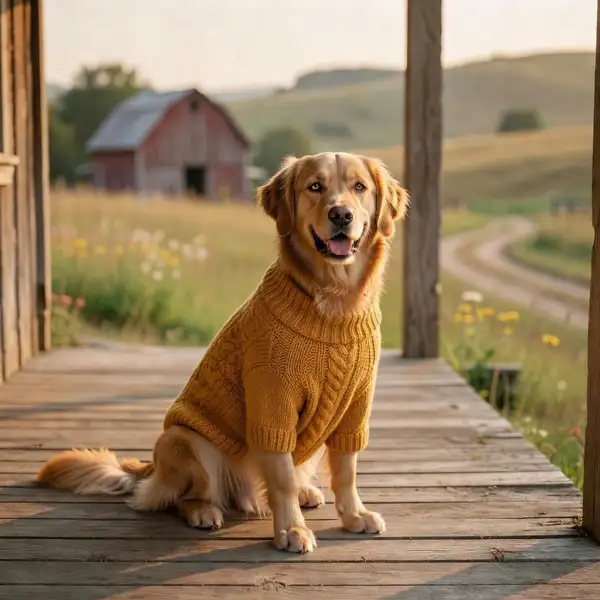
const result = await modelrunner.subscribe("xai/grok-imagine/image/edit", { input: { prompt: "add a small red knitted bandana around the dog's neck", image_urls: ["https://media.modelrunner.ai/BDA9CryQ9f2lcm5ldQ16Y.jpeg"], aspect_ratio: "auto", resolution: "1k", num_images: 1, }, }); ```