
Model Details
Grok Imagine Image Edit modifies existing images from a text instruction. Provide up to three reference images (`image_urls`) and describe the change you want in `prompt` — add or remove an object, restyle, adjust lighting or color, change the setting — and it returns the edited image. By default (`aspect_ratio: "auto"`) the output keeps the first input image's aspect ratio, so the result stays faithful to the original framing. It handles photorealistic and stylized edits, follows detailed multi-part instructions, and can return one to four variations of the edit in a single request.
## Best for - Editing an existing photo from a written instruction (add, remove, or replace an object) - Restyling or re-lighting an image while keeping its composition and subject - Adjusting colors, backgrounds, or details on product and marketing images - Combining or harmonizing up to three reference images into one edited result - Producing several edit variations of the same source in one request (`num_images` up to 4)
## Choose another model when - You want to create an image from scratch with no reference to edit — use a text-to-image model - You need pixel-precise masked inpainting driven by an explicit mask region — use a mask-based inpainting model - You need to animate the image into motion — use an image-to-video model - You need vector/SVG output rather than a raster image — use a vectorization model
## Tips - At least one image in `image_urls` is required; a call with no reference image is rejected - Describe only the change you want in `prompt` — you don't need to re-describe the whole scene - Leave `aspect_ratio` at `auto` to preserve the first input image's framing; set an explicit ratio (e.g. `16:9`, `9:16`, `1:1`) only when you want to reframe - Set `resolution` to `2k` when you need extra detail for print or large displays; `1k` is the faster standard tier - Raise `num_images` to compare several edit variations at once — each generated image is billed
## Advanced Configuration - `image_urls` accepts up to 3 reference image URLs; the first image anchors the aspect ratio when `aspect_ratio` is `auto`. - `output_format` selects the file type: `jpeg` (default, smallest), `png` (lossless), or `webp` (compact with transparency support).
To run via the ModelRunner JavaScript client: ```js import { modelrunner } from "@modelrunner/client";
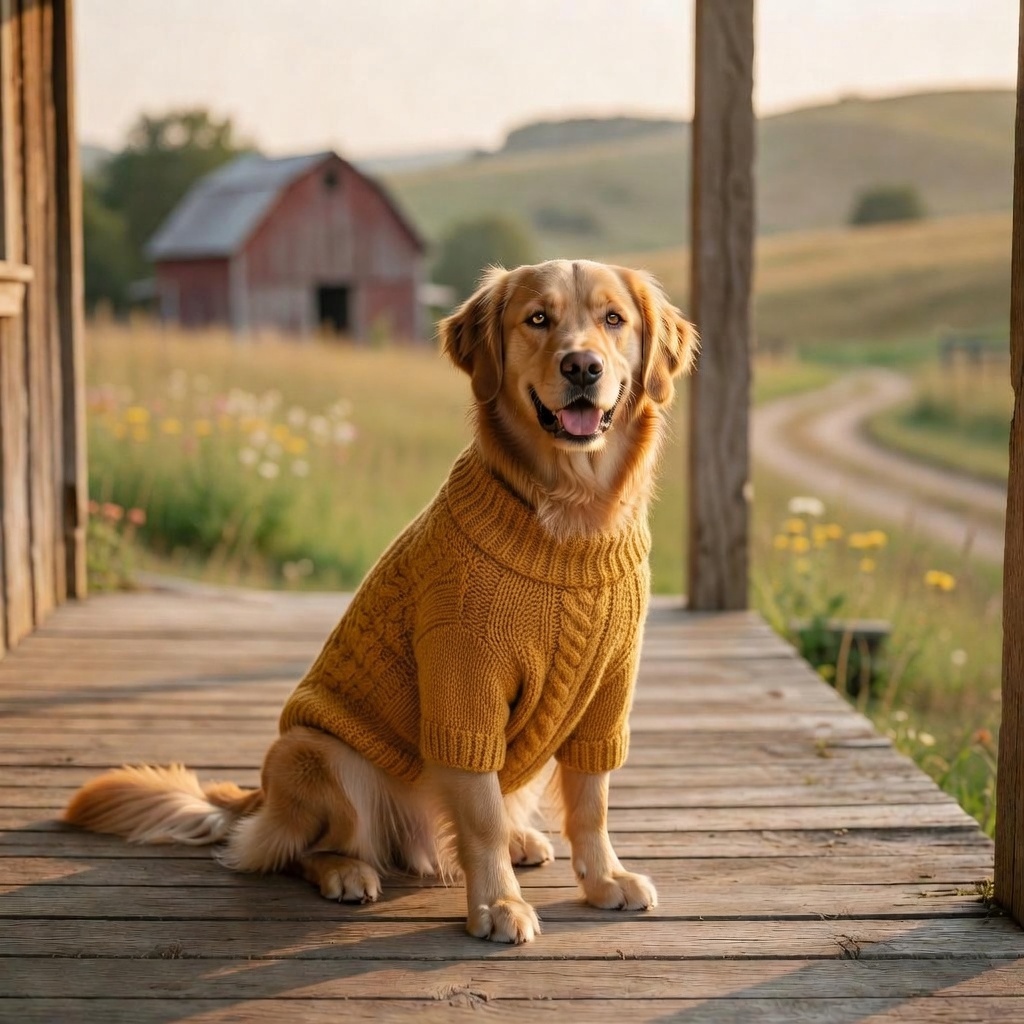
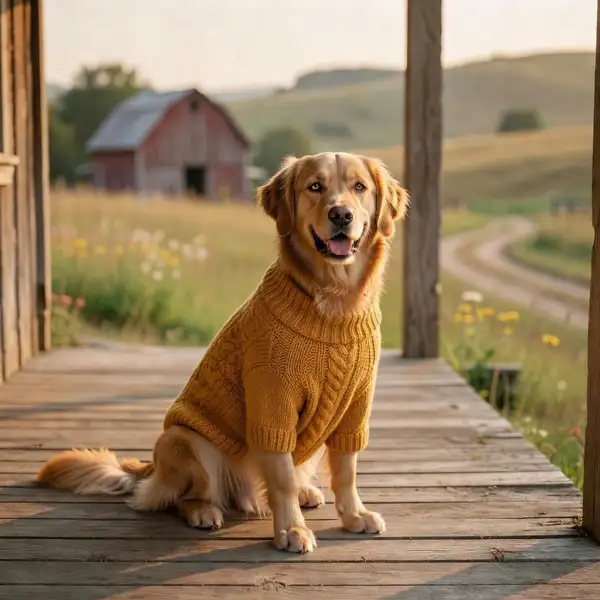
const result = await modelrunner.subscribe("xai/grok-imagine/image/edit", { input: { prompt: "add a small red knitted bandana around the dog's neck", image_urls: ["https://media.modelrunner.ai/BDA9CryQ9f2lcm5ldQ16Y.jpeg"], aspect_ratio: "auto", resolution: "1k", num_images: 1, }, }); ```