
xai avatar

Grok Imagine 1.5 Image to Video API

xai/grok-imagine-1.5/image-to-video

Turn a still image into a short video clip guided by a motion prompt, with synchronized audio generated automatically and included free.

0.14 per second of output video

Model Input

Input

Describe the motion and action you want in the generated video.

The URL of the starting image to animate into a video.

Video resolution - 480p for faster, cheaper generation, 720p for a sharper result.

Additional Settings

Customize your input with more control.

Min: 1 - Max: 15

Length of the generated video in seconds (1-15).

You need to be logged in to run this model and view results.
Log in

Model Output

Output

Loading
Generated in 67.227 seconds
Logs (1 lines)

Model Example Requests

Examples

Example output 1Example output 2

Grok Imagine 1.5 Image to Video API

Grok Imagine 1.5 Image to Video is a image-to-video AI model by xai. On ModelRunner it runs through a REST API or via MCP from any AI assistant, at $0.14 per second of video.

POST https://queue.modelrunner.run/xai/grok-imagine-1.5/image-to-video

cURL

# Submit a request to the queue. Input fields go at the top level of the
# body. The optional reserved "metadata" object holds your own flat string
# tags — stored on the request, never sent to the model; filter later with
# GET https://queue.modelrunner.run/requests?metadata=<url-encoded JSON>.
curl -X POST https://queue.modelrunner.run/xai/grok-imagine-1.5/image-to-video \
  -H "Authorization: Key $MRUN_API_KEY" \
  -H "Content-Type: application/json" \
  -d '{
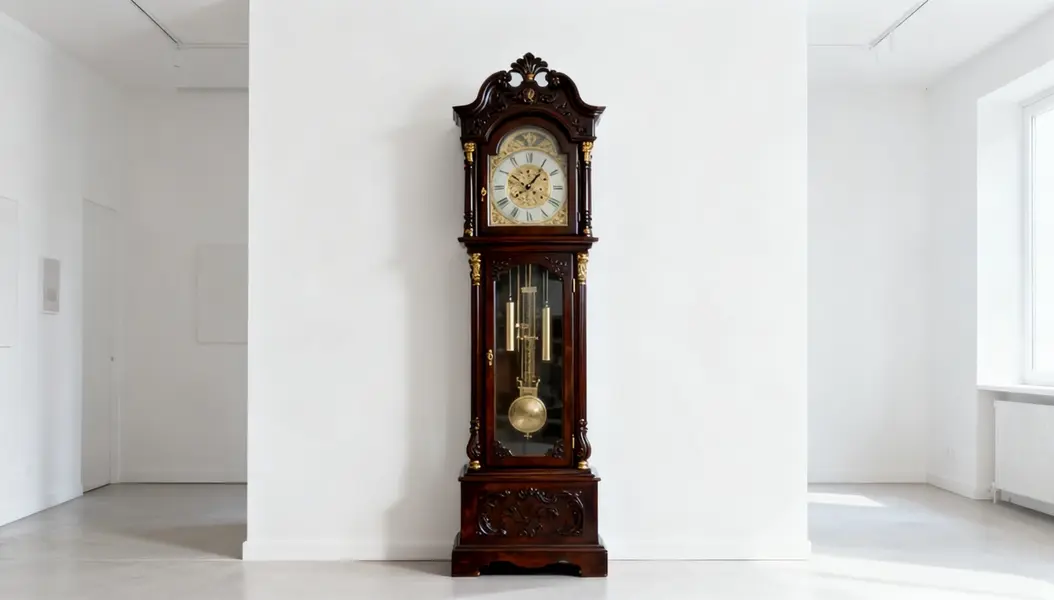
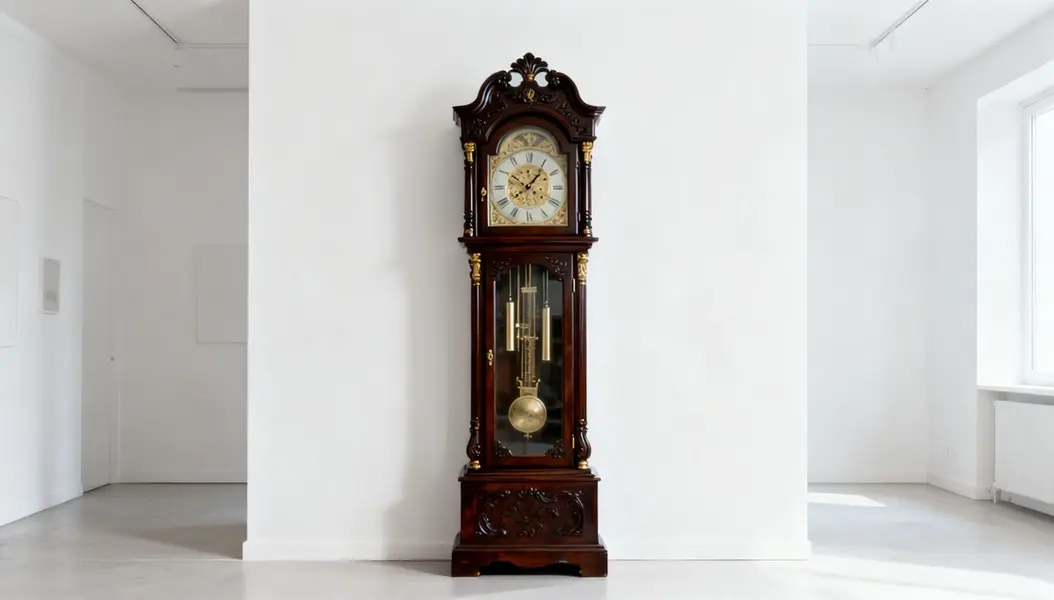
    "prompt": "A slow cinematic dolly-in toward the antique grandfather clock, the pendulum swaying hypnotically, soft shifting ligh…",
    "duration": 5,
    "image_url": "https://media.modelrunner.ai/nDaJs47xN2swuGDYlMDS4.jpeg",
    "resolution": "720p",
    "metadata": {
      "project": "my-project"
    }
  }'
# → { "request_id": "...", "status_url": "...", "response_url": "..." }

# Poll status_url until "COMPLETED", then fetch the result
curl "https://queue.modelrunner.run/xai/grok-imagine-1.5/image-to-video/requests/$REQUEST_ID/status" \
  -H "Authorization: Key $MRUN_API_KEY"
curl "https://queue.modelrunner.run/xai/grok-imagine-1.5/image-to-video/requests/$REQUEST_ID" \
  -H "Authorization: Key $MRUN_API_KEY"

JavaScript

import { modelrunner } from "@modelrunner/client";

const result = await modelrunner.subscribe("xai/grok-imagine-1.5/image-to-video", {
  input: {
    "prompt": "A slow cinematic dolly-in toward the antique grandfather clock, the pendulum swaying hypnotically, soft shifting ligh…",
    "duration": 5,
    "image_url": "https://media.modelrunner.ai/nDaJs47xN2swuGDYlMDS4.jpeg",
    "resolution": "720p"
  },
});
console.log(result);

Python

import os
import requests

headers = {"Authorization": f"Key {os.environ['MRUN_API_KEY']}"}

submitted = requests.post(
    "https://queue.modelrunner.run/xai/grok-imagine-1.5/image-to-video",
    headers=headers,
    json={
      "prompt": "A slow cinematic dolly-in toward the antique grandfather clock, the pendulum swaying hypnotically, soft shifting ligh…",
      "duration": 5,
      "image_url": "https://media.modelrunner.ai/nDaJs47xN2swuGDYlMDS4.jpeg",
      "resolution": "720p"
    },
).json()

# Poll submitted["status_url"] until "COMPLETED", then:
result = requests.get(submitted["response_url"], headers=headers).json()

Input parameters

NameTypeRequiredDescription
promptstringyesDescribe the motion and action you want in the generated video.
image_urlstring (uri)yesThe URL of the starting image to animate into a video.
resolutionenumnoVideo resolution - 480p for faster, cheaper generation, 720p for a sharper result. Default: "720p".
durationintegernoLength of the generated video in seconds (1-15). Default: 6.

Machine-readable: OpenAPI schema · llms.txt

Use Grok Imagine 1.5 Image to Video from Claude & Cursor (MCP)

Point Claude Code, Claude Desktop, Cursor, or any MCP client at the ModelRunner MCP server and Grok Imagine 1.5 Image to Video becomes a tool your assistant can call directly — it authorizes via OAuth (no API key in config) and runs this model with the run_model tool using the endpoint xai/grok-imagine-1.5/image-to-video.

MCP client config (Claude Desktop, Cursor)

{
  "mcpServers": {
    "modelrunner": {
      "command": "npx",
      "args": ["-y", "mcp-remote", "https://mcp.modelrunner.run/mcp"]
    }
  }
}

Claude Code

claude mcp add --transport http modelrunner https://mcp.modelrunner.run/mcp

Then ask your assistant, for example: “Run xai/grok-imagine-1.5/image-to-video on ModelRunner to generate video”. MCP setup guide.

Model Details

Model Details

Grok Imagine 1.5 Image to Video animates a single still image into a short, fluid clip, with the motion driven by a text prompt that says what should move. Provide a starting frame and a prompt like "the dog wags its tail slowly" or "camera slowly pushes in as she smiles," set the length (1–15 seconds) and resolution (480p or 720p), and the model brings the scene to life — while automatically synthesizing matching, synchronized audio at no extra cost. It's a fast way to get movement and sound from one image, for social clips, animated portraits, product loops, and quick concept shots.

## Best for - Animated portraits and characters that move naturally from a single photo - Product loops — turning one packshot or scene photo into a short clip with sound - Ready-to-share vertical or landscape social clips with built-in audio - Quick concept shots that need motion and sound from a still

## Choose another model when - You want video from a text prompt alone with no starting image — use a text-to-video model - You need a still image rather than a moving clip — use a text-to-image or image-to-image model - You need precise lip-sync or speech-to-video from supplied audio — this generates ambient audio automatically, not from a script

## Tips - Start from a clear, high-resolution frame — the model preserves its subject, composition, and style - Prompt for the motion and action ("leaves rustle in the wind," "camera pans left"), not a re-description of what's already in the image - Shorter `duration` values render faster and cost less; raise it only when the action needs more time to play out - Use `resolution: "480p"` for faster, cheaper drafts and `"720p"` for a sharper final

## Limitations - Very fast or complex motion, crowded scenes, and extreme camera moves can reduce coherence - The clip stays anchored to the supplied image, so large changes to the subject or setting are not its strength

To run via the ModelRunner JavaScript client: ```js import { modelrunner } from "@modelrunner/client";

const result = await modelrunner.subscribe("xai/grok-imagine-1.5/image-to-video", { input: { prompt: "The dog wags its tail slowly as the camera holds steady", image_url: "https://media.modelrunner.ai/your-source-image.jpg", resolution: "720p", duration: 6, }, }); ```