
Model Details
Wan 3.0 turns a written prompt into a video clip of 2 to 30 seconds at 480P, 720P or 1080P, and the clip arrives with a soundtrack rather than silent. Its headline capability is length: one call generates up to 30 seconds of video in a single pass, double the Wan 2.7 generation's 15-second ceiling, so a whole scene can be produced in one request instead of stitched from shorter takes. Prompts run to 20,000 characters in Chinese or English, which leaves room to describe a long scene beat by beat.
## Best for - Long-form clips: a single 20 to 30 second generation instead of several short ones joined together - Scenes that need sound as well as picture, delivered as one MP4 with a matching soundtrack - Cheap iteration: draft at 480P, then re-run the prompt you like at 1080P - Shots with people in them, where individual faces and expressions have to read - Vertical 9:16 reels, square 1:1 social posts or 16:9 landscape b-roll, generated from text alone
## Choose another model when - You want to animate an existing photo, clip or document. This variant takes text only, with no media input at all, so use an image-to-video model - Your clips are 15 seconds or shorter at 1080P and price matters most: `wan-video/wan/v2.7/text-to-video` bills $0.15 per second there against $0.20 here, and is generally available rather than in preview - You need a negative prompt to exclude content. There is no such field here, so describe what you do want instead - You need lip-sync to a voice track you supply. This model accepts no audio input, so use an audio-driven image-to-video model
## Tips - Cost scales with both `duration` and `resolution`: 480P bills $0.05 per second of finished video, 720P $0.10 and 1080P $0.20, so a 30-second 1080P clip costs $6.00 while the same clip at 480P costs $1.50 - Set `aspect_ratio` explicitly when the delivery slot is fixed; the default `adaptive` leaves the frame shape to the model rather than pinning one - No prompt-rewriting step runs here, so wording is used exactly as written. Be specific about subject, action and setting - `audio` is on by default and costs nothing extra; set it to `false` when you only want the picture
To run via the ModelRunner JavaScript client: ```js import { modelrunner } from "@modelrunner/client";
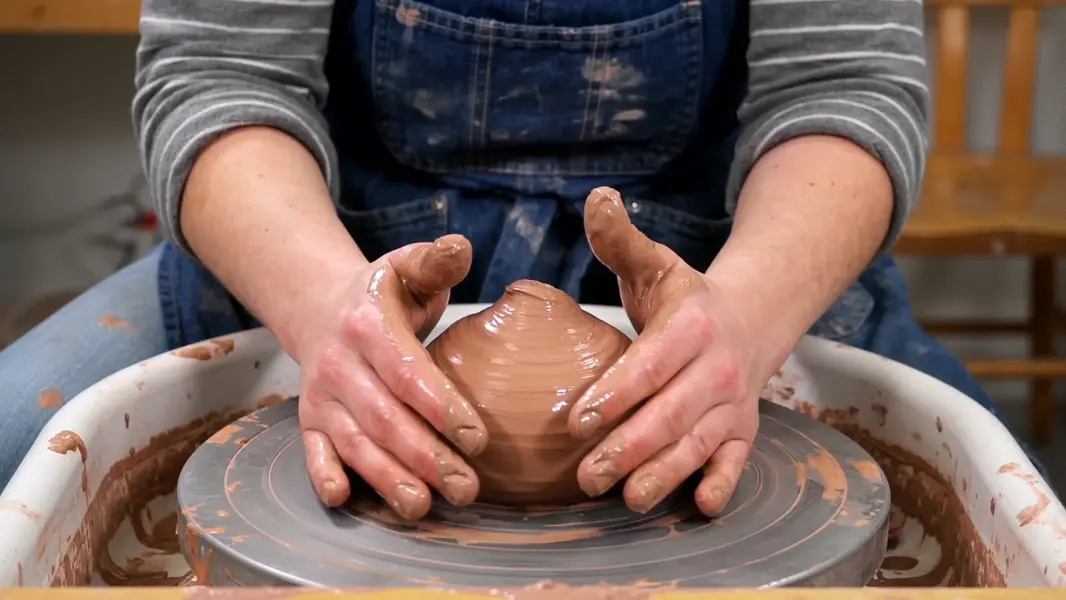
const result = await modelrunner.subscribe("wan-video/wan/v3.0/text-to-video", { input: { prompt: "A potter shapes a bowl on a wheel, clay rising under wet hands, warm workshop light, the wheel humming", resolution: "720P", duration: 12, aspect_ratio: "16:9", }, }); ```