
Model Details
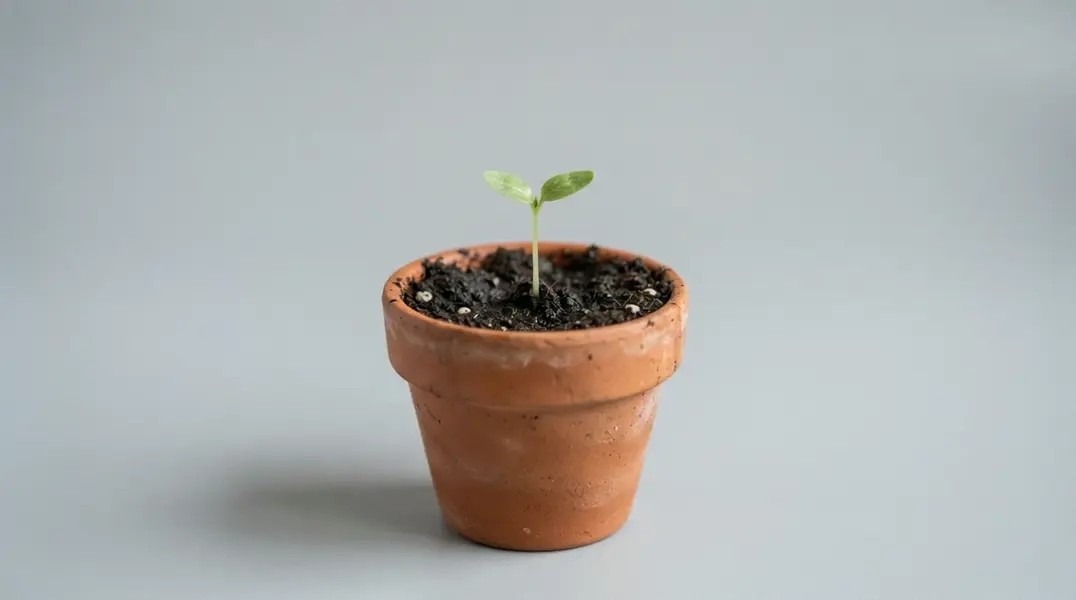
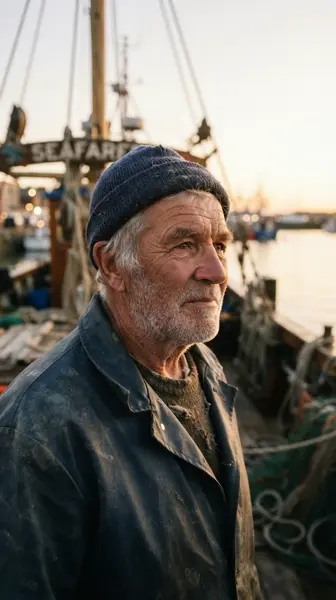
Wan 3.0 Image to Video animates a still photo into a clip of 2 to 30 seconds at 480P, 720P or 1080P, and the clip arrives with a soundtrack rather than silent. Supply one image as the opening frame and, optionally, a short prompt describing the motion. Supply a second image as the closing frame and the model generates the transition between them, so both the opening and the landing state of a shot are pinned. Its headline capability is length: one call produces up to 30 seconds in a single pass, double the Wan 2.7 generation's 15-second ceiling, so a whole shot comes back in one request instead of stitched from shorter takes.
## Best for - Animating a still photo, packshot, illustration or piece of concept art into a moving shot - First-and-last-frame shots: pin the opening image and the closing image and let the model generate the motion between them - Long-form clips: a single 20 to 30 second animation instead of several short ones joined together - Shots with people in them, where individual faces and expressions have to read - Cheap iteration: draft at 480P, then re-run the same images at 1080P
## Choose another model when - You need lip-sync to a voice track you supply. This variant accepts no audio input, so use `wan-video/wan/v2.7/image-to-video/audio-driven`, which times mouth movement to your own track - Your clips are 15 seconds or shorter at 1080P and price matters most: `wan-video/wan/v2.7/image-to-video` bills $0.15 per second there against $0.20 here, and is generally available rather than in preview - You are starting from a written description with no photo to animate, in which case use a text-to-video model - You need a negative prompt to exclude content. There is no such field here, so describe what you do want instead
## Tips - The prompt is optional and is the motion control: the opening frame already fixes the scene, so describe what moves rather than re-describing the picture - Supply `end_image_url` with two images of the same subject in different states, and the clip reads as one continuous transformation from the first into the second - `audio` is on by default and costs nothing extra; set it to `false` when you only want the picture
To run via the ModelRunner JavaScript client: ```js import { modelrunner } from "@modelrunner/client";
const result = await modelrunner.subscribe("wan-video/wan/v3.0/image-to-video", { input: { start_image_url: "https://media.modelrunner.ai/example-open-frame.jpg", prompt: "She turns toward the window and smiles as the light shifts across her face", resolution: "720P", duration: 8, }, }); ```