
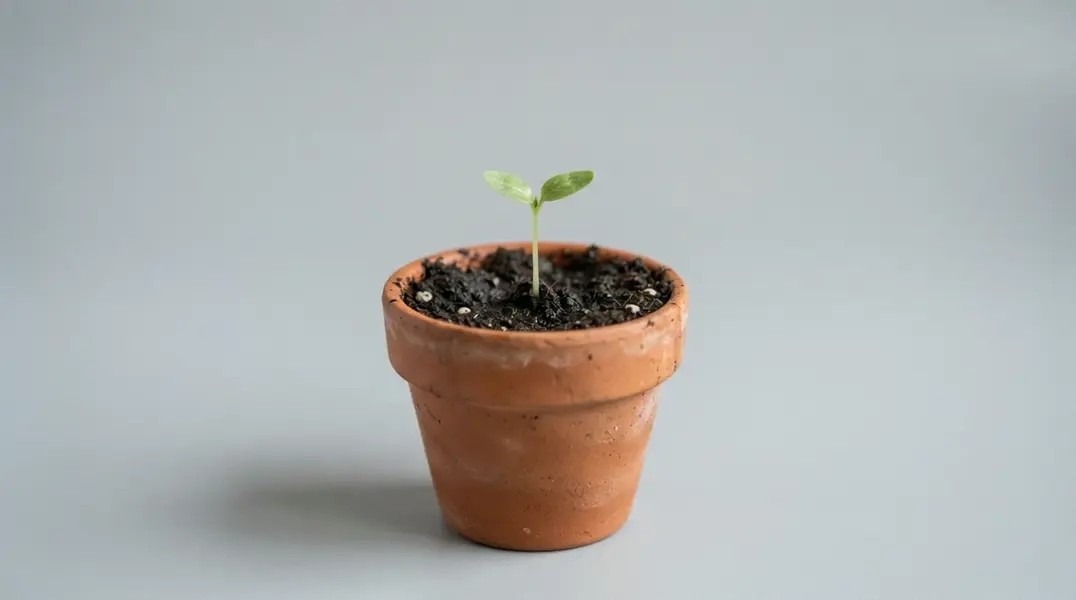
wan-video avatar

Wan 3.0 Image to Video API

wan-video/wan/v3.0/image-to-video

Animate a still photo into a clip of up to 30 seconds at 480P, 720P or 1080P, optionally pinning a closing frame so the model generates the motion between two images, with a matching soundtrack included.

Priced by resolution

Model Input

Input

The opening frame the video animates from. JPEG or PNG (alpha channel not supported); width and height each between 240 and 8000 px, aspect ratio between 1:8 and 8:1, up to 20 MB.

Optional description of the motion and camera movement to animate. The scene is already fixed by the opening frame, so describe what moves rather than re-describing the picture. Chinese and English are supported, up to 20,000 characters.

Optional closing frame. Supply it and the model generates the transition from the opening frame to this one; it cannot be used on its own, without an opening frame. Same formats and size limits as the opening frame, and it should share its aspect ratio.

Output video resolution. 480P bills at $0.05 per second of finished video, 720P at $0.10, and 1080P (the default) at $0.20, so draft at 480P and re-run the keeper higher.

Min: 2 - Max: 30

Length of the generated video in whole seconds (2-30). Cost scales directly with this value.

Additional Settings

Customize your input with more control.

Frame shape of the generated video. The default `adaptive` pins no particular shape; set an explicit ratio when the delivery slot is fixed.

Whether the delivered clip carries an audio track. On by default; set it to false for a silent video. The price is the same either way.

Min: 0 - Max: 2147483647

Random seed for reproducible results. Omit for a different clip each run.

You need to be logged in to run this model and view results.
Log in

Model Output

Output

Loading
Generated in 618.598 seconds
Logs (1 lines)

Model Example Requests

Examples

Example output 1Example output 2

Model Pricing

Pricing

Model pricing varies by the target resolution of your output video.

480P
$0.05
per second of output video
or around 20 seconds for $1
720P
$0.1
per second of output video
or around 10 seconds for $1
1080P
$0.2
per second of output video
or around 5 seconds for $1

Wan 3.0 Image to Video API

Wan 3.0 Image to Video is a image-to-video AI model by wan-video. On ModelRunner it runs through a REST API or via MCP from any AI assistant, at $0.2 per second of video.

POST https://queue.modelrunner.run/wan-video/wan/v3.0/image-to-video

cURL

# Submit a request to the queue. Input fields go at the top level of the
# body. The optional reserved "metadata" object holds your own flat string
# tags — stored on the request, never sent to the model; filter later with
# GET https://queue.modelrunner.run/requests?metadata=<url-encoded JSON>.
curl -X POST https://queue.modelrunner.run/wan-video/wan/v3.0/image-to-video \
  -H "Authorization: Key $MRUN_API_KEY" \
  -H "Content-Type: application/json" \
  -d '{
    "audio": true,
    "prompt": "The plant grows and opens into full bloom, petals unfurling, one continuous time-lapse.",
    "duration": 10,
    "resolution": "720P",
    "aspect_ratio": "adaptive",
    "end_image_url": "https://media.modelrunner.ai/wvwMFm20HXDjTzNG0yu19.jpeg",
    "start_image_url": "https://media.modelrunner.ai/8GJHgzkT56lyndCqndaN4.jpeg",
    "metadata": {
      "project": "my-project"
    }
  }'
# → { "request_id": "...", "status_url": "...", "response_url": "..." }

# Poll status_url until "COMPLETED", then fetch the result
curl "https://queue.modelrunner.run/wan-video/wan/v3.0/image-to-video/requests/$REQUEST_ID/status" \
  -H "Authorization: Key $MRUN_API_KEY"
curl "https://queue.modelrunner.run/wan-video/wan/v3.0/image-to-video/requests/$REQUEST_ID" \
  -H "Authorization: Key $MRUN_API_KEY"

JavaScript

import { modelrunner } from "@modelrunner/client";

const result = await modelrunner.subscribe("wan-video/wan/v3.0/image-to-video", {
  input: {
    "audio": true,
    "prompt": "The plant grows and opens into full bloom, petals unfurling, one continuous time-lapse.",
    "duration": 10,
    "resolution": "720P",
    "aspect_ratio": "adaptive",
    "end_image_url": "https://media.modelrunner.ai/wvwMFm20HXDjTzNG0yu19.jpeg",
    "start_image_url": "https://media.modelrunner.ai/8GJHgzkT56lyndCqndaN4.jpeg"
  },
});
console.log(result);

Python

import os
import requests

headers = {"Authorization": f"Key {os.environ['MRUN_API_KEY']}"}

submitted = requests.post(
    "https://queue.modelrunner.run/wan-video/wan/v3.0/image-to-video",
    headers=headers,
    json={
      "audio": true,
      "prompt": "The plant grows and opens into full bloom, petals unfurling, one continuous time-lapse.",
      "duration": 10,
      "resolution": "720P",
      "aspect_ratio": "adaptive",
      "end_image_url": "https://media.modelrunner.ai/wvwMFm20HXDjTzNG0yu19.jpeg",
      "start_image_url": "https://media.modelrunner.ai/8GJHgzkT56lyndCqndaN4.jpeg"
    },
).json()

# Poll submitted["status_url"] until "COMPLETED", then:
result = requests.get(submitted["response_url"], headers=headers).json()

Input parameters

Input parameters of Wan 3.0 Image to Video
NameTypeRequiredDescription
start_image_urlstring (uri)yesThe opening frame the video animates from. JPEG or PNG (alpha channel not supported); width and height each between 240 and 8000 px, aspect ratio between 1:8 and 8:1, up to 20 MB.
promptstringnoOptional description of the motion and camera movement to animate. The scene is already fixed by the opening frame, so describe what moves rather than re-describing the picture. Chinese and English are supported, up to 20,000 characters.
end_image_urlstring (uri)noOptional closing frame. Supply it and the model generates the transition from the opening frame to this one; it cannot be used on its own, without an opening frame. Same formats and size limits as the opening frame, and it should share its aspect ratio.
resolutionenumnoOutput video resolution. 480P bills at $0.05 per second of finished video, 720P at $0.10, and 1080P (the default) at $0.20, so draft at 480P and re-run the keeper higher. One of: 480P, 720P, 1080P. Default: "1080P".
durationintegernoLength of the generated video in whole seconds (2-30). Cost scales directly with this value. Default: 5.
aspect_ratioenumnoFrame shape of the generated video. The default adaptive pins no particular shape; set an explicit ratio when the delivery slot is fixed. One of: 16:9, 9:16, 1:1, 4:3, 3:4, adaptive. Default: "adaptive".
audiobooleannoWhether the delivered clip carries an audio track. On by default; set it to false for a silent video. The price is the same either way. Default: true.
seedintegernoRandom seed for reproducible results. Omit for a different clip each run.

Machine-readable: OpenAPI schema · llms.txt

Use Wan 3.0 Image to Video from Claude & Cursor (MCP)

Point Claude Code, Claude Desktop, Cursor, or any MCP client at the ModelRunner MCP server and Wan 3.0 Image to Video becomes a tool your assistant can call directly — it authorizes via OAuth (no API key in config) and runs this model with the run_model tool using the endpoint wan-video/wan/v3.0/image-to-video.

MCP client config (Claude Desktop, Cursor)

{
  "mcpServers": {
    "modelrunner": {
      "command": "npx",
      "args": ["-y", "mcp-remote", "https://mcp.modelrunner.run/mcp"]
    }
  }
}

Claude Code

claude mcp add --transport http modelrunner https://mcp.modelrunner.run/mcp

Then ask your assistant, for example: “Run wan-video/wan/v3.0/image-to-video on ModelRunner to generate video”. MCP setup guide.

Model Details

Model Details

Wan 3.0 Image to Video animates a still photo into a clip of 2 to 30 seconds at 480P, 720P or 1080P, and the clip arrives with a soundtrack rather than silent. Supply one image as the opening frame and, optionally, a short prompt describing the motion. Supply a second image as the closing frame and the model generates the transition between them, so both the opening and the landing state of a shot are pinned. Its headline capability is length: one call produces up to 30 seconds in a single pass, double the Wan 2.7 generation's 15-second ceiling, so a whole shot comes back in one request instead of stitched from shorter takes.

## Best for - Animating a still photo, packshot, illustration or piece of concept art into a moving shot - First-and-last-frame shots: pin the opening image and the closing image and let the model generate the motion between them - Long-form clips: a single 20 to 30 second animation instead of several short ones joined together - Shots with people in them, where individual faces and expressions have to read - Cheap iteration: draft at 480P, then re-run the same images at 1080P

## Choose another model when - You need lip-sync to a voice track you supply. This variant accepts no audio input, so use `wan-video/wan/v2.7/image-to-video/audio-driven`, which times mouth movement to your own track - Your clips are 15 seconds or shorter at 1080P and price matters most: `wan-video/wan/v2.7/image-to-video` bills $0.15 per second there against $0.20 here, and is generally available rather than in preview - You are starting from a written description with no photo to animate, in which case use a text-to-video model - You need a negative prompt to exclude content. There is no such field here, so describe what you do want instead

## Tips - The prompt is optional and is the motion control: the opening frame already fixes the scene, so describe what moves rather than re-describing the picture - Supply `end_image_url` with two images of the same subject in different states, and the clip reads as one continuous transformation from the first into the second - `audio` is on by default and costs nothing extra; set it to `false` when you only want the picture

To run via the ModelRunner JavaScript client: ```js import { modelrunner } from "@modelrunner/client";

const result = await modelrunner.subscribe("wan-video/wan/v3.0/image-to-video", { input: { start_image_url: "https://media.modelrunner.ai/example-open-frame.jpg", prompt: "She turns toward the window and smiles as the light shifts across her face", resolution: "720P", duration: 8, }, }); ```