
tongyi-mai avatar

Z-Image Turbo Image to Image API

tongyi-mai/z-image/turbo/image-to-image

Generate images from text and an initial image using Tongyi-MAI's super-fast Z-Image Turbo model.

0.005 per megapixel of image

Model Input

Input

The prompt to generate an image from.

URL of Image for Image-to-Image generation.

Max: 1

The strength of the image-to-image conditioning.

Min: 1 - Max: 8

The number of inference steps to perform.

The size of the generated image. Use a preset string (e.g. '4_3_1k') or a custom {width, height} object.

The format of the generated image.

The acceleration level to use.

The same seed and the same prompt given to the same version of the model will output the same image every time.

Safety checker can only be disabled on API call

Min: 1 - Max: 4

The number of images to generate. Each generated image is billed.

You need to be logged in to run this model and view results.
Log in

Model Output

Output

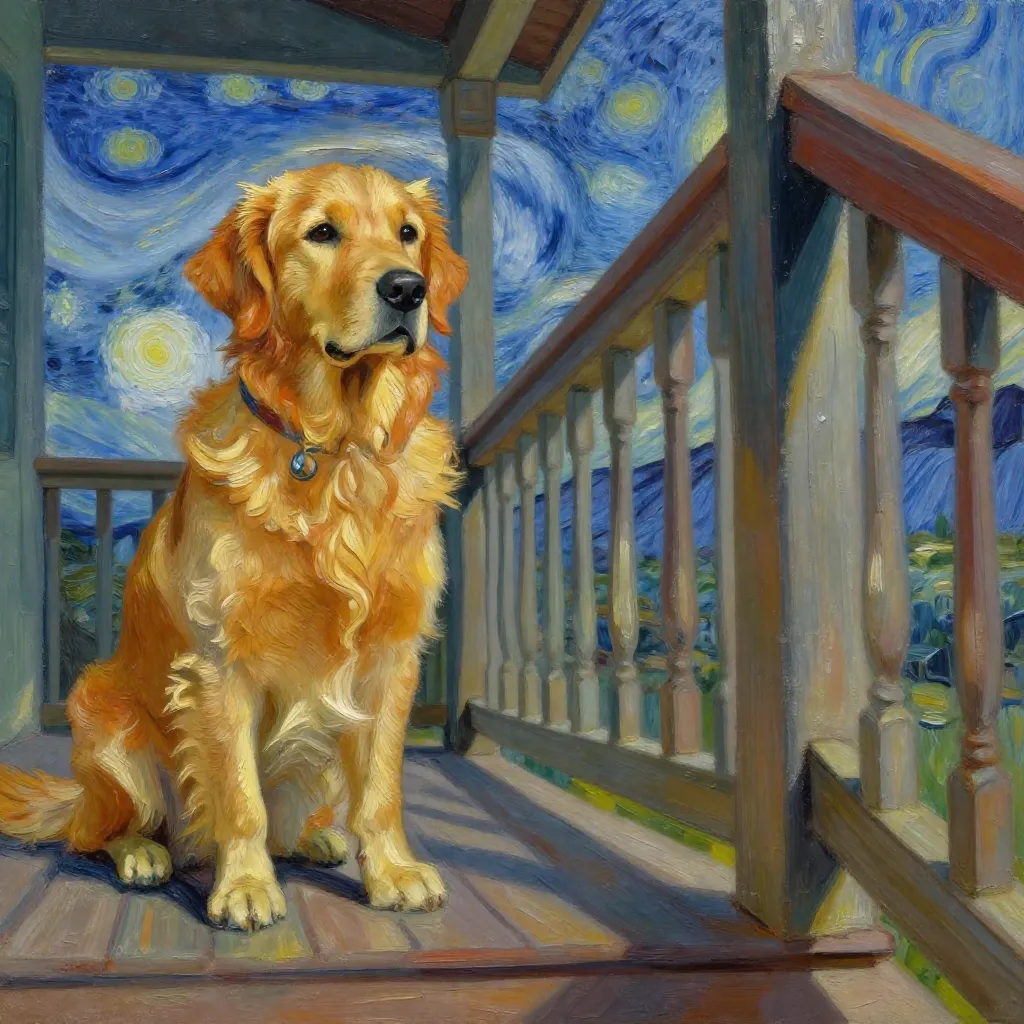
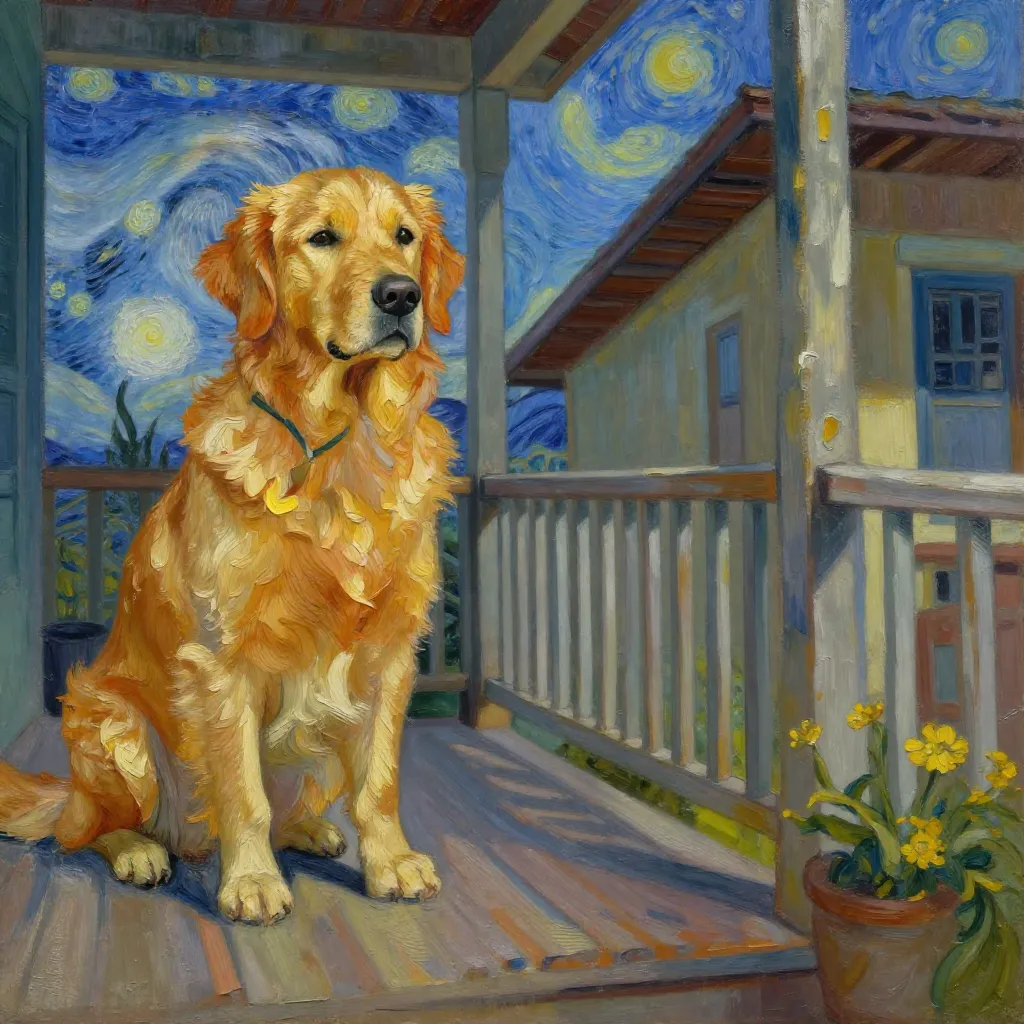
Generated image output
Generated in 3.283 seconds
Logs (1 lines)

Model Example Requests

Examples

Example output 1

Z-Image Turbo Image to Image API

Z-Image Turbo Image to Image is a image-to-image AI model by tongyi-mai. On ModelRunner it runs through a REST API or via MCP from any AI assistant, at $0.005 per megapixel.

POST https://queue.modelrunner.run/tongyi-mai/z-image/turbo/image-to-image

cURL

# Submit a request to the queue. Input fields go at the top level of the
# body. The optional reserved "metadata" object holds your own flat string
# tags — stored on the request, never sent to the model; filter later with
# GET https://queue.modelrunner.run/requests?metadata=<url-encoded JSON>.
curl -X POST https://queue.modelrunner.run/tongyi-mai/z-image/turbo/image-to-image \
  -H "Authorization: Key $MRUN_API_KEY" \
  -H "Content-Type: application/json" \
  -d '{
    "seed": 982374,
    "prompt": "A Van Gogh style oil painting of a golden retriever sitting on a porch, swirling starry night sky in the background, …",
    "strength": 0.75,
    "image_url": "https://media.modelrunner.ai/1867lXTX3vzwo1xGAipAi.jpeg",
    "image_size": "square_hd",
    "num_images": 2,
    "acceleration": "regular",
    "output_format": "webp",
    "num_inference_steps": 6,
    "enable_safety_checker": true,
    "metadata": {
      "project": "my-project"
    }
  }'
# → { "request_id": "...", "status_url": "...", "response_url": "..." }

# Poll status_url until "COMPLETED", then fetch the result
curl "https://queue.modelrunner.run/tongyi-mai/z-image/turbo/image-to-image/requests/$REQUEST_ID/status" \
  -H "Authorization: Key $MRUN_API_KEY"
curl "https://queue.modelrunner.run/tongyi-mai/z-image/turbo/image-to-image/requests/$REQUEST_ID" \
  -H "Authorization: Key $MRUN_API_KEY"

JavaScript

import { modelrunner } from "@modelrunner/client";

const result = await modelrunner.subscribe("tongyi-mai/z-image/turbo/image-to-image", {
  input: {
    "seed": 982374,
    "prompt": "A Van Gogh style oil painting of a golden retriever sitting on a porch, swirling starry night sky in the background, …",
    "strength": 0.75,
    "image_url": "https://media.modelrunner.ai/1867lXTX3vzwo1xGAipAi.jpeg",
    "image_size": "square_hd",
    "num_images": 2,
    "acceleration": "regular",
    "output_format": "webp",
    "num_inference_steps": 6,
    "enable_safety_checker": true
  },
});
console.log(result);

Python

import os
import requests

headers = {"Authorization": f"Key {os.environ['MRUN_API_KEY']}"}

submitted = requests.post(
    "https://queue.modelrunner.run/tongyi-mai/z-image/turbo/image-to-image",
    headers=headers,
    json={
      "seed": 982374,
      "prompt": "A Van Gogh style oil painting of a golden retriever sitting on a porch, swirling starry night sky in the background, …",
      "strength": 0.75,
      "image_url": "https://media.modelrunner.ai/1867lXTX3vzwo1xGAipAi.jpeg",
      "image_size": "square_hd",
      "num_images": 2,
      "acceleration": "regular",
      "output_format": "webp",
      "num_inference_steps": 6,
      "enable_safety_checker": true
    },
).json()

# Poll submitted["status_url"] until "COMPLETED", then:
result = requests.get(submitted["response_url"], headers=headers).json()

Input parameters

NameTypeRequiredDescription
promptstringyesThe prompt to generate an image from.
image_urlstring (uri)yesURL of Image for Image-to-Image generation.
strengthnumbernoThe strength of the image-to-image conditioning. Default: 0.6.
num_inference_stepsintegernoThe number of inference steps to perform. Default: 8.
image_sizeenumnoThe size of the generated image. Use a preset string (e.g. '4_3_1k') or a custom {width, height} object. Default: "4_3_1k".
output_formatenumnoThe format of the generated image. Default: "png".
accelerationenumnoThe acceleration level to use. Default: "regular".
seedintegernoThe same seed and the same prompt given to the same version of the model will output the same image every time.
enable_safety_checkerbooleannoIf set to true, the safety checker will be enabled. Default: true.
num_imagesintegernoThe number of images to generate. Each generated image is billed. Default: 1.

Machine-readable: OpenAPI schema · llms.txt

Use Z-Image Turbo Image to Image from Claude & Cursor (MCP)

Point Claude Code, Claude Desktop, Cursor, or any MCP client at the ModelRunner MCP server and Z-Image Turbo Image to Image becomes a tool your assistant can call directly — it authorizes via OAuth (no API key in config) and runs this model with the run_model tool using the endpoint tongyi-mai/z-image/turbo/image-to-image.

MCP client config (Claude Desktop, Cursor)

{
  "mcpServers": {
    "modelrunner": {
      "command": "npx",
      "args": ["-y", "mcp-remote", "https://mcp.modelrunner.run/mcp"]
    }
  }
}

Claude Code

claude mcp add --transport http modelrunner https://mcp.modelrunner.run/mcp

Then ask your assistant, for example: “Run tongyi-mai/z-image/turbo/image-to-image on ModelRunner to generate image”. MCP setup guide.

Model Details

Model Details

Z-Image Turbo is a high-speed image-to-image model that transforms an existing image based on a text prompt. By providing both an initial image and a description, you can guide the model to create a new, modified version that blends the structure of your original image with the concepts in your prompt. Its speed makes it excellent for rapid iteration and creative exploration.

This model is ideal for a wide range of creative tasks, such as changing the style of a photograph, turning a simple drawing into a detailed illustration, modifying objects or scenery in a picture, or rapidly iterating on visual concepts.

### How to get the best results - **Input Image:** Start with a clear, well-defined image. The model will use its composition and forms as a structural base. - **Prompting:** Write a descriptive prompt for the *final* image you want. The model will try to apply these new concepts to the input image. - **Strength:** The `strength` parameter is key to balancing the influence of the input image and the prompt. A lower value (e.g., 0.4) gives the model more creative freedom to follow the prompt, resulting in bigger changes. A higher value (e.g., 0.8) makes the output adhere more closely to the original image's structure. - **Seed:** To create reproducible results, you can use the `seed` parameter. The same seed, prompt, and input image will generate the same output every time.

### Example Usage To run this model via the ModelRunner javascript client, use the following code:

```javascript import { modelrunner } from "@modelrunner/client";

const result = await modelrunner.subscribe('tongyi-mai/z-image/turbo/image-to-image', { input: { "prompt": "A young Asian woman as a fantasy elf with long, vibrant silver hair, standing in a mystical forest. She has pointed ears and wears ornate elven attire.", "image_url": "https://storage.googleapis.com/falserverless/example_inputs/z-image-turbo-i2i-input.png", "strength": 0.7, "num_images": 1 } });

console.log(result); ```