
tencent avatar

HunyuanImage 3.0 API

tencent/hunyuan-image/v3/text-to-image

Generate high-resolution images from a text prompt with an 80-billion-parameter model built for strong prompt adherence and long, detailed descriptions.

0.1 per megapixel of image

Model Input

Input

The text prompt describing the image you want to generate.

The size of the generated image.

Min: 1 - Max: 4

The number of images to generate. Each generated image is billed.

The format of the generated image.

Additional Settings

Customize your input with more control.

Describe what you do NOT want to appear in the image.

Min: 1 - Max: 50

The number of denoising steps to perform.

Min: 1 - Max: 20

The CFG scale. Higher values increase adherence to the prompt.

Random seed for reproducible results. The same seed and prompt produce the same image; leave unset for a random seed.

Safety checker can only be disabled on API call

Whether to enable prompt expansion. This uses a large language model to expand the prompt with additional details while maintaining the original meaning.

You need to be logged in to run this model and view results.
Log in

Model Output

Output

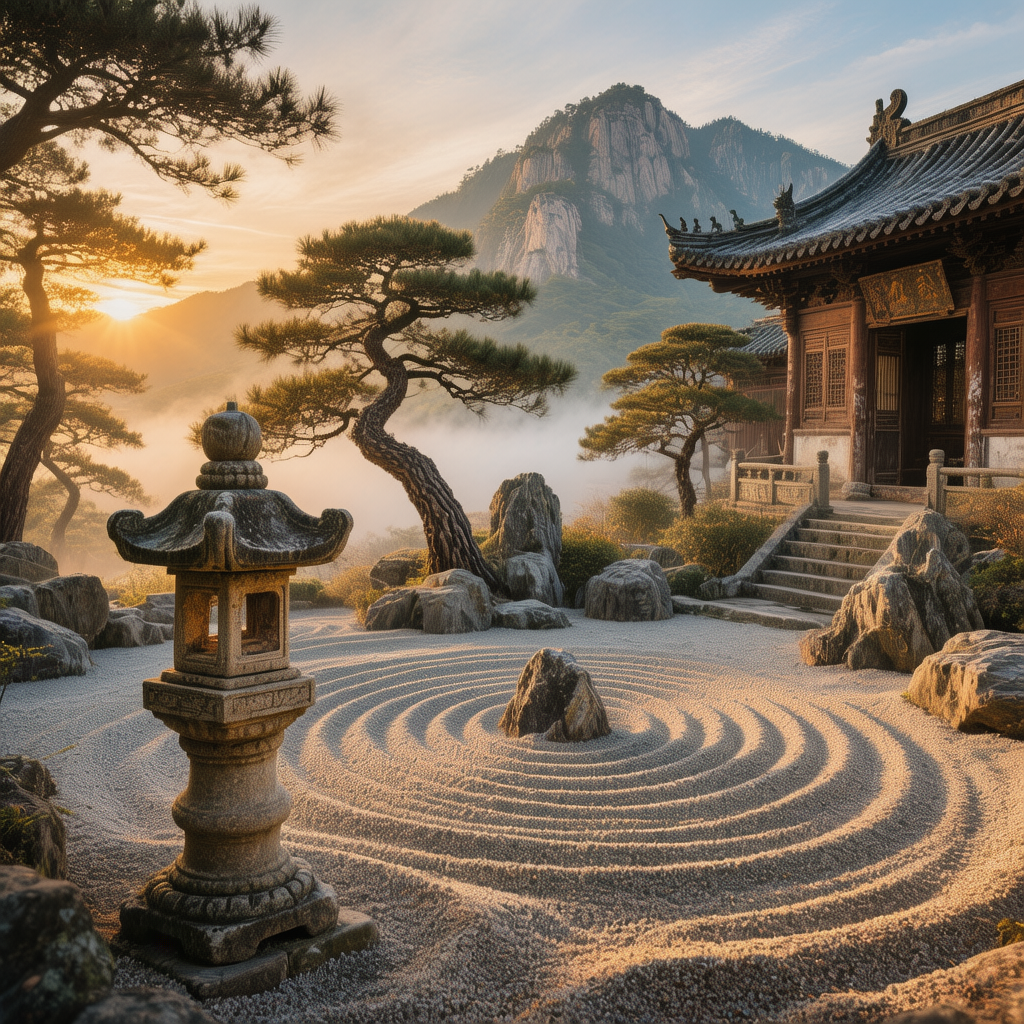
Generated image output
Generated in 43.13 seconds
Logs (1 lines)

Model Example Requests

Examples

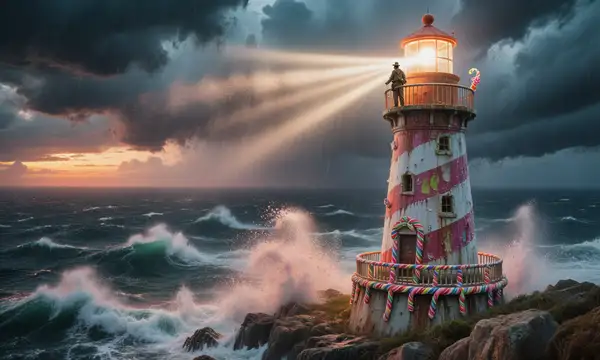
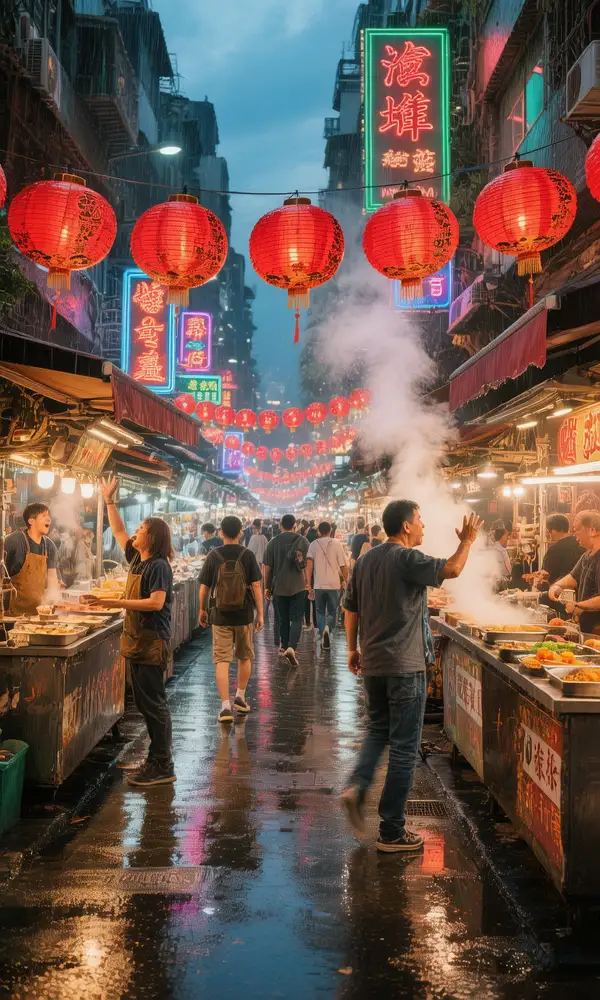
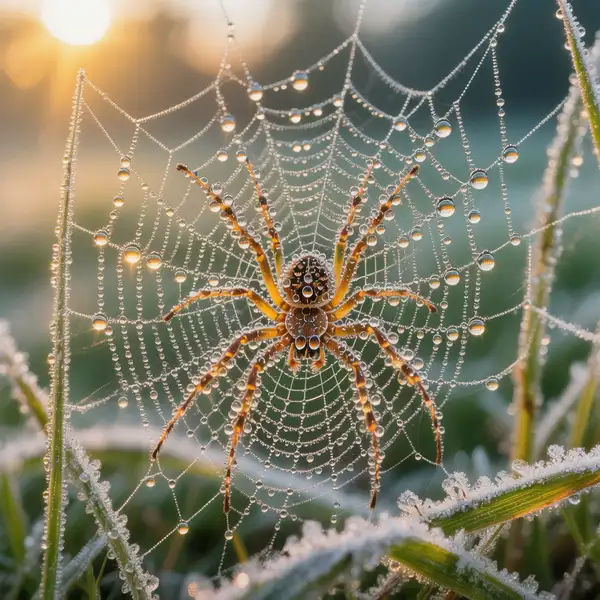
Example output 1Example output 2Example output 3Example output 4Example output 5Example output 6

HunyuanImage 3.0 API

HunyuanImage 3.0 is a text-to-image AI model by tencent. On ModelRunner it runs through a REST API or via MCP from any AI assistant, at $0.1 per megapixel.

POST https://queue.modelrunner.run/tencent/hunyuan-image/v3/text-to-image

cURL

# Submit a request to the queue
curl -X POST https://queue.modelrunner.run/tencent/hunyuan-image/v3/text-to-image \
  -H "Authorization: Key $MRUN_API_KEY" \
  -H "Content-Type: application/json" \
  -d '{
    "input": {
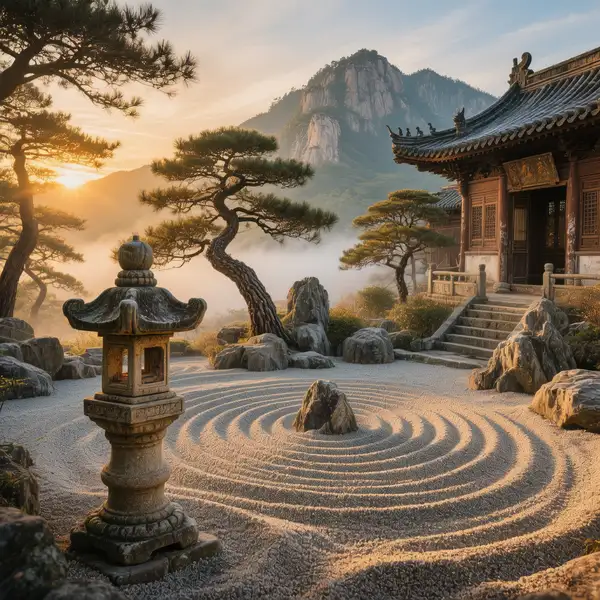
      "prompt": "A serene Zen rock garden at a mountaintop temple at sunrise, mist drifting between ancient twisted pine trees, raked …",
      "image_size": "square_hd",
      "num_images": 1,
      "output_format": "png",
      "guidance_scale": 7.5,
      "negative_prompt": "",
      "num_inference_steps": 28,
      "enable_safety_checker": true,
      "enable_prompt_expansion": false
    }
  }'
# → { "request_id": "...", "status_url": "...", "response_url": "..." }

# Poll status_url until "COMPLETED", then fetch the result
curl "https://queue.modelrunner.run/tencent/hunyuan-image/v3/text-to-image/requests/$REQUEST_ID/status" \
  -H "Authorization: Key $MRUN_API_KEY"
curl "https://queue.modelrunner.run/tencent/hunyuan-image/v3/text-to-image/requests/$REQUEST_ID" \
  -H "Authorization: Key $MRUN_API_KEY"

JavaScript

import { modelrunner } from "@modelrunner/client";

const result = await modelrunner.subscribe("tencent/hunyuan-image/v3/text-to-image", {
  input: {
    "prompt": "A serene Zen rock garden at a mountaintop temple at sunrise, mist drifting between ancient twisted pine trees, raked …",
    "image_size": "square_hd",
    "num_images": 1,
    "output_format": "png",
    "guidance_scale": 7.5,
    "negative_prompt": "",
    "num_inference_steps": 28,
    "enable_safety_checker": true,
    "enable_prompt_expansion": false
  },
});
console.log(result);

Python

import os
import requests

headers = {"Authorization": f"Key {os.environ['MRUN_API_KEY']}"}

submitted = requests.post(
    "https://queue.modelrunner.run/tencent/hunyuan-image/v3/text-to-image",
    headers=headers,
    json={"input": {
      "prompt": "A serene Zen rock garden at a mountaintop temple at sunrise, mist drifting between ancient twisted pine trees, raked …",
      "image_size": "square_hd",
      "num_images": 1,
      "output_format": "png",
      "guidance_scale": 7.5,
      "negative_prompt": "",
      "num_inference_steps": 28,
      "enable_safety_checker": true,
      "enable_prompt_expansion": false
    }},
).json()

# Poll submitted["status_url"] until "COMPLETED", then:
result = requests.get(submitted["response_url"], headers=headers).json()

Input parameters

NameTypeRequiredDescription
promptstringyesThe text prompt describing the image you want to generate.
image_sizeenumnoThe size of the generated image. Default: "square_hd".
num_imagesintegernoThe number of images to generate. Each generated image is billed. Default: 1.
output_formatenumnoThe format of the generated image. Default: "png".
negative_promptstringnoDescribe what you do NOT want to appear in the image. Default: "".
num_inference_stepsintegernoThe number of denoising steps to perform. Default: 28.
guidance_scalenumbernoThe CFG scale. Higher values increase adherence to the prompt. Default: 7.5.
seedintegernoRandom seed for reproducible results. The same seed and prompt produce the same image; leave unset for a random seed.
enable_safety_checkerbooleannoIf set to true, the safety checker will be enabled. Default: true.
enable_prompt_expansionbooleannoWhether to enable prompt expansion. This uses a large language model to expand the prompt with additional details while maintaining the original meaning. Default: false.

Machine-readable: OpenAPI schema · llms.txt

Use HunyuanImage 3.0 from Claude & Cursor (MCP)

Point Claude Code, Claude Desktop, Cursor, or any MCP client at the ModelRunner MCP server and HunyuanImage 3.0 becomes a tool your assistant can call directly — it authorizes via OAuth (no API key in config) and runs this model with the run_model tool using the endpoint tencent/hunyuan-image/v3/text-to-image.

MCP client config (Claude Desktop, Cursor)

{
  "mcpServers": {
    "modelrunner": {
      "command": "npx",
      "args": ["-y", "mcp-remote", "https://mcp.modelrunner.run/mcp"]
    }
  }
}

Claude Code

claude mcp add --transport http modelrunner https://mcp.modelrunner.run/mcp

Then ask your assistant, for example: “Run tencent/hunyuan-image/v3/text-to-image on ModelRunner to generate image”. MCP setup guide.

Model Details

Model Details

HunyuanImage 3.0 turns a text prompt into a high-quality image. It is a large open image foundation model (80 billion parameters) built for strong prompt adherence, and it handles long, detailed descriptions well — you can spell out subject, composition, lighting, and style in a single prompt and expect the result to track it closely. Set the aspect ratio with `image_size` (presets like `square_hd`, `portrait_16_9`, `landscape_16_9`, or an explicit `{width, height}`), and generate up to four variations per call with `num_images`.

## Best for - Photorealistic and stylized images from a detailed written description - Long, richly specified prompts where subject, scene, lighting, and mood all need to land - Concept art, editorial illustration, posters, and marketing visuals from a brief - Generating a few composition variants at once to pick from - Text-to-image work at non-square aspect ratios for social, print, or web layouts

## Choose another model when - You want to edit, restyle, or modify an existing image rather than generate from scratch — use an image-editing model - You have a reference photo to transform and want to keep its structure — use an image-to-image model - You need the cheapest, fastest drafts and can trade some fidelity — use a distilled fast text-to-image model - You need video — use a text-to-video or image-to-video model

## Tips - Write specific, descriptive prompts; the model rewards detail about subject, composition, and style over short keyword lists - Turn on `enable_prompt_expansion` to have a language model flesh out a terse prompt while preserving its intent — useful for short briefs, skip it when you want your exact wording honored - Use `image_size` presets for common aspect ratios, or pass an explicit `{width, height}` object for a precise canvas - Each generated image is billed by megapixel, so larger sizes and higher `num_images` cost more

To run via the ModelRunner JavaScript client: ```js import { modelrunner } from "@modelrunner/client";

const result = await modelrunner.subscribe("tencent/hunyuan-image/v3/text-to-image", { input: { prompt: "a snow leopard on a rocky ledge at golden hour, telephoto compression, sharp fur detail, cinematic lighting", image_size: "landscape_16_9", num_images: 1, output_format: "png", }, }); ```