
Model Details
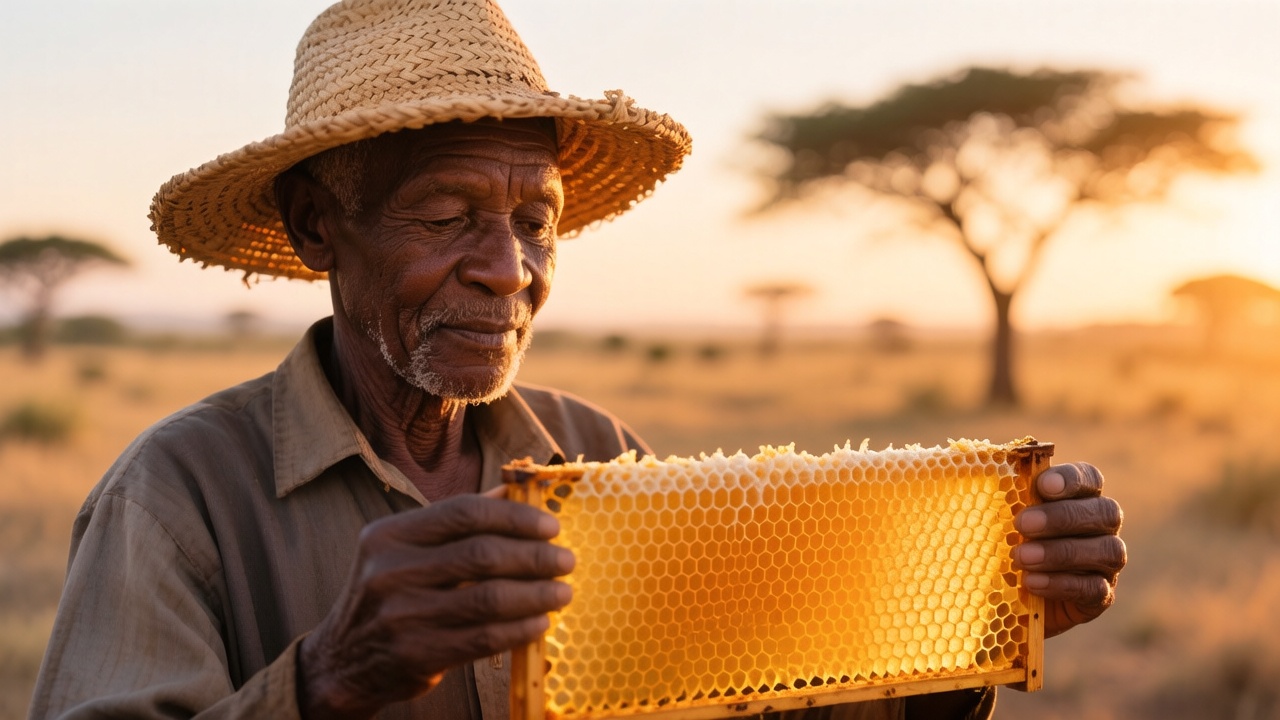
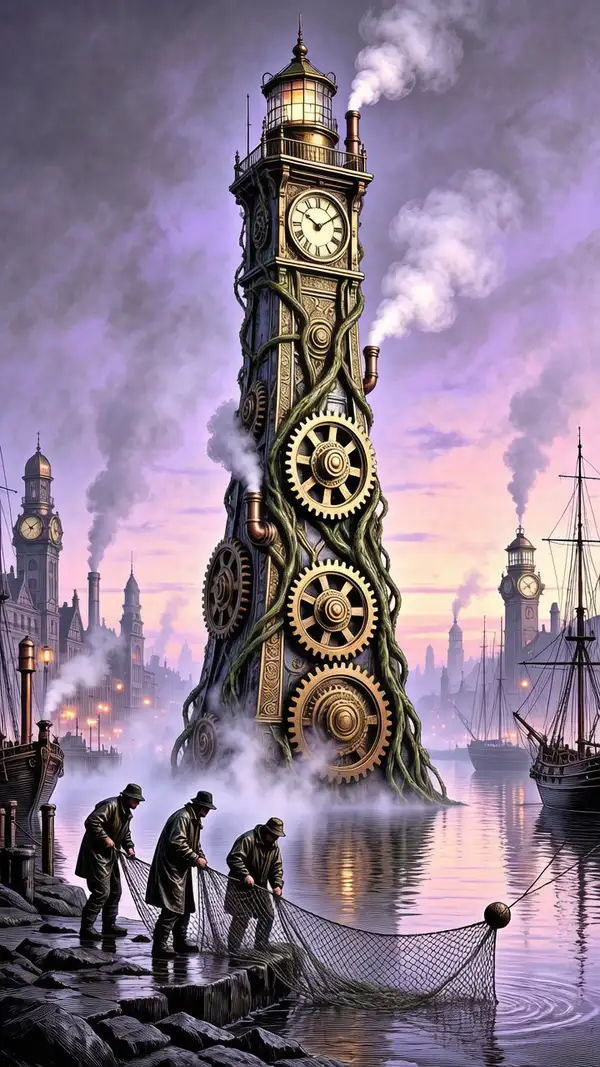
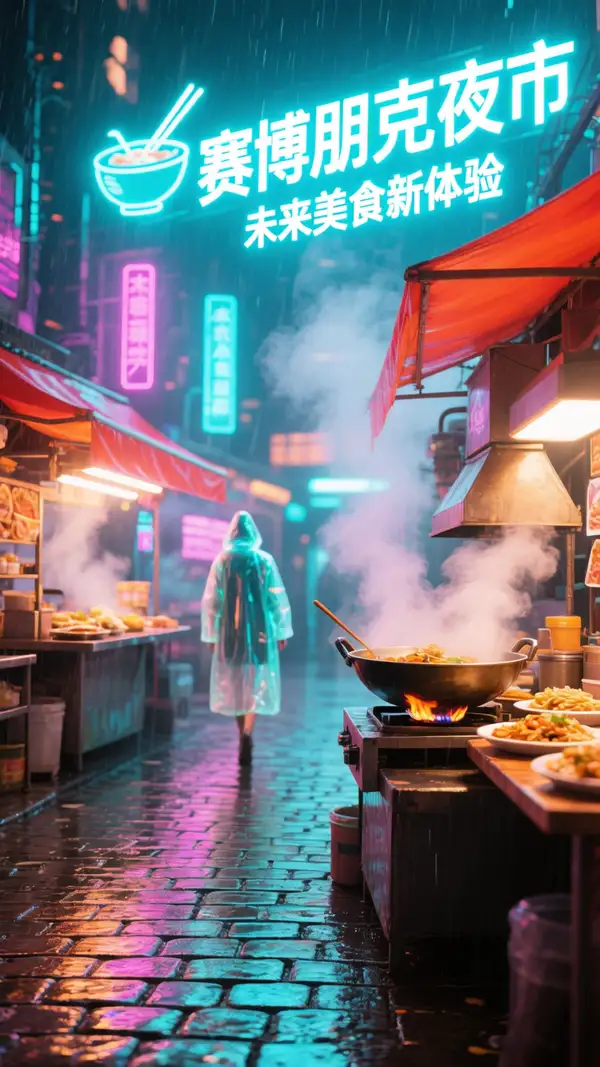
HunyuanImage 3.0 Instruct turns a text prompt into a high-quality image. It is the instruction-tuned checkpoint of the 80-billion-parameter HunyuanImage 3.0 foundation model, with internal reasoning that parses long, complex, multi-part prompts and lays out the scene before rendering — so when you spell out several subjects, spatial relationships, lighting, and style in one prompt, the result tracks each instruction more faithfully than a raw diffusion pass. Set the aspect ratio with `image_size` (presets like `square_hd`, `portrait_16_9`, `landscape_16_9`, an explicit `{width, height}`, or `auto` to let the model choose), and generate up to four variations per call with `num_images`.
Prompt expansion is on by default here: a language model fleshes out terse prompts before generation. Set `enable_prompt_expansion` to `false` when you want your exact wording honored verbatim. This variant does not expose a negative prompt or a denoising-step control — the reasoning step handles that internally — so it is tuned for describing what you want rather than steering the sampler.
## Best for - Long, richly specified prompts where several subjects, spatial layout, lighting, and mood all need to land together - Complex, multi-part instructions that a plain text-to-image model tends to drop parts of - Photorealistic and stylized images from a detailed written description - Concept art, editorial illustration, posters, and marketing visuals from a brief - Generating a few composition variants at once to pick from, at non-square aspect ratios
## Choose another model when - You want to edit, restyle, or modify an existing image rather than generate from scratch — use an image-editing model - You have a reference photo to transform and want to keep its structure — use an image-to-image model - You need negative-prompt or inference-step control to steer the sampler directly — this variant does not expose them; use the base HunyuanImage 3.0 text-to-image variant - You need the cheapest, fastest drafts and can trade some fidelity — use a distilled fast text-to-image model - You need video — use a text-to-video or image-to-video model
## Tips - Write specific, descriptive prompts and state each requirement explicitly; the reasoning step rewards structured, complete instructions over short keyword lists - Leave `enable_prompt_expansion` on (the default) for short briefs; set it to `false` when your prompt is already precise and you want it honored word-for-word - Use `image_size` presets for common aspect ratios, pass an explicit `{width, height}` object for a precise canvas, or use `auto` to let the model pick dimensions - Each generated image is billed by megapixel, so larger sizes and higher `num_images` cost more
To run via the ModelRunner JavaScript client: ```js import { modelrunner } from "@modelrunner/client";
const result = await modelrunner.subscribe("tencent/hunyuan-image/v3/instruct/text-to-image", { input: { prompt: "a snow leopard on a rocky ledge at golden hour, telephoto compression, sharp fur detail, cinematic lighting", image_size: "landscape_16_9", num_images: 1, output_format: "png", }, }); ```