
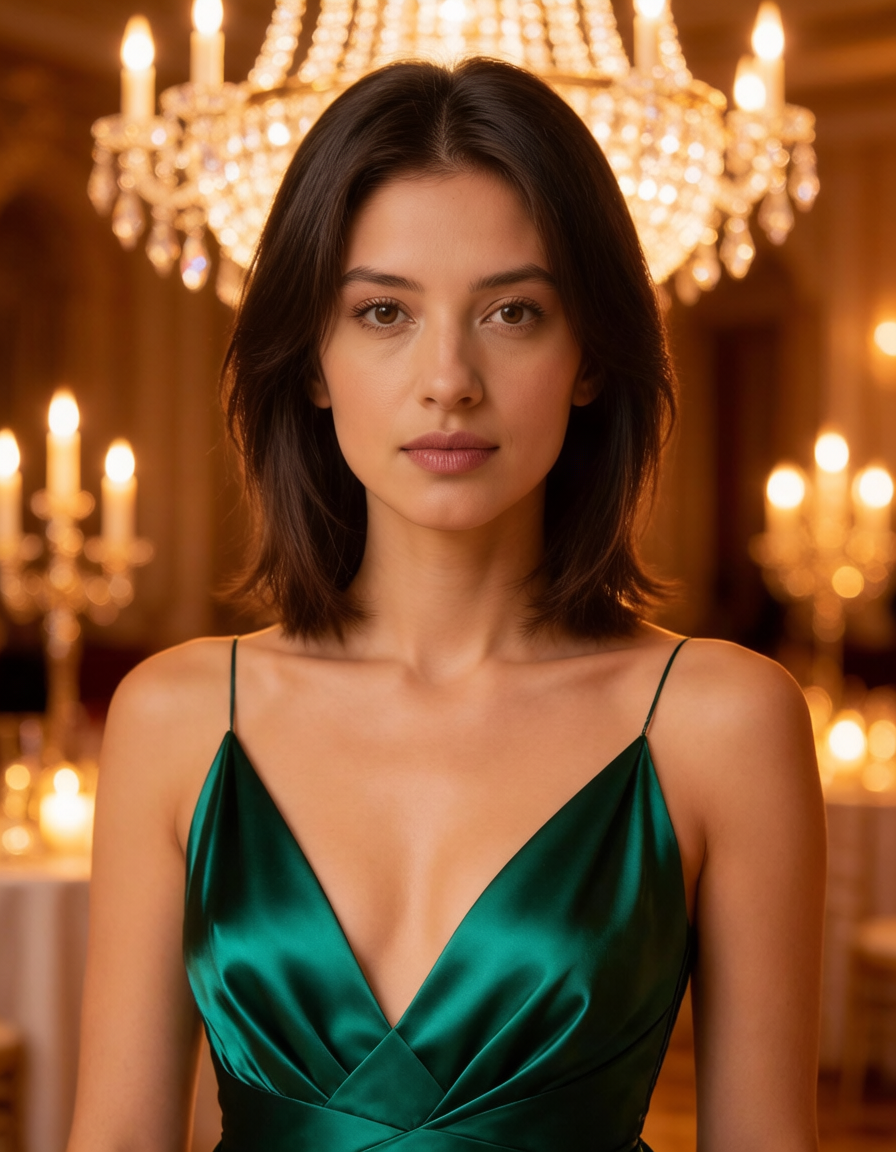
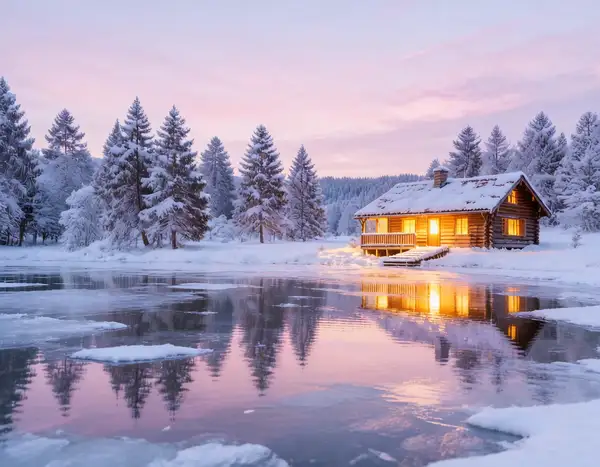
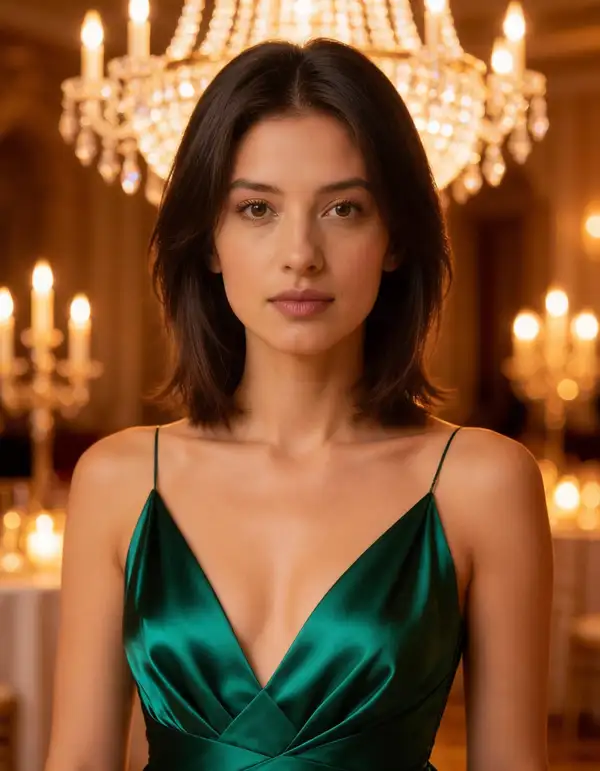
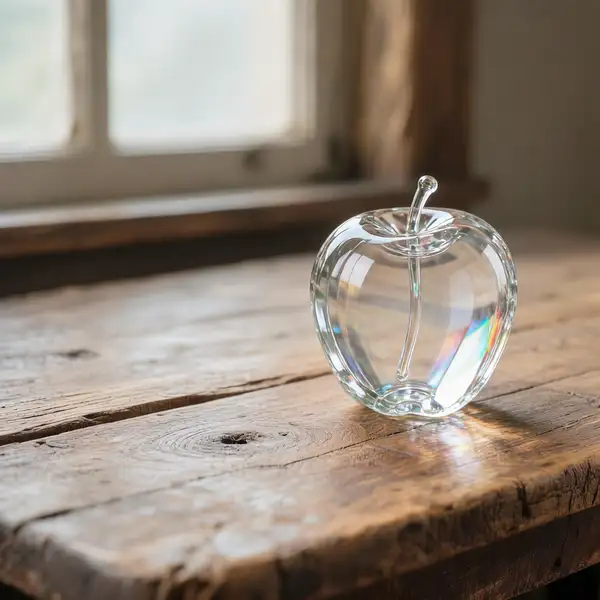
Model Details
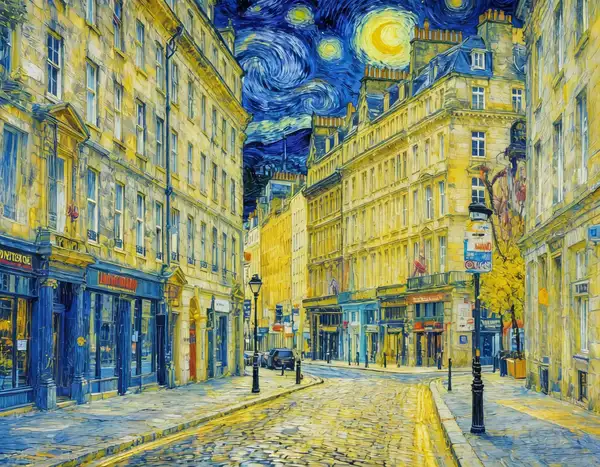
HunyuanImage 3.0 Instruct edits an existing image from a written instruction. Give it one to three reference images and describe the change you want — "turn this artwork into a realistic photograph", "replace the background with a snowy street", "make the jacket red and add a scarf" — and it returns a new image that applies your edit. It is the instruction-tuned checkpoint of the 80-billion-parameter HunyuanImage 3.0 foundation model, so it reads long, multi-part edit directions and lays out the change before rendering, tracking each instruction more faithfully than a single-pass edit. Supplying several reference images lets it combine or transfer content across them in one call.
Pass the source images as an array in `image_urls` (maximum 3). Prompt expansion is on by default: a language model fleshes out terse instructions before the edit runs — set `enable_prompt_expansion` to `false` to have your exact wording honored. Leave `image_size` at `auto` to let the model size the result from the input, or pass a preset (`square_hd`, `portrait_16_9`, `landscape_16_9`) or an explicit `{width, height}` object to force a canvas.
## Best for - Applying a described change to an existing image — restyle, recolor, add or remove objects, swap a background - Turning artwork, sketches, or renders into photorealistic images and vice versa - Long, multi-part edit instructions that a simple edit model tends to drop parts of - Combining or transferring content across two or three reference images in one edit - Editorial and product retouching where the edit must follow precise written directions
## Choose another model when - You have no source image and want to generate from a text prompt alone — use the HunyuanImage 3.0 Instruct text-to-image variant - You need pixel-precise masked inpainting where only a drawn region changes — this endpoint takes no mask, use a dedicated inpainting model - You want to upscale or restore an image without changing its content — use an upscaling or restoration model - You need video — use an image-to-video model
## Tips - State the edit as a clear instruction referencing what is in the image; the reasoning step rewards complete, structured directions over keyword lists - Provide the primary image first in `image_urls`; add up to two more references when you want the model to borrow content or style from them - Leave `enable_prompt_expansion` on for short instructions; set it to `false` when your instruction is already precise and you want it honored word-for-word - Leave `image_size` at `auto` to preserve the input's proportions, or pass a preset / `{width, height}` object to force a specific output size - Each output image is billed by megapixel, so larger sizes and higher `num_images` cost more
To run via the ModelRunner JavaScript client: ```js import { modelrunner } from "@modelrunner/client";
const result = await modelrunner.subscribe("tencent/hunyuan-image/v3/instruct/edit", { input: { prompt: "Turn this artwork into a realistic photograph", image_urls: ["https://media.modelrunner.ai/example-source.png"], num_images: 1, output_format: "png", }, }); ```