
sync avatar

Sync Lipsync 2 API

sync/lipsync/v2

Re-sync a talking-head video's mouth movements to a new audio track for dubbing, translation, and re-voicing.

edit
0.05 per second of output video

Model Input

Input

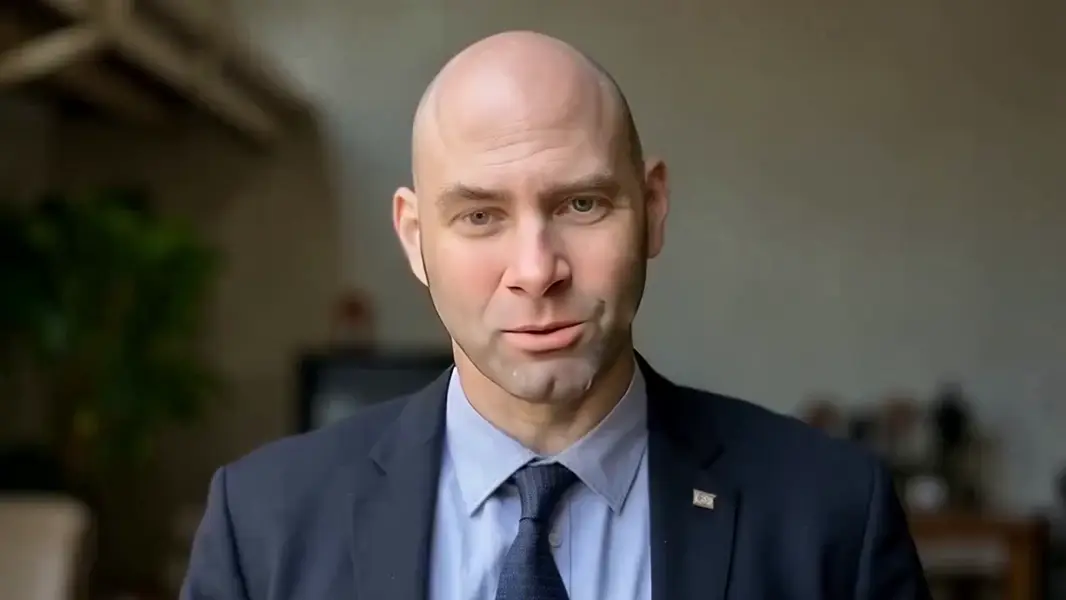
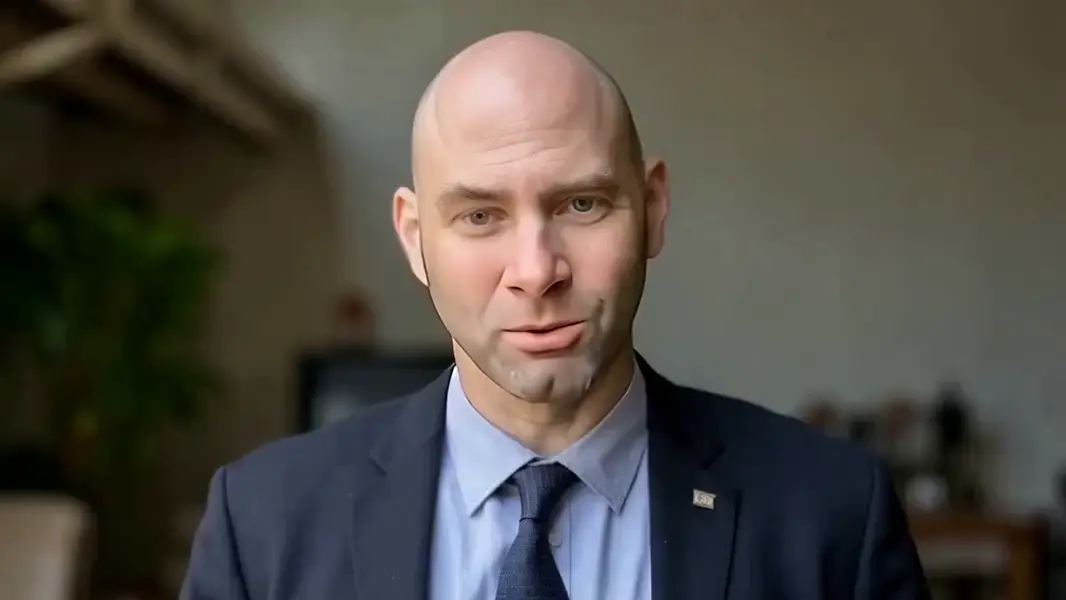
URL of the input video containing a clearly visible talking face to re-sync.

URL of the audio track the speaker should appear to say.

Additional Settings

Customize your input with more control.

How to reconcile a mismatch between video and audio duration: cut_off trims to the shorter, loop repeats the video, bounce plays it forward-and-back, silence holds with no extra motion, remap time-stretches to align.

You need to be logged in to run this model and view results.
Log in

Model Output

Output

Loading
Generated in 126.073 seconds
Logs (1 lines)

Model Example Requests

Examples

Example output 1Example output 2

Sync Lipsync 2 API

Sync Lipsync 2 is a video-to-video AI model by sync. On ModelRunner it runs through a REST API or via MCP from any AI assistant, at $0.05 per second of video.

POST https://queue.modelrunner.run/sync/lipsync/v2

cURL

# Submit a request to the queue. Input fields go at the top level of the
# body. The optional reserved "metadata" object holds your own flat string
# tags — stored on the request, never sent to the model; filter later with
# GET https://queue.modelrunner.run/requests?metadata=<url-encoded JSON>.
curl -X POST https://queue.modelrunner.run/sync/lipsync/v2 \
  -H "Authorization: Key $MRUN_API_KEY" \
  -H "Content-Type: application/json" \
  -d '{
    "audio_url": "https://media.modelrunner.ai/CKV2c5JgWXU13KUpT0Rc2.mp4",
    "sync_mode": "cut_off",
    "video_url": "https://media.modelrunner.ai/CKV2c5JgWXU13KUpT0Rc2.mp4",
    "metadata": {
      "project": "my-project"
    }
  }'
# → { "request_id": "...", "status_url": "...", "response_url": "..." }

# Poll status_url until "COMPLETED", then fetch the result
curl "https://queue.modelrunner.run/sync/lipsync/v2/requests/$REQUEST_ID/status" \
  -H "Authorization: Key $MRUN_API_KEY"
curl "https://queue.modelrunner.run/sync/lipsync/v2/requests/$REQUEST_ID" \
  -H "Authorization: Key $MRUN_API_KEY"

JavaScript

import { modelrunner } from "@modelrunner/client";

const result = await modelrunner.subscribe("sync/lipsync/v2", {
  input: {
    "audio_url": "https://media.modelrunner.ai/CKV2c5JgWXU13KUpT0Rc2.mp4",
    "sync_mode": "cut_off",
    "video_url": "https://media.modelrunner.ai/CKV2c5JgWXU13KUpT0Rc2.mp4"
  },
});
console.log(result);

Python

import os
import requests

headers = {"Authorization": f"Key {os.environ['MRUN_API_KEY']}"}

submitted = requests.post(
    "https://queue.modelrunner.run/sync/lipsync/v2",
    headers=headers,
    json={
      "audio_url": "https://media.modelrunner.ai/CKV2c5JgWXU13KUpT0Rc2.mp4",
      "sync_mode": "cut_off",
      "video_url": "https://media.modelrunner.ai/CKV2c5JgWXU13KUpT0Rc2.mp4"
    },
).json()

# Poll submitted["status_url"] until "COMPLETED", then:
result = requests.get(submitted["response_url"], headers=headers).json()

Input parameters

NameTypeRequiredDescription
video_urlstring (uri)yesURL of the input video containing a clearly visible talking face to re-sync.
audio_urlstring (uri)yesURL of the audio track the speaker should appear to say.
sync_modeenumnoHow to reconcile a mismatch between video and audio duration: cut_off trims to the shorter, loop repeats the video, bounce plays it forward-and-back, silence holds with no extra motion, remap time-stretches to align. Default: "cut_off".

Machine-readable: OpenAPI schema · llms.txt

Use Sync Lipsync 2 from Claude & Cursor (MCP)

Point Claude Code, Claude Desktop, Cursor, or any MCP client at the ModelRunner MCP server and Sync Lipsync 2 becomes a tool your assistant can call directly — it authorizes via OAuth (no API key in config) and runs this model with the run_model tool using the endpoint sync/lipsync/v2.

MCP client config (Claude Desktop, Cursor)

{
  "mcpServers": {
    "modelrunner": {
      "command": "npx",
      "args": ["-y", "mcp-remote", "https://mcp.modelrunner.run/mcp"]
    }
  }
}

Claude Code

claude mcp add --transport http modelrunner https://mcp.modelrunner.run/mcp

Then ask your assistant, for example: “Run sync/lipsync/v2 on ModelRunner to generate video”. MCP setup guide.

Model Details

Model Details

Sync Lipsync 2 takes an existing talking-head video and a separate audio track, then regenerates the speaker's mouth movements so they match the new audio precisely. The face, identity, lighting, and background of the source video are preserved while only the lips are re-animated to the supplied speech — making it the right tool for dubbing footage into another language, swapping in re-recorded narration, or correcting an out-of-sync take. Supply a video where a face is clearly visible and the audio you want them to appear to speak, and the model returns a new video with natural, aligned lip motion.

## Best for - Dubbing talking-head footage into another language so the lips match the translated voiceover - Re-voicing an interview, presentation, or ad with a cleaner or re-recorded audio take - Fixing audio drift where the original speech and mouth movements no longer line up - Localizing course, training, or marketing videos across multiple voice tracks

## Choose another model when - You have only an image, not a video, and want a talking avatar from a still — use an image-to-video or avatar model - You want to generate a video from a text prompt rather than re-sync an existing one — use a text-to-video model - You need to generate the speech audio itself from text — pair this with a text-to-speech model first, then feed its output here

## Tips - Use source video where the speaker's face is large, well-lit, and front-facing for the cleanest lip motion - Match the audio length to the video; `sync_mode` controls what happens when they differ

## Advanced Configuration - `sync_mode` decides how the model reconciles a mismatch between video and audio duration: `cut_off` (default) trims to the shorter of the two, `loop` repeats the video to cover longer audio, `bounce` plays the video forward-and-back to fill time, `silence` holds on the video with no added motion past the audio, and `remap` time-stretches to align the two. Set it via the API when your audio and video are not the same length.

To run via the ModelRunner JavaScript client: ```js import { modelrunner } from "@modelrunner/client";

const result = await modelrunner.subscribe("sync/lipsync/v2", { input: { video_url: "https://media.modelrunner.ai/your-talking-head-video.mp4", audio_url: "https://media.modelrunner.ai/your-new-audio.wav", sync_mode: "cut_off", }, }); ```