

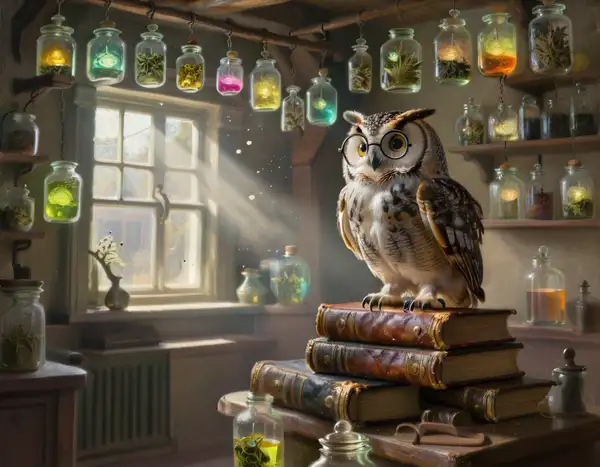
Model Details
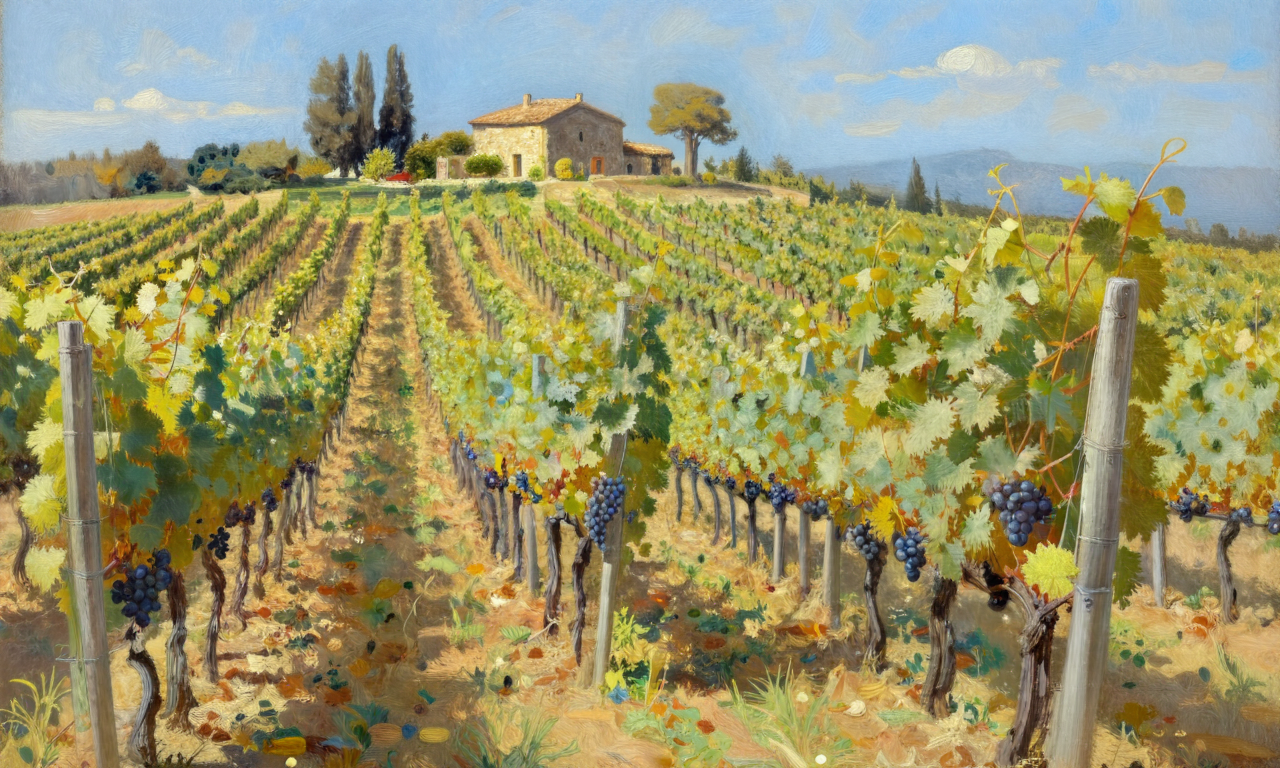
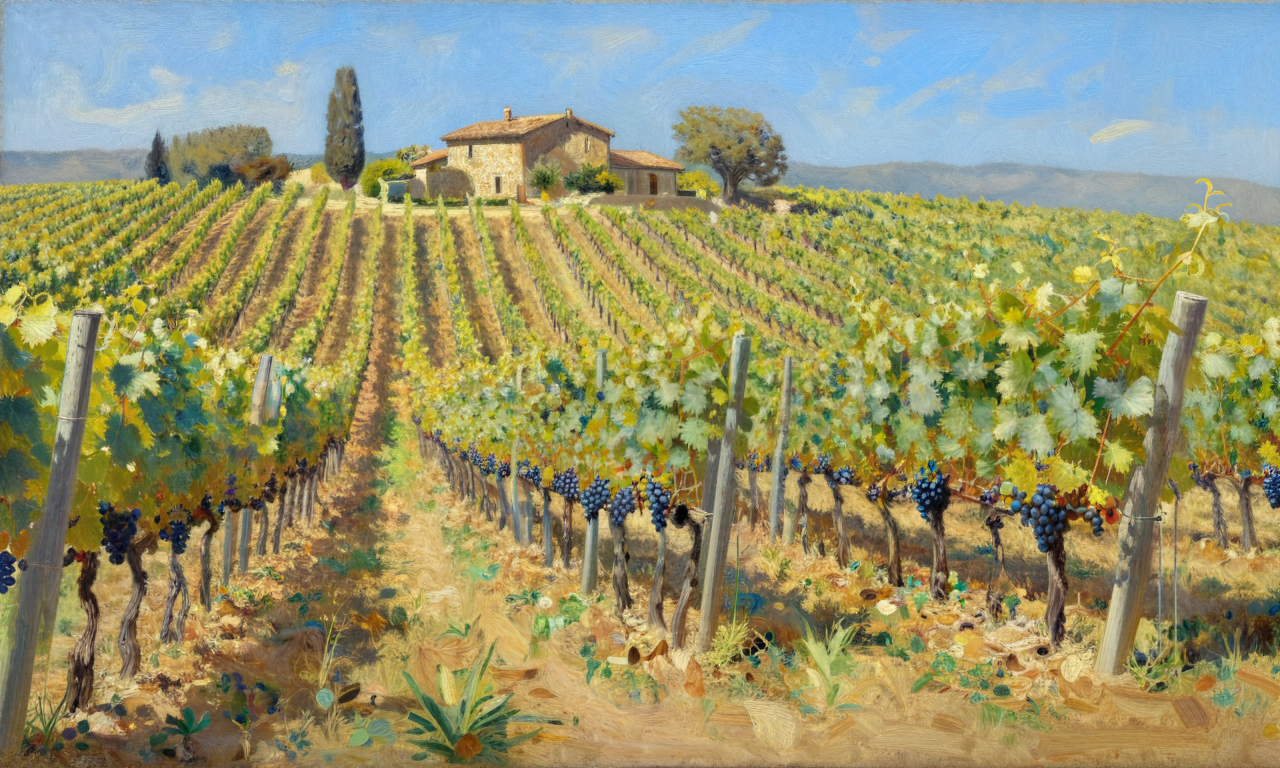
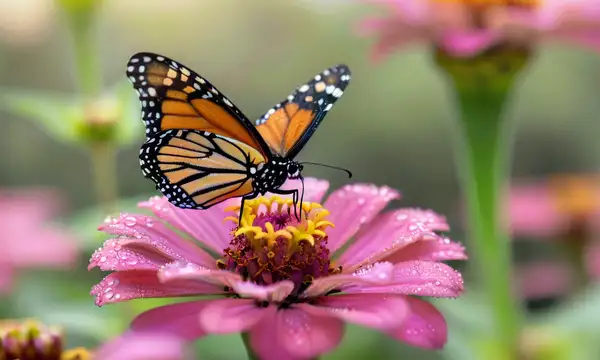
BitDance is a powerful autoregressive model designed for generating high-resolution, photorealistic images from text descriptions. It leverages advanced techniques to produce fast, high-quality visuals, making it an excellent tool for artists, designers, and creators who need to bring their textual ideas to life.
The model's core capability is transforming a descriptive text prompt into a detailed image. You can guide the generation process with a high degree of control through various parameters.
### Key Controls
* **Prompt**: The primary input. The more descriptive and detailed your prompt, the more tailored the resulting image will be. Specify subjects, settings, artistic styles, lighting, and composition. * **Image Size**: Choose from a variety of aspect ratios, including square, portrait (4:3, 16:9), and landscape (4:3, 16:9), to fit your specific needs. * **Inference Steps & Guidance Scale**: Fine-tune the image generation process. `num_inference_steps` controls the trade-off between speed and quality, with higher values producing more refined images. `guidance_scale` determines how strictly the model adheres to your prompt. * **Seed**: Use a specific seed to ensure reproducible results, allowing you to generate the same image again or make subtle tweaks from a known starting point. * **Number of Images**: Generate up to four images from a single prompt to explore different variations and select the best outcome.
### Getting the Best Results
For optimal results, write clear and specific prompts. For instance, instead of "a cat," try "A close-up portrait of a fluffy calico cat wearing a tiny top hat, cinematic photography style, soft natural lighting." Experiment with the `guidance_scale` to find the right balance between prompt adherence and creative freedom. Using the `seed` parameter is highly recommended when you want to iterate on a promising result.
To run via the Javascript client, use the following code: ```javascript import { modelrunner } from "@modelrunner/client";
const result = await modelrunner.subscribe('shallowdream204/bitdance', { input: { "prompt": "A vibrant, detailed painting of a mystical forest at twilight, with glowing mushrooms and ethereal creatures, in the style of fantasy concept art", "image_size": "landscape_16_9", "num_inference_steps": 30, "guidance_scale": 8.0, "num_images": 2 } });
console.log(result); ```