
recraft avatar

Recraft V4 API

recraft/v4/text-to-image

Generate a polished raster image from a text prompt — the standard tier of Recraft V4, with professional composition, lighting, and materials at an economical per-image price.

0.04

Model Input

Input

The text description of the image to generate (subject, scene, lighting, mood). Output is a polished raster image.

The size/aspect of the generated image. Pick a preset or supply an explicit width/height.

You need to be logged in to run this model and view results.
Log in

Model Output

Output

Generated image output
Generated in 12.115 seconds
Logs (1 lines)

Model Example Requests

Examples

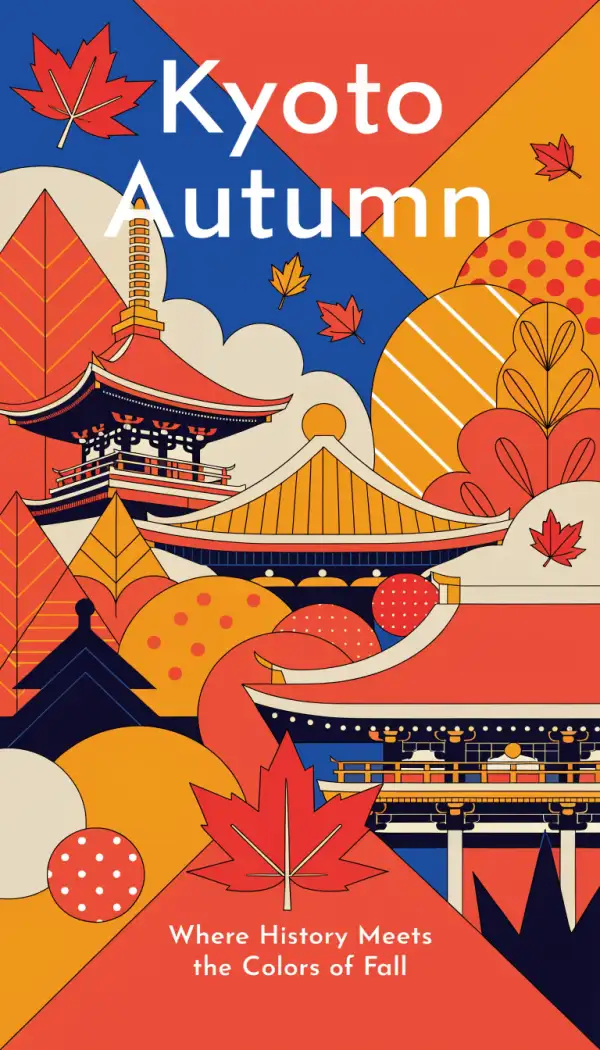
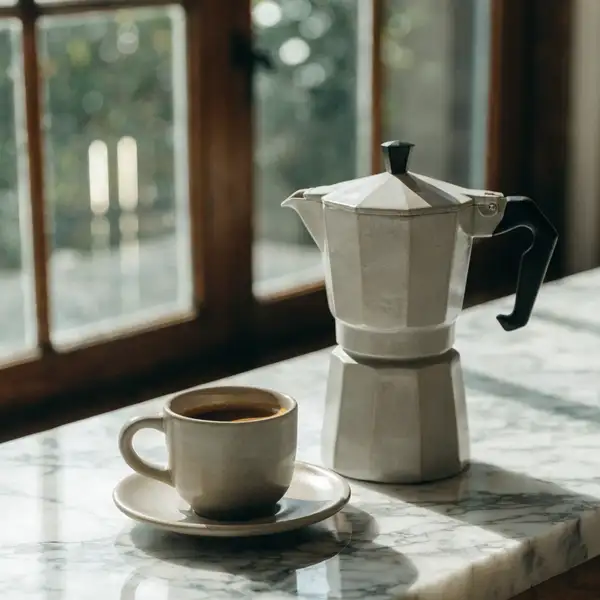
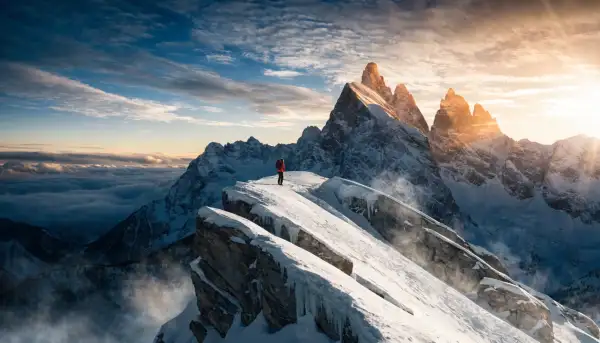
Example output 1Example output 2Example output 3Example output 4

Recraft V4 API

Recraft V4 is a text-to-image AI model by recraft. On ModelRunner it runs through a REST API or via MCP from any AI assistant, at $0.04 per image.

POST https://queue.modelrunner.run/recraft/v4/text-to-image

cURL

# Submit a request to the queue. Input fields go at the top level of the
# body. The optional reserved "metadata" object holds your own flat string
# tags — stored on the request, never sent to the model; filter later with
# GET https://queue.modelrunner.run/requests?metadata=<url-encoded JSON>.
curl -X POST https://queue.modelrunner.run/recraft/v4/text-to-image \
  -H "Authorization: Key $MRUN_API_KEY" \
  -H "Content-Type: application/json" \
  -d '{
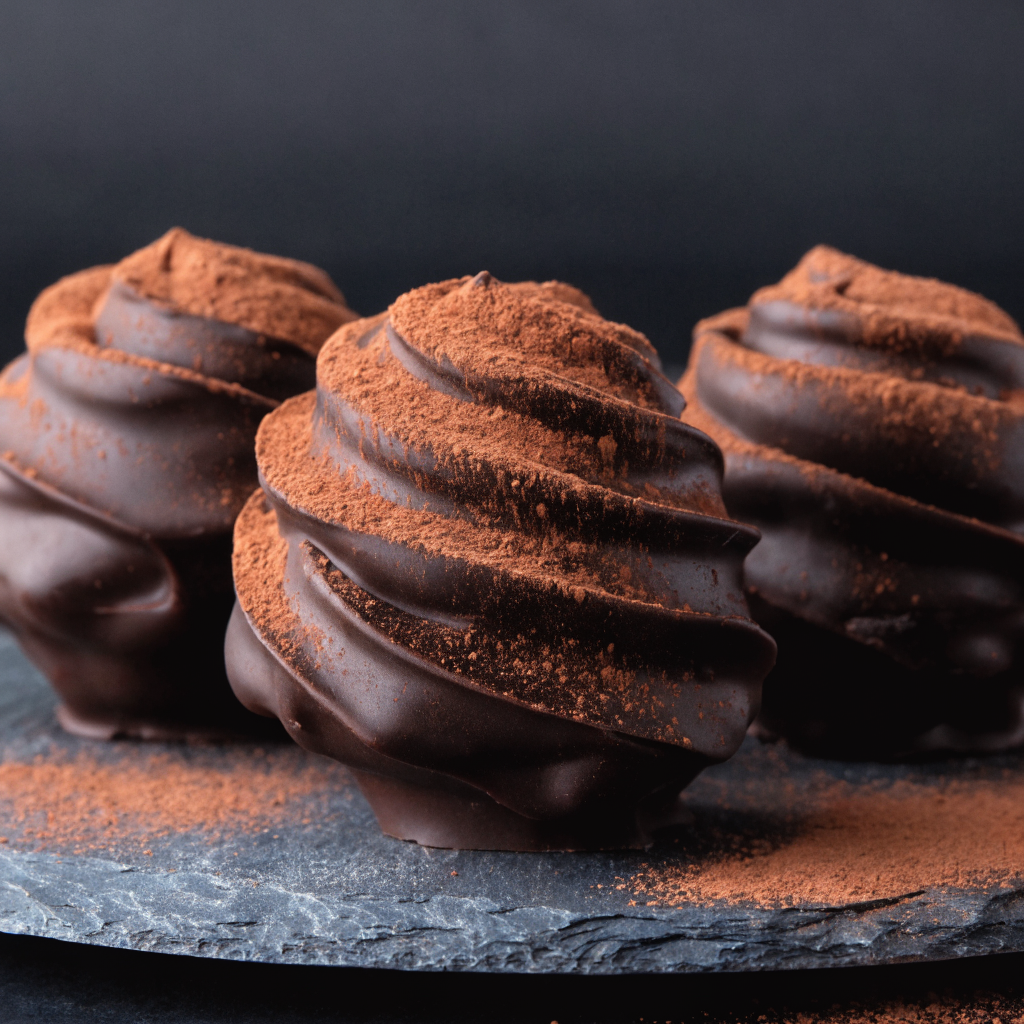
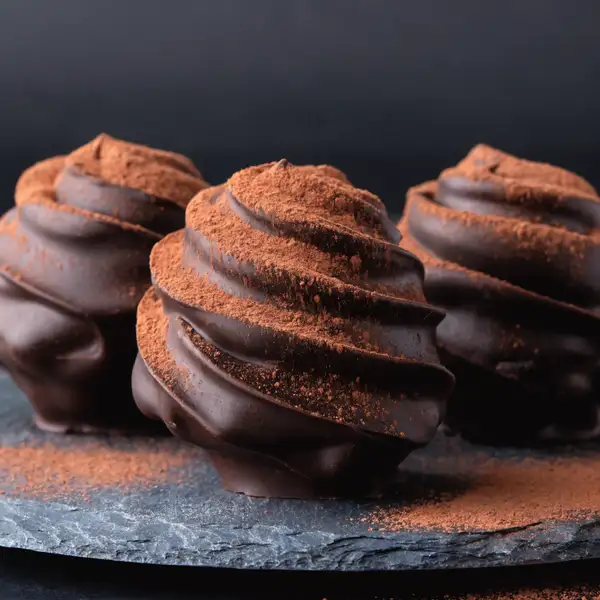
    "prompt": "a minimalist product photograph of three artisanal dark-chocolate truffles dusted with cocoa on a slate plate, soft s…",
    "image_size": "square_hd",
    "metadata": {
      "project": "my-project"
    }
  }'
# → { "request_id": "...", "status_url": "...", "response_url": "..." }

# Poll status_url until "COMPLETED", then fetch the result
curl "https://queue.modelrunner.run/recraft/v4/text-to-image/requests/$REQUEST_ID/status" \
  -H "Authorization: Key $MRUN_API_KEY"
curl "https://queue.modelrunner.run/recraft/v4/text-to-image/requests/$REQUEST_ID" \
  -H "Authorization: Key $MRUN_API_KEY"

JavaScript

import { modelrunner } from "@modelrunner/client";

const result = await modelrunner.subscribe("recraft/v4/text-to-image", {
  input: {
    "prompt": "a minimalist product photograph of three artisanal dark-chocolate truffles dusted with cocoa on a slate plate, soft s…",
    "image_size": "square_hd"
  },
});
console.log(result);

Python

import os
import requests

headers = {"Authorization": f"Key {os.environ['MRUN_API_KEY']}"}

submitted = requests.post(
    "https://queue.modelrunner.run/recraft/v4/text-to-image",
    headers=headers,
    json={
      "prompt": "a minimalist product photograph of three artisanal dark-chocolate truffles dusted with cocoa on a slate plate, soft s…",
      "image_size": "square_hd"
    },
).json()

# Poll submitted["status_url"] until "COMPLETED", then:
result = requests.get(submitted["response_url"], headers=headers).json()

Input parameters

NameTypeRequiredDescription
promptstringyesThe text description of the image to generate (subject, scene, lighting, mood). Output is a polished raster image.
image_sizeenumnoThe size/aspect of the generated image. Pick a preset or supply an explicit width/height. Default: "square_hd".

Machine-readable: OpenAPI schema · llms.txt

Use Recraft V4 from Claude & Cursor (MCP)

Point Claude Code, Claude Desktop, Cursor, or any MCP client at the ModelRunner MCP server and Recraft V4 becomes a tool your assistant can call directly — it authorizes via OAuth (no API key in config) and runs this model with the run_model tool using the endpoint recraft/v4/text-to-image.

MCP client config (Claude Desktop, Cursor)

{
  "mcpServers": {
    "modelrunner": {
      "command": "npx",
      "args": ["-y", "mcp-remote", "https://mcp.modelrunner.run/mcp"]
    }
  }
}

Claude Code

claude mcp add --transport http modelrunner https://mcp.modelrunner.run/mcp

Then ask your assistant, for example: “Run recraft/v4/text-to-image on ModelRunner to generate image”. MCP setup guide.

Model Details

Model Details

Recraft V4 turns a text prompt into a polished raster image. It is the standard (Normal) tier of the Recraft V4 family — the same modern design sensibility as the Pro tier, tuned for professional composition, lighting, materials, and aesthetic coherence, at an economical per-image price. Describe the subject, scene, and mood, and the model returns a full-resolution raster image. There is no style or substyle picker to configure — the design sensibility is baked into the model, so you steer results entirely through the prompt and the chosen output size.

## Best for - Everyday brand and campaign imagery that needs to look clean and publication-ready - Photorealistic product shots, hero images, and lifestyle scenes for e-commerce and marketing - Editorial and advertising illustration where composition and lighting matter - Poster, ad, and social creative at a chosen aspect ratio (square, portrait, or landscape) - High-volume image generation where a low per-image price matters

## Choose another model when - You need the highest-fidelity Pro-tier output for premium campaign work — use `recraft/v4/pro/text-to-image` - You need scalable SVG vector output (logos, icons, flat marks) instead of a raster image — use `recraft/v4/text-to-vector` - You want to pick from a large library of named art styles or substyles — use `recraft/v3/text-to-image` - You want to edit or restyle an existing image rather than generate one from a prompt — use an image-editing model - You need video rather than a still image — use a text-to-video model

## Tips - Lead the prompt with the details that matter most: subject, setting, lighting, camera framing, and mood - Set `image_size` to match your target format — `square_hd`, `portrait_4_3`/`portrait_16_9`, or `landscape_4_3`/`landscape_16_9`; for an exact canvas pass a `{width, height}` object (each side up to 14142 px) - Describe the look you want directly in the prompt — there is no separate style control to set - Be specific about materials and surfaces (matte, glossy, metal, fabric) to get the model's material rendering to shine

## Limitations - Fine, legible text inside the image can still render imperfectly - Very large custom canvases increase generation time and can occasionally soften fine detail - For the highest-fidelity output, the Pro tier (`recraft/v4/pro/text-to-image`) is tuned a step further

To run via the ModelRunner JavaScript client: ```js import { modelrunner } from "@modelrunner/client";

const result = await modelrunner.subscribe("recraft/v4/text-to-image", { input: { prompt: "a single red apple on a clean white studio background, soft natural light, photorealistic product shot", image_size: "square_hd", }, }); ```