
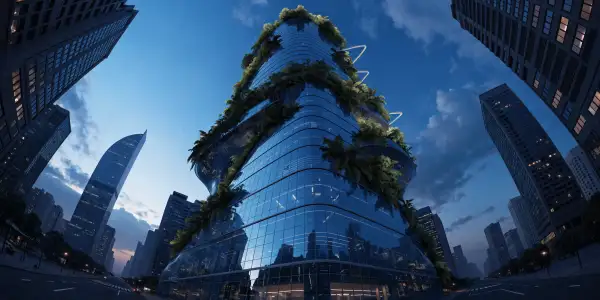
Model Details
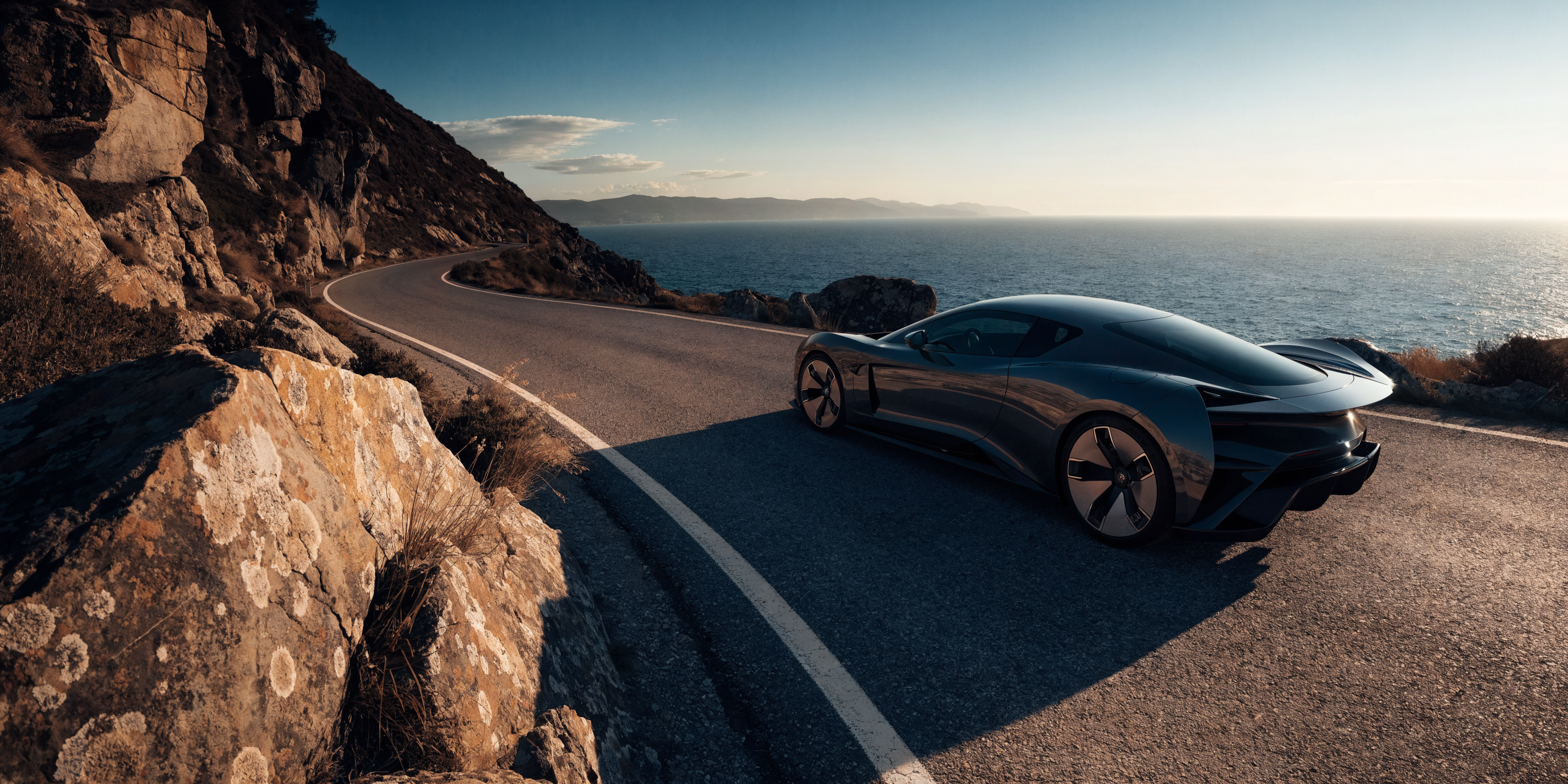
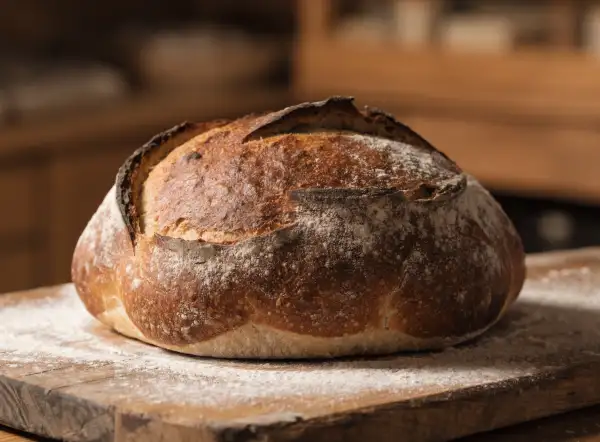
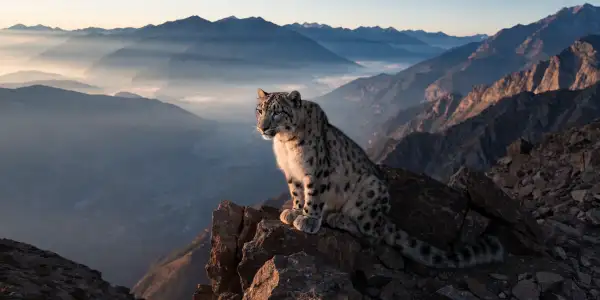
Recraft V4.1 Pro is the newest release of Recraft's professional text-to-image model, turning a text prompt into a polished, production-ready raster image. As the premium Pro tier of the V4.1 point-release, it pushes resolution and detail further than V4 — generating high-resolution imagery up to 2048×2048 pixels and supporting ultra-wide formats — while keeping the same design-first sensibility: deliberate composition, natural lighting, and convincing material rendering suited to brand systems and production workflows. Describe the subject, scene, and mood, and the model returns a full-resolution raster image. There is no style or substyle picker to configure — the design sensibility is baked into the model, so you steer results entirely through the prompt and the chosen output size.
## Best for - High-resolution brand and campaign imagery that needs to look publication-ready straight out of the model - Photorealistic product shots, hero images, and lifestyle scenes for e-commerce and marketing - Editorial and advertising illustration where composition, lighting, and materials must feel intentional - Wide banners, posters, and large-format creative that benefit from the higher resolution and ultra-wide sizes - On-brand visuals where consistent, cohesive aesthetics matter more than a wide style menu
## Choose another model when - You need scalable SVG vector output (logos, icons, flat marks) instead of a raster image — use `recraft/v4.1/pro/text-to-vector` - You want to pick from a large library of named art styles or substyles — use `recraft/v3/text-to-image` - A lower price matters more than the newest V4.1 quality — use `recraft/v4/pro/text-to-image` - You want to edit or restyle an existing image rather than generate one from a prompt — use an image-editing model
## Tips - Lead the prompt with the details that matter most: subject, setting, lighting, camera framing, and mood - Set `image_size` to match your target format — `square_hd`, `portrait_4_3`/`portrait_16_9`, or `landscape_4_3`/`landscape_16_9`; for an exact canvas (up to 2048×2048 or an ultra-wide crop) pass a `{width, height}` object - Describe the look you want directly in the prompt — there is no separate style control to set - Be specific about materials and surfaces (matte, glossy, metal, fabric) to get the model's material rendering to shine
## Limitations - Fine, legible text inside the image can still render imperfectly - Very large custom canvases increase generation time and can occasionally soften fine detail - With prompt-only styling, dialing in a very specific named art style takes careful wording — for a large style library the V3 text-to-image model is easier
To run via the ModelRunner JavaScript client: ```js import { modelrunner } from "@modelrunner/client";
const result = await modelrunner.subscribe("recraft/v4.1/pro/text-to-image", { input: { prompt: "a matte-black wireless headphone resting on brushed concrete, dramatic side light, photorealistic product shot", image_size: "landscape_4_3", }, }); ```