
Model Details
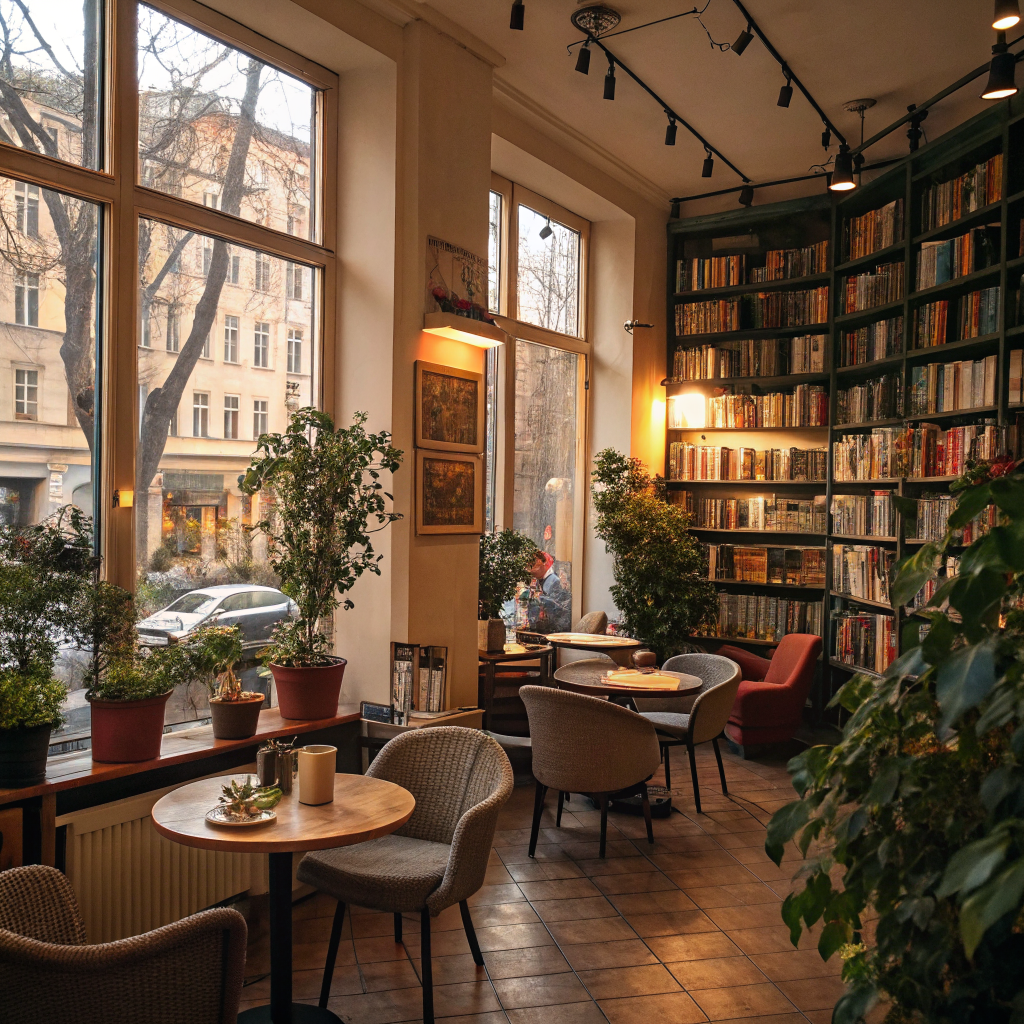
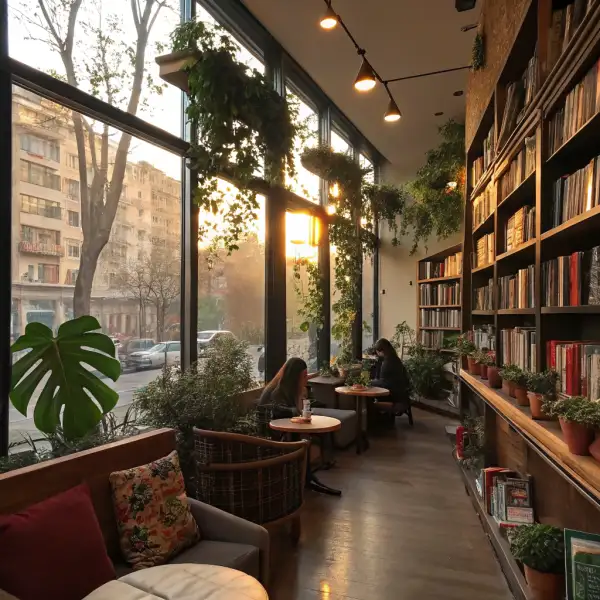
Recraft V3 turns a text prompt into a polished image and is built for design work specifically. Its standout strength is a large library of professional, named styles — photoreal looks, digital illustration, and vector aesthetics — selected through the `style` field, so you can lock a consistent visual language across a whole set of assets. When you pick a `vector_illustration/*` style, the result is a true vector (SVG) file rather than a raster image, which makes it well suited to logos, icons, posters, and brand graphics that need to scale cleanly. Default raster styles (`realistic_image`, `digital_illustration`) return a standard webp image.
## Best for - Logos, icons, and badges where clean, scalable vector (SVG) output matters — pick a `vector_illustration/*` style - Posters, marketing graphics, and editorial illustration with a consistent, deliberately chosen art style - Photoreal product and lifestyle stills using `realistic_image` styles and their substyles - Building a coherent set of brand assets by reusing the same `style` value across many prompts
## Choose another model when - You need to edit, restyle, or transform an existing image rather than generate from text — use an image-to-image or image-editing model - You need motion or animation — use a text-to-video or image-to-video model - You need many variations in a single call — this model returns one image per request - Rendering large amounts of precisely spelled in-image text is the priority — use a model specialized in legible in-image text
## Tips - The single biggest lever on the result is `style`: browse the families (`realistic_image`, `digital_illustration`, `vector_illustration`) and their substyles, e.g. `vector_illustration/line_art` for crisp line icons or `realistic_image/studio_portrait` for portraits - Choose any `vector_illustration/*` style when you specifically want an SVG you can scale and recolor; other style families return raster images - Set the framing with `image_size` (e.g. `landscape_16_9` for banners, `portrait_4_3` for posters)
## Limitations - Returns a single image per request; there is no batch or variation count - No seed control, so exact runs are not reproducible - Fine, precisely spelled text and exact object counts can still be imperfect
To run via the ModelRunner JavaScript client: ```js import { modelrunner } from "@modelrunner/client";
const result = await modelrunner.subscribe("recraft/v3/text-to-image", { input: { prompt: "a minimalist fox logo, geometric, two colors", style: "vector_illustration/line_art", image_size: "square_hd", }, }); ```