


Model Details
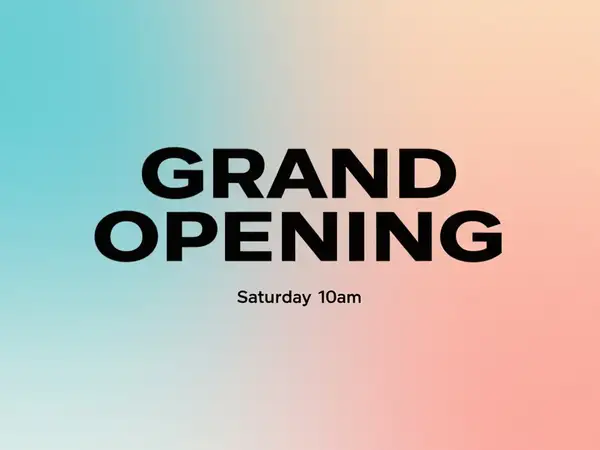
Qwen-Image turns a text prompt into a high-quality image. Its standout strength is rendering accurate, legible text directly inside the image — and uniquely, it handles both English and Chinese, including dense multi-line layouts that most image models garble. Combined with strong prompt adherence, it is a reliable pick when the words in the picture matter as much as the picture itself: posters, signage, packaging, social graphics, and bilingual designs.
## Best for - Posters, flyers, and signage where headlines and body text must stay spelled correctly and legible - Logos, product labels, and packaging mockups that combine artwork with real words - Bilingual or Chinese-language designs (storefronts, menus, captions) that need correct CJK glyphs - General text-to-image scenes — illustrations, product shots, concept art — with faithful prompt following
## Choose another model when - You want to edit, restyle, or modify an existing image rather than generate one from scratch — use an image-editing / image-to-image model - You need photoreal portraits or a specialized aesthetic that a purpose-built model nails better - You want video or animation from your prompt — use a text-to-video model
## Tips - Put the exact words you want rendered in quotes inside the prompt, and describe their placement ("a red banner reading ..." / "a sign that says ...") - Pick `image_size` to match the layout: `landscape_16_9` for posters/banners, `portrait_4_3` for signage, `square` for social, or pass a custom `{ width, height }` object - Use `num_images` (1-4) to get several variations from one prompt in a single call - `guidance_scale` (default 2.5) trades creativity for prompt adherence; raise `num_inference_steps` (default 30) for more detail at the cost of speed
## Limitations - Very long passages of text or tiny font sizes can still introduce glyph errors - Highly photorealistic faces and hands may need a follow-up edit pass
To run via the ModelRunner JavaScript client: ```js import { modelrunner } from "@modelrunner/client";
const result = await modelrunner.subscribe("qwen/qwen-image", { input: { prompt: "a vintage travel poster with the headline \"VISIT KYOTO\" in bold serif type, autumn maple leaves", image_size: "landscape_4_3", num_images: 1, }, }); ```