
qwen avatar

Qwen-Image 3.0 API

qwen/qwen-image/v3.0/text-to-image

Generate an image from a text prompt, with in-image text rendered natively in 12 languages and legible down to around 10px.

0.03

Model Input

Input

What to generate. Long, explicit prompts work best: name each element, where it sits, and the exact wording of any text that should appear in the image (put that wording in quotes). Any language. The ceiling is roughly 4500 tokens, and a longer prompt is rejected rather than trimmed.

Output shape and resolution, as an aspect-ratio + resolution preset. 'auto' lets the model choose a shape that suits the prompt. Every size costs the same, so pick the shape the design needs.

Additional Settings

Customize your input with more control.

Describe what should be kept out of the image.

Rewrite and expand the prompt before generating. On by default, and it markedly improves short or vague descriptions. Set it to false when you have written a long, precise prompt and want it used as-is.

Min: 0 - Max: 2147483647

Random seed for reproducible results. Omit for a different image each run.

Add a visible watermark to the generated image. Off by default.

You need to be logged in to run this model and view results.
Log in

Model Output

Output

Generated image output
Generated in 93.395 seconds
Logs (1 lines)

Model Example Requests

Examples

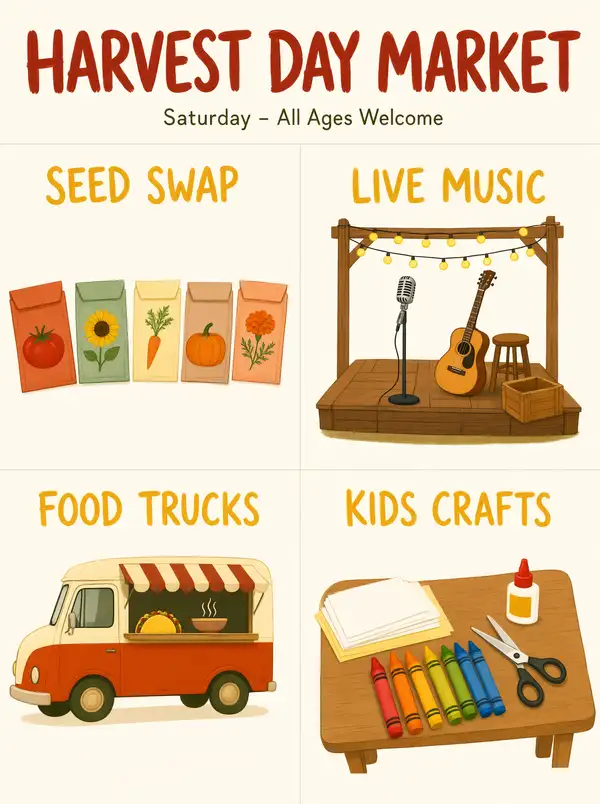
Example output 1Example output 2

Qwen-Image 3.0 API

Qwen-Image 3.0 is a text-to-image AI model by qwen. On ModelRunner it runs through a REST API or via MCP from any AI assistant, at $0.03 per image.

POST https://queue.modelrunner.run/qwen/qwen-image/v3.0/text-to-image

cURL

# Submit a request to the queue. Input fields go at the top level of the
# body. The optional reserved "metadata" object holds your own flat string
# tags — stored on the request, never sent to the model; filter later with
# GET https://queue.modelrunner.run/requests?metadata=<url-encoded JSON>.
curl -X POST https://queue.modelrunner.run/qwen/qwen-image/v3.0/text-to-image \
  -H "Authorization: Key $MRUN_API_KEY" \
  -H "Content-Type: application/json" \
  -d '{
    "size": "1024*1024",
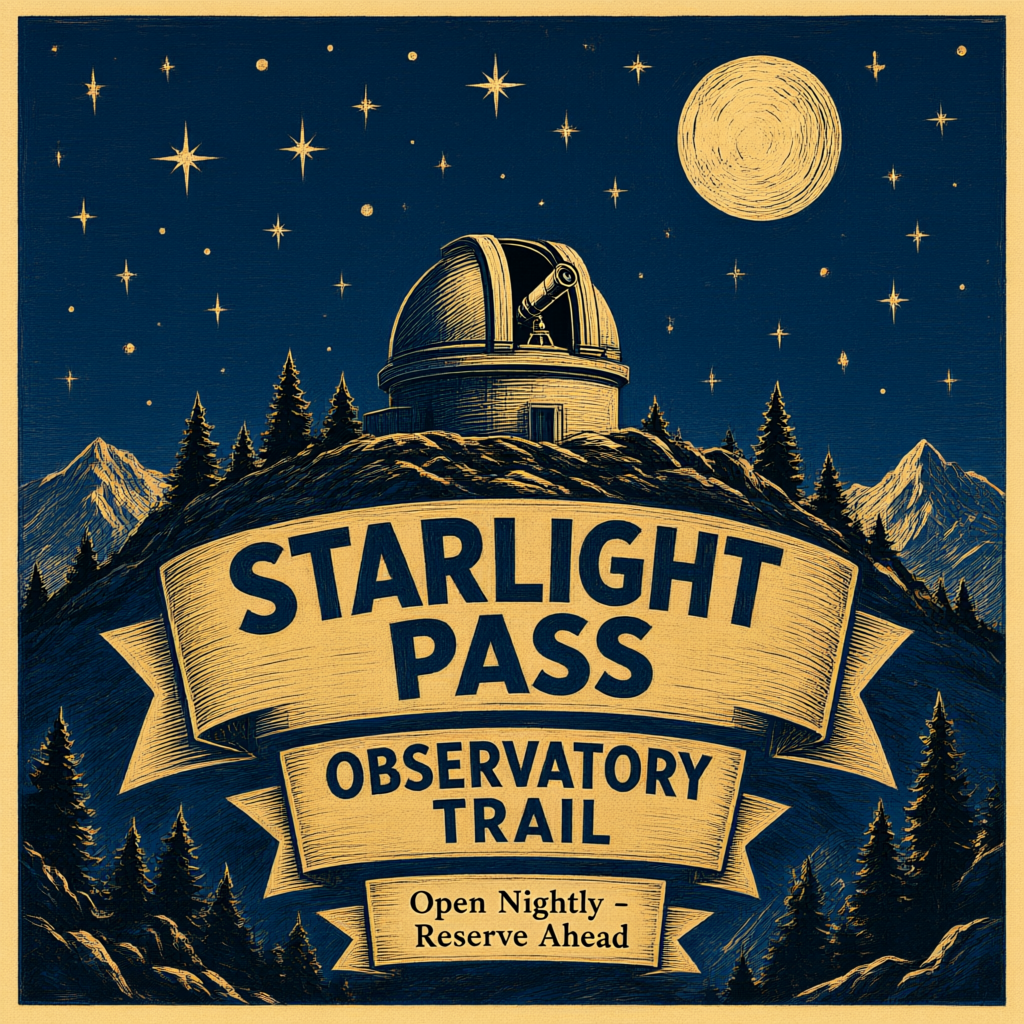
    "prompt": "A vintage travel poster for a mountain observatory, three stacked ribbon banners over a night sky illustration of a t…",
    "watermark": false,
    "prompt_extend": true,
    "negative_prompt": "blurry text, misspelled words, garbled glyphs, extra ribbons, watermark",
    "metadata": {
      "project": "my-project"
    }
  }'
# → { "request_id": "...", "status_url": "...", "response_url": "..." }

# Poll status_url until "COMPLETED", then fetch the result
curl "https://queue.modelrunner.run/qwen/qwen-image/v3.0/text-to-image/requests/$REQUEST_ID/status" \
  -H "Authorization: Key $MRUN_API_KEY"
curl "https://queue.modelrunner.run/qwen/qwen-image/v3.0/text-to-image/requests/$REQUEST_ID" \
  -H "Authorization: Key $MRUN_API_KEY"

JavaScript

import { modelrunner } from "@modelrunner/client";

const result = await modelrunner.subscribe("qwen/qwen-image/v3.0/text-to-image", {
  input: {
    "size": "1024*1024",
    "prompt": "A vintage travel poster for a mountain observatory, three stacked ribbon banners over a night sky illustration of a t…",
    "watermark": false,
    "prompt_extend": true,
    "negative_prompt": "blurry text, misspelled words, garbled glyphs, extra ribbons, watermark"
  },
});
console.log(result);

Python

import os
import requests

headers = {"Authorization": f"Key {os.environ['MRUN_API_KEY']}"}

submitted = requests.post(
    "https://queue.modelrunner.run/qwen/qwen-image/v3.0/text-to-image",
    headers=headers,
    json={
      "size": "1024*1024",
      "prompt": "A vintage travel poster for a mountain observatory, three stacked ribbon banners over a night sky illustration of a t…",
      "watermark": false,
      "prompt_extend": true,
      "negative_prompt": "blurry text, misspelled words, garbled glyphs, extra ribbons, watermark"
    },
).json()

# Poll submitted["status_url"] until "COMPLETED", then:
result = requests.get(submitted["response_url"], headers=headers).json()

Input parameters

Input parameters of Qwen-Image 3.0
NameTypeRequiredDescription
promptstringyesWhat to generate. Long, explicit prompts work best: name each element, where it sits, and the exact wording of any text that should appear in the image (put that wording in quotes). Any language. The ceiling is roughly 4500 tokens, and a longer prompt is rejected rather than trimmed.
image_sizeenumnoOutput shape and resolution, as an aspect-ratio + resolution preset. 'auto' lets the model choose a shape that suits the prompt. Every size costs the same, so pick the shape the design needs. One of: auto, 1_1_1k, 1_1_2k, 4_3_1k, 4_3_2k, 3_4_1k, 3_4_2k, 16_9_1k, 16_9_2k, 9_16_1k, 9_16_2k. Default: "auto".
negative_promptstringnoDescribe what should be kept out of the image.
prompt_extendbooleannoRewrite and expand the prompt before generating. On by default, and it markedly improves short or vague descriptions. Set it to false when you have written a long, precise prompt and want it used as-is. Default: true.
seedintegernoRandom seed for reproducible results. Omit for a different image each run.
watermarkbooleannoAdd a visible watermark to the generated image. Off by default. Default: false.

Machine-readable: OpenAPI schema · llms.txt

Use Qwen-Image 3.0 from Claude & Cursor (MCP)

Point Claude Code, Claude Desktop, Cursor, or any MCP client at the ModelRunner MCP server and Qwen-Image 3.0 becomes a tool your assistant can call directly — it authorizes via OAuth (no API key in config) and runs this model with the run_model tool using the endpoint qwen/qwen-image/v3.0/text-to-image.

MCP client config (Claude Desktop, Cursor)

{
  "mcpServers": {
    "modelrunner": {
      "command": "npx",
      "args": ["-y", "mcp-remote", "https://mcp.modelrunner.run/mcp"]
    }
  }
}

Claude Code

claude mcp add --transport http modelrunner https://mcp.modelrunner.run/mcp

Then ask your assistant, for example: “Run qwen/qwen-image/v3.0/text-to-image on ModelRunner to generate image”. MCP setup guide.

Model Details

Model Details

Qwen-Image 3.0 turns a written description into a finished image. Its standout strength is the text inside the picture: it renders text natively in 12 languages and keeps type legible down to roughly 10px, a clear step up from the 2.x generation's English-and-Chinese claim. It also handles long, dense prompts — up to about 4,500 tokens — so one request can specify a multi-part poster, an infographic or a storyboard and get every named element placed instead of one swallowing the rest. Leave `image_size` on `auto` and the model chooses a shape to suit the prompt.

## Best for - Posters, banners, signage and album covers where the wording must be spelled correctly and stay readable - Multilingual text-in-image design — the same layout with copy in another script - Dense structured layouts: infographics, newspaper pages, storyboards, exam papers, interface mockups - Long, highly specified prompts that name several labelled sections in one pass - Small captions and fine print that still resolve at around 10px

## Choose another model when - You have a source image to change — this alias generates from text only and takes no image input; use an image-editing model (a companion Qwen-Image 3.0 editing entry is planned) - You need the scene to move — use a text-to-video model - You want several variations from a single call — this returns exactly one image per request

## Tips - Write long and be explicit: name each element, its position, and the exact wording of any text, in quotes - `prompt_extend` is on by default and rewrites your prompt first, which helps short descriptions a lot; set it to `false` when your prompt is already precise and you want it used verbatim - `image_size` is an aspect-ratio + resolution preset (`16_9_2k`, `3_4_1k`, …), or `auto` to let the model pick — every size costs the same, so choose the shape the design needs, not the cheapest - Re-run with a different `seed` to get alternatives

## Limitations - One image per request - Prompts beyond roughly 4,500 tokens are rejected rather than truncated

To run via the ModelRunner JavaScript client: ```js import { modelrunner } from "@modelrunner/client";

const result = await modelrunner.subscribe("qwen/qwen-image/v3.0/text-to-image", { input: { prompt: "A neighbourhood bakery window at first light. A hand-lettered card in the glass reads 'MORNING LOAF - SOURDOUGH AT SEVEN', with a small price list underneath in neat 10px type. Warm interior light, misted pane, shot from the pavement.", image_size: "1_1_1k", }, }); ```