
Model Details
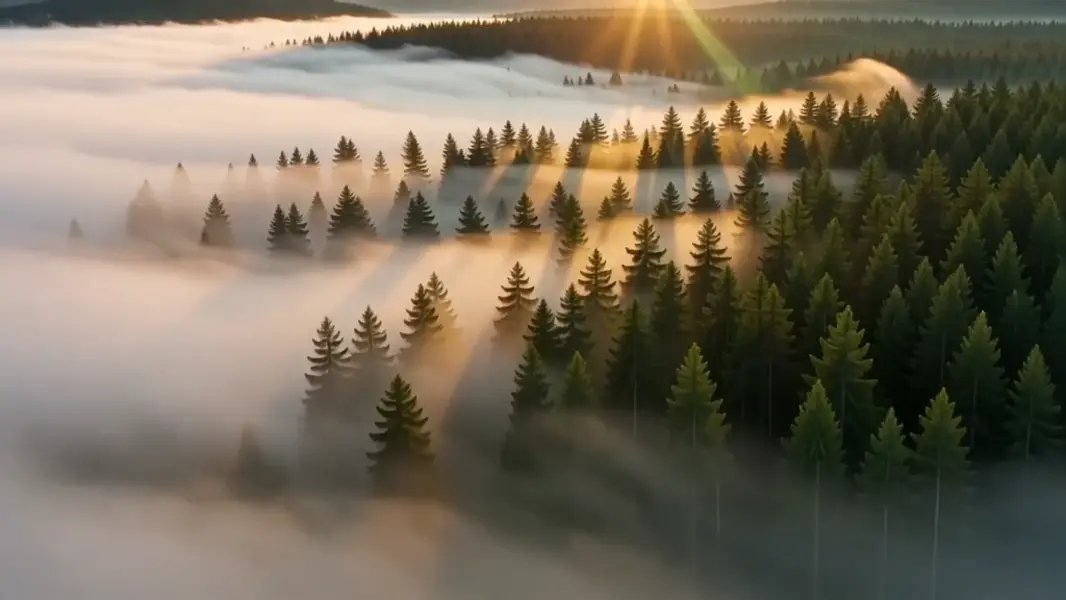
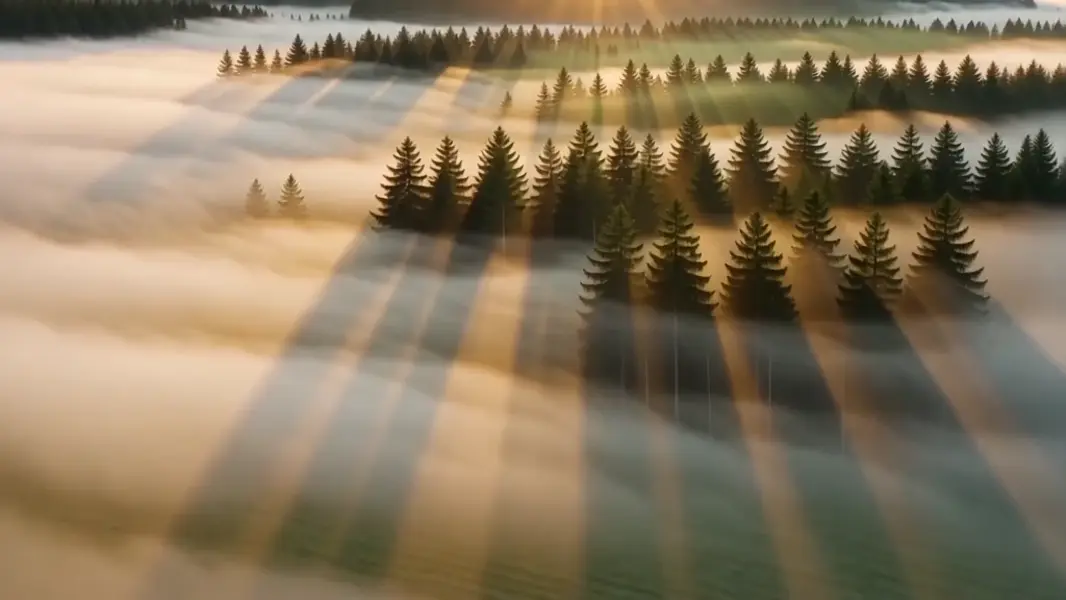
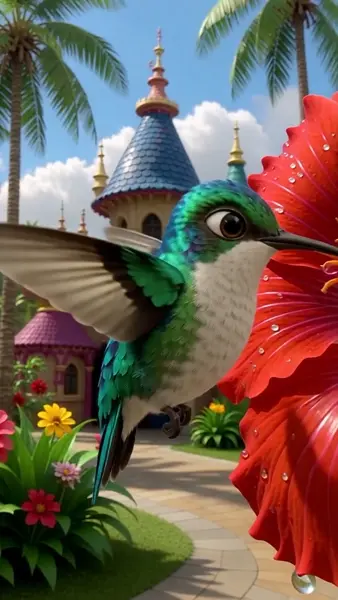
PixVerse V5 turns a written prompt into a short, cinematic clip with fluid motion and strong adherence to what you describe. It is tuned for fast, high-quality text-to-video where the subject, action, and setting in your prompt land clearly on screen. Pick an aspect ratio (16:9, 4:3, 1:1, 3:4, 9:16), a resolution (360p, 540p, 720p, or 1080p), and a 5- or 8-second duration to match landscape, vertical, or square delivery. Optional style presets (anime, 3D animation, clay, comic, cyberpunk) recolor the whole clip in one shot.
## Best for - Turning a single descriptive prompt into a polished establishing or hero shot - Social-ready vertical (9:16) clips and square (1:1) loops from text alone - Cinematic landscape (16:9) b-roll with camera motion and atmospheric detail - Stylized shorts in a fixed look — anime, clay, comic, or cyberpunk — from one prompt - Quick concepting and storyboarding where you iterate on a prompt to dial in the action
## Choose another model when - You want to animate an existing photo or starting frame rather than generate from text alone — use an image-to-video model - You need a single still image, not motion — use a text-to-image model - You need clips longer than 8 seconds or fine frame-by-frame timeline control — use a dedicated long-form video tool
## Tips - Describe the subject, the action, and the setting in one coherent sentence; concrete motion verbs ("slowly pans", "rushes forward") translate well to on-screen movement - Use `negative_prompt` to suppress recurring artifacts such as blur, warping, or low-quality texture - Set `style` for a consistent stylized look across the whole clip; leave it unset for a natural, photoreal render - Higher `resolution` and 8s `duration` cost more per clip — start at 720p/5s to iterate cheaply, then raise them once the prompt is dialed in
To run via the ModelRunner JavaScript client: ```js import { modelrunner } from "@modelrunner/client";
const result = await modelrunner.subscribe("pixverse/v5/text-to-video", { input: { prompt: "A serene mountain lake reflecting clouds at golden hour, gentle ripples on the water", aspect_ratio: "16:9", resolution: "720p", duration: "5", }, }); ```