
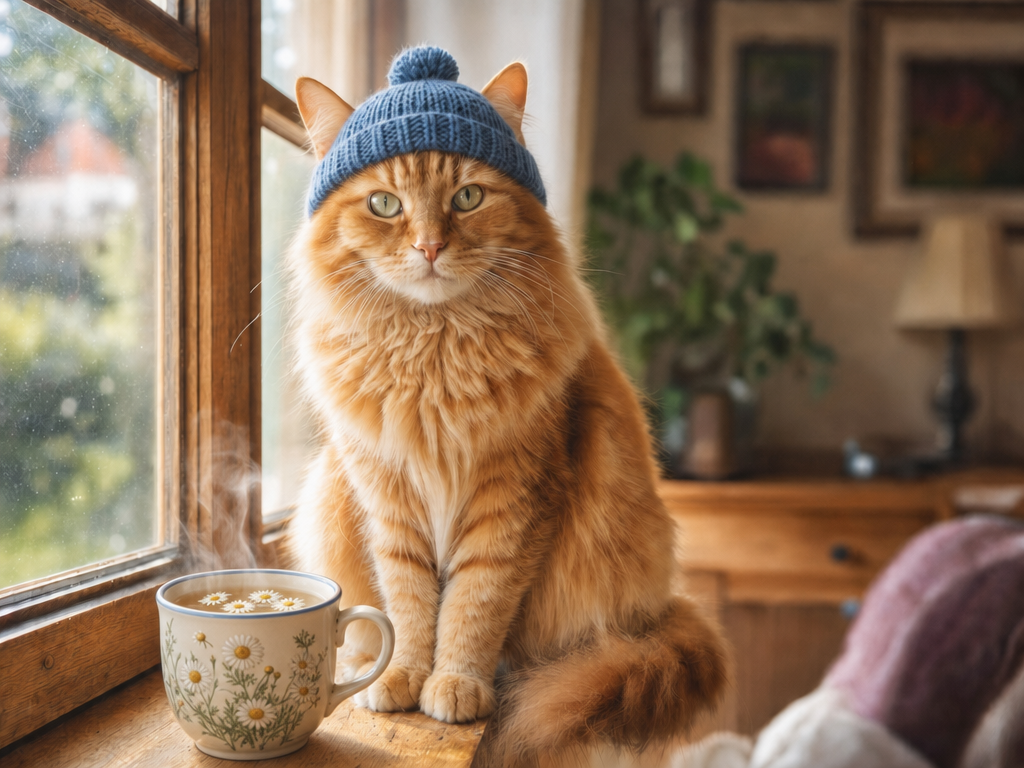
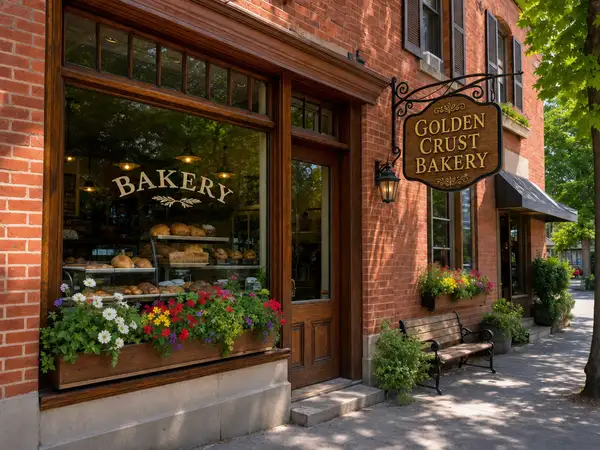
Model Details
GPT Image 2 Edit transforms an existing image according to a text instruction. Provide one or more reference images plus a prompt describing the change, and it returns an edited image that preserves the parts you didn't ask to change while precisely applying the ones you did. Its strengths carry over from the base model: it follows editing instructions faithfully — counts, placement, and multi-part requests — and it renders accurate, legible text directly into the edit, so you can swap a headline, relabel a product, or add a caption and have it spelled correctly. Supply up to 16 reference images to combine elements across them, and an optional mask to confine the edit to a specific region.
## Best for - Restaging a product or scene — change background, lighting, or setting while keeping the subject intact - Typography swaps — replace a headline, label, or sign with new, correctly spelled words - Adding or removing objects in a photo while preserving the rest of the composition - Recoloring, restyling, or applying a consistent look to an existing image - Combining elements from several reference images into one edited result
## Choose another model when - You have no source image and want to generate from a text prompt alone — use the text-to-image `openai/gpt-image-2` - You need to animate or produce video from an image — use an image-to-video model - You only need plain background removal or upscaling — a dedicated background-removal or upscaling model is cheaper and more predictable
## Tips - Put any words you want rendered into the edit in quotes in your prompt - Use `mask_url` to localize an edit — the masked region marks where changes are allowed, leaving everything else untouched - Describe only what should change; the model keeps unmentioned areas stable - Pass multiple URLs in `image_urls` to draw elements from several references - `image_size` sets the output framing: pass a named preset (`landscape_4_3` is the default) or a custom `{ "width", "height" }` object in pixels (e.g. `{ "width": 1280, "height": 720 }`, up to 14142 px per side) for an exact size
## Limitations - Very long, dense paragraphs of in-image text can still show occasional spelling slips - Heavy edits across many overlapping regions can drift from the original in fine details - Tiny or highly stylized text may lose legibility
To run via the ModelRunner JavaScript client: ```js import { modelrunner } from "@modelrunner/client";
const result = await modelrunner.subscribe("openai/gpt-image-2/edit", { input: { prompt: 'replace the sign text with "OPEN 24 HOURS"', image_urls: ["https://media.modelrunner.ai/NbkAtbHqJhJOZAs9M4mxP.png"], image_size: "landscape_4_3", num_images: 1, output_format: "png", }, }); ```