
Model Details
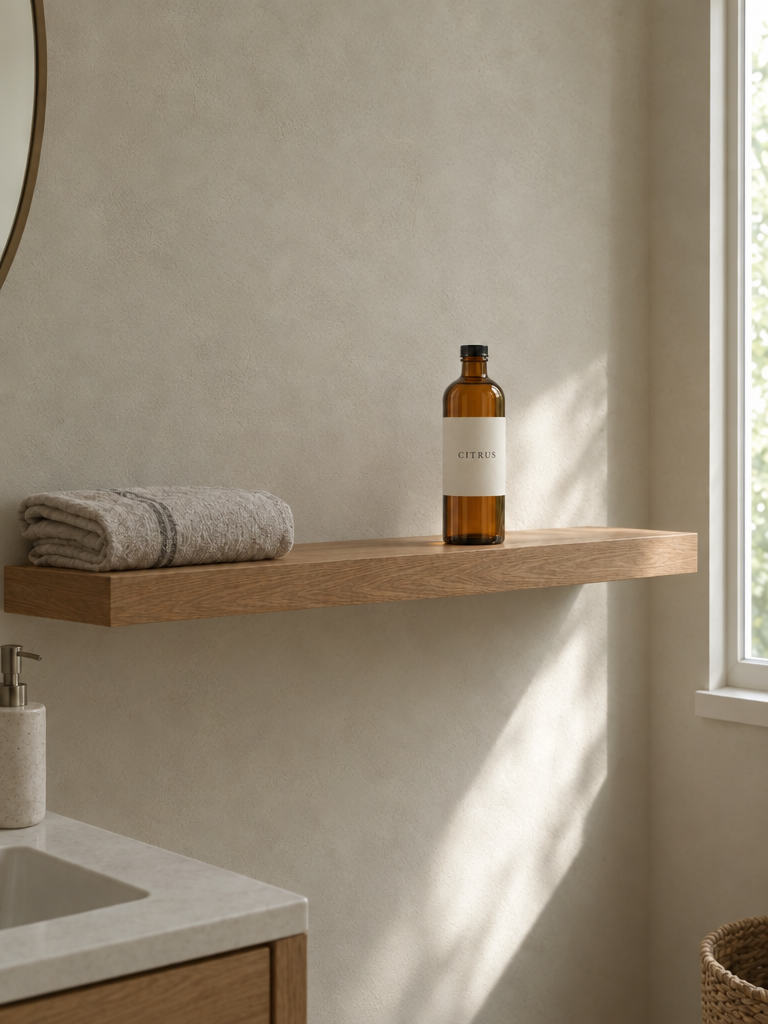
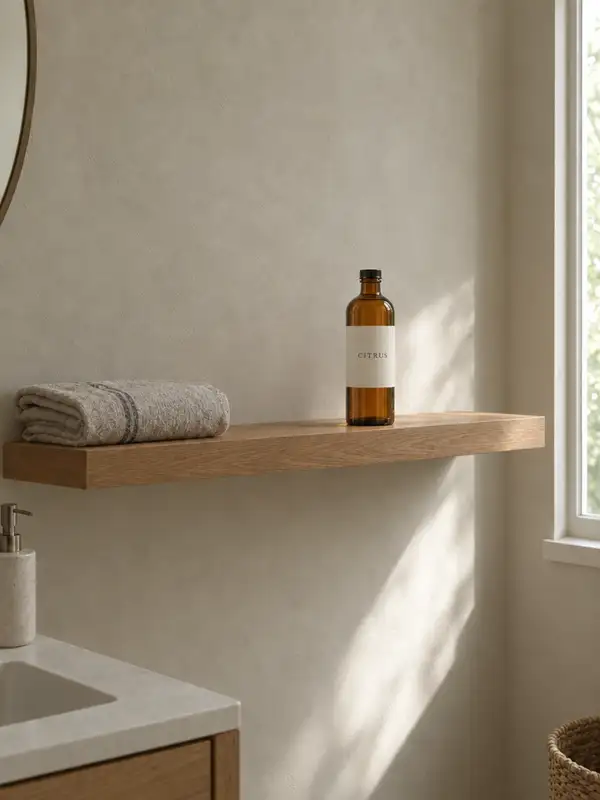
GPT Image 2.5 Flare Edit takes one or two reference images plus a written instruction and returns an edited image. Its defining strength is precision: it changes only what the instruction asks for and keeps the subject, composition and background intact, so one edit does not quietly redraw the rest of the frame. Add a mask to confine the change to a single region, or pass a second reference so elements from both pictures land in one composited scene.
## Best for - Changing one detail in a photo — a colour, an object, a line of wording — while everything else stays as shot - Adding, removing or replacing objects in product and marketing images by describing the change - Inpainting a marked region: replacing or filling just the area your mask covers - Compositing a subject from one picture into the scene, style or background of a second
## Choose another model when - You are making a picture from scratch — at least one reference image is required here; use a text-to-image model - The edit must be clipped exactly to a mask boundary — masking here is prompt-guided and may not follow the mask's shape precisely - You need more than two reference images in one request — use an editing model with a larger reference limit
## Tips - Separate the change from the constraints: say "change only X", then list what must stay — identity, layout, lighting, labels - With two references, address them by number and role: "image 1" the scene, "image 2" the subject to insert - Match `image_size` to the source image's aspect ratio for a precision edit; a different ratio makes the model re-compose the frame - Give the mask an alpha channel and the same size and format as the image it masks
## Limitations - Every request runs at the standard high-quality setting; the extra-detail tiers are not selectable - `image_size` offers six named presets only — no custom width and height - Repeated edits can drift details you meant to keep — each request is independent, so restate the constraints every pass - Content filtering applies to every request and cannot be relaxed
To run via the ModelRunner JavaScript client: ```js import { modelrunner } from "@modelrunner/client";
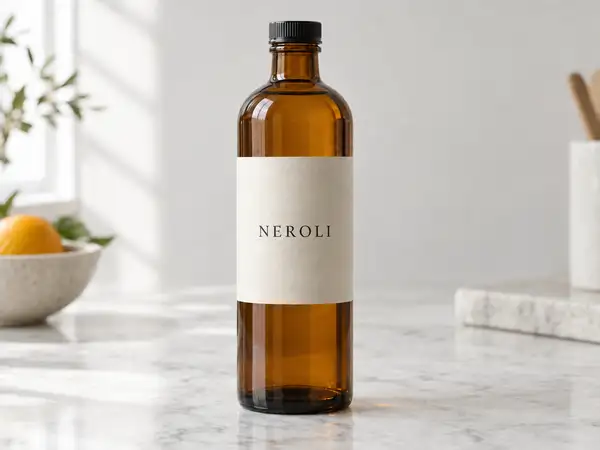
const result = await modelrunner.subscribe("openai/gpt-image-2.5/flare/edit", { input: { prompt: 'Change only the bottle label to read "LAVENDER"; keep the bottle, marble surface, lighting and framing exactly as they are.', image_urls: ["https://media.modelrunner.ai/RBnQU47YUtvzxzAk40HGq.png"], image_size: "landscape_4_3", output_format: "png", }, }); ```