
Model Details
MiniMax Hailuo-02 Standard Image-to-Video animates an existing still image into a short, cinematic clip with smooth, lifelike motion. Provide a source image and a short prompt describing the action, and it returns a 6- or 10-second video that keeps your image's subject and framing while adding natural movement and camera motion. Choose between 512P (lower cost) and 768P (higher quality) output, and optionally pass an end frame to steer where the motion lands.
## Best for - Bringing a single photo or illustration to life with believable motion from a short prompt - Product, portrait, or scene shots you want to turn into looping social or hero clips - Adding subtle camera moves (push-in, pan) and subject motion to a still you already have - Storyboarding a shot from a keyframe, optionally locking the final frame with an end image
## Choose another model when - You have no source image and want to generate a clip from text alone — use a text-to-video model - You want a single still image, not motion — use a text-to-image model - You need clips longer than 10 seconds or frame-by-frame timeline control — use a dedicated long-form video tool - You need to edit or restyle an existing video rather than animate a still — use a video-to-video model
## Tips - Keep the source `image_url` within a 2:5–5:2 aspect ratio, at least 300px on the shorter side, and under 20MB (JPG, PNG, WebP, GIF, or AVIF) - Describe the motion you want, not the image contents — concrete verbs ("slowly turns and smiles", "camera pushes in") translate well to on-screen movement - Use `resolution` to trade cost for quality: `"512P"` is cheaper per second, `"768P"` (default) is sharper - Use `duration` to pick clip length — `"6"` for a quick beat, `"10"` for more developed action - Pass `end_image_url` when you want the motion to resolve on a specific final frame — this requires `duration: "6"`; combining an end frame with `duration: "10"` is rejected by the provider - Leave `prompt_optimizer` on (the default) to let the model expand a short prompt; turn it off to render the prompt exactly as written
To run via the ModelRunner JavaScript client: ```js import { modelrunner } from "@modelrunner/client";
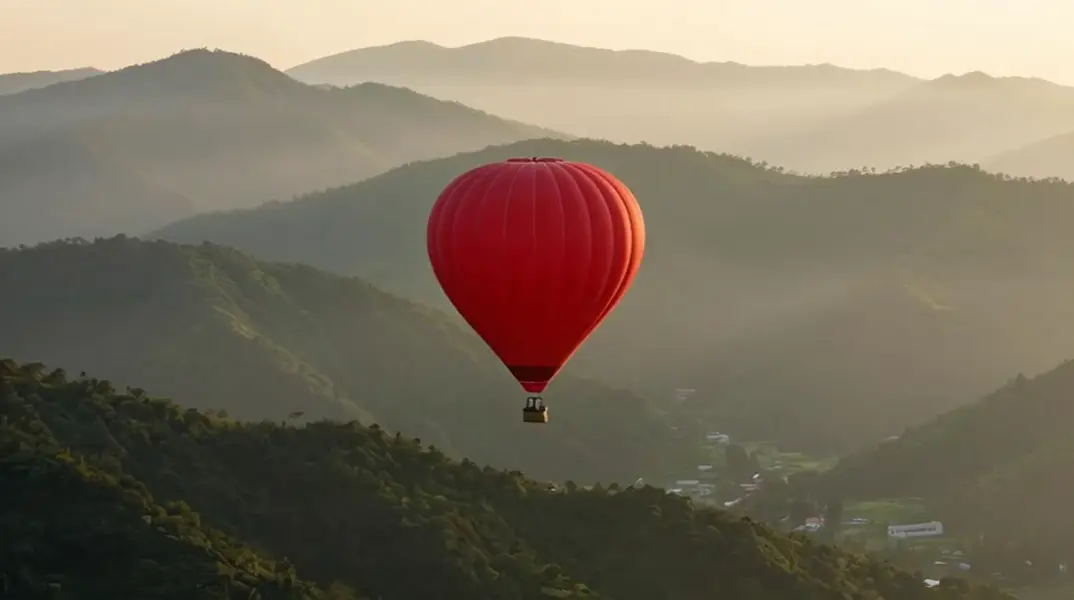
const result = await modelrunner.subscribe("minimax/hailuo-02/standard/image-to-video", { input: { prompt: "The hot-air balloon drifts slowly to the right as morning mist rolls over the ridges, gentle camera push-in", image_url: "https://media.modelrunner.ai/QI5Sl03iGG289nvcqwJhC.png", duration: "6", resolution: "768P", }, }); ```