
minimax avatar

MiniMax Hailuo-02 Standard Image-to-Video API

minimax/hailuo-02/standard/image-to-video

Animate a still image into a short, cinematic 6s or 10s video from a text prompt, with a choice of 512P or 768P output.

Priced by resolution

Model Input

Input

Text description of the motion and action to animate in the video.

URL of the source image to animate into a video. Aspect ratio must be between 2:5 and 5:2, at least 300px on the shorter side, and under 20MB.

Length of the generated video in seconds.

Output video resolution. 512P bills at a lower per-second rate; 768P (default) is the higher-quality tier.

Additional Settings

Customize your input with more control.

Whether to use the model's prompt optimizer to expand and refine a short prompt.

Optional URL of an image to use as the last frame of the video.

You need to be logged in to run this model and view results.
Log in

Model Output

Output

Loading
Generated in 395.582 seconds
Logs (1 lines)

Model Example Requests

Examples

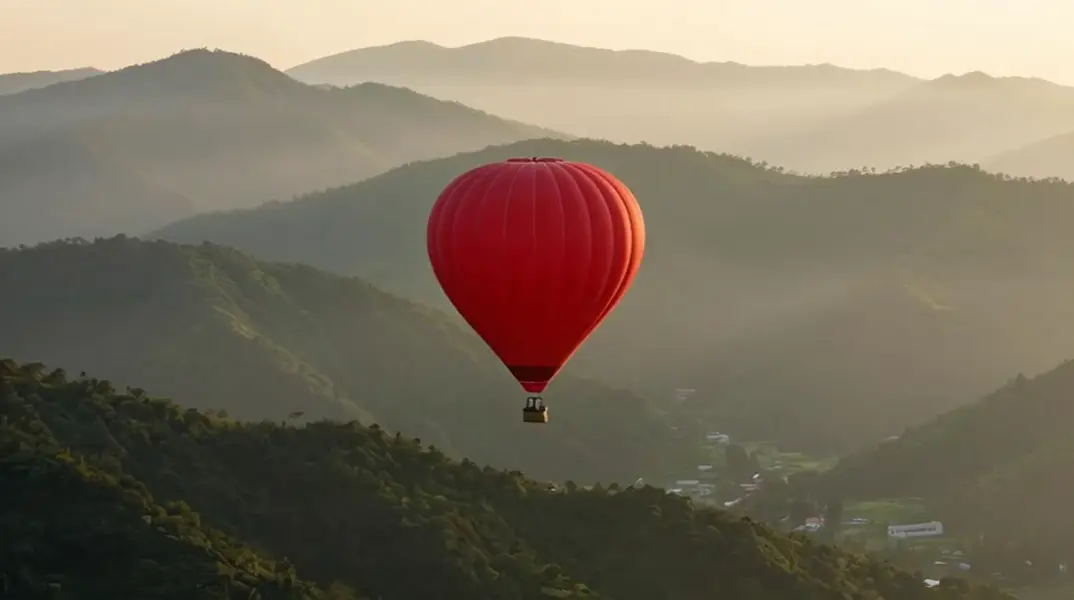
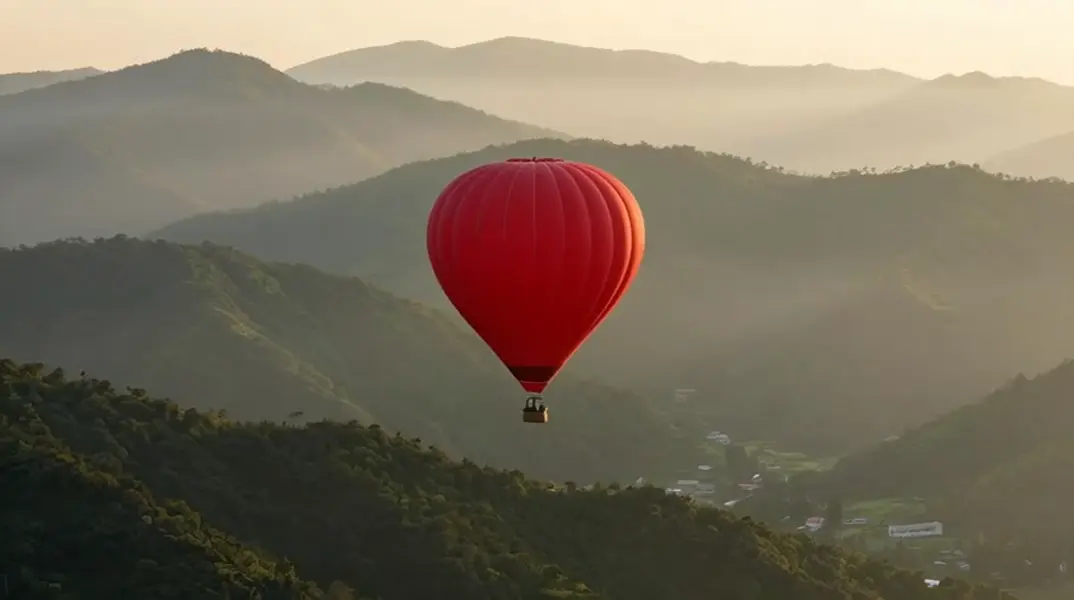
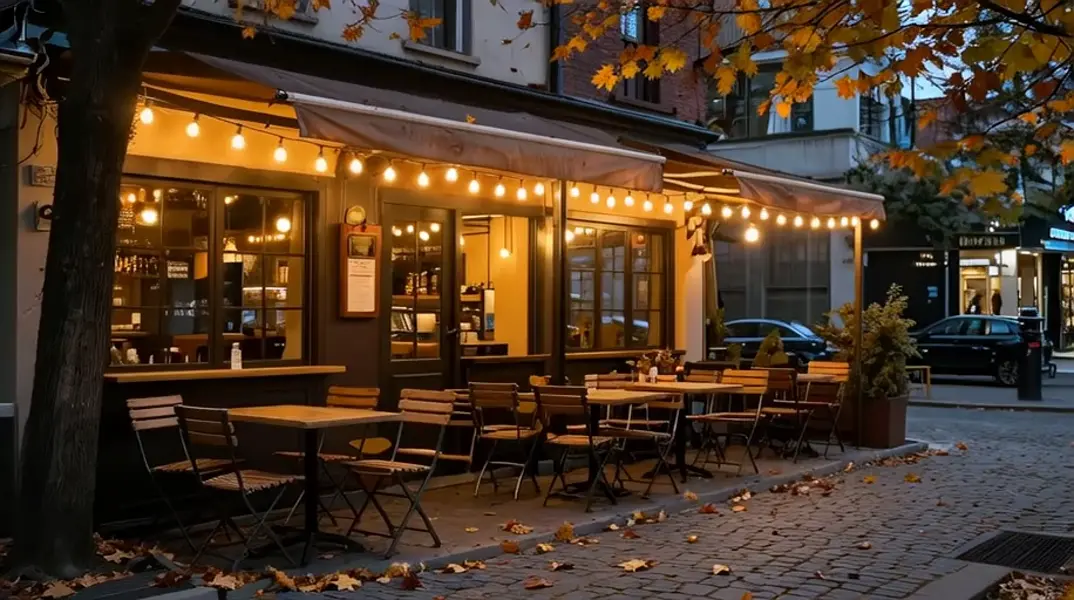
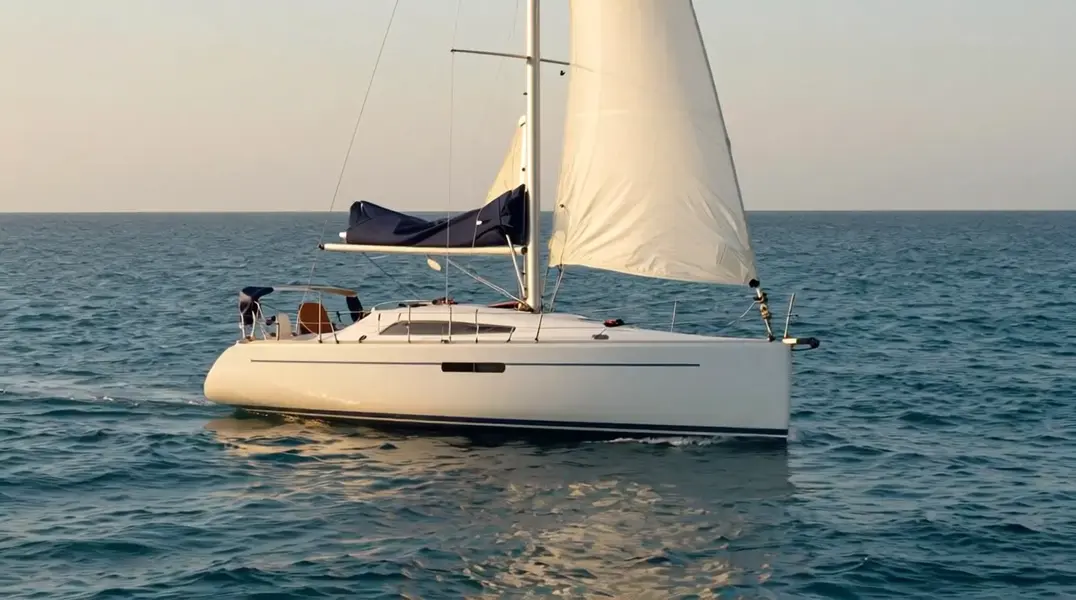
Example output 1Example output 2Example output 3Example output 4

Model Pricing

Pricing

Model pricing varies by the target resolution of your output video.

512P
$0.017
per second of output video
or around 59 seconds for $1
768P
$0.045
per second of output video
or around 22 seconds for $1

MiniMax Hailuo-02 Standard Image-to-Video API

MiniMax Hailuo-02 Standard Image-to-Video is a image-to-video AI model by minimax. On ModelRunner it runs through a REST API or via MCP from any AI assistant, at $0.045 per second of video.

POST https://queue.modelrunner.run/minimax/hailuo-02/standard/image-to-video

cURL

# Submit a request to the queue. Input fields go at the top level of the
# body. The optional reserved "metadata" object holds your own flat string
# tags — stored on the request, never sent to the model; filter later with
# GET https://queue.modelrunner.run/requests?metadata=<url-encoded JSON>.
curl -X POST https://queue.modelrunner.run/minimax/hailuo-02/standard/image-to-video \
  -H "Authorization: Key $MRUN_API_KEY" \
  -H "Content-Type: application/json" \
  -d '{
    "prompt": "Gentle waves ripple across the turquoise water and the white sailboat rocks softly as golden-hour light shimmers on t…",
    "duration": "6",
    "image_url": "https://media.modelrunner.ai/pMp94cjyLo0HEHZUyyknJ.png",
    "resolution": "768P",
    "prompt_optimizer": true,
    "metadata": {
      "project": "my-project"
    }
  }'
# → { "request_id": "...", "status_url": "...", "response_url": "..." }

# Poll status_url until "COMPLETED", then fetch the result
curl "https://queue.modelrunner.run/minimax/hailuo-02/standard/image-to-video/requests/$REQUEST_ID/status" \
  -H "Authorization: Key $MRUN_API_KEY"
curl "https://queue.modelrunner.run/minimax/hailuo-02/standard/image-to-video/requests/$REQUEST_ID" \
  -H "Authorization: Key $MRUN_API_KEY"

JavaScript

import { modelrunner } from "@modelrunner/client";

const result = await modelrunner.subscribe("minimax/hailuo-02/standard/image-to-video", {
  input: {
    "prompt": "Gentle waves ripple across the turquoise water and the white sailboat rocks softly as golden-hour light shimmers on t…",
    "duration": "6",
    "image_url": "https://media.modelrunner.ai/pMp94cjyLo0HEHZUyyknJ.png",
    "resolution": "768P",
    "prompt_optimizer": true
  },
});
console.log(result);

Python

import os
import requests

headers = {"Authorization": f"Key {os.environ['MRUN_API_KEY']}"}

submitted = requests.post(
    "https://queue.modelrunner.run/minimax/hailuo-02/standard/image-to-video",
    headers=headers,
    json={
      "prompt": "Gentle waves ripple across the turquoise water and the white sailboat rocks softly as golden-hour light shimmers on t…",
      "duration": "6",
      "image_url": "https://media.modelrunner.ai/pMp94cjyLo0HEHZUyyknJ.png",
      "resolution": "768P",
      "prompt_optimizer": true
    },
).json()

# Poll submitted["status_url"] until "COMPLETED", then:
result = requests.get(submitted["response_url"], headers=headers).json()

Input parameters

NameTypeRequiredDescription
promptstringyesText description of the motion and action to animate in the video.
image_urlstring (uri)yesURL of the source image to animate into a video. Aspect ratio must be between 2:5 and 5:2, at least 300px on the shorter side, and under 20MB.
durationenumnoLength of the generated video in seconds. Default: "6".
resolutionenumnoOutput video resolution. 512P bills at a lower per-second rate; 768P (default) is the higher-quality tier. Default: "768P".
prompt_optimizerbooleannoWhether to use the model's prompt optimizer to expand and refine a short prompt. Default: true.
end_image_urlstring (uri)noOptional URL of an image to use as the last frame of the video.

Machine-readable: OpenAPI schema · llms.txt

Use MiniMax Hailuo-02 Standard Image-to-Video from Claude & Cursor (MCP)

Point Claude Code, Claude Desktop, Cursor, or any MCP client at the ModelRunner MCP server and MiniMax Hailuo-02 Standard Image-to-Video becomes a tool your assistant can call directly — it authorizes via OAuth (no API key in config) and runs this model with the run_model tool using the endpoint minimax/hailuo-02/standard/image-to-video.

MCP client config (Claude Desktop, Cursor)

{
  "mcpServers": {
    "modelrunner": {
      "command": "npx",
      "args": ["-y", "mcp-remote", "https://mcp.modelrunner.run/mcp"]
    }
  }
}

Claude Code

claude mcp add --transport http modelrunner https://mcp.modelrunner.run/mcp

Then ask your assistant, for example: “Run minimax/hailuo-02/standard/image-to-video on ModelRunner to generate video”. MCP setup guide.

Model Details

Model Details

MiniMax Hailuo-02 Standard Image-to-Video animates an existing still image into a short, cinematic clip with smooth, lifelike motion. Provide a source image and a short prompt describing the action, and it returns a 6- or 10-second video that keeps your image's subject and framing while adding natural movement and camera motion. Choose between 512P (lower cost) and 768P (higher quality) output, and optionally pass an end frame to steer where the motion lands.

## Best for - Bringing a single photo or illustration to life with believable motion from a short prompt - Product, portrait, or scene shots you want to turn into looping social or hero clips - Adding subtle camera moves (push-in, pan) and subject motion to a still you already have - Storyboarding a shot from a keyframe, optionally locking the final frame with an end image

## Choose another model when - You have no source image and want to generate a clip from text alone — use a text-to-video model - You want a single still image, not motion — use a text-to-image model - You need clips longer than 10 seconds or frame-by-frame timeline control — use a dedicated long-form video tool - You need to edit or restyle an existing video rather than animate a still — use a video-to-video model

## Tips - Keep the source `image_url` within a 2:5–5:2 aspect ratio, at least 300px on the shorter side, and under 20MB (JPG, PNG, WebP, GIF, or AVIF) - Describe the motion you want, not the image contents — concrete verbs ("slowly turns and smiles", "camera pushes in") translate well to on-screen movement - Use `resolution` to trade cost for quality: `"512P"` is cheaper per second, `"768P"` (default) is sharper - Use `duration` to pick clip length — `"6"` for a quick beat, `"10"` for more developed action - Pass `end_image_url` when you want the motion to resolve on a specific final frame — this requires `duration: "6"`; combining an end frame with `duration: "10"` is rejected by the provider - Leave `prompt_optimizer` on (the default) to let the model expand a short prompt; turn it off to render the prompt exactly as written

To run via the ModelRunner JavaScript client: ```js import { modelrunner } from "@modelrunner/client";

const result = await modelrunner.subscribe("minimax/hailuo-02/standard/image-to-video", { input: { prompt: "The hot-air balloon drifts slowly to the right as morning mist rolls over the ridges, gentle camera push-in", image_url: "https://media.modelrunner.ai/QI5Sl03iGG289nvcqwJhC.png", duration: "6", resolution: "768P", }, }); ```