

Model Details
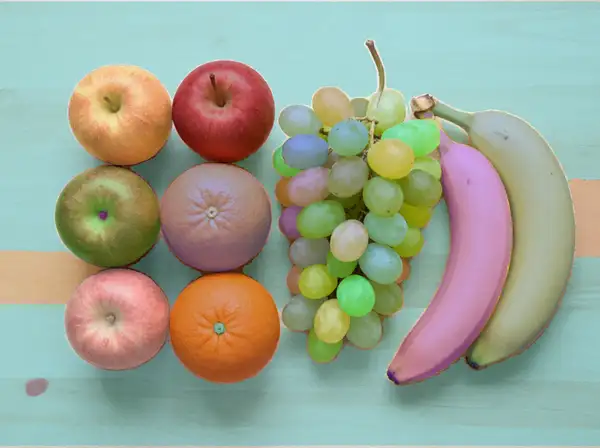
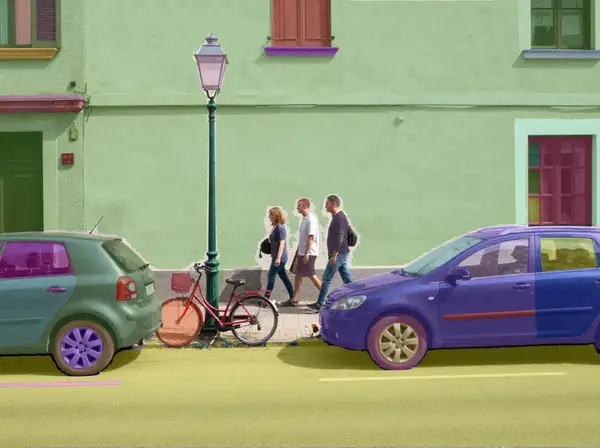
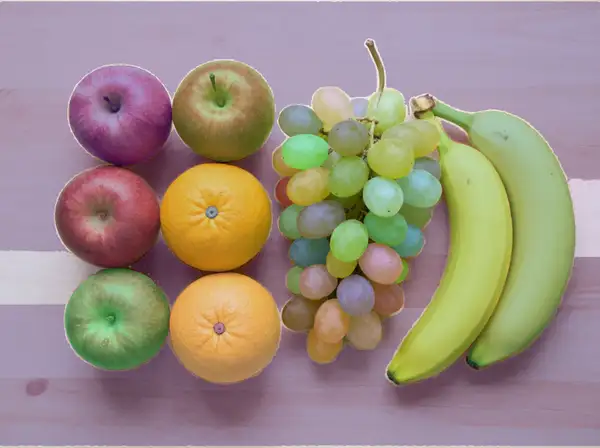
Segment Anything 2 (Auto-Segment) automatically partitions an image into masks: give it one photo and it returns a single combined segmentation mask covering every object, region, and surface it finds — no prompt, no clicks, and no point or box inputs required. It runs the model in fully automatic mode, sampling a grid of points across the image and merging the results into one mask image at the input's dimensions. The output is a standard image you can drop straight into a compositing, matting, or labeling pipeline.
## Best for - Producing a one-shot combined mask of everything in a photo for compositing or background work - Generating segmentation masks to bootstrap labeling and annotation datasets - Pre-processing images into region maps for downstream editing, matting, or analysis - Batch mask generation across many stills where no per-image prompting is practical
## Choose another model when - You want to mask one specific object by clicking a point or drawing a box rather than segmenting everything automatically — use a prompt-driven / interactive segmentation model - You want a clean cut-out of the single main subject with the background removed — use a background-removal model - You want to edit or regenerate the photo itself rather than produce a mask — use an image-editing or text-to-image model - You need to segment a video over time rather than a single frame — use a video segmentation model
## Tips - Automatic mode is aggressive: it segments sub-regions, shadows, and surface patches, so the mask count can far exceed the number of obvious objects in the scene. Expect fine-grained partitioning rather than a few large regions. - Feed the highest-resolution source you have; the mask is returned at the input's dimensions. - `points_per_side` controls grid density (higher = more, finer masks but slower); `pred_iou_thresh` and `stability_score_thresh` filter low-quality masks (raise them for cleaner, fewer masks); `min_mask_region_area` drops tiny fragments below the given pixel area. These are advanced controls — the defaults work for most images.
## Limitations - Returns a single combined mask image, not per-object layers, so overlapping or adjacent regions are merged in the output. - Thin structures, reflective and transparent surfaces, and low-contrast boundaries can be segmented imperfectly.
To run via the ModelRunner JavaScript client: ```js import { modelrunner } from "@modelrunner/client";
const result = await modelrunner.subscribe("meta/sam2/auto-segment", { input: { image_url: "https://media.modelrunner.ai/example-scene.png", output_format: "png", }, }); ```